I've probably tried a dozen dictation apps in the past year alone. Some were painfully slow. Others ate 800MB of RAM just sitting there. A few required me to create accounts, verify emails, and enter payment info before I could even test if they worked with my accent.
Sound familiar?
My name is Artem, and I run the Writingmate blog. I spend an unreasonable amount of time testing AI tools—not because I have to, but because I genuinely want to find the ones that actually work. When it comes to dictation apps for Mac, I've tested Wispr Flow, SuperWhisper, MacWhisper, Spokenly, VoiceInk, and a bunch of others you've probably never heard of.
After all that testing, I found that AI Dictation hits the sweet spot most people are looking for: it's simple, lightweight, and you can start using it immediately without creating an account. But I'll get to that. First, let me walk you through what I learned about each app—the good, the bad, and the stuff other reviews don't tell you.
What is AI Dictation? (And Why It's Different From Basic Dictation)
Before we compare apps, let's clear up a common confusion. There are two types of dictation apps:
Basic dictation (transcription-only) converts your speech to text. That's it. You say "um" and it writes "um." You pause awkwardly and it captures that pause. Apple's built-in dictation, Whisper, and most local models fall into this category.
AI dictation adds LLM post-processing on top of transcription. After converting your speech to text, it runs the result through a large language model that:
Removes filler words ("um", "uh", "like", "you know")
Fixes grammar and punctuation automatically
Recognizes recent terminology ("Claude 4 Sonnet", "GPT-4o", "Cursor IDE") that wasn't in training data
Structures output based on context (meeting notes vs journaling vs code comments)
Makes rambling speech actually readable
Here's the catch: good LLM post-processing requires frontier models that don't run well locally. You can run small local LLMs on your Mac, but they won't match GPT-4o or Claude for cleanup quality. The models that produce great results need serious compute power—which means cloud processing.
Apps like MacWhisper and VoiceInk are transcription-only. SuperWhisper does offer LLM post-processing, but it comes with complexity—the interface is overwhelming and the app is 200MB. AI Dictation takes a different approach: cloud-only by design, with a dead-simple interface and a tiny 15MB footprint.
The bottom line: If you just need raw transcription, Apple's free built-in dictation is honestly great. The reason to pay for a dictation app is for what happens after the transcription—and that requires cloud-based AI processing.
Quick Comparison: Mac Dictation Apps in 2025
Before we get into the details, here's a snapshot of how the top dictation apps stack up as of December 2025:
Why This Table Misses the Biggest Difference
Here's something most comparison articles don't tell you: the real value of a dictation app isn't just speech-to-text—it's what happens after.
Raw transcription is easy now. Apple's built-in dictation, Whisper, and other local models are genuinely impressive. But they all share the same limitation: they can't clean up your speech the way a modern LLM can.
Think about what you actually want:
Removing filler words ("um", "uh", "like") automatically
Recognizing recent terminology ("Claude 4 Sonnet", "GPT-4o") that wasn't in training data
Structuring output differently based on context (meeting notes vs journaling vs code comments)
Making text actually readable without manual editing
This is where cloud-based apps like AI Dictation and Wispr Flow have a massive advantage over offline apps.
Local models like Whisper are great at transcription. But strong LLM post-processing requires frontier models that don't run well on most Macs. You can run small local LLMs, but they won't match the quality of GPT-4o or Claude for cleanup and context-aware formatting.
The offline apps in this comparison (SuperWhisper, MacWhisper, VoiceInk) give you transcription. The cloud apps (AI Dictation, Wispr Flow) give you transcription plus intelligent post-processing that makes your text actually readable.
That's why I personally use AI Dictation despite the cloud requirement—the output quality difference is significant.
Now let me break down what I actually experienced with each one.
Wispr Flow: Powerful But Heavy
Wispr Flow is probably the most talked-about dictation app right now. And I get why—it's genuinely impressive when it works. The AI formatting is smart: it removes filler words like "um" and "uh," adds punctuation automatically, and even formats lists without you having to say "comma" or "period."
But here's what nobody tells you upfront: this thing is a resource hog.
On my 2021 MacBook Pro, Wispr Flow consumed about 800MB of RAM and consistently used 8% CPU even when I wasn't dictating. My fans would spin up just from having the app open in the background. I found a Substack review that put it perfectly:
"Be cautious with this app—there's several serious complaints on Reddit." — A Fading Thought
On Twitter, opinions are more mixed. Some users love it:
"I've been using @WisprFlow now for two weeks. The word 'game changer' is overused, but it really applies here. If you've ever been frustrated and given up on dictation software (e.g., Siri), this is the solution." — @MichaelHyatt on X
But in r/macapps, users have been looking for lighter alternatives:
"Ideally the app would run Whisper locally in the background and run a LLM over it for cleanup which an M1 Mac could pull off without resorting to API calls." — r/macapps discussion on Reddit
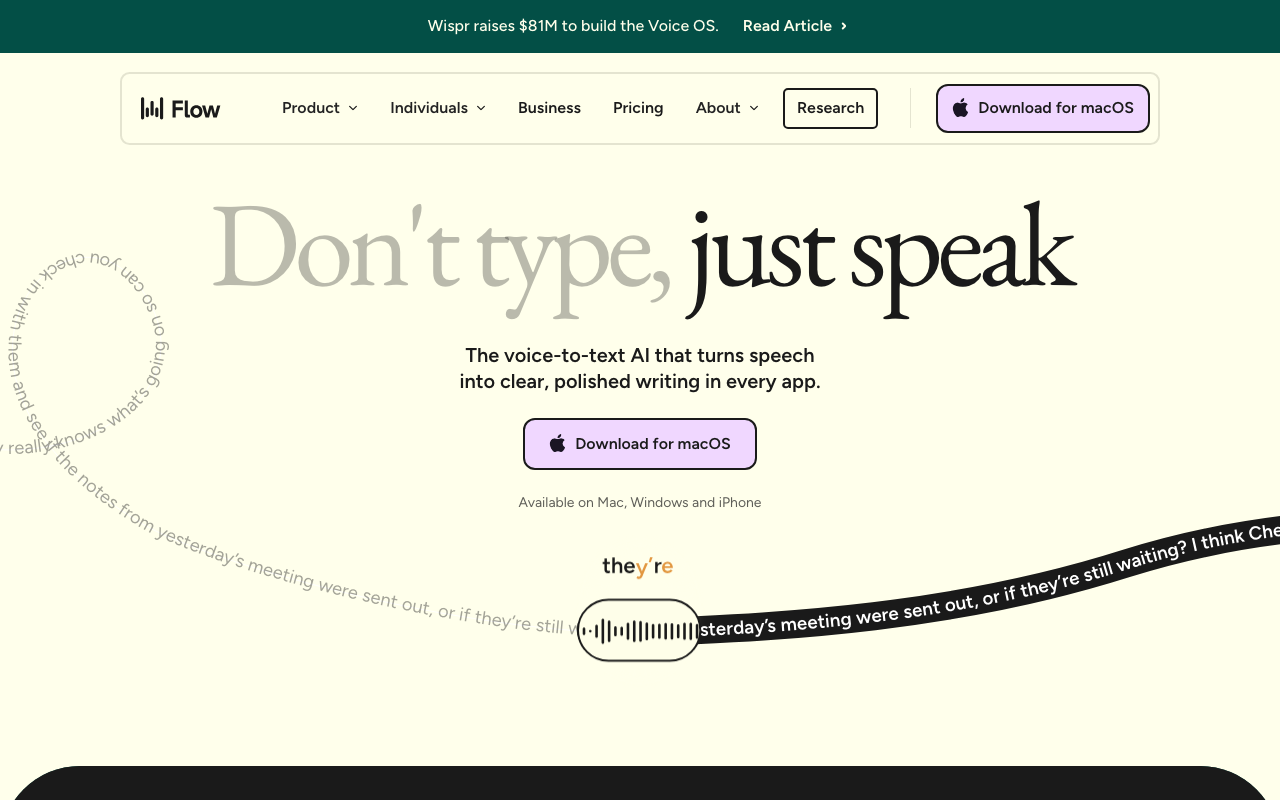
The privacy situation is also worth mentioning. Wispr Flow sends all your audio to their servers for processing. They route through providers like OpenAI and Meta. If you're dictating anything sensitive—client notes, medical info, legal documents—that's something to consider.
Pros:
Excellent AI formatting (handles filler words, punctuation)
Works across 200+ apps
95%+ accuracy in my testing
Whisper mode for quiet environments
Cons:
Uses ~800MB RAM constantly
$12/month subscription
Requires account and internet
Privacy concerns (cloud processing)
Windows version is buggy
SuperWhisper: Privacy-First But Complex
SuperWhisper takes the opposite approach to Wispr Flow. It runs entirely offline on Apple Silicon Macs using Whisper.cpp, meaning your audio never leaves your computer. For privacy-conscious users, that's huge.
I bought the lifetime license ($250) after testing it for about a week. The transcription quality is solid, and I appreciate not having to rely on internet connectivity. But I'll be honest: the app can be overwhelming.
One reviewer noted that "all this flexibility comes with complexity that many users find overwhelming." That matches my experience. The settings are cramped together, there are multiple modes to understand, and a notification pops up every time you switch modes with no way to disable it.
The developer support is also hit-or-miss. Major bugs get fixed eventually, but smaller issues can linger. The iOS version has had data loss problems that concerned me.
Pros:
Completely offline (privacy-first)
No usage limits on paid plans
Lifetime purchase option
Good transcription accuracy
LLM post-processing available
Cons:
Steep learning curve
$250 lifetime is expensive upfront
Interface is cluttered
Slow developer support
Intel Mac support is limited
MacWhisper: Great for Transcription, Basic for Dictation
MacWhisper is a bit different from the others on this list. It's primarily a transcription tool—you give it an audio file (podcast, meeting recording, voice memo) and it transcribes it. It can also do live dictation, but that's not its main focus.
If you need to transcribe existing audio files, MacWhisper is excellent. It's fast on Apple Silicon, supports speaker separation, and the free version covers most use cases. The Pro version ($35 one-time) adds batch processing and larger AI models for better accuracy.
But for day-to-day dictation while you work? It's pretty basic. The live dictation feature doesn't have the smart formatting that apps like Wispr Flow or AI Dictation offer.
Pros:
Excellent for file transcription
One-time purchase ($35)
Works offline
Speaker separation
Cons:
Live dictation is an afterthought
No AI formatting for spoken text
Better alternatives for real-time dictation
VoiceInk: Open Source Option
VoiceInk deserves a mention because it's open source. You can build it yourself for free or pay $25 for the packaged app. It's lightweight, works offline, and the developer is responsive.
The downside? It's limited. Custom AI prompting only works for text reformatting, you can't start dictation in a specific mode via shortcut, and mode-switching is clunky. It's a solid choice if you want something simple and open, but it won't replace a full-featured dictation app.
AI Dictation: The One I Actually Use
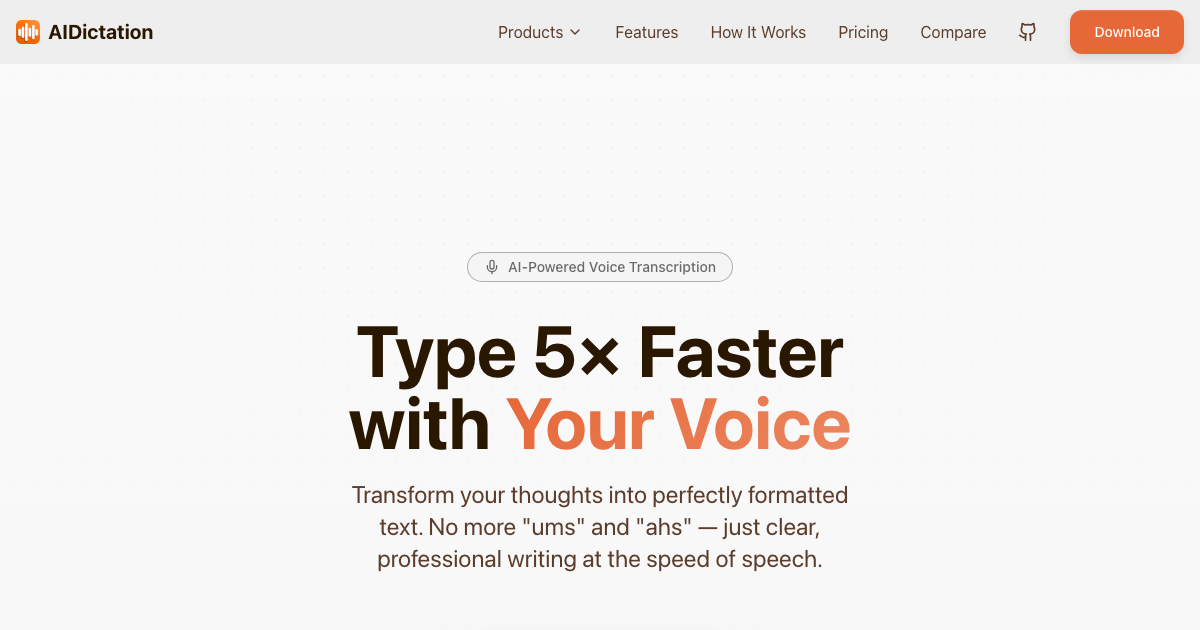
After testing all these apps, I kept coming back to AI Dictation. It's made by Writingmate.ai (yes, that's us), but I'm recommending it because it genuinely solves the problems I had with every other app.
Here's what won me over:
No account required for free tier. You download the app, install it, and start dictating. That's it. No email verification, no credit card, no "free trial that's actually a subscription." You get 2,000 words per month completely free, no strings attached.
It's tiny. The app is about 15MB. Compare that to Wispr Flow's 800MB footprint. On my Mac, AI Dictation uses minimal CPU and RAM even while actively transcribing. I can leave it running all day without my fans spinning up.
The UX is dead simple. Press the shortcut, talk, and your text appears. There aren't 47 settings to configure or modes to understand. It just works the way you expect dictation to work.
Users report fewer bugs. I've seen complaints in forums about Wispr Flow freezing apps and SuperWhisper losing data. With AI Dictation, I haven't hit any major bugs in months of daily use. The app is stable.
What I Like | Details |
|---|---|
Free tier | 2,000 words/month, no account needed |
App size | ~15 MB (vs 800 MB for Wispr) |
Simplicity | No complex modes or settings to learn |
Stability | No crashes or freezes in my testing |
Speed | Claims 5x faster than typing, feels accurate |
The paid version is $8.49/month if you need more than 2,000 words. That's the same price as SuperWhisper and cheaper than Wispr Flow ($15/month) and way more accessible than SuperWhisper's $250 lifetime fee.
Is it perfect? No. It requires an internet connection (like Wispr Flow), so it's not for you if offline mode is a must-have. But for the vast majority of people who just want fast, reliable dictation without the bloat, it's the best option I've found.
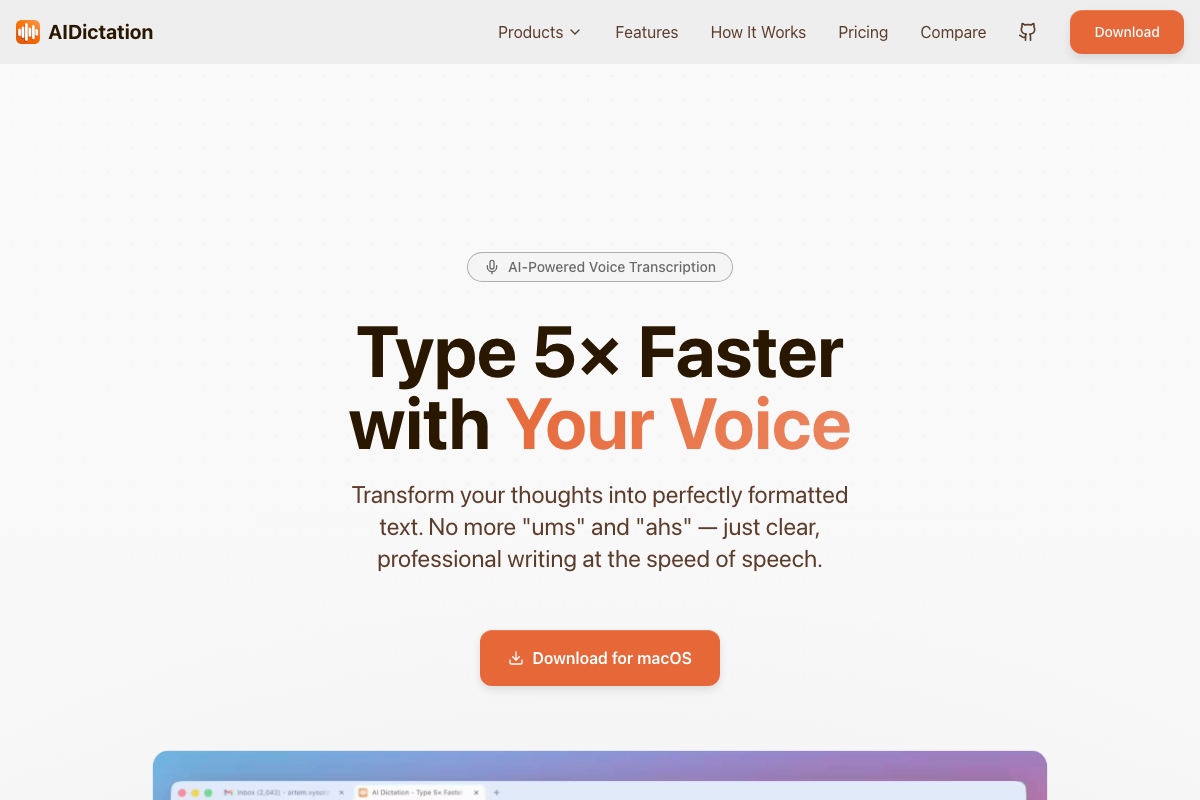
Try it here: aidictation.com
What About Apple's Built-in Dictation?
I should mention Apple's native dictation feature since it's free and already on your Mac. Since macOS Ventura, it's actually gotten pretty good—especially with Apple Silicon.
For quick notes or casual use, it works fine. But it lacks the AI-powered cleanup that dedicated apps provide. You'll need to say "period" and "comma" manually, and it won't format lists or remove filler words. If you dictate a lot, the time you save with a proper dictation app pays for itself quickly.
My Recommendation
Here's my honest take based on months of testing:
For most people: AI Dictation. It's simple, lightweight, free to start, and just works. That's what you want from a dictation app.
For privacy-focused users: SuperWhisper if you're willing to pay $250 and learn the interface. VoiceInk if you want something simpler and cheaper.
For power users who don't mind resource usage: Wispr Flow has the most advanced AI formatting. Just know what you're getting into.
For transcribing recordings: MacWhisper is excellent for turning audio files into text.
The dictation app landscape on Mac is crowded, but you don't need to spend weeks testing like I did. Start with AI Dictation's free tier—you'll know within five minutes if voice typing is for you.
Good luck, and happy dictating!
Artem
Frequently Asked Questions
Sources

Written by
Artem Vysotsky
Ex-Staff Engineer at Meta. Building the technical foundation to make AI accessible to everyone.

Reviewed by
Sergey Vysotsky
Ex-Chief Editor / PM at Mosaic. Passionate about making AI accessible and affordable for everyone.