Claude 3 5 Pricing Free: Introduction to Claude 3.5 Sonnet
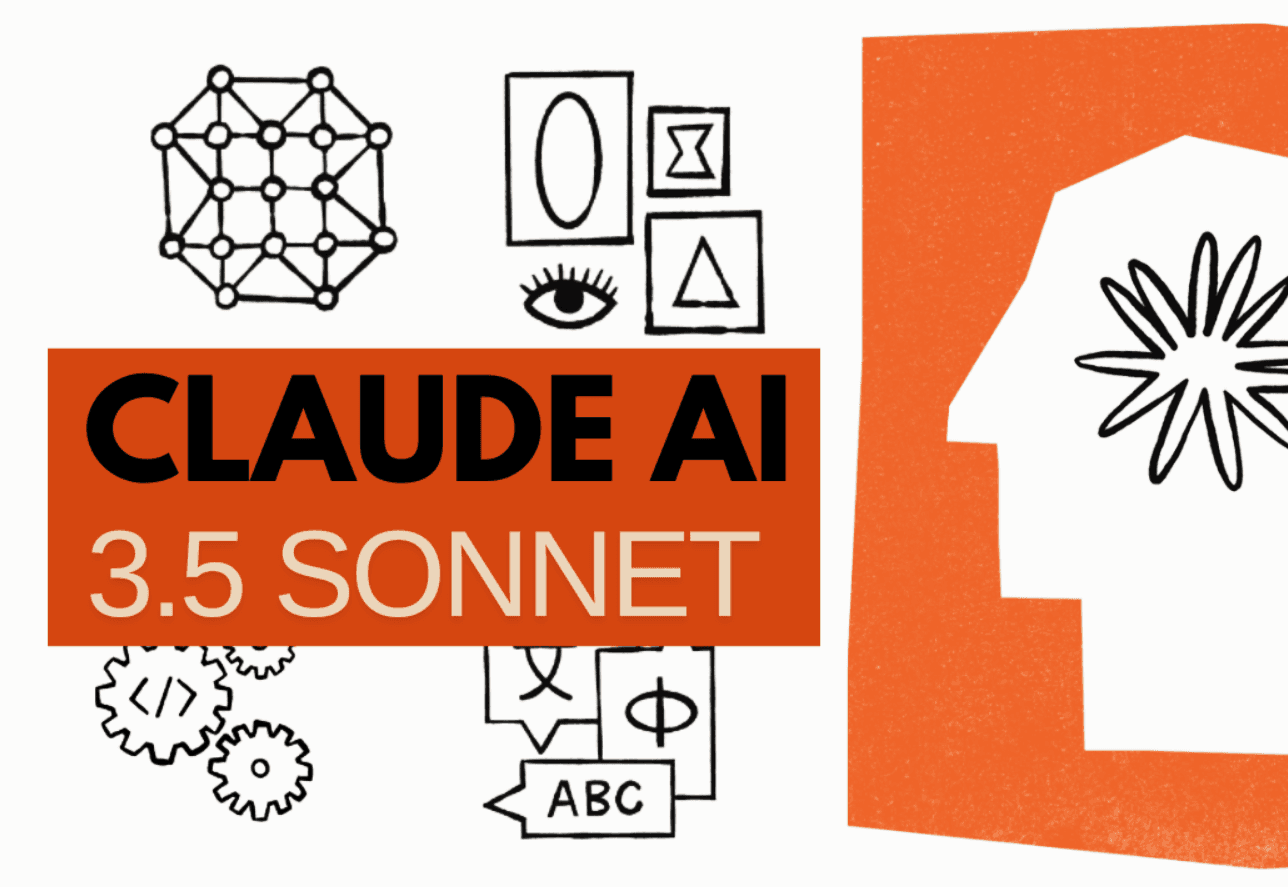
Yes — Claude 3.5 Sonnet can be used for free in Claude.ai, but that does not mean unlimited access. Anthropic introduced Claude 3.5 Sonnet on June 21, 2024 and said it was available to free users on Claude.ai and the Claude iOS app at launch. In practice, the important distinction is where you use it: the consumer chat product can include a free tier, while API access is billed separately.
Here is the short version. Free access usually lets you try Sonnet without paying upfront, but usage is capped, availability can tighten during busy periods, and the exact allowance can vary by account and demand. Paid Claude Pro has commonly been listed at about $20 per month in this article’s pricing context, and Anthropic’s own plan details and availability notes can change over time on the Claude pricing page and Claude plans overview. If you are also comparing API economics rather than chat access, this SpendLens AI breakdown of Anthropic API cost is a useful companion.
There are two kinds of users: people who want to know whether they can try Sonnet for free, and heavier users deciding whether the paid plan is justified for daily writing, coding, research, or file-based work. My verdict after using these tools regularly is simple: free is enough to test Claude’s quality, but not enough to treat it as an always-available workbench.
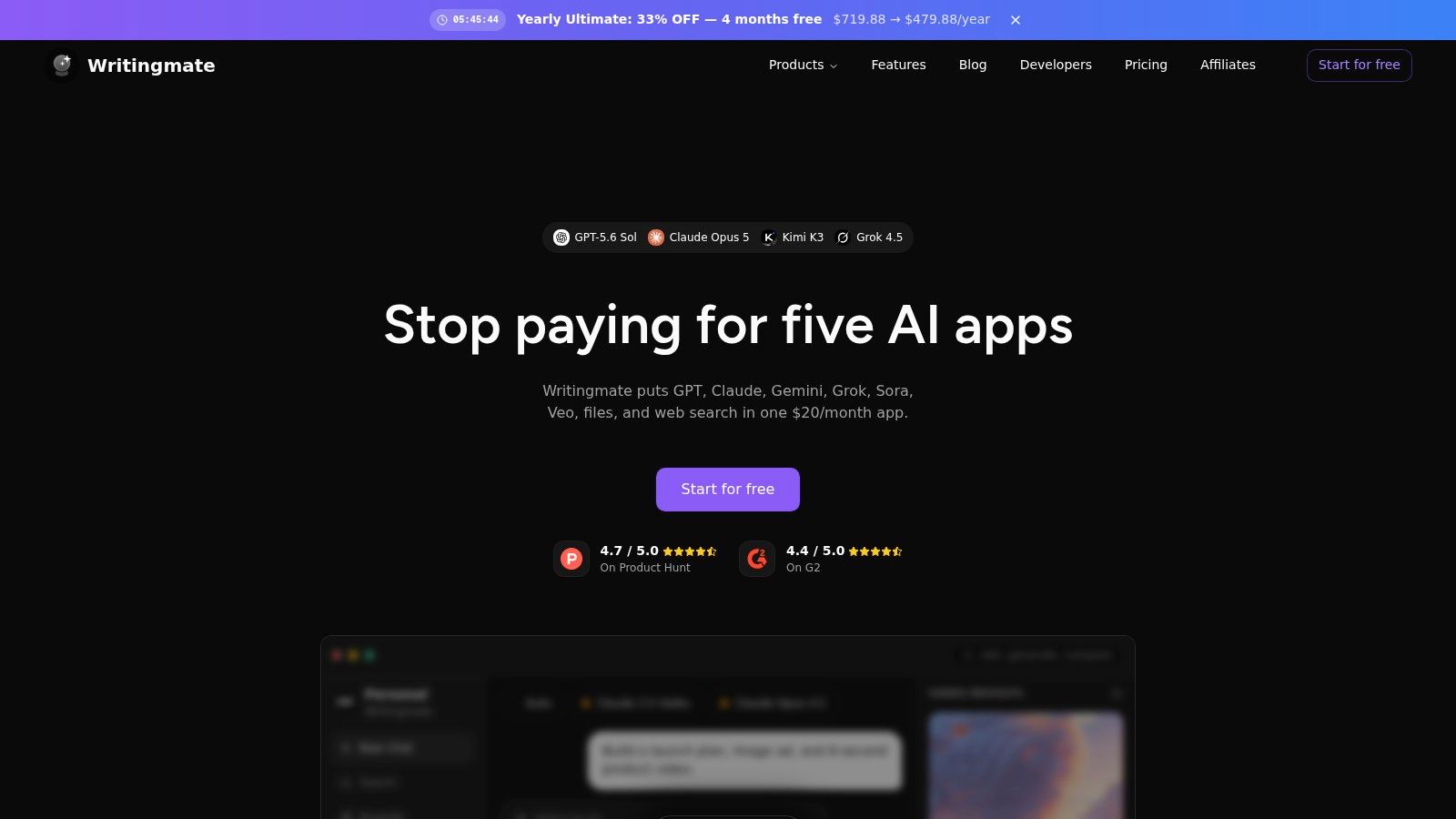
If you want to get more use out of any AI model or to use Claude with less limits, there is also a useful tool called Writingmate. Its main feature is that it gives access to dozens of AI models in a single web app, in a cost of one subscription, with a free trial. That tool includes a full and unlimited Claude 3.5 Sonnet Pro and other Anthropic models, GPT-4o, GPT-4o Mini, OpenAI’s o1, Gemini 2.0 Pro, and much more. You pay once and get full and unlimited access to all of those professional models, 20$ a month not just for GPT-4o or for a single Claude, but for every popular AI model. You also get a prompt library, text-to-speech, chatting with files, Model Comparison, custom assistants, and more.
Try Writingmate here, for free:
https://writingmate.ai
Remember, that with a subscription cost of twenty dollars you save up more than a 100$ if you are a user who tries and uses a lot of models, experiments with AI and does work and daily stuff with AI. Now, let's see whether Claude free vs pro wins and how do they work?
How I Verified Claude 3.5 Sonnet Pricing and Limits
I reviewed Anthropic’s official launch post, current pricing and plan documentation, and support pages that explain how Claude access works across free and paid accounts. I also compared those official statements with third-party reporting that described what users experienced when the free tier hit its cap.
On the hands-on side, I’m not basing the verdict on a single prompt. I used Claude repeatedly for drafting, summarizing long text, and quick coding help, and the pattern was consistent: short sessions felt generous, while heavier sessions ran into limits much faster than casual use would suggest. In my own use, the free tier was fine for testing writing quality and one-off questions, but it stopped feeling dependable once I started doing back-and-forth revisions and file-heavy work.
What would make pricing guidance outdated? Any article that presents free access as unlimited, quotes fixed message caps without noting that they vary, or ignores the difference between Claude.ai chat access and API billing should be treated carefully. Anthropic can change model availability, quotas, and plan features over time, so I recommend verifying your current account-level limits inside Claude before making a workflow decision.
Is Claude 3.5 Sonnet Free?
Yes. Claude 3.5 Sonnet can be free to use on Claude.ai, but “free” here means try-before-you-pay access inside Anthropic’s chat product, not unrestricted usage across every route. Anthropic’s launch announcement made that clear: Claude 3.5 Sonnet was available free in Claude.ai and the Claude iOS app, while API use was billed separately at $3 per million input tokens and $15 per million output tokens. So the answer depends on context — free in the consumer app, paid if you are using the API.
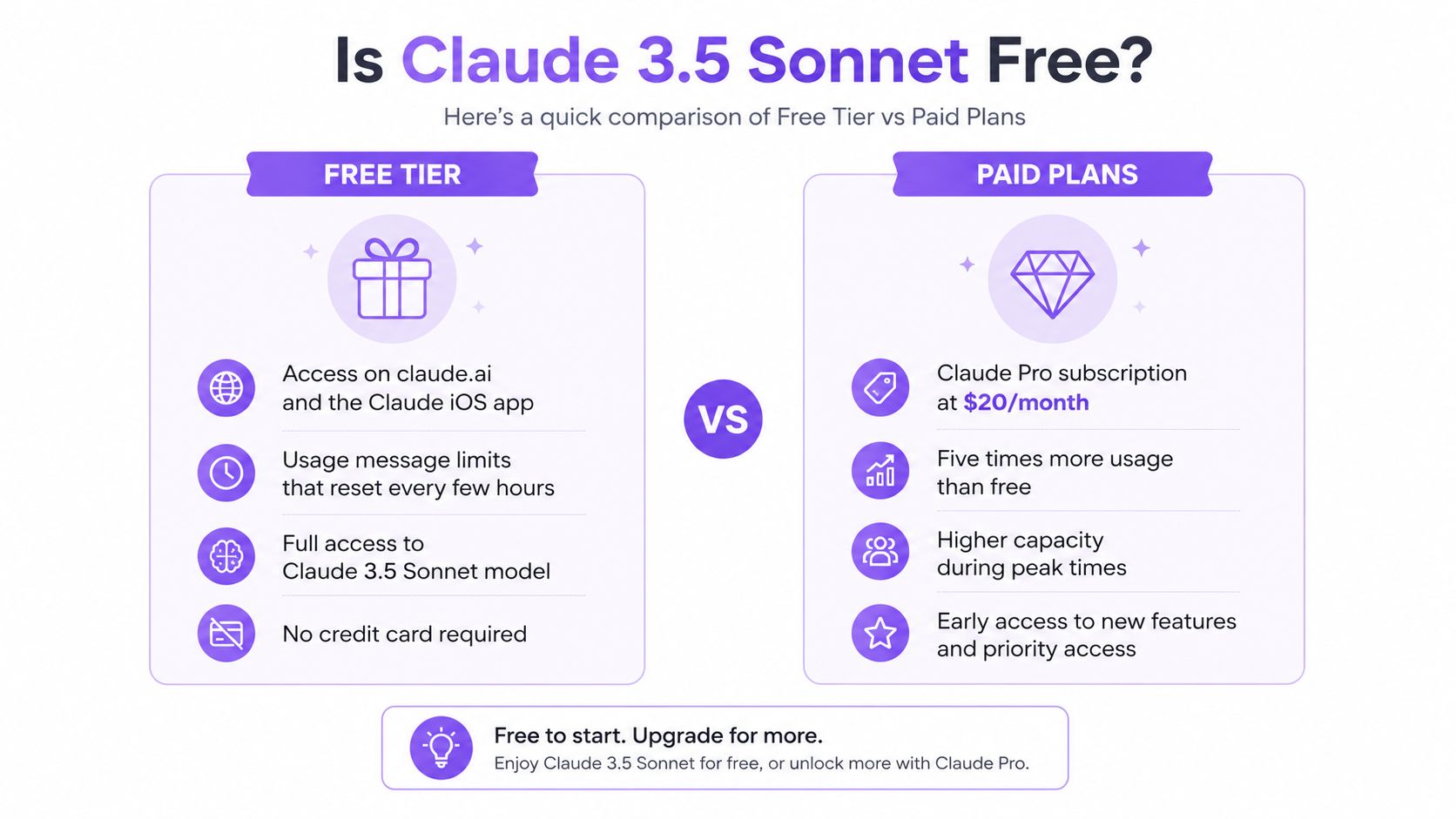
Free users can usually do the following:
- Open Claude.ai and use a Sonnet-class model without entering payment details first.
- Chat, draft text, summarize documents, and test Claude’s reasoning on light everyday tasks.
- Try enough prompts to judge whether Claude’s writing style, coding help, or analysis suits your workflow.
- Use the model as a trial run before deciding whether higher limits are worth paying for.
The main constraints are where most confusion comes from:
- Free use is not unlimited; Anthropic applies usage caps and rate limits.
- Availability can tighten at busy times, so free accounts may feel less consistent than paid ones.
- Longer conversations, large file uploads, and repeated follow-up prompts tend to exhaust the allowance faster.
- Reported free-tier ceilings have varied over time. A useful outside summary from DataCamp’s Claude Sonnet review noted that many users hit the cap after roughly ten prompts or a small number of conversations in earlier usage patterns.
- More recent reporting on Claude’s free plan described rolling limits that may reset every few hours rather than a clean “daily unlimited” model; Verdent AI’s 2026 guide summarizes this as a usage window that can vary with conversation length and system load.
Anthropic also says plans and access can change over time, which is why the safest source for current account status is its own plan help documentation. In my own testing, the free tier was good enough to evaluate Claude’s tone and reasoning, but not stable enough for sustained work blocks. Once I moved from quick prompts to multi-step editing and file-based tasks, the cap became the practical product boundary.
Free Version: What’s Included?
The free version is best understood as a trial-quality workspace rather than a full replacement for paid AI access. You can use Claude 3.5 Sonnet for everyday chat, writing help, summarization, and basic analysis without subscribing first. That is valuable because it lets you judge output quality before committing money.
What worked well for me on free access was short-form work: rewriting a paragraph, asking for an outline, or checking a small code snippet. What worked less well was extended iteration. Once I started asking Claude to refine the same draft several times, compare options, and handle more context, the free allowance stopped feeling roomy.
Key Features of the Free Tier
- No upfront payment: you can try Claude in the consumer app before deciding on a subscription.
- Strong core model quality: free access still gives you a capable Sonnet-level experience for writing, summaries, Q&A, and light coding.
- Good fit for evaluation: if your goal is to compare Claude’s style with tools like ChatGPT or Google’s Gemini, the free tier is usually enough to make that call.
- Best for light use: occasional prompts, schoolwork help, idea generation, and single-session research are the strongest free-tier use cases.
Paid Versions: What’s Different?
The paid version is less about unlocking a magical second product and more about removing friction. The biggest differences are higher usage limits, steadier availability, and a better fit for people who rely on Claude every day. Anthropic’s official pricing page and plans overview are the right references here; they are also the reason I am not repeating unsupported claims about unlimited queries or custom model training.
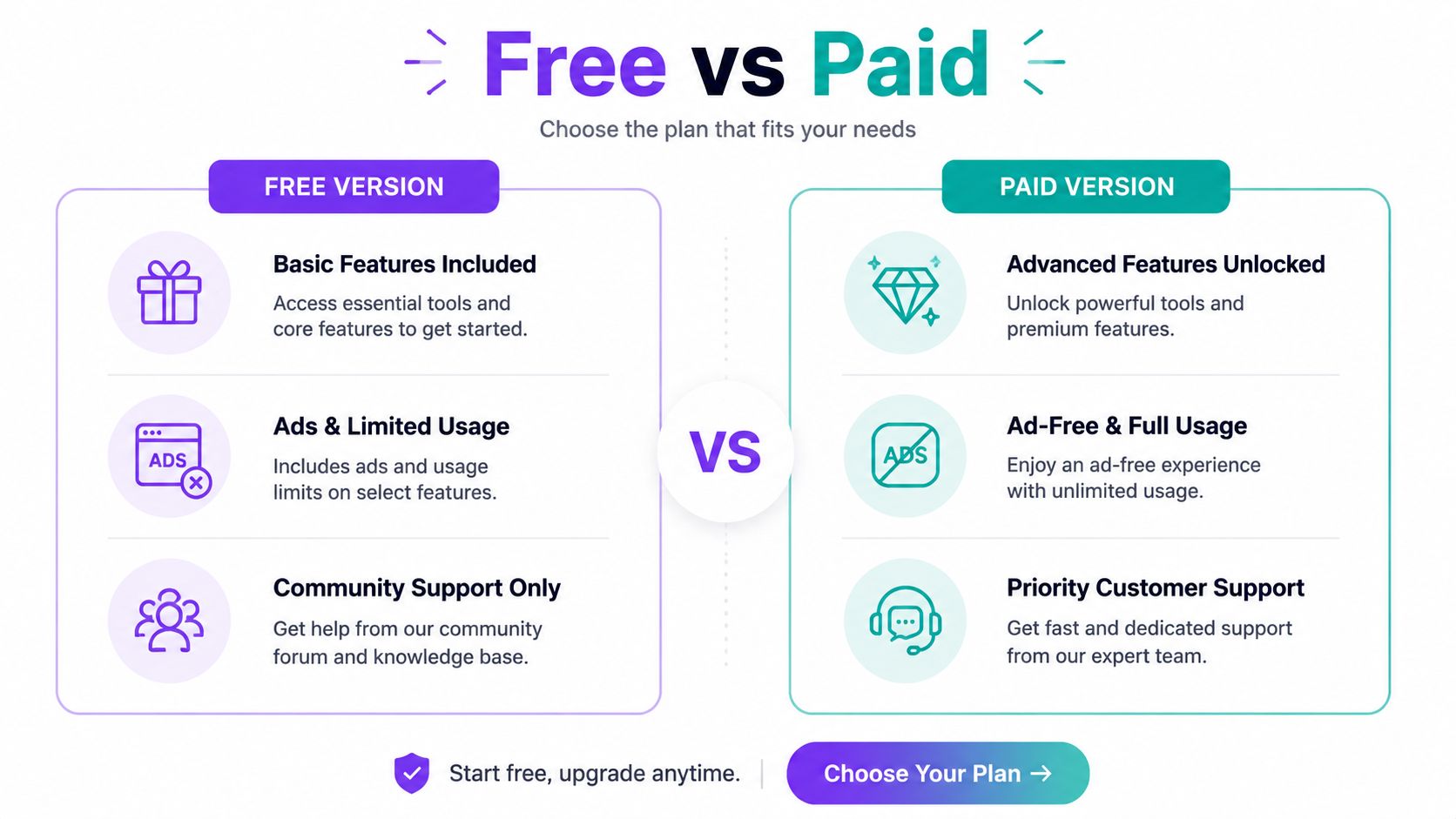
Another option is to use a full Claude 3.5 Sonnet with https://writingmate.ai/ tool that lets you use all top AI models for the same amount of money. It is all thanks to API and its wise usage.
Key Differences Between Free and Paid
| Plan | Typical price | Usage reality | Availability | Best for | Worth paying? |
|---|---|---|---|---|---|
| Free | $0 | Capped; limits vary by account, workload, and demand | Can tighten during peak periods | Casual testing, occasional drafting, light Q&A | Yes, if you only need short sessions |
| Pro | About $20/month | Higher limits than free, better suited for repeated daily use | Usually more consistent | Writers, coders, researchers, and daily users | Yes, once caps interrupt real work |
A few important clarifications:
- I would not describe the paid plan as “unlimited” unless Anthropic says so for your plan, because usage policies change and AI products often apply fair-use or dynamic quotas.
- I found the practical benefit of paying was not that answers became dramatically smarter, but that I could stay in the same workflow longer without stopping.
- If you use Claude once in a while, the paid plan is easy to postpone. If you use it for repeated document work, coding loops, or client deliverables, the upgrade starts to make sense quickly.
Why and When to Choose the Paid Version?
The free version of Claude 3.5 Sonnet is nice for starting out and if you are a beginner. Sure, why pay if you don't know if you will use it? But the paid plans are for people who need stronger features and want to do more work in less time; without any frustrating limitations. If you’re a business wanting AI in your work or a researcher looking for precise text analysis, the paid options will probably give you what you need.
My own threshold is simple: if the free tier interrupts a real task more than once in a day, it is no longer a trial tool — it is a bottleneck. That is usually the point where paying becomes rational.
Alternatives to Claude 3.5 Sonnet
If Claude 3.5 Sonnet doesn’t fully meet your needs, there are several alternative AI models worth considering. Platforms like ChatGPT and Google’s Gemini offer similar capabilities with different pricing structures and features. With tools like https://writingmate.ai/blog, you can access multiple AI models, including the latest versions of GPT, Claude, Mistral, and more, all within a single platform.
User Experience: My Frustration with Free Tiers
I would say a free tier of Claude 3.5 Sonnet is a decent starting point. The frustrating part is that the limit usually appears right when you move from experimenting to working. I noticed this most when I used Claude for iterative writing: one draft was fine, two revisions were still fine, and then the session suddenly felt scarce. That is very different from “free” in the way most users mean it.
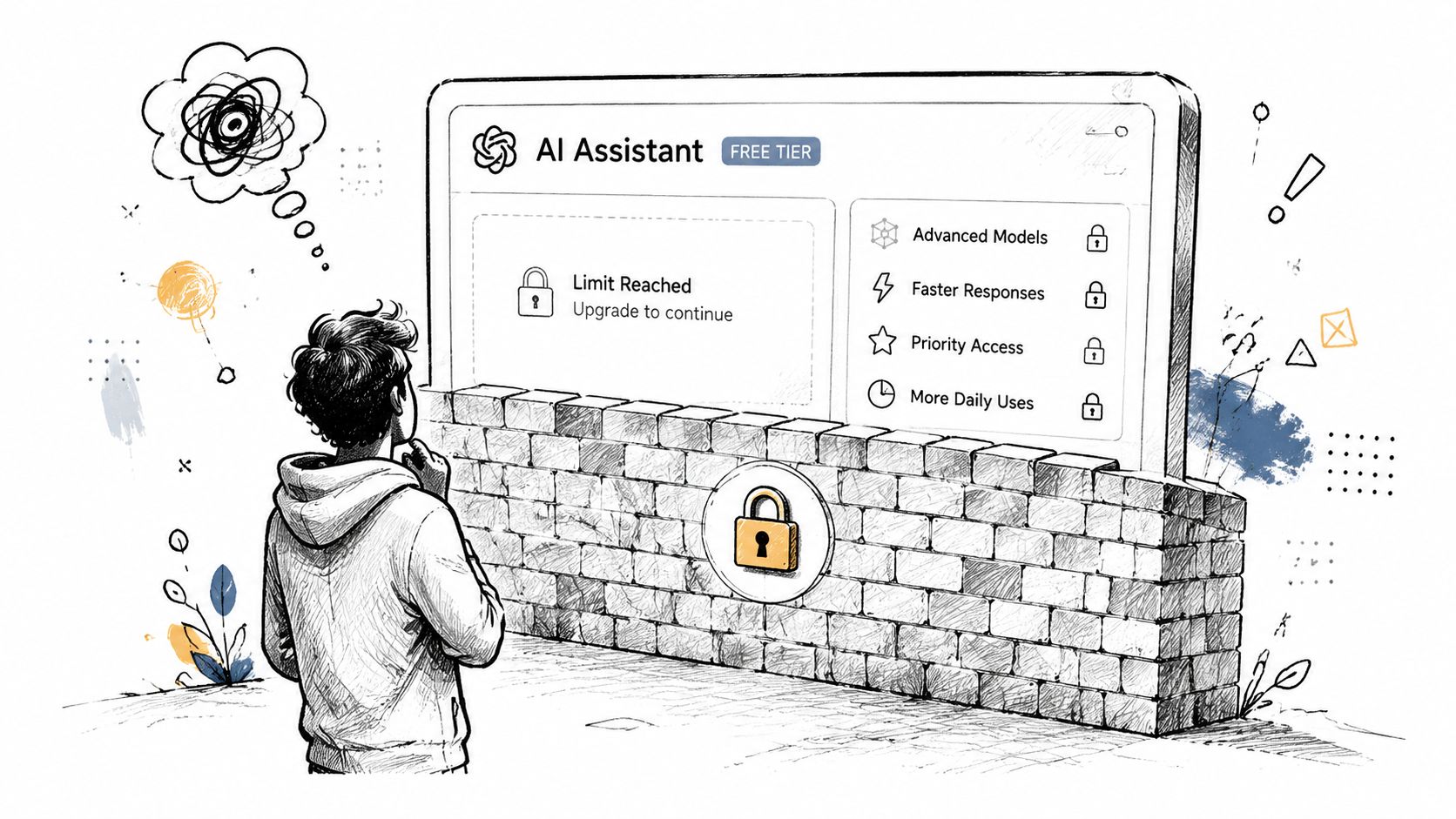
Also, on forums like Reddit and within my community, people all over the world have shared similar experiences. They often mention hitting the cap faster than expected, especially with longer conversations. That matches what outside reporting has observed and what I have seen myself: Claude’s free access is real, but it is budgeted.
How to Get Started with Claude 3.5 Sonnet
It is easy to start using Claude 3.5 Sonnet. Here's a step-by-step guide to help you begin:
Sign Up for an Account: Go to the Anthropic website and sign up for a free account. It’s easy. You just put in your email and pick a password. And once you’re in, you can start playing around with Claude 3.5 Sonnet right away.
Try Claude in Writingmate: After signing up, also check out Writingmate by WritingMate. The free version on Anthropic’s site is cool, but Writingmate is way better — it’s not so limited, and you can use Claude plus other top AI models all in one spot. You don’t have to stick to just one or pay for a bunch of subscriptions. It’s perfect for messing around with Claude, seeing what it can do, and figuring out if it works for your stuff.
Figure Out What You Need: While you’re using Claude in Writingmate, think about what you really want from it. The free version on Anthropic’s site is a good start, but Writingmate gives you more room to explore without feeling stuck. If you need something bigger, Writingmate has you covered without pushing you into pricey plans right off the bat.
Get More with Writingmate: If you like Claude or any of the other models, Writingmate makes it simple to keep going. You can switch between them and use what works best. No frustration or hassle, and never the extra costs.
Conclusion: Is Claude 3.5 Sonnet Worth It?
Claude 3.5 Sonnet is worth trying because Anthropic did make it available free to regular users, and the model quality is strong enough that you can tell pretty quickly whether it fits your work. The catch is that the free tier is a sampler, not a blank check.
For casual users, free access is often enough. For daily writing, coding, and research, the paid plan becomes easier to justify once limits start interrupting useful work. That was my experience too: I did not feel pressure to pay on day one, but I did feel the need for higher limits once Claude moved from test tool to routine tool.
Explore Multiple AI Models with Writingmate
If you’re interested in exploring more AI models, consider trying https://writingmate.ai/blog, where you can access multiple top AI models, including the latest versions of GPT, Claude, Mistral, and more, all within a single web app. Writingmate also allows you to generate images and perform a wide range of AI-driven tasks. I believe it to be an all-in-one tool for your AI needs.
For detailed articles on AI, visit our blog that we make with a love of technology, people, and their needs.
Frequently Asked Questions
Can I use Claude 3.5 Sonnet for free?
Yes. Anthropic made Claude 3.5 Sonnet available to free users in Claude.ai at launch, but free access comes with usage caps and can feel tighter during busy periods.
Is the free tier unlimited?
No. Free access is limited. The exact cap is not a single permanent number, because it can vary by account, conversation length, and current demand.
What changes with the paid plan?
The main difference is higher usage limits and more reliable day-to-day access. Paying is usually worth it when Claude is part of your real workflow rather than something you only test occasionally.
Can I still use Claude 3.5 Sonnet?
Availability can shift as Anthropic updates model lineups, but Sonnet-class access remains part of Claude’s product ecosystem. The best way to confirm what your account currently includes is to check Anthropic’s live plans and model availability pages.
Sources
Written by
Artem Vysotsky
Ex-Staff Engineer at Meta. Building the technical foundation to make AI accessible to everyone.
Reviewed by
Sergey Vysotsky
Ex-Chief Editor / PM at Mosaic. Passionate about making AI accessible and affordable for everyone.
Frequently Asked Questions
Sources

Written by
Artem Vysotsky
Ex-Staff Engineer at Meta. Building the technical foundation to make AI accessible to everyone.

Reviewed by
Sergey Vysotsky
Ex-Chief Editor / PM at Mosaic. Passionate about making AI accessible and affordable for everyone.