
Overview of Writingmate
Writingmate is an all-in-one AI workspace for chat, research, files, images, and video. It gives you access to 350+ AI models and tools from providers such as OpenAI, Anthropic, Google, xAI, Meta, DeepSeek, and Perplexity without switching between separate apps.
Open Writingmate at writingmate.ai.
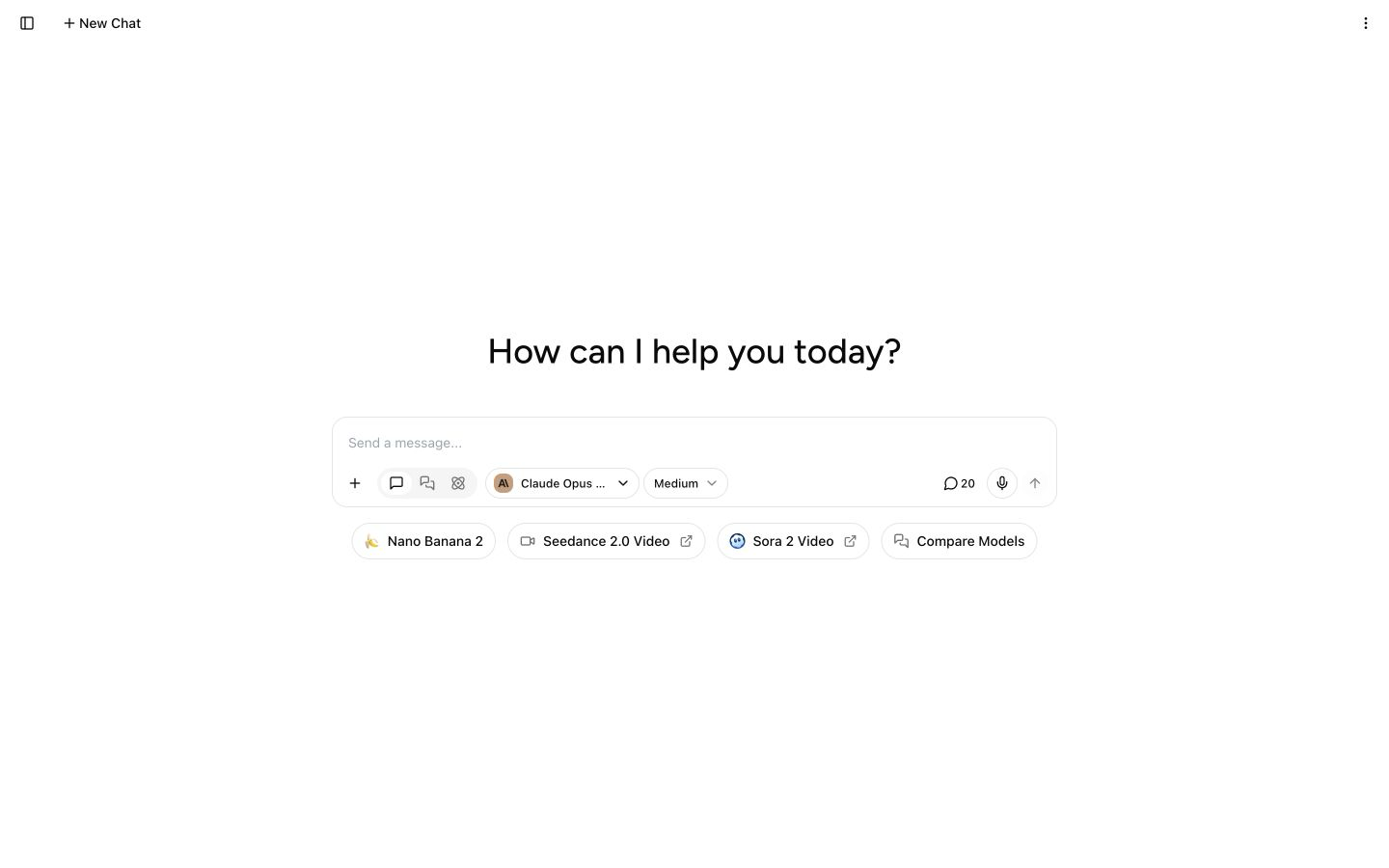
Start a chat, choose a model, or open an image, video, or model comparison tool.
What you can do
- Chat with different AI models. Choose a model for a task or compare several models with the same prompt.
- Work with files. Upload documents and images, then ask for summaries, answers, or structured analysis.
- Search the web. Add current web sources when a question needs up-to-date information.
- Generate images and videos. Create visuals and short clips from prompts with supported image and video models.
- Save repeat work. Keep prompts, chats, and custom agents for tasks you do often.
- Connect outside tools. MCP (Model Context Protocol) lets Writingmate use supported services and tools during a chat.
- Use Writingmate from developer tools. A Developer Key is a password-like token that connects an OpenAI-compatible client or MCP host to your Writingmate account.
Feature availability and usage limits depend on your plan and the model you select. See Key Features for a guided tour or Supported AI Models for the current model list.
Where Writingmate works
Writingmate runs in a modern web browser on desktop and mobile. You can also install it from your browser as a web app for quicker access. Follow Use Writingmate as a Desktop or Mobile App for setup steps.
Plans and pricing
Writingmate plans include different message, image, and video limits. Review the current options on the pricing page or compare subscription plans.
Ready to begin? Follow Get Started with Writingmate.