Type "perchance ai image generator" into Google right now, and somewhere on page one you'll find a link to a models directory with names like FLUX.2, Nano Banana 2, and GPT-5.4 Image 2 — and absolutely zero explanation of what any of them do or why you'd pick one over another. I've watched this happen more times than I can count: someone arrives looking for the free, no-login tool they already know, lands on a page with thirty-something options, and bounces within ten seconds because nothing on the screen tells them where to click first.
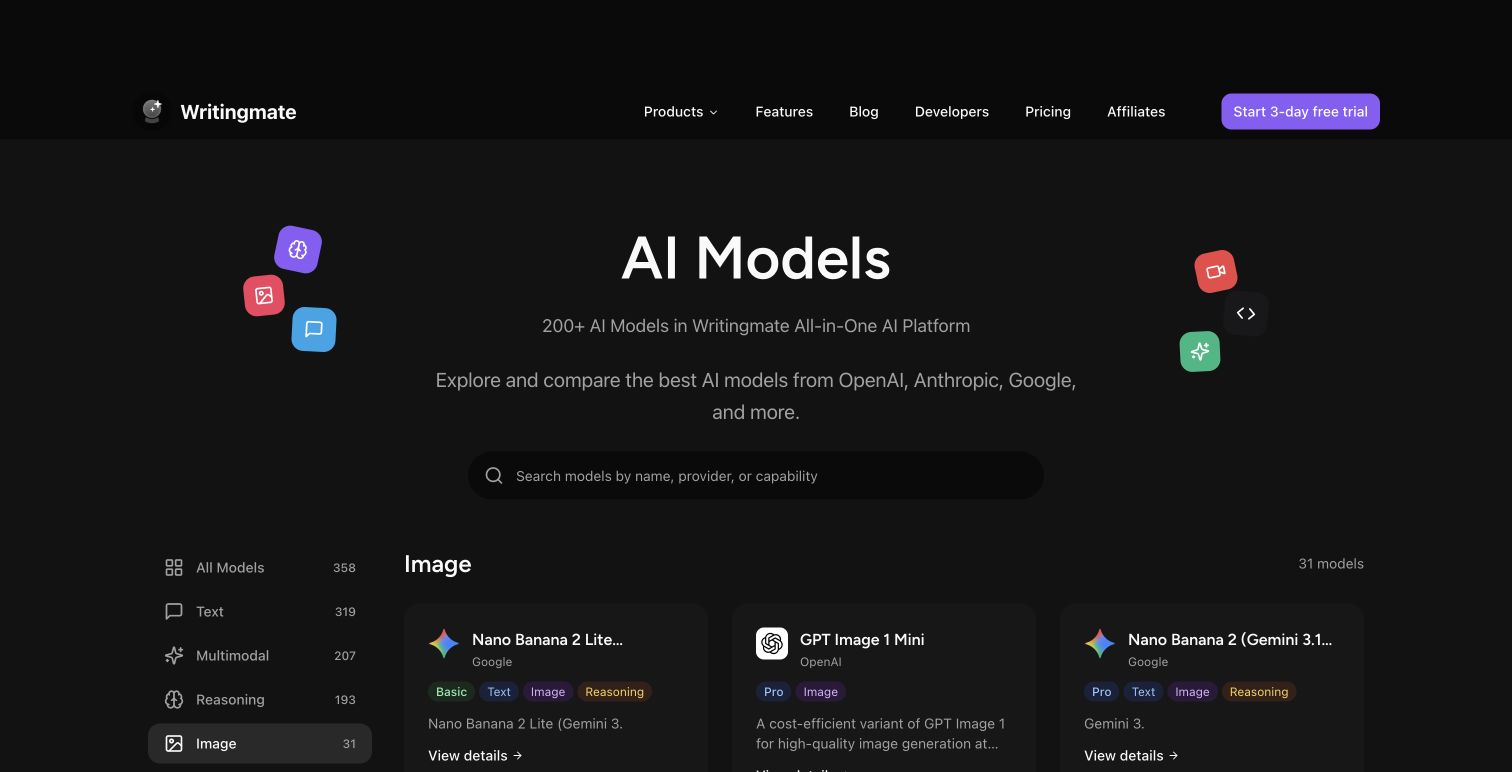
My name is Artem, and I run the Writingmate blog. Part of my job is watching how people actually navigate our AI image models directory — not how I assume they use it, but how they really do, based on support questions, search referrals, and a fair amount of screen-recording myself trying to do what a first-time visitor would do. What I've found is that the directory itself isn't the problem. The problem is that nobody tells you how to read it.
So that's what this post is. Not another "here's what FLUX does" rundown — we've covered that ground before — but a walkthrough of how to actually use a model directory once you're standing in front of one: what the filters mean, how to go from "I want a picture of X" to "this is the model I should click," and when it's worth leaving Perchance behind entirely versus just keeping it as your free scratchpad.
What "Perchance AI Image Generator" Searches Actually Tell Us
Here's the thing about that search term — it's rarely a vote of confidence in Perchance specifically. In my experience reading through how people land on image-generation content, the query usually breaks down into one of three intents:
- "I heard about this free tool, what is it?" — pure discovery, often from a Reddit thread or a friend's recommendation
- "Perchance is taking forever / looks rough, what else is there?" — frustration with queue times or output quality, searching for an escape hatch
- "I want the Jellymon-style anime generator but better" — a more specific style search, usually tied to "perchance ai jellymon ai image generator," pointing at the community-built character generators inside Perchance's ecosystem
Notice that none of these are "I want to learn about Perchance the company." They're all proxies for a real creative goal that Perchance either solved partially or didn't solve at all. That distinction matters, because it means the people landing on a model directory aren't browsing for fun — they're trying to finish something, and the faster they can match their goal to a model, the better the experience. A directory that just dumps thirty-one names on the page without helping with that match is, frankly, not doing its job. So let's fix that part.
How the Image Models Section of the Directory Is Actually Organized
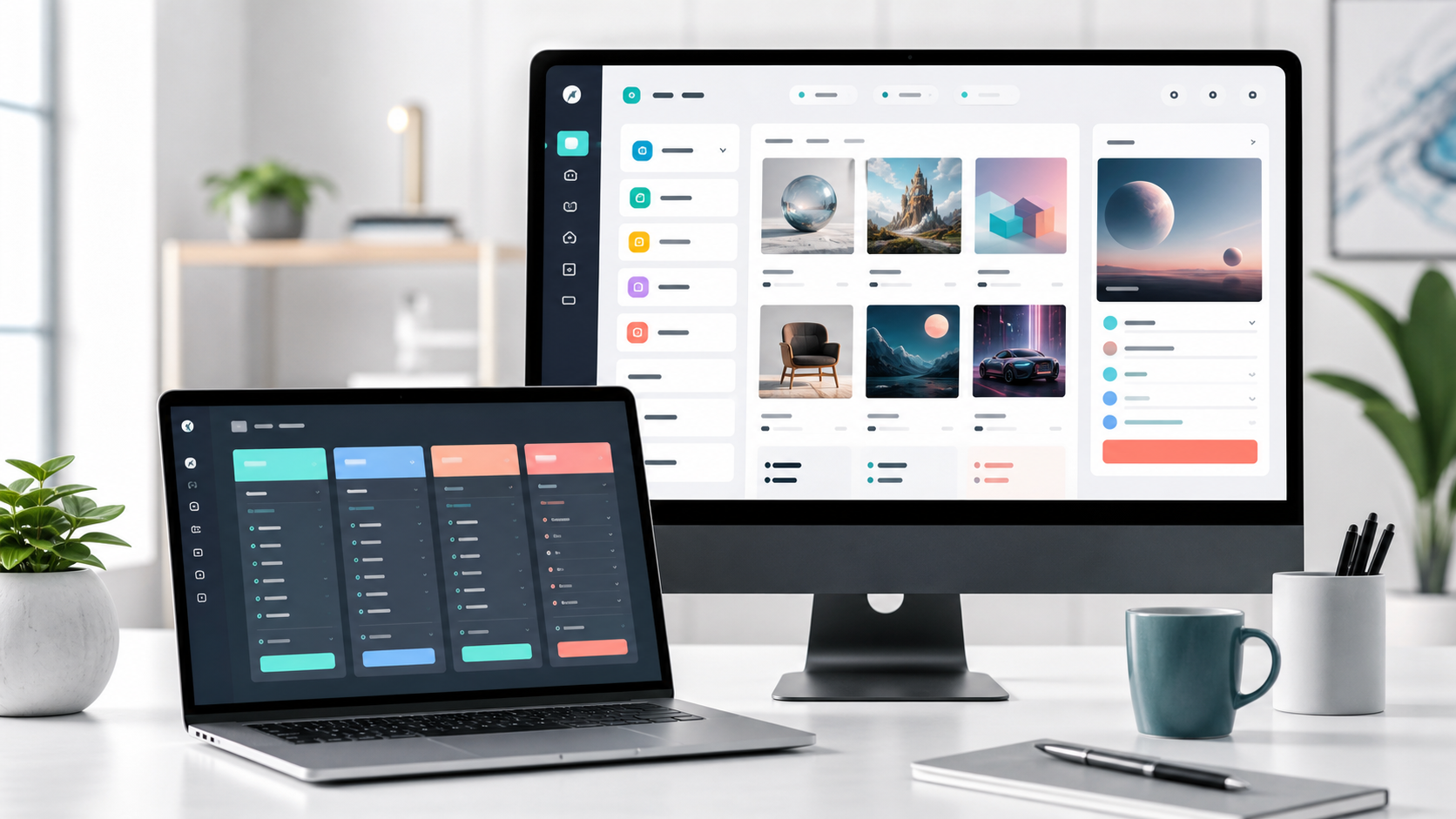
Open the Writingmate models directory and filter to "Image," and as of June 2026 you'll see roughly 31 dedicated image-generation models sitting inside a much larger catalog of 600-plus models total. That number alone can feel overwhelming, so here's how I'd actually approach the page on a first visit:
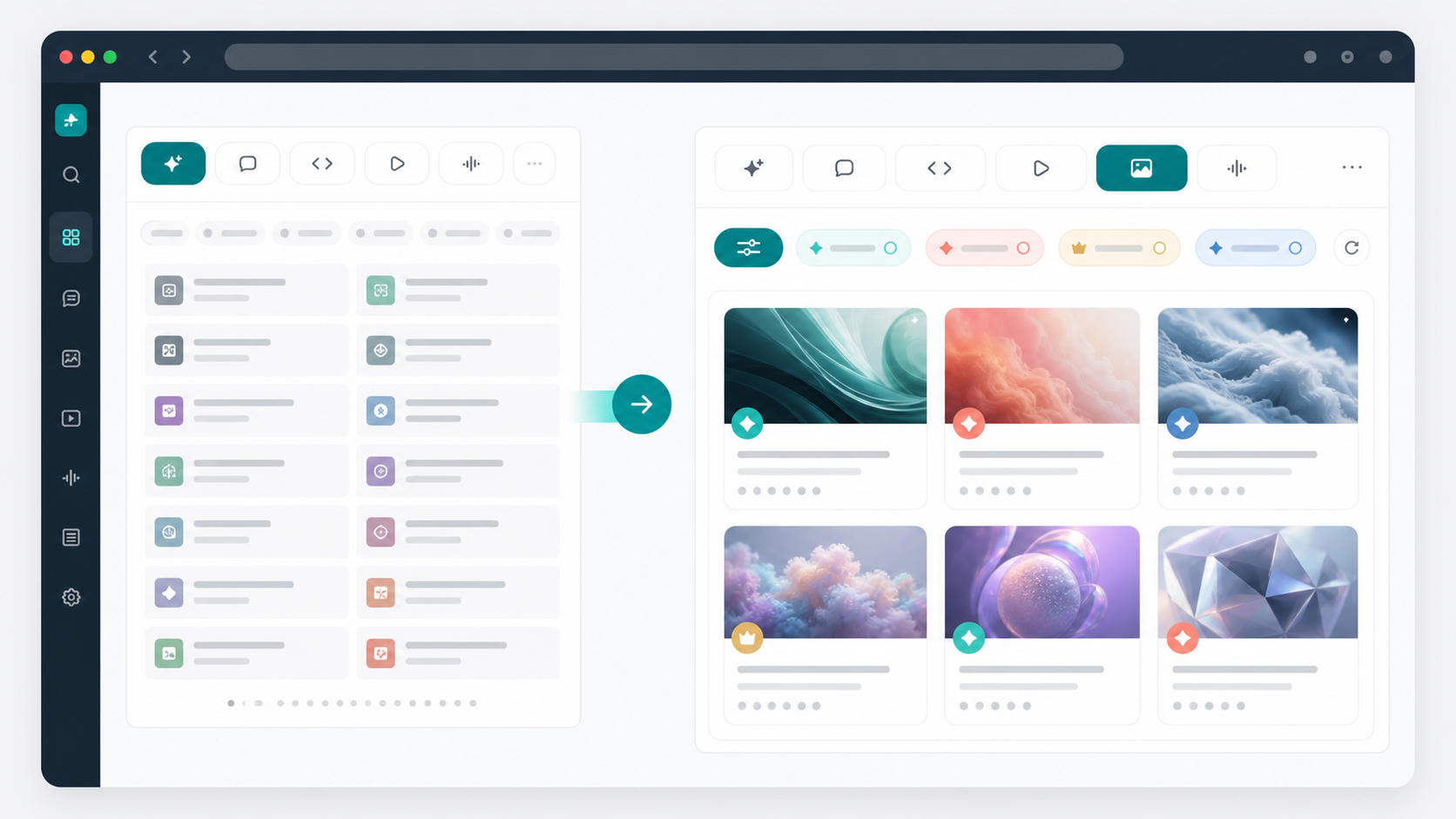
- Start with the category filter, not the search bar. The top of the page has tabs — All Models, Text, Multimodal, Reasoning, Image, Coding, Video. Clicking "Image" instantly cuts the noise from 600+ models down to the ~31 that actually generate pictures. This single click does more to reduce decision fatigue than anything else on the page.
- Then layer the Plan Tier filter on top. There's a second filter — All Tiers, Basic, Pro, Ultimate — that controls which models show up based on what's included in your plan. If you're testing the waters, set it to "Basic" first so you're not falling in love with a model that requires an upgrade you haven't decided on yet.
- Read the model name for its "family," not its version number. This is the part most people skip, and it's the single biggest unlock. FLUX.2 Klein, FLUX.2 Max, FLUX.1 Schnell — these aren't competing products, they're speed/quality tiers of the same underlying model family from Black Forest Labs. Same goes for Recraft V4, V4.1, and the "Pro Vector" variants, or the Riverflow V2 and V2.5 lineup from Sourceful. Once you recognize the family groupings, thirty-one names collapse into about six or seven actual decisions.
That third point is the one I wish someone had told me when I started testing image models for this blog. You're not picking from 31 unrelated tools — you're picking a family first (what style/strength do I need?), then a tier within that family (how fast vs. how polished do I need it?).
The Three-Question Framework I Actually Use
When I'm testing a new model or helping someone pick one fast, I run through three questions in order. Skipping the order is exactly how people end up generating forty images and still not finding the right one.
1. What's the output actually for? A throwaway social post, a client deliverable, a product photo, a piece of concept art, a character illustration — these aren't interchangeable goals, and they map to wildly different model strengths. A model that's brilliant at photorealistic skin tones (hello, Nano Banana 2) is not the model you want for a stylized fantasy poster with bold lettering.
2. Does the image need text in it? This sounds like a small detail until you've spent twenty minutes trying to get any model to render "SALE — 30% OFF" without garbling three of the seven letters. If your image needs readable text — logos, posters, signage, memes with captions baked in — that requirement alone should narrow your shortlist to the FLUX family before you look at anything else.
3. How many iterations will this realistically take? If you're going to generate one image and walk away, speed barely matters. If you're going to generate, tweak the prompt, generate again, and repeat that loop fifteen times (which, honestly, is most real creative work), then generation speed and per-image cost compound fast. This is where the "Fast" or "Schnell" variants in a family earn their keep — not because they're "better," but because they let you iterate without burning your afternoon.
Run your project through those three questions before you open the directory, and you'll walk in already knowing roughly which family you want. That's the difference between browsing and shopping.
A Practical Comparison: What I'd Actually Reach For
I've spent real hours generating with each of these inside Writingmate, so here's the honest cheat sheet — not marketing copy, just what I'd personally open for each kind of job as of June 2026.
Model / Family | Maker | Where it wins | Where it struggles | Best for |
|---|---|---|---|---|
FLUX.2 (Max / Klein) | Black Forest Labs | Text-in-image, prompt fidelity, open-weight transparency | Heavier compute on the "Max" tier means slower turnaround | Posters, logos, anything with readable text |
GPT-5.4 Image 2 | OpenAI | Following detailed scene descriptions; iterative editing on existing images | Not always the most photorealistic option out of the gate | Multi-step edits, complex creative briefs |
Nano Banana 2 | Skin tones, portraits, color accuracy, fast turnaround | Less specialized for stylized/illustrative work | Portraits, lifestyle and product photography | |
Recraft V4 (incl. Vector) | Recraft | Vector and brand-style assets, icon sets, design-system consistency | Not built for photoreal scenes | Logos, icons, UI mockups, brand assets |
Riverflow V2.5 (Pro / Fast) | Sourceful | Multi-step image-editing workflows with a built-in "judge" pass | Dynamic per-job pricing can be less predictable | Production pipelines needing repeatable edits |
Perchance AI | Community / Perchance | Free, instant, no account, fun for experimentation | Shared queues, capped resolution, inconsistent quality | Quick sketches, casual roleplay art, first-time exploration |
Notice Perchance is still on that list — I'm not here to tell you to abandon it. It's genuinely the right tool for "I want to see what this looks like in thirty seconds and I'm not attached to the result." Where it stops being the right tool is the moment your output needs to survive contact with a client, a print run, or a brand guideline. That's the threshold, and it's worth being honest with yourself about which side of it your current project sits on.
Why Switching Models Mid-Project Beats Picking "The One"
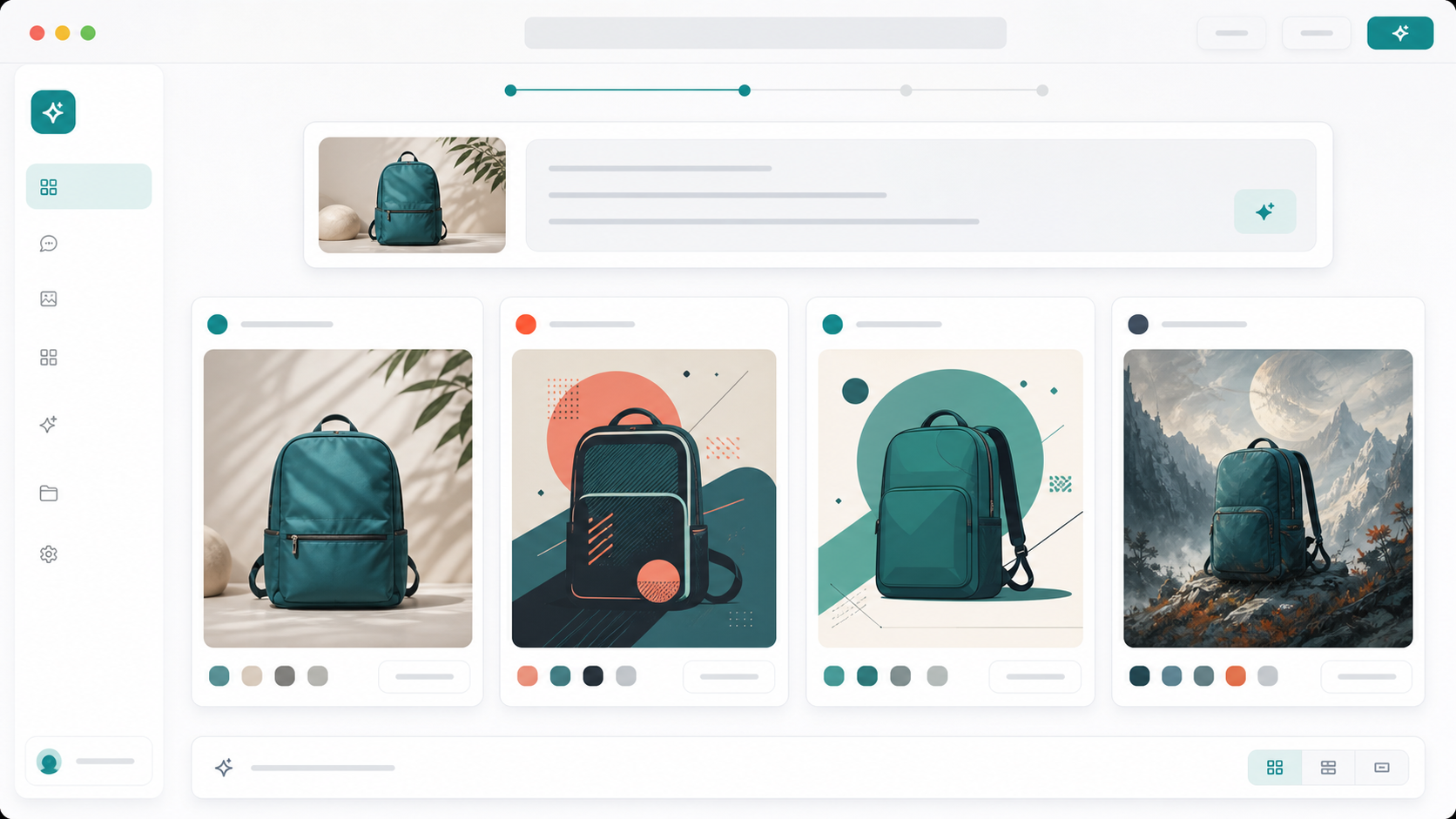
Here's something the directory format makes obvious once you actually use it for a few projects: you don't need to commit to one model. You need the ability to switch fast when the first one isn't delivering. I'll give you a real example from testing for this blog. I needed a hero image for a product post — clean, photoreal, a hand holding a phone. I started with FLUX.2 Klein because it's quick. The composition was right, but the skin tone looked slightly off under the lighting I'd described. Instead of fighting the prompt for another ten minutes, I switched to Nano Banana 2 — same prompt, same platform, no new account, no separate billing — and got a usable result on the second try. That swap took less time than re-rolling the same model three more times would have.
That's really what "200+ models in one place" is worth in practice. It's not the headline number that matters — it's that switching from a text-heavy FLUX job to a portrait-heavy Nano Banana job to a vector-icon Recraft job doesn't mean juggling three logins, three subscriptions, and three different export workflows. You stay in one place, and the model becomes a setting you change, not a platform you migrate to.
"Perchance is fine until you need something that actually looks finished. I kept three tabs open for months — Perchance for quick sketches, something else for anything client-facing — until I found a setup where I could just swap models in the same window. Honestly wish I'd done that sooner." — u/inkwell_render on Reddit r/StableDiffusion
That sentiment lines up with what I see constantly in how people search and talk about this space — Perchance is the gateway, but almost nobody treats it as the destination once their projects get more demanding.
What the Model Makers Themselves Are Saying
It helps to hear this directly from the people building these models, not just from people comparing them. Black Forest Labs, the team behind the FLUX family, framed their FLUX.2 release in terms that map almost exactly onto the "will this survive contact with a real project" question:
"FLUX.2 is designed for real-world creative workflows, not just demos or party tricks." — Black Forest Labs, FLUX.2 announcement
And on the social side, their launch post for FLUX.2 leaned hard into the production angle:
"FLUX.2 is here - our most capable image generation & editing model to date. Multi-reference. 4MP. Production-ready. Open weights." — @bfl_ml on X
That word "production-ready" is doing a lot of work in that sentence, and it's exactly the line Perchance was never trying to cross. Perchance optimized for zero friction. FLUX.2, GPT-5.4 Image 2, and the rest of the directory's lineup optimized for "can this go in front of a client without an apology attached." Different goals, different tools — and once you see it that way, the directory stops looking like an overwhelming wall of names and starts looking like a toolbox sorted by job.
A Five-Minute Walkthrough You Can Run Right Now
If you want to actually test what I'm describing instead of just reading about it, here's the exact sequence I'd run:
- Step 1 — Define the job in one sentence. "A photoreal product shot of a coffee mug on a wooden table" is a sentence. "Something cool" is not. Write the real one down.
- Step 2 — Open the image models directory and filter to Image. Skim the family names, not the version numbers.
- Step 3 — Pick based on the three-question framework above. Photoreal product shot with no text in frame? That points you toward Nano Banana 2 or FLUX.2 Max, not the vector-focused Recraft line.
- Step 4 — Generate, look honestly at the result, and if it's close-but-not-quite, switch families before you re-roll the same one five more times. A different model with the same prompt often gets you there faster than ten variations of the same prompt on the same model.
- Step 5 — Once you find the family that nails your style, stick with its "Fast" tier for drafts and its "Pro/Max" tier for the final output. That two-tier habit alone will save you both time and cost over a project's lifetime.
Run that sequence two or three times on real projects, and the directory stops feeling like a wall of unfamiliar names. It starts feeling like a set of presets you already know how to reach for — which, honestly, is exactly what it's supposed to be.
Frequently Asked Questions
Is the Writingmate image models directory free to browse?
Yes — you can view the full image models directory without an account. Generating images with most of the listed models requires a Writingmate plan, since you're paying for access to the underlying model providers (OpenAI, Black Forest Labs, Google, Recraft, and others) through one subscription instead of several.
How is this different from just using Perchance?
Perchance is a single free tool with one general-purpose generator (plus community variants like Jellymon for anime styles). A models directory gives you access to dozens of distinct, specialized models from different companies in one interface — so instead of one tool trying to do everything reasonably well, you get to pick the tool that's actually built for your specific job.
Do I need to know which "model family" to pick before I start?
No, but it helps a lot. If you're not sure, start with the three-question framework in this post — output purpose, whether you need text in the image, and how many iterations you expect — and you'll usually land on the right family within one or two tries.
What happened to the "Jellymon" style generators people search for from Perchance?
Jellymon and similar community generators are specific to Perchance's ecosystem and built around anime/character art with a particular aesthetic. They're not replicated model-for-model elsewhere, but FLUX and Nano Banana variants can get close to — and often exceed — that level of stylized character work, especially with reference images for consistency.
Can I switch between models mid-project without losing my work?
Yes — that's really the core advantage of using a directory instead of single-purpose tools. You can generate with one model, decide it's not landing, and try the same prompt with a different model in the same session, without re-uploading references or starting a new account elsewhere.
Which model should I try first if I'm completely new to this?
Pick based on your actual goal, not popularity. For general photoreal work, Nano Banana 2 is a forgiving starting point. For anything involving text or graphic design elements, start with the FLUX.2 family. For brand assets and icons, Recraft V4 is purpose-built for that.
If there's one thing I'd want you to take from this, it's that the directory isn't a wall to climb — it's a shortcut once you know how to read it. Filter to Image, think in families instead of names, run your project through the three-question check, and you'll go from "thirty-one confusing options" to "the two or three I actually need" faster than you'd generate a single image in Perchance's queue. And if you decide to test that for yourself, the image models directory is sitting right there, ready whenever you are.
See you in the next one!
Artem
Frequently Asked Questions
Sources
- Black Forest Labs, FLUX.2 announcement
- @bfl_ml on X
- Google AI for Developers — Nano Banana / Gemini image generation documentation
- OpenAI — Image generation API documentation (GPT Image models)
- Recraft — Introducing External Models (FLUX integration announcement)
- u/inkwell_render on Reddit r/StableDiffusion
- image models directory

Written by
Artem Vysotsky
Ex-Staff Engineer at Meta. Building the technical foundation to make AI accessible to everyone.

Reviewed by
Sergey Vysotsky
Ex-Chief Editor / PM at Mosaic. Passionate about making AI accessible and affordable for everyone.