Quick answer: the best AI video generator in 2026 depends less on which demo looks most cinematic and more on what you need to finish. Use Google Veo when you want high-fidelity prompt-to-video with native audio in the Google ecosystem. Use Runway when creative control, consistency, and professional post-production matter. Use Pika or Luma when you want fast image-to-video experiments. Use CapCut or Canva when the job is social editing around AI clips. Use Writingmate when the workflow starts before the video: research, script, model comparison, image concepts, prompts, and then handoff into text-to-video from one workspace.
My name is Artem, and I care about AI video tools from a buyer and practitioner angle. A shiny demo is useful, but most teams do not need one perfect six-second shot. They need a repeatable way to turn a brief into a script, generate references, test prompts, review clips, and publish a usable asset without losing context across five tabs.
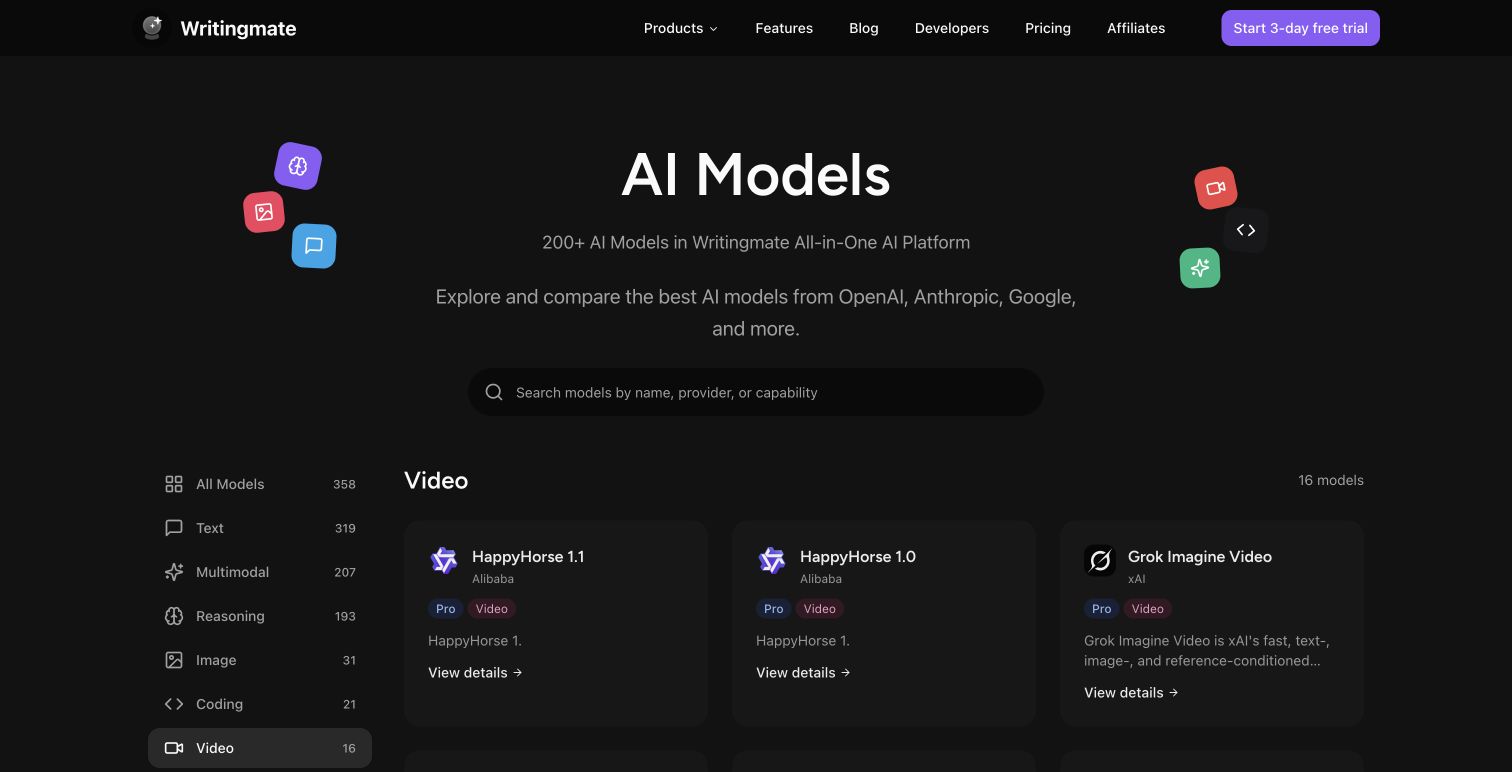
That is why this guide targets the Semrush cluster around best AI video generator, text to video AI free online, and free text to video AI tools. If you are evaluating Writingmate, keep the AI video generation page, text-to-image workflow, model directory, and pricing page open. The best video tool is usually the one that fits the whole creative workflow, not the one with the loudest launch clip.
The AI video market changed in 2026
The first thing to know is that stale AI video roundups are now risky. OpenAI's own help center says the Sora web and app experiences were discontinued on April 26, 2026, and that the Sora API is scheduled to be discontinued on September 24, 2026. That does not mean OpenAI is irrelevant to video, but it does mean a 2026 buyer should not treat Sora as the default consumer recommendation without checking availability.
Google, meanwhile, positions Veo 3.1 as a state-of-the-art video generation model for high-fidelity 8-second clips with native generated audio, available through the Gemini API. Google also markets text-to-video through Google Vids and Veo for business-style video creation. Runway has continued to push Gen-4 and Gen-4.5 around fidelity, control, and consistency across characters, locations, and objects. Pika remains more playful and consumer-friendly, especially for turning images into quick reality-bending clips.
The buyer lesson is simple: do not choose from memory. AI video tools change faster than normal SaaS categories. Features, limits, model names, and availability can change between the time a listicle is written and the time your team tries to use it.
Reddit pricing threads around Sora and Runway are useful because they show how creators actually think: not just quality, but cost per usable clip, included subscription value, and whether the tool fits a repeatable workflow.
Best AI video generators by workflow
Instead of ranking tools as if everyone has the same job, I would choose by workflow. A founder making product launch clips has different needs from a YouTuber making Shorts, a marketer producing ad variations, or a design team testing motion concepts.
Workflow | Best starting point | Why it fits | Watch out for |
|---|---|---|---|
Cinematic prompt-to-video | Google Veo or Runway | High visual fidelity, stronger motion, and more serious creative controls | Cost, access limits, and prompt iteration time |
Product demos and explainers | Writingmate plus a video generator | Research, outline, script, image references, and video prompts stay connected | You still need human review before publishing |
Social clips and memes | Pika, CapCut, Canva, or Luma | Fast experiments, templates, image animation, and short-form editing | Generic results if the source idea is weak |
Brand campaigns | Runway or Google ecosystem tools | Better control over style, references, review, and production polish | Legal, brand, and disclosure review |
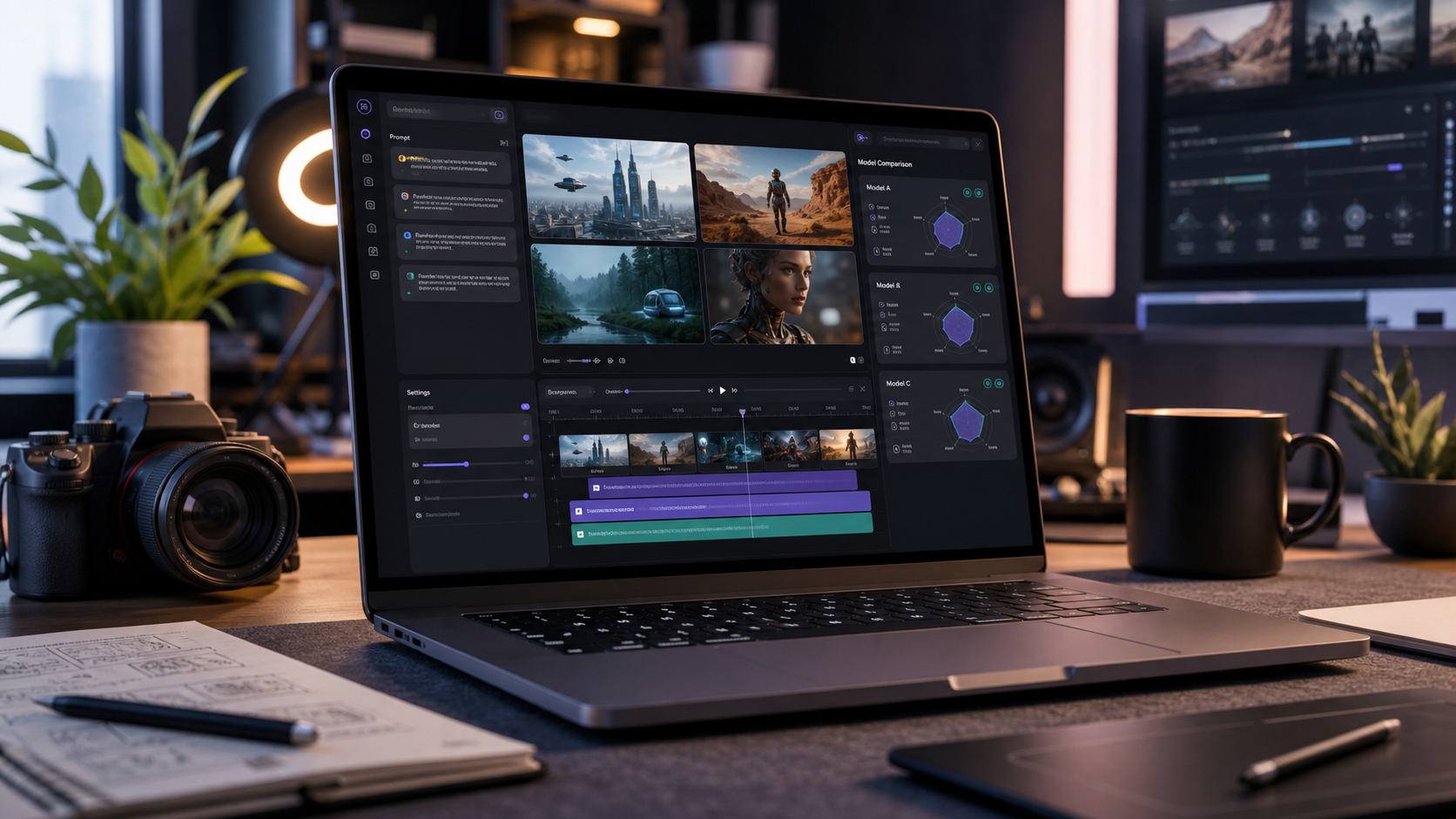
Team ideation | Writingmate | Compare scripts, prompts, models, and visual directions before spending video credits | Do not stop at brainstorming; generate and test real clips |
Google Veo is the strongest default recommendation when the buyer wants a serious text-to-video model with native audio and Google ecosystem access. The official Gemini API docs describe Veo 3.1 as generating high-fidelity 8-second videos at 720p, 1080p, or 4K, depending on model and settings. That makes it a strong fit for source clips, campaign prototypes, and teams already building around Gemini.
Runway is the tool I would evaluate first for professional creative teams. Runway describes Gen-4 around consistent characters, locations, and objects across scenes, and its current homepage positions Gen-4.5 around high fidelity and control. If you care about continuity, directed shots, and post-production, Runway deserves a serious test.
Pika is better for fast visual play than sober enterprise review. Its public site emphasizes one-tap effects such as squishing, melting, and transforming photos. That is not a criticism. For social concepts, creator posts, and fast image-to-video experiments, playful tools are often exactly what gets the team moving.
Luma, CapCut, Canva, and similar tools can be better than heavyweight models when the job is packaging. If you need captions, aspect ratios, templates, music, cuts, and social publishing more than raw generation quality, editing-first products may save more time than another model upgrade.
The hidden step: script and prompt work
Most AI video comparisons start too late. They compare the final clip, but the expensive part is usually the thinking before generation. What is the hook? What should the camera do? Which scene needs a reference image? What is the product truth? What should not appear? How many variations are worth generating?
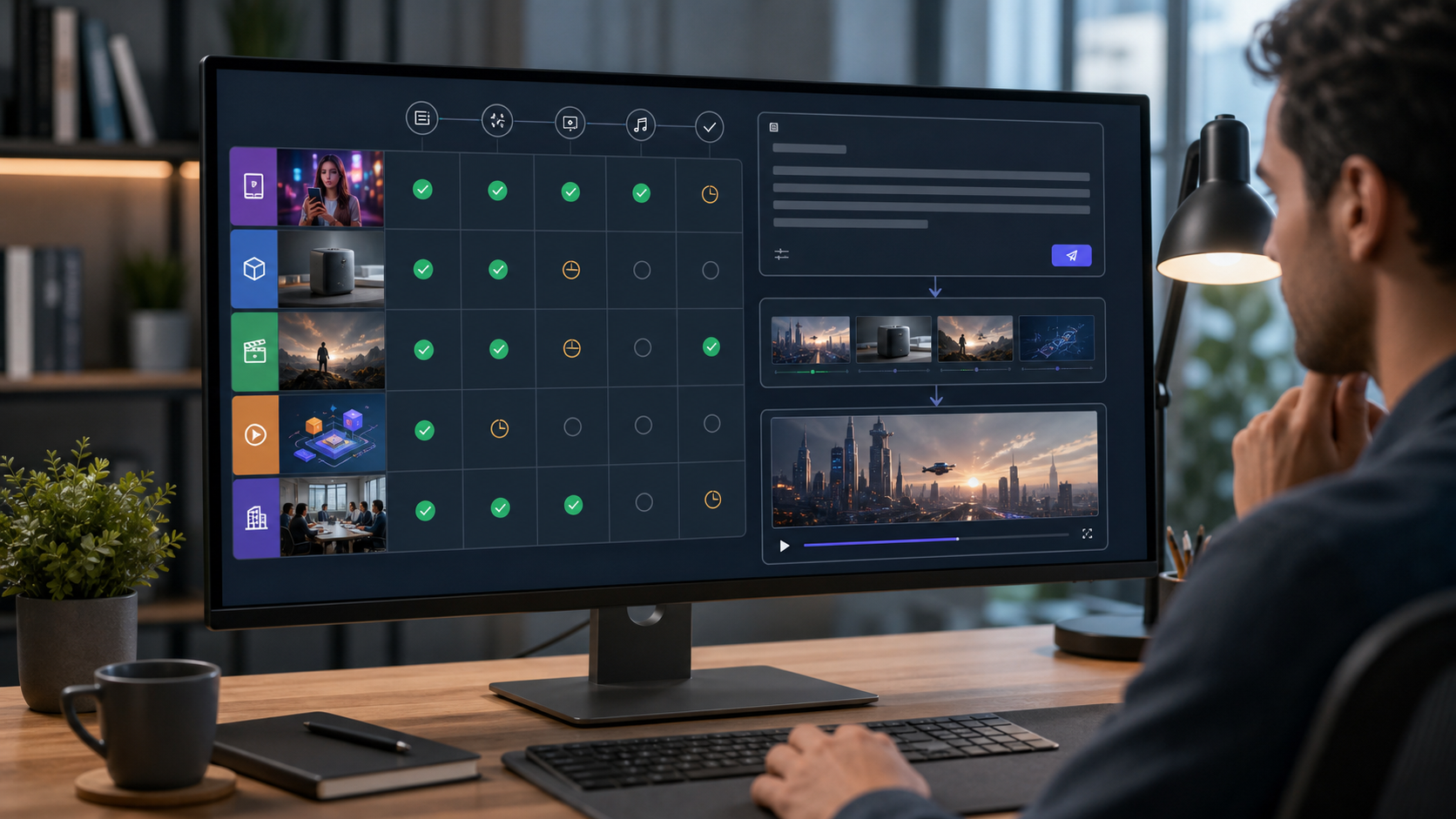
This is where an all-in-one AI workspace is useful. In Writingmate, the practical workflow is not simply "type prompt, get video." It is closer to this:
Use a research model to understand the audience, offer, and competitors.
Use a writing model to draft the short script, hook, shot list, and call to action.
Use image generation to create a visual reference or style frame.
Use the model directory to compare which model family is better for the current step.
Move into text-to-video only after the brief and prompt are specific enough to spend credits.
That order sounds slower, but it usually saves time. Bad AI video prompts create expensive clutter. A good prompt defines subject, setting, camera movement, duration, aspect ratio, style, motion, negative constraints, and the exact business outcome. If the prompt does not say what the clip is supposed to do, the model will invent a pretty but unfocused answer.
How I would test an AI video generator
Do not test a video tool with a fantasy prompt. Test it with the kind of asset your team actually needs next week. For example, a SaaS team could test a 10-second product explainer, a 9:16 social teaser, and a homepage background loop. A creator could test a talking-head replacement, an image-to-video animation, and a Shorts intro.
Score each tool on five dimensions:
Criterion | What good looks like | Failure sign |
|---|---|---|
Prompt control | The model follows subject, camera, style, and motion instructions | Pretty output that ignores the actual brief |
Consistency | Characters, products, and settings remain recognizable across clips | The object changes shape or identity between shots |
Editing workflow | You can trim, caption, resize, and iterate without exporting repeatedly | Every revision requires a new tool and lost context |
Cost per usable clip | You can afford enough variations to find a winner | The first decent result is too expensive to iterate |
Commercial review | Licensing, disclosure, brand safety, and privacy rules are clear | The team cannot tell what it is allowed to publish |
The scoring should be practical. If a model creates the best cinematic clip but your team cannot edit it, caption it, or get approval, it may not be the best business tool. If a simpler tool creates good enough social clips in half the time, that may be the better answer.
Free text-to-video tools: useful, but not the whole answer
Search demand for "text to video AI free online" is strong because people want to experiment before paying. That is reasonable. Free tiers are useful for learning prompt structure, testing whether image-to-video works for your use case, and showing stakeholders what AI video can do.
The catch is that free tiers often come with limits that matter in production: watermarking, queue speed, lower resolution, shorter duration, fewer generations, commercial-use uncertainty, or fewer editing controls. A free clip can prove the concept. It rarely proves the operating model.
For work that will be published, I would separate experimentation from production. Use free or low-cost tools to learn what works. Then choose the paid workflow based on output quality, review process, team access, and total time saved. That is a better buying decision than asking which free generator is "best" in isolation.
My recommendation for buyers
If you need the most capable standalone AI video model, start by testing Veo and Runway on your own prompts. If you need quick social experiments, test Pika, Luma, CapCut, and Canva with the same source image and hook. If you need to produce repeatable business videos, start in Writingmate before generation: research the topic, draft the script, create reference images, compare models, then move into video only when the brief is sharp.
I would not build a 2026 video workflow around a discontinued app experience, an unverified viral demo, or a listicle that ignores current availability. I would build it around repeatable jobs: social clips, product demos, explainers, ads, internal training, or campaign concepts. Pick one job, run the same brief through three tools, and measure the cost per publishable clip.
That is the practical way to choose the best AI video generator. The winner is not the tool that makes the most impressive sample. It is the tool that turns your actual brief into a clip your team can review, edit, and publish without rebuilding the workflow every time.
Artem
Frequently Asked Questions
Sources
- OpenAI Help: What to know about the Sora discontinuation
- Google AI for Developers: Generate videos with Veo 3.1 in Gemini API
- Google Workspace: AI text to video generator with Google Vids and Veo
- Runway: Introducing Gen-4
- Runway homepage
- Pika official site
- Reddit discussion: OpenAI Sora vs Runway pricing for AI video
- X search: AI video generator workflows
- Google Veo 3 tutorial video
- Writingmate text-to-video

Written by
Artem Vysotsky
Ex-Staff Engineer at Meta. Building the technical foundation to make AI accessible to everyone.

Reviewed by
Sergey Vysotsky
Ex-Chief Editor / PM at Mosaic. Passionate about making AI accessible and affordable for everyone.