I keep getting the same question from Writingmate users: "What is Grok, and should I be using it instead of ChatGPT?" The short answer is: it depends on what you're doing — and which Grok you're talking about. The slightly longer answer is what this article is for.
My name is Artem, and I run the Writingmate blog. I've been testing AI models since GPT-3 was the hot new thing, and I've spent a good chunk of the last few months running Grok 4 Fast and Grok 4 Heavy through everything from long-document analysis to real-time research tasks on X. This is the comparison I wish existed when I started.
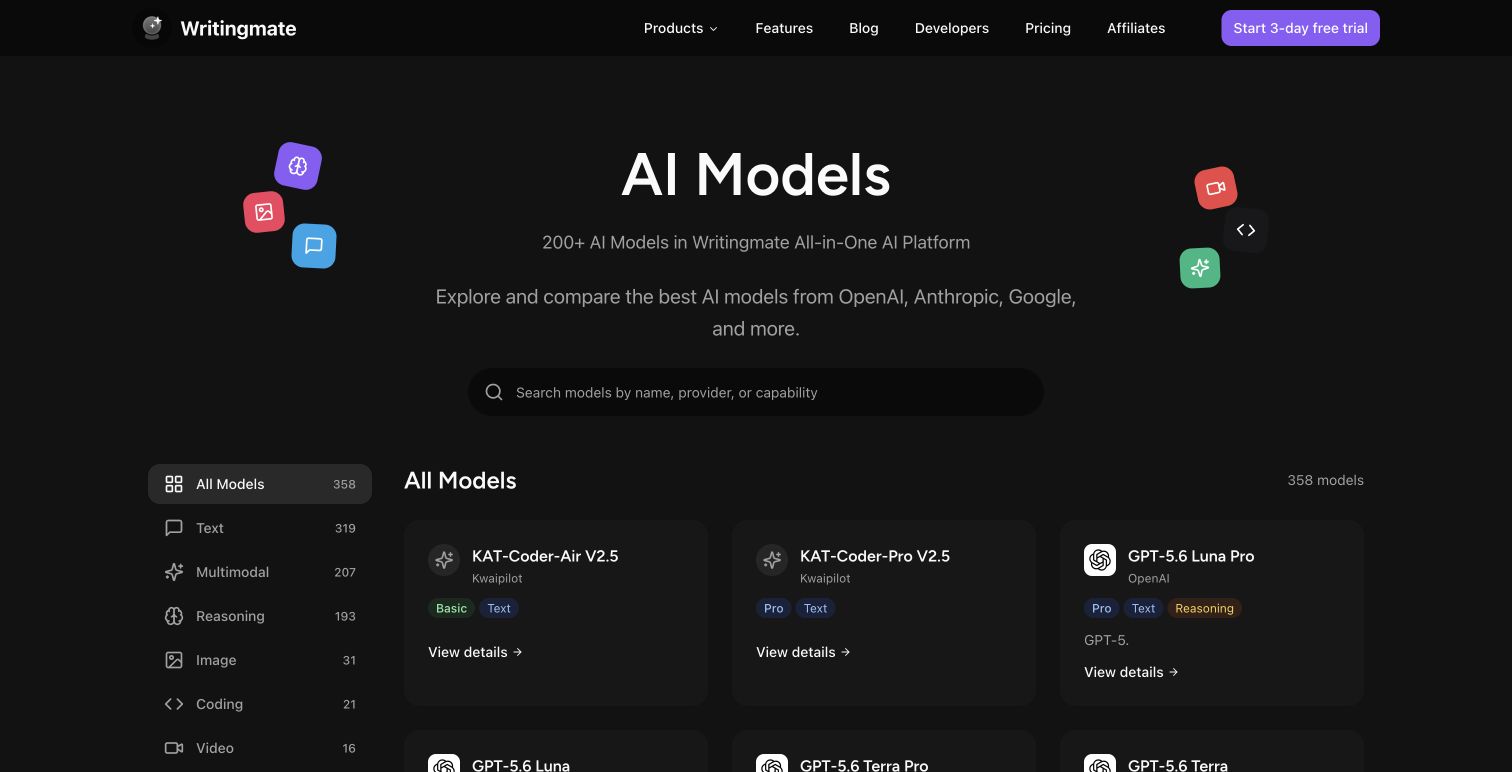
If you want to run your own head-to-head tests after reading this, Writingmate's model comparison tool lets you pit Grok 4 Fast against any model across 200+ options — same prompt, side-by-side output.
What Is Grok? (And Why People Are Suddenly Searching for It)
Grok is the AI assistant built by xAI, Elon Musk's AI company. The name is a nod to Robert Heinlein's Stranger in a Strange Land, where "to grok" something means to understand it completely. Classic Silicon Valley naming, but it stuck.
The reason you're hearing about it more in 2026 than two years ago is simple: the model has gotten significantly better, and xAI has been aggressive about shipping. Grok 4 is a meaningful step up from early versions — it now competes seriously with GPT-4o and Claude 3.7 on most benchmarks, and it has two specific advantages that no other frontier model can match right now.
First: real-time X data access. Grok can pull live posts from X (formerly Twitter) directly into its responses. Not a web search approximation — actual post content, indexed in real time. If you're tracking breaking news, sentiment around a product launch, or what engineers are saying about a specific technology right now, this is a structural advantage that ChatGPT's browsing tool can't match.
Second: an absurdly large context window on the Fast tier. More on that below.

"Grok's real-time X search finally makes it useful for research I'd previously only do in TweetDeck. Fed it a topic, got clustered sentiment and key voices in one shot." — u/nlp_practitioner on r/LocalLLaMA
Grok 4 Fast vs Grok 4 Heavy: The Distinction That Actually Matters
Most "what is Grok" articles treat it as a single model. It isn't. The Fast vs Heavy split is the most important thing to understand before you decide whether Grok belongs in your workflow.
Grok 4 Fast is optimized for throughput and scale. Its headline spec is a 2 million token context window — which, to put it in concrete terms, means you can feed it roughly two full novels, an entire codebase, or a year of meeting transcripts and ask questions across all of it. Paired with a price of $0.20 per million input tokens, it's one of the most cost-efficient capable models available anywhere right now.
Grok 4 Heavy is xAI's reasoning-focused tier. It's slower, more computationally expensive, and designed for tasks that require careful multi-step thinking — advanced math, complex code generation, structured research synthesis. Think of Fast as the sprinter and Heavy as the analyst. Both are good; they're just different tools.
Feature | Grok 4 Fast | Grok 4 Heavy | ChatGPT (GPT-4o) |
|---|---|---|---|
Context Window | 2M tokens | 128K tokens | 128K tokens |
Input Pricing (API) | $0.20 / M tokens | ~$3.00 / M tokens | $2.50 / M tokens |
Real-time X Data | Yes | Yes | Limited (browsing only) |
Response Speed | Very fast | Slower | Fast |
Best Use Case | Long docs, research, drafts | Complex reasoning, code | General-purpose tasks |
iOS App | Yes (Grok app) | Yes (Grok app) | Yes (ChatGPT app) |
Image Generation | Limited | Limited | Yes (DALL-E built in) |
For most day-to-day use — drafting, summarizing, research, answering questions — Grok 4 Fast wins on price and context window. If you're doing something that requires careful step-by-step reasoning, Grok 4 Heavy or Claude 3.7 tends to produce cleaner output.
The Grok App for iOS: What You Actually Get
The Grok app launched on the App Store and it's cleaner than I expected for a relatively young product. A few things stand out compared to the ChatGPT iOS app:
Voice input is genuinely good. Transcription is fast and handles technical vocabulary — model names, code syntax, domain jargon — better than I expected. It's not perfect, but it's competitive with ChatGPT's voice mode for quick queries.
Image analysis works without friction. You can photograph a document, whiteboard, or app screenshot and ask Grok about it inline. The workflow is natural — tap, photo, ask, done.
X search is front-and-center. There's a dedicated mode in the iOS app that shows you what people are posting on X about a topic alongside the AI-synthesized answer. For trend research, PR monitoring, or staying current on fast-moving technical topics, this is genuinely useful in a way the web version sometimes buries.
The caveat: the free tier on iOS is restrictive. You'll run into rate limits quickly on anything beyond casual questions. Which brings us to cost.
"The Grok iOS app voice mode is my new default for quick research while commuting. The X integration pulled relevant context I wouldn't have thought to search for manually." — @xai on X

How Much Does Grok Actually Cost in 2026?
"How much does Grok cost" is the third most common question I see after "what is Grok" and "is it better than ChatGPT". Here's the current picture as of May 2026:
Free tier (via X): Basic Grok access with low rate limits. Good for a few queries a day, not for serious work. You need an X account.
X Premium ($8/month) and Premium+ ($22/month): Expanded Grok access is bundled with these subscriptions. If you already pay for X Premium for the other features, Grok comes along for the ride — effectively free relative to what you're already spending.
SuperGrok standalone subscription (~$30/month): xAI's dedicated Grok subscription that doesn't require X Premium. Gives you higher usage limits and access to both Fast and Heavy tiers. Roughly comparable to ChatGPT Plus pricing at $20/month, so the choice there is really about which model fits your workflow.
API pricing: Grok 4 Fast is $0.20 per million input tokens and $1.00 per million output tokens. That's dramatically cheaper than GPT-4o ($2.50/$10.00) and Grok 4 Heavy (~$3.00/$15.00). If you're building with the API or using Grok through a platform like Writingmate, you're getting a lot of capability per dollar.
The value equation flips depending on your situation. Already on X Premium+? Grok costs you nothing extra. Not on X? You're comparing $30/month (SuperGrok) against $20/month (ChatGPT Plus), which makes the model quality and feature fit the deciding factor, not price.
Grok 4 Fast vs ChatGPT: The Honest Decision Framework
After testing both extensively, here's when I'd actually recommend each one:
Use Grok 4 Fast when:
- You need to analyze very long documents — 100K+ tokens where most models start to degrade
- Your research involves current social context, trending discussions, or real-time X data
- You're using the API and cost efficiency matters — the 10x price difference vs GPT-4o adds up fast at scale
- You need fast first drafts where speed is more important than deep reasoning
Use ChatGPT (GPT-4o or above) when:
- You need DALL-E image generation built into the same interface
- Your workflow depends on ChatGPT's plugin and tool ecosystem (it's more mature)
- You're doing iterative code debugging that benefits from OpenAI's fine-tuning for helpfulness
- You want consistent output quality across a wide range of everyday task types
Use Grok 4 Heavy when:
- You have a reasoning-heavy task — advanced math, multi-step logic, structured research — and you're already in the xAI ecosystem
- You want a strong Claude alternative without switching platforms
The mistake I see most often is treating this as an either-or decision. The best workflow for most people isn't picking one model and sticking with it — it's knowing which model to reach for in a given situation. That's exactly the problem Writingmate solves.
Why Writingmate Is the Practical Way to Use Grok
If you're switching between Grok, ChatGPT, Claude, and Gemini depending on the task, managing four different browser tabs and subscriptions gets annoying fast. Writingmate puts all of them — including Grok 4 Fast and Grok 4 Heavy — in one place, under one subscription.
The model comparison tool is particularly useful here. You can run the same prompt against Grok 4 Fast and ChatGPT simultaneously, see both outputs side by side, and form a data-backed opinion about which one handles your specific use case better. No guessing, no context-switching, no separate accounts.
You can start comparing directly at writingmate.ai/models/compare/x-ai/grok-4.5-vs-openai/gpt-5.5 — it takes about 30 seconds to set up a comparison and the results are usually pretty revealing.
So here's the bottom line: Grok 4 Fast is a real contender in 2026, not just a novelty. The 2M context window and real-time X integration solve problems that ChatGPT still doesn't address well. Grok 4 Heavy fills the reasoning gap. The iOS app is solid for mobile workflows. And the cost structure — especially at the API level — makes it worth serious consideration if you're building anything at scale. Just don't expect it to replace ChatGPT entirely. Use both, intelligently, and let the task decide.
See you in the next one!
Artem
Frequently Asked Questions About Grok
Sources

Written by
Artem Vysotsky
Ex-Staff Engineer at Meta. Building the technical foundation to make AI accessible to everyone.

Reviewed by
Sergey Vysotsky
Ex-Chief Editor / PM at Mosaic. Passionate about making AI accessible and affordable for everyone.