


If you've been generating images on Perchance and wondering whether anything better exists — yes, and quite a bit has changed just since early 2026. The Writingmate image models directory currently holds more than a dozen image generation models, and knowing which one to reach for can cut your generation time in half and dramatically improve the results you get on the first try.
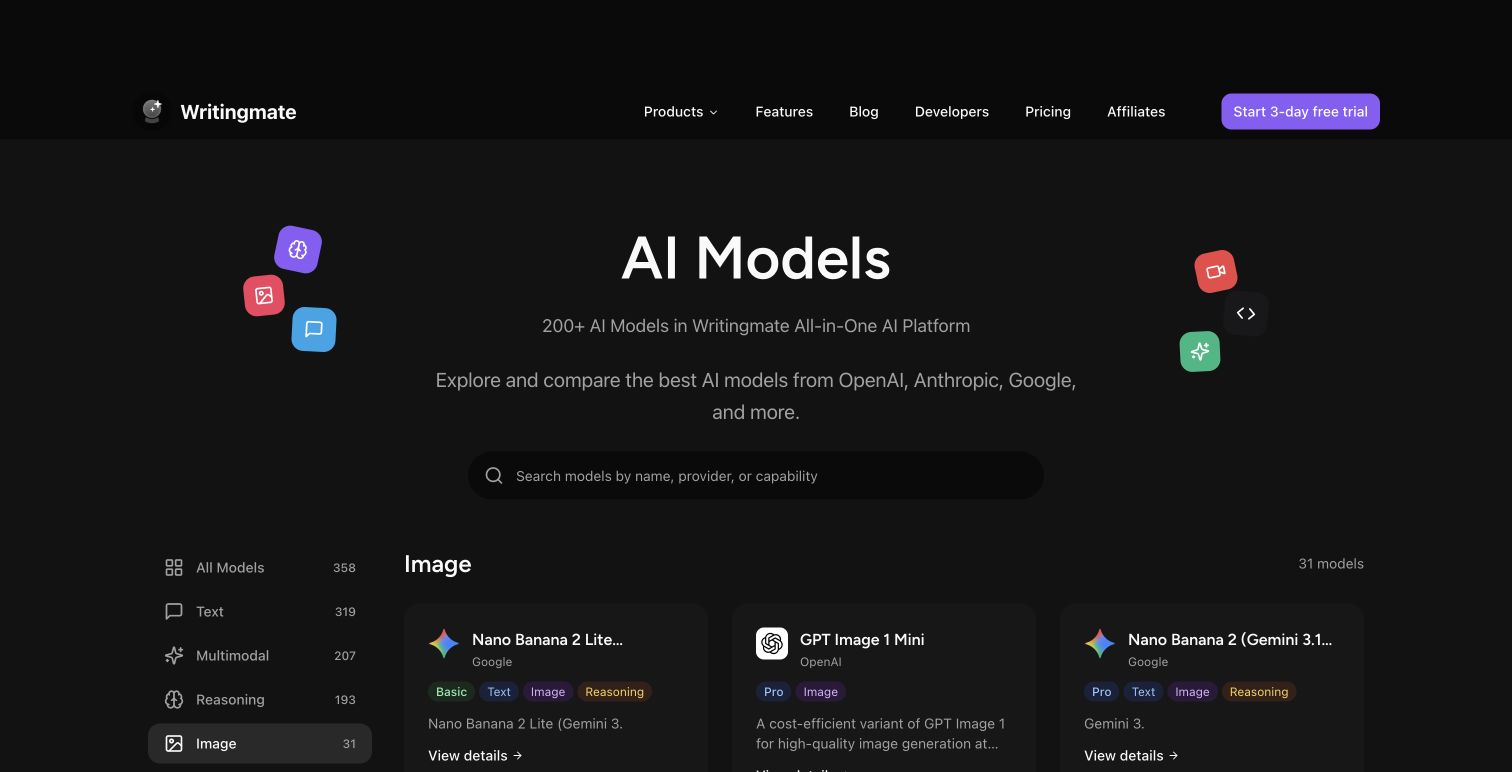
My name is Artem, and I run the Writingmate blog. For the past two years I've been testing AI image generators for our platform — everything from free community tools like Perchance to frontier models like GPT-5 Image and FLUX.2 Pro. The models directory page is one of the most useful things Writingmate has built, and it's also one of the least understood, because most users land there from a Perchance search, see twelve model names they don't recognize, and leave without generating a single image.
This guide is the walkthrough I wish existed when I was first navigating that directory. I'll cover what each major model family does, where Perchance still makes sense, and how to go from "I only know Perchance" to "I know exactly which model to use for this project" in about ten minutes.
Why "Perchance AI Image Generator" Is Still One of the Biggest Searches in AI
It's genuinely worth understanding why this search term is so persistent. Perchance keeps ranking because it removes every barrier to entry: no account, no payment, no waiting for an invite. You open the URL and type a prompt. That frictionless access is valuable for first-timers, and it's why Perchance works as a discovery gateway for AI image generation — even if it's not where most users should stay.
The secondary search term "perchance ai jellymon ai image generator" points to something more specific: an entire ecosystem of community-built generators inside Perchance for anime-style and fantasy character art. Jellymon is one of the most popular of these. These niche generators explain why some users stay loyal to Perchance even after discovering its limitations — the specific aesthetic tools that the Perchance community built aren't replicated anywhere else in exactly that form.
But for photorealism, product photography, marketing creative, concept art, or anything that needs to look professional, the Writingmate directory has models that produce dramatically better results. The gap has widened considerably in 2026 as new model generations have shipped. If you've tried image AI tools before and came away underwhelmed, the tools have improved enough that it's worth revisiting.
What You'll Actually Find in the Writingmate Image Models Directory
As of June 2026, the Writingmate image models directory includes dedicated generation models across four major families. Here's what each one actually does:

FLUX.1 and FLUX.2 series (Black Forest Labs) — The open-weight model family that reset expectations for what non-proprietary image models could do. Available in Schnell (fastest, good for volume), Dev (high quality, strong prompt following), and Pro/FLUX.2 Pro (the highest quality tier) variants. FLUX is currently the best model family for text-in-image tasks — readable text inside generated images, logos, poster headlines. Nothing else in the directory comes close on this specific capability.
DALL-E 3 (OpenAI) — Still the benchmark for following complex creative instructions. If you write a detailed scene description and need the output to actually match what you wrote, DALL-E 3 is more reliably accurate than most alternatives. It doesn't always produce the most photorealistic output, but it understands nuance in prompts in a way that simpler models don't handle well.
GPT-5 Image (OpenAI) — The newest and most capable OpenAI image model. What sets it apart from DALL-E 3 is iterative editing — feed it an existing image, describe what you want changed, and it makes targeted edits without regenerating from scratch. For workflows that involve refining an image across multiple rounds, this is a significant capability difference.
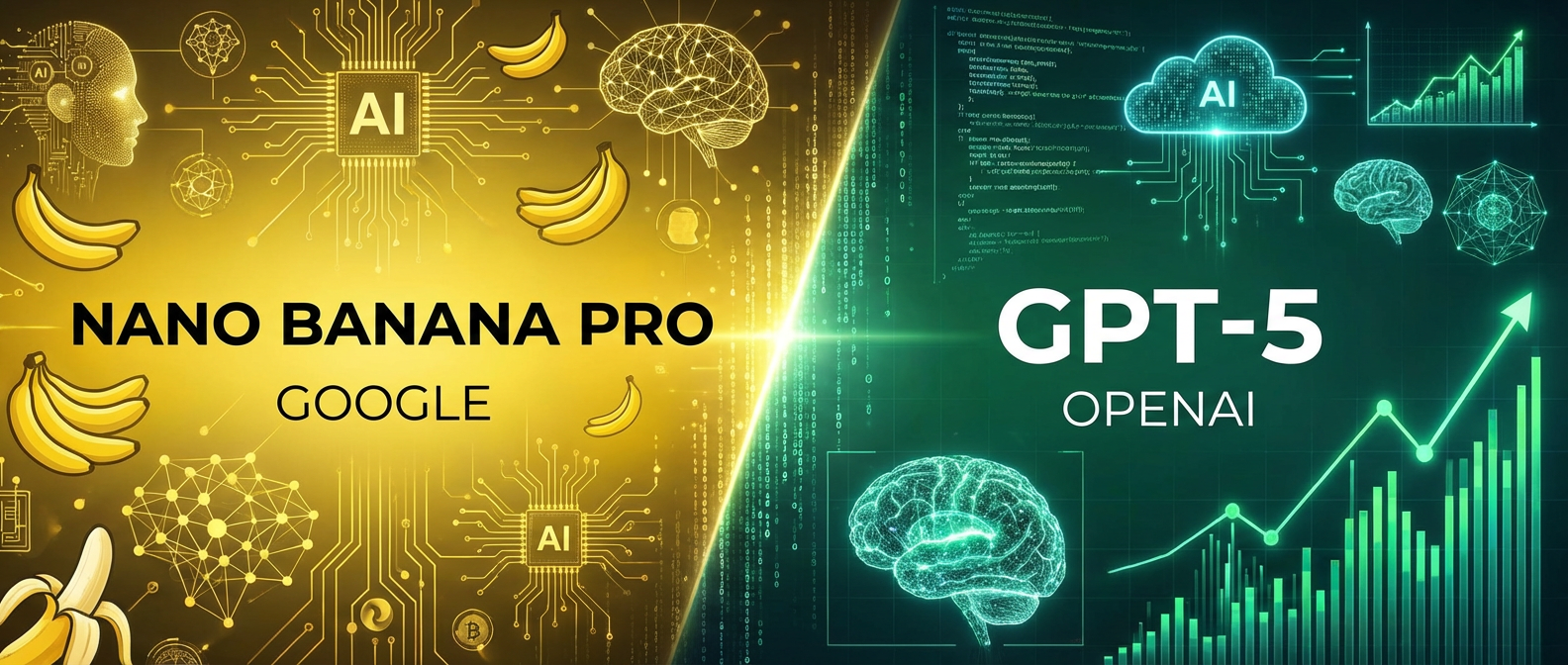
Nano Banana Pro (Google) — Google's image model has quietly become one of the most reliable options for portraits and product photography. Color accuracy, skin tone handling, and fine detail are excellent. Generation speed is competitive with FLUX.1 Schnell. If you're generating lifestyle imagery, people-focused content, or realistic product shots, Nano Banana Pro is often the best place to start.
Full Model Comparison: Capabilities, Speed, and What Each One Actually Excels At
Here's the honest comparison across the dimensions that matter for day-to-day use. I've tested all of these extensively on Writingmate, so these ratings reflect real output quality, not marketing copy.
Model | Photorealism | Prompt Accuracy | Text in Image | Generation Speed | Best Use Case |
|---|---|---|---|---|---|
Perchance AI | Basic | Limited | Poor | Slow (shared queue) | Free experiments, no-login quick tests |
FLUX.1 Schnell | Good | Good | Excellent | Very fast | Volume generation, rapid drafting |
FLUX.1 Dev | Excellent | Excellent | Excellent | Fast | Photorealism, posters, text overlays |
FLUX.2 Pro | Best-in-class | Excellent | Excellent | Medium | Character consistency, high-detail work |
DALL-E 3 | Very good | Best-in-class | Good | Medium | Complex scenes, creative concepts |
GPT-5 Image | Excellent | Best-in-class | Very good | Medium | Iterative editing, multi-round refinement |
Nano Banana Pro | Excellent | Very good | Good | Fast | Portraits, lifestyle, product photography |
One thing that table doesn't fully convey: the quality gap between Perchance and FLUX.1 Schnell is larger than the ratings suggest in practice. On a direct side-by-side test, FLUX.1 Schnell produces noticeably more detailed, better-composed images — and because it doesn't rely on a shared community queue, total generation time is often faster than Perchance at peak hours. Perchance's queue can push wait times over 60 seconds. FLUX.1 Schnell usually comes back under 10.
"Switched from Perchance to FLUX.1 Dev last month and the difference is night and day — not just quality, but how well it actually follows my prompts. Used to spend 20 minutes regenerating the same scene. Now I usually get usable output on the second try." — u/generative_explorer on r/StableDiffusion
How to Pick the Right Model for What You're Making
The question I hear most often is: "Which one should I start with?" The honest answer depends on three things.
What is the output actually for?
- Social media content, personal projects → FLUX.1 Schnell or Nano Banana Pro
- Marketing materials, client work → Nano Banana Pro or FLUX.1 Dev
- Anything with text in the image — logos, posters, signs, banners → FLUX.1 Dev or FLUX.2 Pro (this is where they clearly dominate)
- Narrative scene, illustrated concept → DALL-E 3
- Iterative editing across multiple rounds → GPT-5 Image
- Anime or manga style → look for the specialized models in the directory under that category
How complex is your prompt?
Short prompts under 30 words work fine across almost every model in the directory. Once you're writing multi-sentence prompts with specific composition, lighting, and style requirements — "close-up portrait, golden hour lighting, shallow depth of field, subject looking over her left shoulder toward a city skyline, Fuji film grain" — you need a model with better semantic understanding. DALL-E 3 and GPT-5 Image handle that kind of multi-constraint instruction most faithfully. FLUX.1 Dev is competitive. FLUX.1 Schnell starts to drop details when prompts get complex.
Are you generating one image or many?
For one or two images, use the highest-quality model that fits your use case — the cost difference at low volume is negligible. For batch generation (50+ images for social media calendars, product variant shots, or training datasets), FLUX.1 Schnell's speed and lower per-image cost makes it the practical default. Volume changes the math significantly.
The directory makes it easy to switch between models mid-session without leaving the platform. My actual workflow: pick the model that looks best for the task based on the table above, generate three or four shots, and if the results aren't landing, try the next candidate. You'll converge on the right tool faster than trying to predict it from specs alone.
Getting From Perchance to Writingmate in Under Five Minutes
If you want to see the difference firsthand without reading another comparison, here's the fastest path:
- Go to writingmate.ai/models/category/image
- Pick FLUX.1 Schnell first — it's the most similar to Perchance in terms of speed and simplicity, just substantially better
- Type the same prompt you'd use on Perchance
- Compare the output side by side with what you'd normally get
- If you want to push quality further, switch to FLUX.1 Dev and run the same prompt again
- For anything with text in the image, stay on FLUX.1 Dev — that's where it earns its place
Writingmate has a free tier with generation credits, which is enough to run several tests before committing. That's all you need to see the quality difference firsthand — and in my experience, one direct comparison with your actual prompts is usually enough to make the decision obvious.
One practical tip: the directory page shows sample outputs for each model before you generate anything. That preview gallery tells you immediately whether the model's visual style matches what you're going for. Perchance shows you nothing before generation — you type a prompt and hope. The ability to preview output style before spending a credit is a small thing that saves a lot of time.
"The Writingmate image model directory is something I didn't know I needed. Switching between FLUX.1 for photorealism and DALL-E 3 for concept art without managing five separate accounts has saved me more time than I expected." — @digitalcreator_pro on X
What's New in the Directory Since Early 2026
A few changes worth knowing if you haven't been tracking this space closely:
FLUX.2 Pro shipped in Q1 2026. Black Forest Labs released a significant architecture update that improved character consistency substantially — meaning multiple generations of the same subject are now more visually coherent. If you're building a character series, a storyboard, or any project where the same subject needs to appear across multiple images, this update changes what's possible with FLUX.
GPT-5 Image raised the bar for instruction following. The gap between "what I typed" and "what came out" has narrowed significantly in 2026. Earlier generations of AI image models got the main subject right but regularly botched backgrounds, compositional details, or secondary elements. GPT-5 Image handles multi-element prompts with noticeably better fidelity.
Inpainting is now built into Writingmate. This launched in April 2026 and it's a bigger workflow shift than it might sound. You can generate an image, paint a mask over the area you want to change, describe the edit, and revise just that portion without regenerating the whole composition. If you've been stuck in the "almost right but the background is wrong" cycle, this specific feature is worth trying. It works best with GPT-5 Image and FLUX.1 Dev.
The broader point: a lot changed between early 2025 and mid-2026 in AI image generation. Models that felt experimental twelve months ago are now reliable enough for production work. The tools that used to require expensive API access with per-image pricing are now available through a flat subscription on platforms like Writingmate. If your mental model of "AI image generators" was formed more than a year ago, the current landscape is worth revisiting.
The Writingmate image models directory is the fastest way to see everything that's available without juggling separate accounts across five platforms. If you're starting from Perchance, FLUX.1 Schnell is the right first stop — that single comparison is usually enough to change which tool you reach for by default.
See you in the next one!
Artem
Frequently Asked Questions
Sources

Written by
Artem Vysotsky
Ex-Staff Engineer at Meta. Building the technical foundation to make AI accessible to everyone.

Reviewed by
Sergey Vysotsky
Ex-Chief Editor / PM at Mosaic. Passionate about making AI accessible and affordable for everyone.