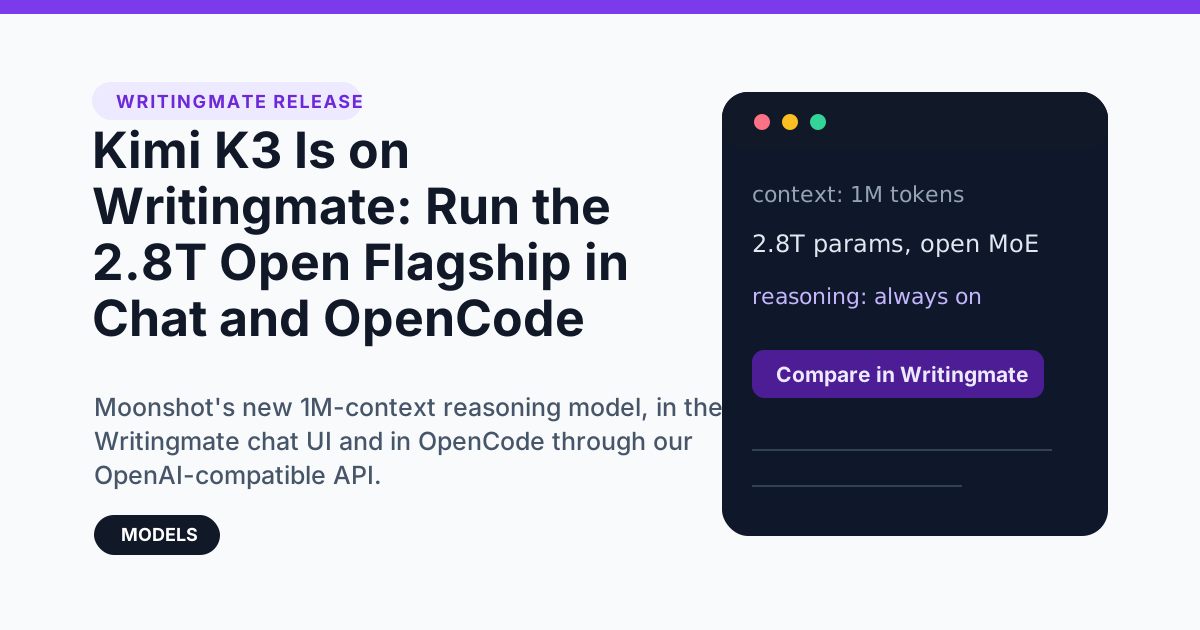
Moonshot AI released Kimi K3 on July 16, 2026, and it is the biggest open-weight model anyone has ever shipped: 2.8 trillion parameters, a 1-million-token context window, and reasoning that is always on. Moonshot says it goes toe to toe with the best closed models, and the first independent numbers mostly back that up. The weights land on July 27, but the model itself is live right now.
Kimi K3 is already on Writingmate. You can use it two ways: pick it in the chat like any other model, or plug it into OpenCode (or any coding tool that accepts a custom OpenAI base URL) through our OpenAI-compatible API. This post covers both, plus benchmarks, pricing, and the results of our own five-prompt test against GPT-5.5.
What is new in Kimi K3
Kimi K3 is a Mixture-of-Experts model that activates 16 of 896 experts per token. Moonshot rebuilt the architecture around Kimi Delta Attention with Attention Residuals and a design it calls Stable LatentMoE, and it trained the model with quantization-aware training (MXFP4 weights) from the supervised fine-tuning stage on. The company claims roughly a 2.5× jump in scaling efficiency over Kimi K2.
“It is the world’s first open 3T-class model, designed for frontier intelligence across long-horizon coding, knowledge work, and reasoning.” — Moonshot AI announcement
The practical specs: a 1,048,576-token context window, text and image input, and text output. One thing to know before you use it: reasoning is mandatory. At launch the model runs at a single “max” thinking effort, with lower-effort modes promised in future updates. That makes answers thorough, but it also means the model spends a lot of tokens thinking — Artificial Analysis measured it as one of the most verbose models it has ever benchmarked.
Kimi K3 benchmarks: close to the frontier, ahead of Opus 4.8
Numbers from Moonshot’s official announcement, compared with the current frontier closed models:
Benchmark | Kimi K3 | Claude Fable 5 | GPT-5.6 Sol | Claude Opus 4.8 |
|---|---|---|---|---|
Terminal Bench 2.1 | 88.3 | 84.6 | 88.8 | 84.6 |
ProgramBench | 77.8 | 76.8 | 77.6 | 71.9 |
DeepSWE | 67.5 | 70.0 | 73.0 | 59.0 |
GPQA-Diamond | 93.5 | 92.6 | 94.1 | 91.0 |
BrowseComp | 91.2 | 88.0 | 90.4 | 84.3 |
MMMU-Pro | 81.6 | 81.2 | 83.0 | 78.9 |
Source: Moonshot AI, Kimi K3 announcement. Bold marks where K3 beats both Anthropic models.
Independent testing points the same way. Artificial Analysis gives Kimi K3 an Intelligence Index of 57 — fourth place among 189 models, ahead of Claude Opus 4.8 (56) and just behind GPT-5.6 Sol (59) and Claude Fable 5 (60). For an open-weight model, that gap has never been this small. Output speed is middling at 62 tokens per second, latency is good at about 2 seconds to first token, and the verbosity is real: K3 generated 130M output tokens across Artificial Analysis’s eval suite, roughly double the median model.
Simon Willison, who ran his usual hands-on tests the day of the release, noted that a single illustration prompt consumed 16,658 output tokens — 13,241 of them reasoning — and cost about 25 cents. Thorough, not cheap.
Writingmate evaluation: Kimi K3 vs GPT-5.5
Benchmarks are easy to game, so we ran our own standard five-prompt evaluation against a strong baseline, GPT-5.5, using the same prompts we use for every model release: creative writing, code generation, trick-question reasoning, strict instruction following, and constrained summarization.
Test | Kimi K3 | GPT-5.5 | What we saw |
|---|---|---|---|
Creative writing | Excellent | Excellent | Both nailed the brief; K3’s scene had the more distinctive voice and imagery. |
Code generation | Correct* | Correct | K3’s final answer was the more complete implementation — but see the caveat below. |
Trick-question reasoning | Correct | Correct | Both answered 9; K3 also explained why people get it wrong. |
Instruction following | Perfect | Perfect | Exactly 5 items, every one under 10 words, no intro or outro from either model. |
Summarization | Correct | Correct | Both produced exactly 2 sentences; GPT-5.5 compressed harder, K3 stayed closer to the source wording. |
Quality-wise, Kimi K3 matched or beat the baseline on all five tests. Its thriller opening was the best first line we have gotten from this eval in a while:
“The Yamanote line exhaled her onto the platform at Shinjuku, and Yuki counted three men behind her instead of two.”
Now the asterisk. On our first code-generation run we gave both models an 8,000-token budget. GPT-5.5 finished comfortably. Kimi K3 spent all 8,000 tokens thinking and never emitted a line of code. With the budget raised to 16,000 tokens it produced an implementation that was genuinely better than the baseline’s — a shared-promise design with cancel() and flush(), properly typed generics, and clean JSDoc — after 6,197 reasoning tokens. That single function cost $0.11 to generate, roughly double GPT-5.5’s.
The takeaway for real use: give Kimi K3 room. Set generous output budgets, expect answers to arrive slower than a fast model, and point it at problems where deep thinking pays for itself. When we did that, it out-wrote a frontier baseline. (We also hit upstream rate limits twice during testing — launch-day traffic is real.)
Kimi K3 pricing
API list prices per million tokens, as listed on OpenRouter today:
Model | Input | Output | Cached input | Context |
|---|---|---|---|---|
Kimi K3 | $3.00 | $15.00 | $0.30 | 1M |
Claude Fable 5 | $10.00 | $50.00 | $1.00 | 1M |
GPT-5.6 Sol | $5.00 | $30.00 | $0.50 | 1M |
Claude Opus 4.8 | $5.00 | $25.00 | $0.50 | 1M |
GLM-5.2 | $0.97 | $3.06 | $0.18 | 1M |
DeepSeek V4 Pro | $0.43 | $0.87 | — | 1M |
Two honest notes. First, Kimi K3 is a big price jump inside its own family — Kimi K2.6 costs $0.95/$4.00. Second, because reasoning is always on, K3 produces far more output tokens per answer than the sticker price suggests, so the real cost per task sits closer to mid-tier closed models than the raw table implies. It is still a fraction of Fable 5’s $50-per-million output rate. On Writingmate you do not pay per token at all — Kimi K3 is included in paid plans under the normal message limits.
How to try Kimi K3 on Writingmate
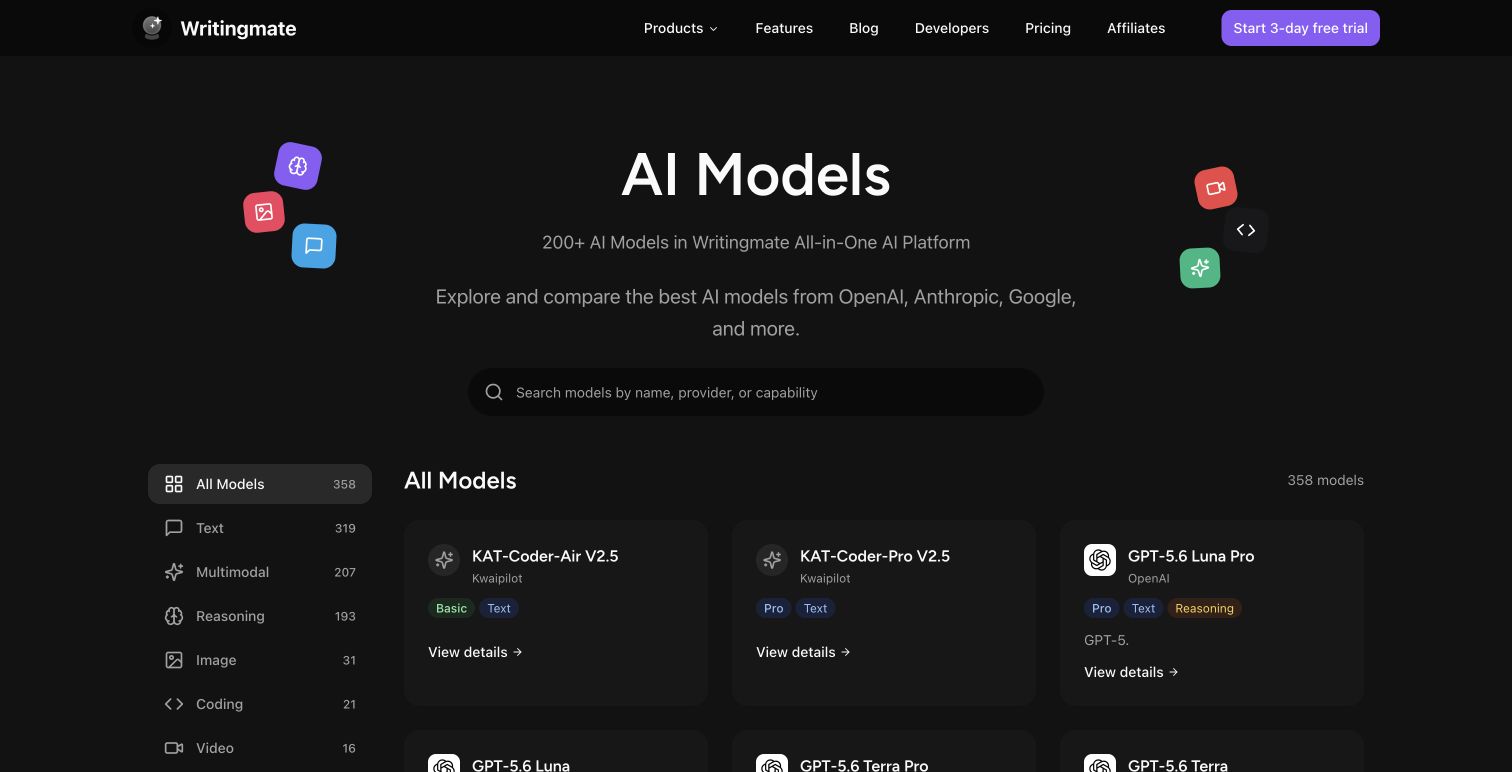
Kimi K3 is in the model picker now. Open a new chat, click the model dropdown, and search for “Kimi K3” — or open the Kimi K3 model page and start from there. It sits in the same subscription as 200+ other models, so there is no separate key or per-token bill.
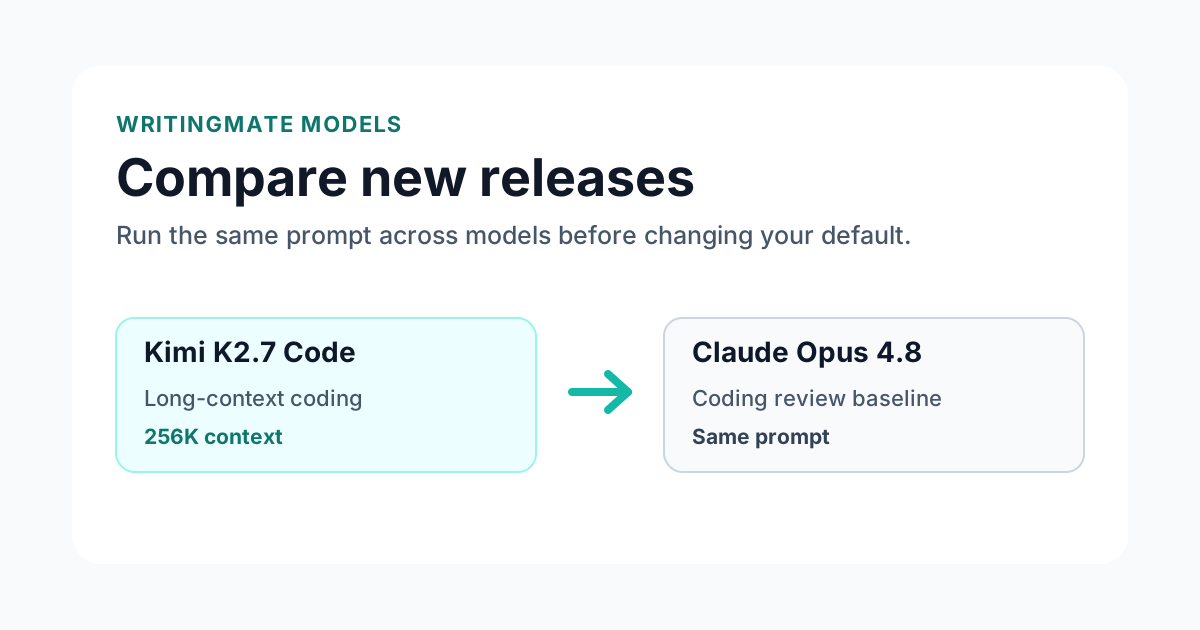
The fastest way to form your own opinion is a side-by-side. Open the Kimi K3 vs Claude Opus 4.8 comparison and run the same prompt through both. K3’s benchmark profile says it should win on terminal-style agent tasks and deep research questions and trade blows everywhere else.
How to use Kimi K3 in OpenCode via the Writingmate API
Kimi K3’s strongest results are agentic coding benchmarks, which means the most interesting place to run it is not a chat window — it is a coding agent in your terminal. Writingmate ships an OpenAI-compatible API, so OpenCode can use your Writingmate subscription as its model provider. No OpenRouter account, no separate Moonshot key.
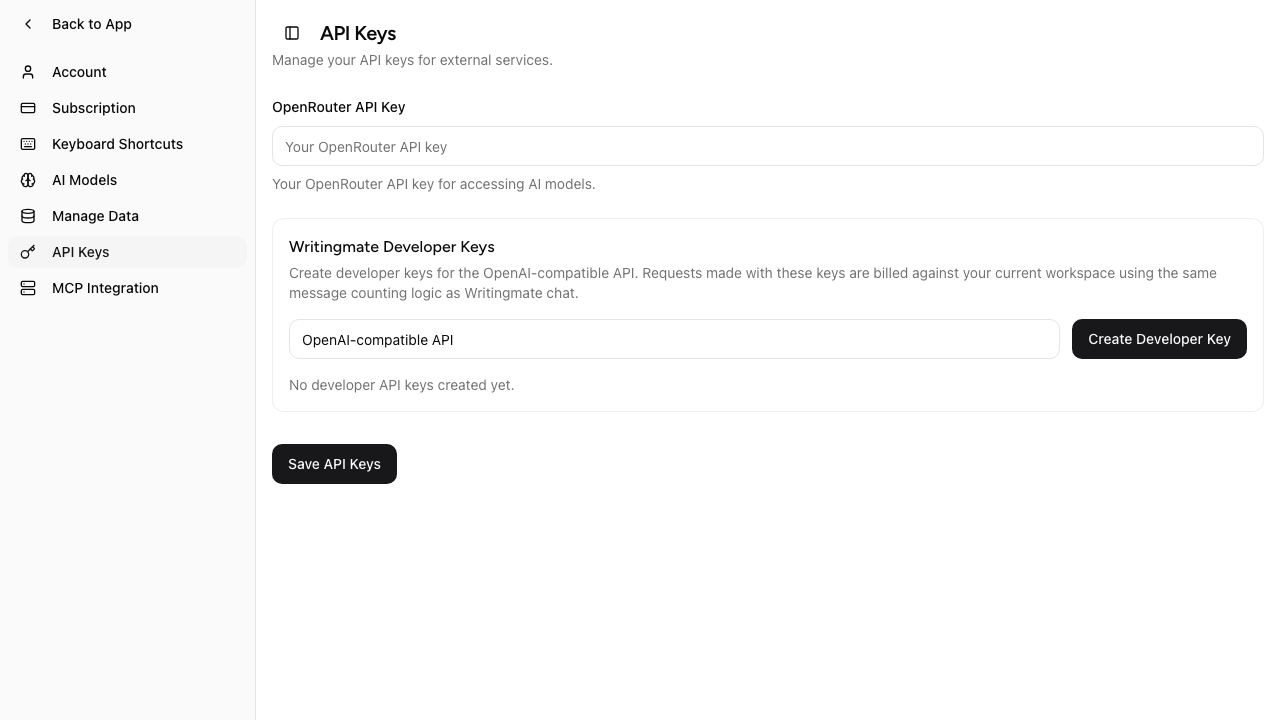
Step 1: create a developer key. Go to Settings → API Keys and create a key in the Developer Keys section. It starts with wm_v2. and is shown once, so copy it right away.
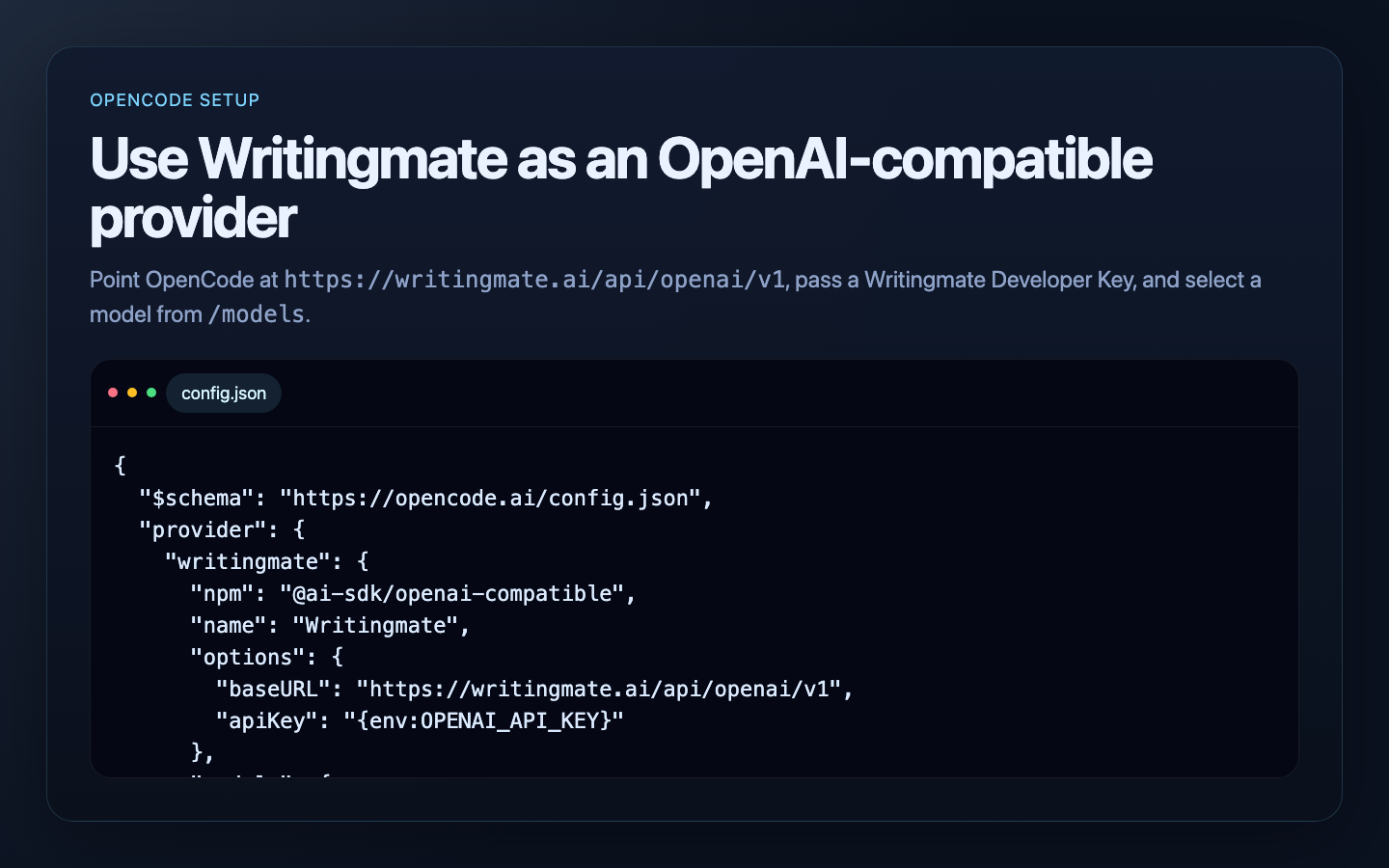
Step 2: add Writingmate as a provider in OpenCode. Put this in your config.json (OpenCode reads it from ~/.config/opencode/config.json or a project-level opencode.json):
{
  "$schema": "https://opencode.ai/config.json",
  "provider": {
    "writingmate": {
      "npm": "@ai-sdk/openai-compatible",
      "name": "Writingmate",
      "options": {
        "baseURL": "https://writingmate.ai/api/openai/v1",
        "apiKey": "{env:OPENAI_API_KEY}"
      },
      "models": {
        "moonshotai/kimi-k3": {}
      }
    }
  }
}
Step 3: export your key and start OpenCode.
export OPENAI_API_KEY=wm_v2.your-key-here
opencode
Select the Writingmate provider and moonshotai/kimi-k3 as the model, and the agent now runs on Kimi K3 through your subscription.
A few things worth knowing before a long agent session:
- API usage is metered in messages, the same units as chat: 1 message = 16,000 tokens, every request costs at least one message, and cached prompt tokens count at a 50% discount.
- Kimi K3’s always-on reasoning counts as output tokens, so long agentic runs consume messages faster than a terse model would. Prompt caching helps a lot here — K3 caches input at a 90% discount upstream.
- The same base URL works in Continue, Aider, Simon Willison’s
llmCLI, and anything else that accepts a custom OpenAI endpoint. Full setup examples for each are in our API documentation and on the developers page.
Best use cases for Kimi K3
- Long agentic coding sessions — Terminal Bench 2.1 (88.3) is its headline result; it beats both current Claude models at driving a terminal.
- Whole-repository work — the 1M-token context fits large codebases, specs, and logs in one conversation.
- Deep research and web agents — the top BrowseComp score (91.2) among the models in Moonshot’s comparison.
- Hard reasoning — 93.5 on GPQA-Diamond, with the always-on thinking mode doing visible work on trick questions.
- Screenshot-plus-code debugging — native image input means you can paste a UI capture next to the component code.
Where it is the wrong tool: quick one-line answers. The mandatory max-effort reasoning makes short tasks slower and more token-hungry than a fast model like Gemini 3.5 Flash. Save K3 for work that deserves the thinking.
Frequently Asked Questions About Kimi K3
Sources

Written by
Artem Vysotsky
Ex-Staff Engineer at Meta. Building the technical foundation to make AI accessible to everyone.

Reviewed by
Sergey Vysotsky
Ex-Chief Editor / PM at Mosaic. Passionate about making AI accessible and affordable for everyone.