Right now, I'd guess you've got at least four AI apps installed somewhere — a chatbot for questions, something for images, maybe a video tool you tried once, and a "personal assistant" app you downloaded during a productivity kick and now barely open. Sound about right?
My name is Artem, and I run the Writingmate blog. Part of my job is testing AI apps against each other for a living, which mostly means I have more AI subscriptions active on my card statement than I'd like to admit. I've gone through the exact cycle this article is about: collect a free app for every job, hit a wall with each one at a different moment, and then have to decide whether to add a fifth subscription or actually consolidate.
This isn't a "best AI apps for work" roundup organized by job title — we already covered that ground. This is the decision itself: when do scattered free apps genuinely work fine, when do they quietly start costing you more than a subscription would, and what should you actually check before you commit to one AI subscription that's supposed to cover everything.
The Five Jobs You're Actually Hiring AI Apps For
Before comparing free versus paid, it helps to separate what you're actually asking AI to do. Almost everyone's AI usage breaks down into five jobs, even if you never named them that way:
- Chat assistant — answering questions, drafting emails, explaining things, brainstorming. This is the job ChatGPT, Claude, and Gemini all compete for.
- Image generation — social graphics, product mockups, thumbnails, illustrations.
- Video generation — short clips, product demos, social content.
- Research — cited answers, comparing sources, fact-checking, summarizing long documents.
- Personal assistant — the stuff that touches your calendar, inbox, and recurring tasks.
Here's the thing nobody tells you upfront: each of these jobs has a different free tier that runs out at a different point, for a different reason. A chat app runs out on message count. An image app runs out on daily generations. A video app might not have a free tier worth using at all. That mismatch is exactly why you end up with five apps instead of one — each one solves its slice, and none of them talk to each other.
Where Free Actually Holds Up (And Where It Breaks)
I went through the current free tiers for each job as of July 2026. Some of these are genuinely fine for casual use. Others look free on the surface but throttle hard the moment you use them for anything real.
Job | What free actually gives you | Where it breaks |
|---|---|---|
Chat assistant | ChatGPT free: ~10 GPT-5 messages per 5-hour window, then falls back to a mini model. Claude free: roughly 15–40 messages per 5-hour window depending on load. | Any real work session (debugging, long drafts, back-and-forth editing) burns through the cap in 20–30 minutes |
Image generation | Gemini's Nano Banana: about 20 images per 24 hours free. Nano Banana Pro: 3 free tries at low resolution only. | No free access to 2K/4K output — full-resolution generation requires a paid Google AI plan |
Video generation | Sora inside ChatGPT is capped to a handful of generations per day; there's no meaningful free tier for Veo-quality output | Free video generation is essentially a trial, not a workflow |
Research | Perplexity free: unlimited basic search, but only about 5 Pro Search queries a day | Deep, multi-source research questions eat your daily quota in one sitting |
Personal assistant | Most free assistant apps handle reminders and simple scheduling | Anything that needs memory of your other conversations, files, or history usually needs a paid tier or a separate integration |
Notice the pattern: free tiers aren't broken, they're just sized for occasional use. If you open a chat app twice a week to ask something quick, free is genuinely enough — don't let anyone talk you into paying for that. The wall shows up when your usage becomes routine, or when a task needs more than one of these jobs at once.
The Wall: Rate Limits Aren't the Real Problem
Here's what actually pushed me to stop treating this as five separate apps: it's not really about hitting rate limits. It's about what happens between apps. You draft something in your chat assistant, then have to re-explain the context to your image tool. You research a topic in Perplexity, then paste the findings into a different app to actually write from them. None of these apps remember what you did in the other one, and none of them share your files.
That's the actual tax of the scattered-apps approach — not the $0 you're paying, but the time you spend re-explaining yourself five times a day. I noticed this most with the personal assistant category specifically: an assistant app that only knows your calendar is only half useful if it has no idea what you researched yesterday or what draft you're working from. The value of a "personal" assistant drops fast the moment it can't see the rest of your work.
This is a well-worn complaint if you spend any time in AI communities. People who've tried running multiple specialist subscriptions side by side tend to land on the same conclusion:
"I use Claude for writing, ChatGPT for image gen and quick lookups, and Perplexity when I actually need sources — but honestly the switching is the annoying part, not any one tool being bad." — a user on Reddit
That's the tell. Nobody's complaining that ChatGPT or Claude or Perplexity aren't good enough at their one job. They're complaining about the seams between jobs — the part where you're the integration layer, manually copying context from one app's window into another.
What to Actually Check Before Paying for "All-in-One"
Once you decide scattered free apps are costing you more time than they're saving, the next trap is picking an all-in-one subscription that isn't actually all-in-one — it's one chat model with a few bolted-on extras. Before you commit, check these five things:
- Model choice, not just model count. "200+ models" is meaningless if you can't switch between them mid-conversation for the same file or thread. Check whether you can hop from a reasoning model to a fast model without starting over.
- Does image and video generation share context with chat? If you have to leave the conversation to generate an image and then can't reference that image back in chat, you haven't actually consolidated anything.
- File continuity. Can you upload a document once and use it across chat, research, and image/video generation, or do you re-upload it into three different tools?
- Real usage caps, not marketing caps. Ask what happens at your actual volume, not the advertised "unlimited" that quietly turns into a soft throttle.
- Exit cost. Can you export your conversations and files if you cancel? A subscription that traps your work is a worse deal than a free app you can walk away from.
I'd also add: test it on your actual worst week, not a demo prompt. Pick the messiest task you had recently — the one where you bounced between three tabs — and run the whole thing inside the one subscription you're evaluating. The apps that look identical on a features page separate fast once you throw a real, multi-step task at them instead of a single clean prompt.
What Changed When I Actually Consolidated
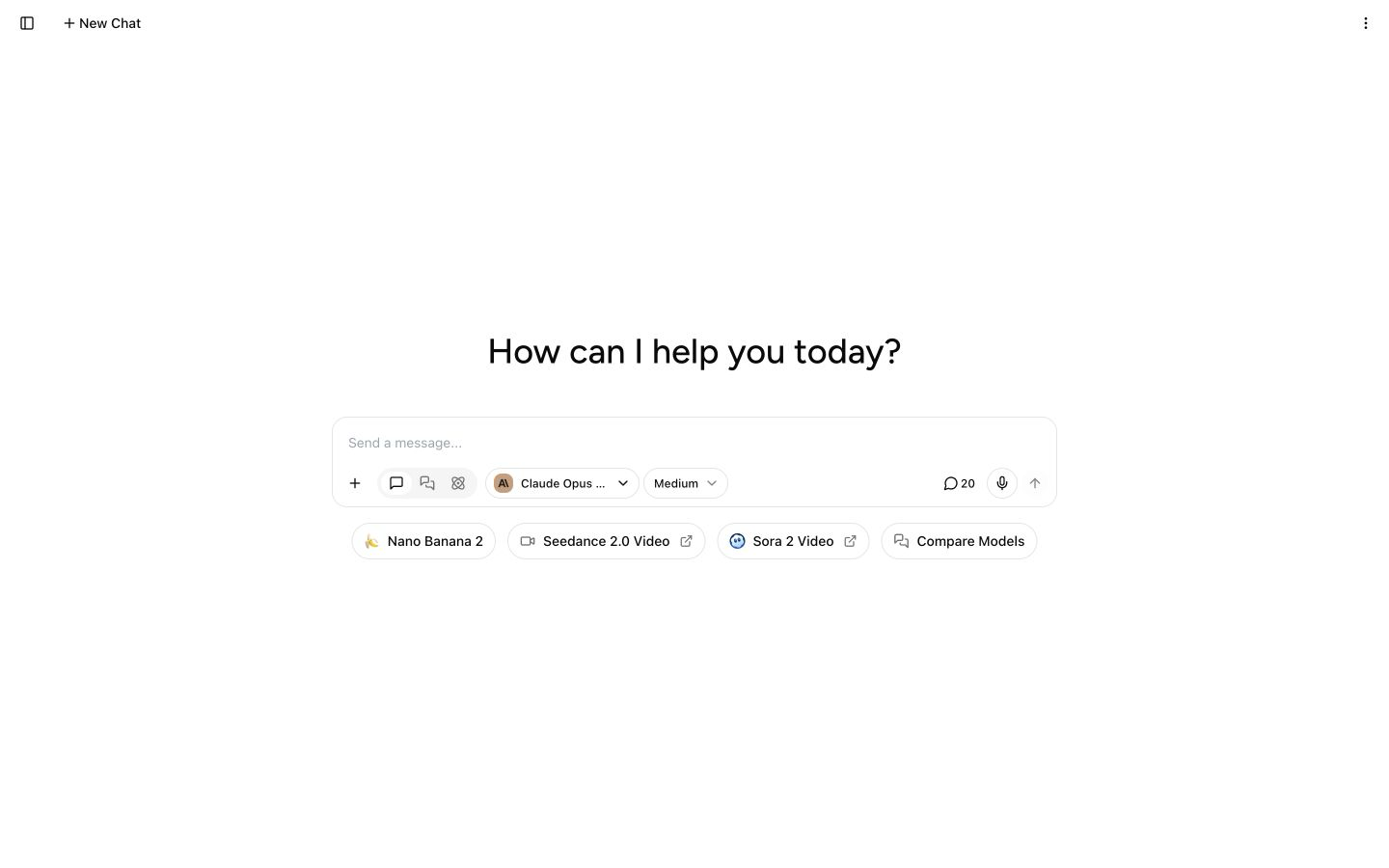
I tested this by moving a full week of real work — chat, image generation for a client mockup, a quick research pass, and drafting from a PDF — into Writingmate instead of my usual spread of apps. The part that mattered wasn't the model count, it was that a single thread carried the file, the chat history, and the generated image together, so I wasn't re-explaining context every time I switched jobs.
Practically, here's what that looked like: I started a thread with a research question, switched to a reasoning-focused model for the analysis, generated a supporting image without leaving the thread, and then asked a faster model to turn all of it into a draft — same conversation, same uploaded file, no copy-pasting between tabs. You can see the full model lineup on the Writingmate models page, and the key features doc covers how file and chat context carries across models.
This is also the kind of thing people notice when they actually try consolidating instead of just reading about it:
"Switched to paying for one AI subscription that covers chat, image, and research instead of three separate ones. Not because any single tool got worse, just tired of the app-switching tax." — @Adam_Bidd on X
None of this means free apps are a bad choice — they're the right call if your usage is light or occasional. The consolidation decision only pays off once you're regularly hitting the wall on more than one of the five jobs above. If you're only there for chat, a single free chatbot is still the simplest answer. If you're bouncing between three or four apps every week and re-explaining yourself each time, that's the actual signal to stop and check pricing on something like the Writingmate pricing page.
Free Apps Still Worth Keeping
Consolidating doesn't have to mean deleting everything else. Even after moving most of my routine work into one subscription, I still keep a couple of free, single-purpose apps around — a note-taking app I've used for years and a quick calendar widget. The rule I use: keep a free app if it does exactly one narrow thing you're already happy with and never needs to talk to the rest of your AI work. Replace a free app the moment it's supposed to be doing something connected — research that feeds a draft, a draft that needs an image, an image that needs a caption — because that's exactly where the app-switching tax shows up.
A Quick Way to Decide
If you want a shortcut instead of re-reading the whole checklist: count how many of the five jobs (chat, image, video, research, personal assistant) you touch in a normal week. One or two jobs, used occasionally? Stay free. Three or more jobs, used regularly, where you're pasting context between apps? That's usually when a single subscription pays for itself in saved time within the first couple of weeks — not because the free apps got worse, but because your usage outgrew what any one free tier was sized for.
So here's my honest read after going through this cycle myself more than once: don't consolidate because a blog post told you to. Consolidate when you can point to the specific moment in your week where you're doing the integration work that an app should be doing for you.
See you in the next one!
Artem
Frequently Asked Questions
Sources

Written by
Artem Vysotsky
Ex-Staff Engineer at Meta. Building the technical foundation to make AI accessible to everyone.

Reviewed by
Sergey Vysotsky
Ex-Chief Editor / PM at Mosaic. Passionate about making AI accessible and affordable for everyone.