Quick answer: the best AI app in 2026 is not one app for every person. ChatGPT is still the easiest general assistant to recommend. Claude is strong for careful writing, long-form review, and coding help. Gemini makes the most sense for Google-native research and document workflows. Perplexity is the cleanest answer engine when citations matter. Canva belongs in the visual content stack. Cursor is still a serious coding workspace. Writingmate is the practical all-in-one option when you want to switch between frontier models, image tools, video tools, files, and custom agents without buying a separate subscription for every job.
My name is Artem, and I look at AI software from the buyer and practitioner side. The question I care about is not which company had the loudest launch this month. It is which setup helps a person or team finish real work with less tool switching, less subscription sprawl, and fewer fragile handoffs.
That distinction matters because the phrase best AI apps now hides several different buying decisions. A solo creator comparing a $20 chat subscription is not making the same decision as a startup choosing a team workspace, a developer choosing an AI IDE, or a marketing team choosing visual generation tools. This guide organizes the shortlist by job-to-be-done so you can pick the right app for the workflow instead of chasing a universal ranking.
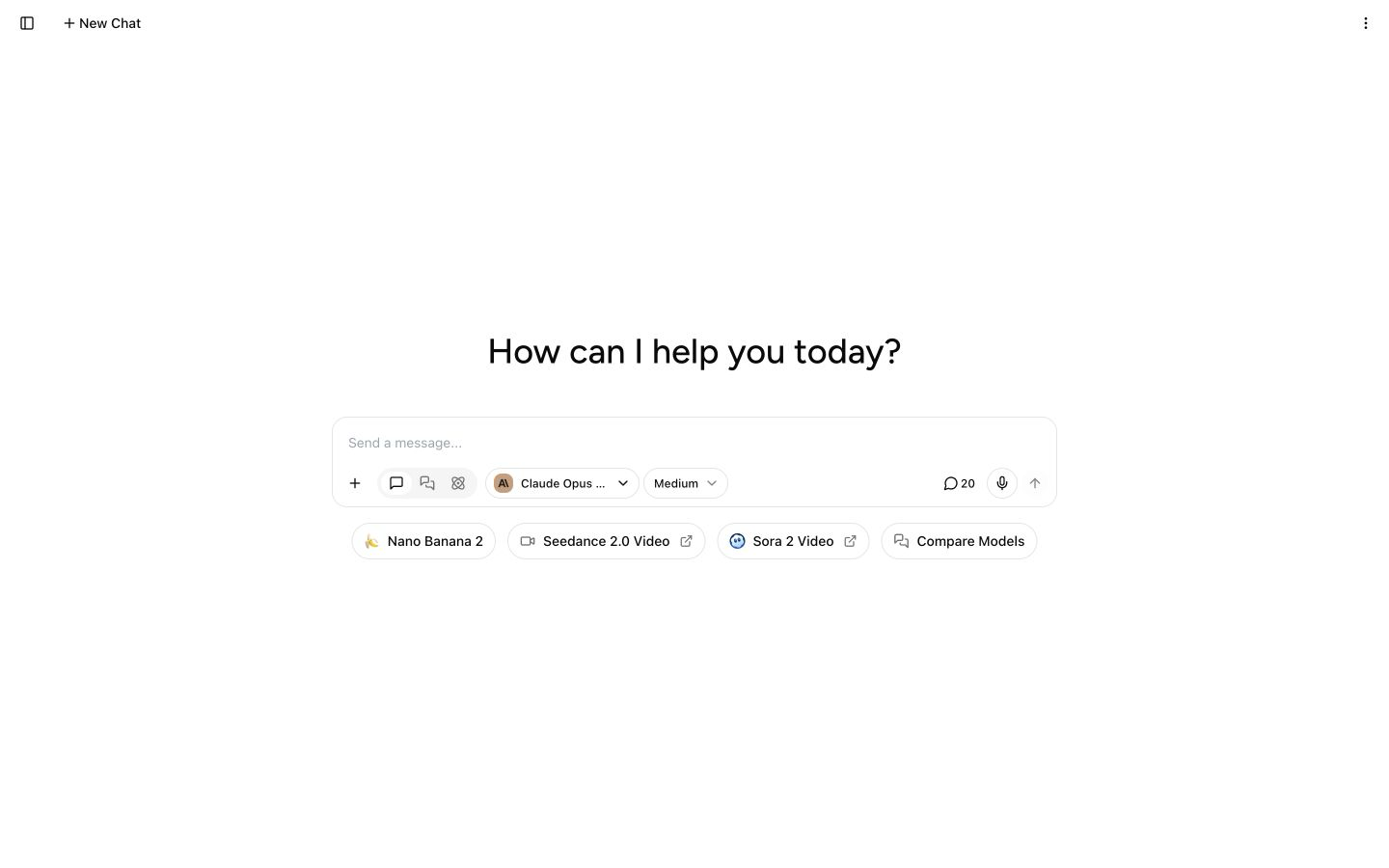
If you are evaluating Writingmate while reading, keep the pricing page, AI model directory, text-to-image workspace, text-to-video tools, and key features guide open. The product-led point is simple: many teams do not need one more isolated AI app. They need a place where the best model for today’s task is available without rebuilding the workflow from scratch.
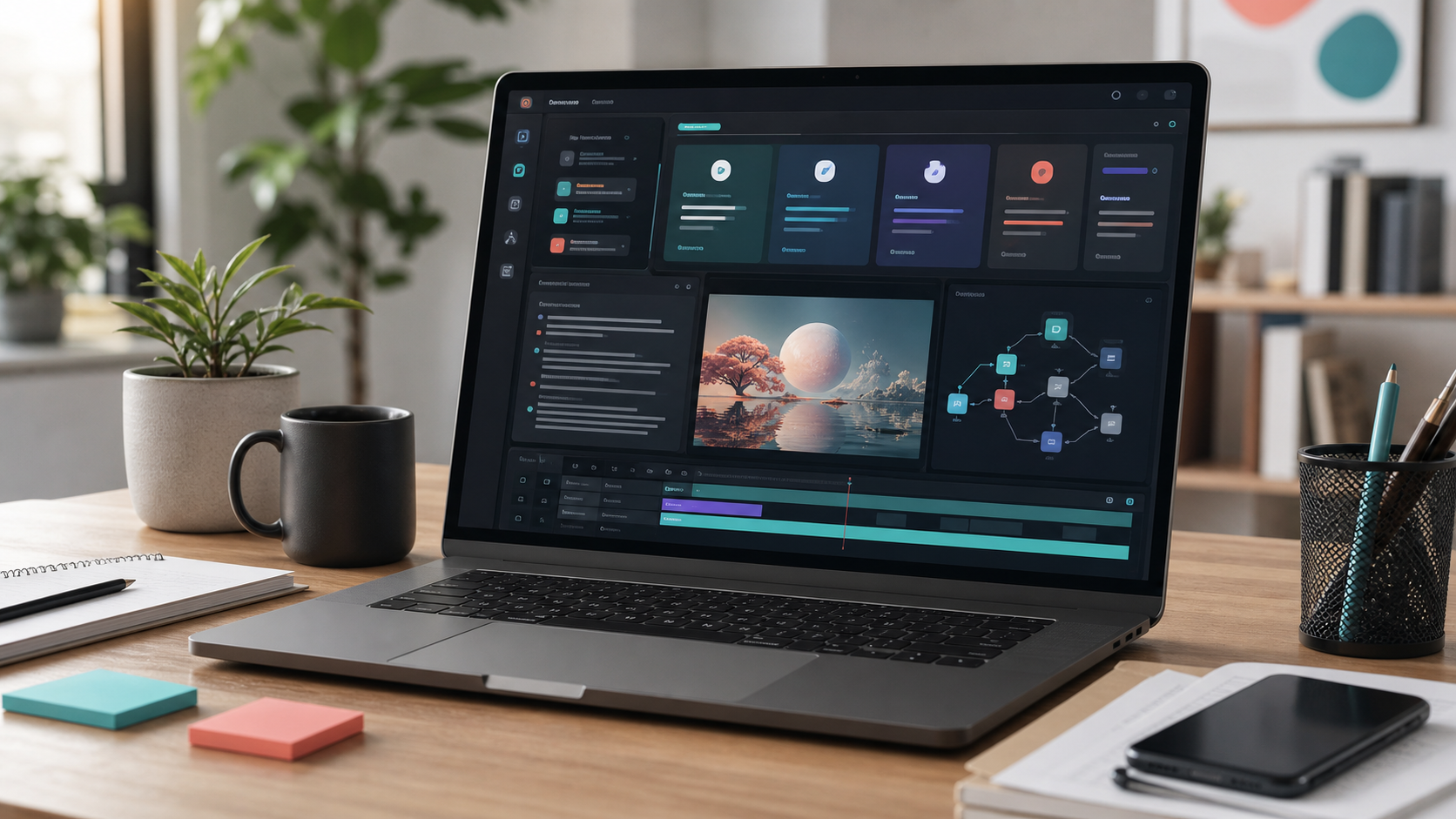
The best AI app depends on the job, not the logo
The most common buyer mistake is treating AI apps like a single league table. That worked when most tools were just chat boxes. It breaks down in 2026 because the market has split into product categories: general AI assistants, research engines, coding environments, design tools, video generators, meeting assistants, automation platforms, and multi-model workspaces.
OpenAI’s ChatGPT pricing page now describes a broad product ladder across free, Go, Plus, Pro, Business, and Enterprise plans. Anthropic’s Claude pricing page positions Pro for everyday productivity and Team for collaboration. Google’s AI plans combine Gemini access with storage and Google ecosystem features. Perplexity’s paid plans lean into research, enterprise controls, and newer computer-style workflows. Those official pages tell you something important: the major AI apps are no longer just models. They are packaged work systems.
So the better question is: where does your work get stuck? If the bottleneck is drafting, you want strong writing and revision. If the bottleneck is source synthesis, you want research and citations. If the bottleneck is shipping code, you want an IDE that understands the repo. If the bottleneck is marketing production, you want image and video output. If the bottleneck is subscription sprawl, you want a workspace that can route tasks across models and media types.
My buyer rule: choose the app that removes the handoff you repeat every day, not the app that wins the broadest benchmark screenshot.
The 2026 shortlist by workflow
Here is the practical shortlist I would start with before testing against your own work.
Workflow | Best first app to test | Why it belongs on the shortlist | When Writingmate is the better fit |
|---|---|---|---|
General assistant | ChatGPT | Broad feature set, familiar interface, strong everyday answers | You want GPT plus Claude, Gemini, Grok, image, video, and agents in one workspace |
Writing and review | Claude | Careful tone work, long drafts, critique, and document-heavy editing | You want to compare Claude against GPT or Gemini before finalizing the output |
Google-native research | Gemini | Strong fit for users already living in Google files and multimodal workflows | You do not want the model choice locked to one ecosystem |
Answer research | Perplexity | Fast cited answers and research-oriented product design | You need research plus generation, rewriting, files, and creative outputs together |
Coding | Cursor | AI help where developers already edit code | You are comparing model outputs before moving the task into the repo |
Visual content | Canva or a dedicated image/video tool | Fast creative production and templates | You want text, image, video, and model switching in the same subscription |
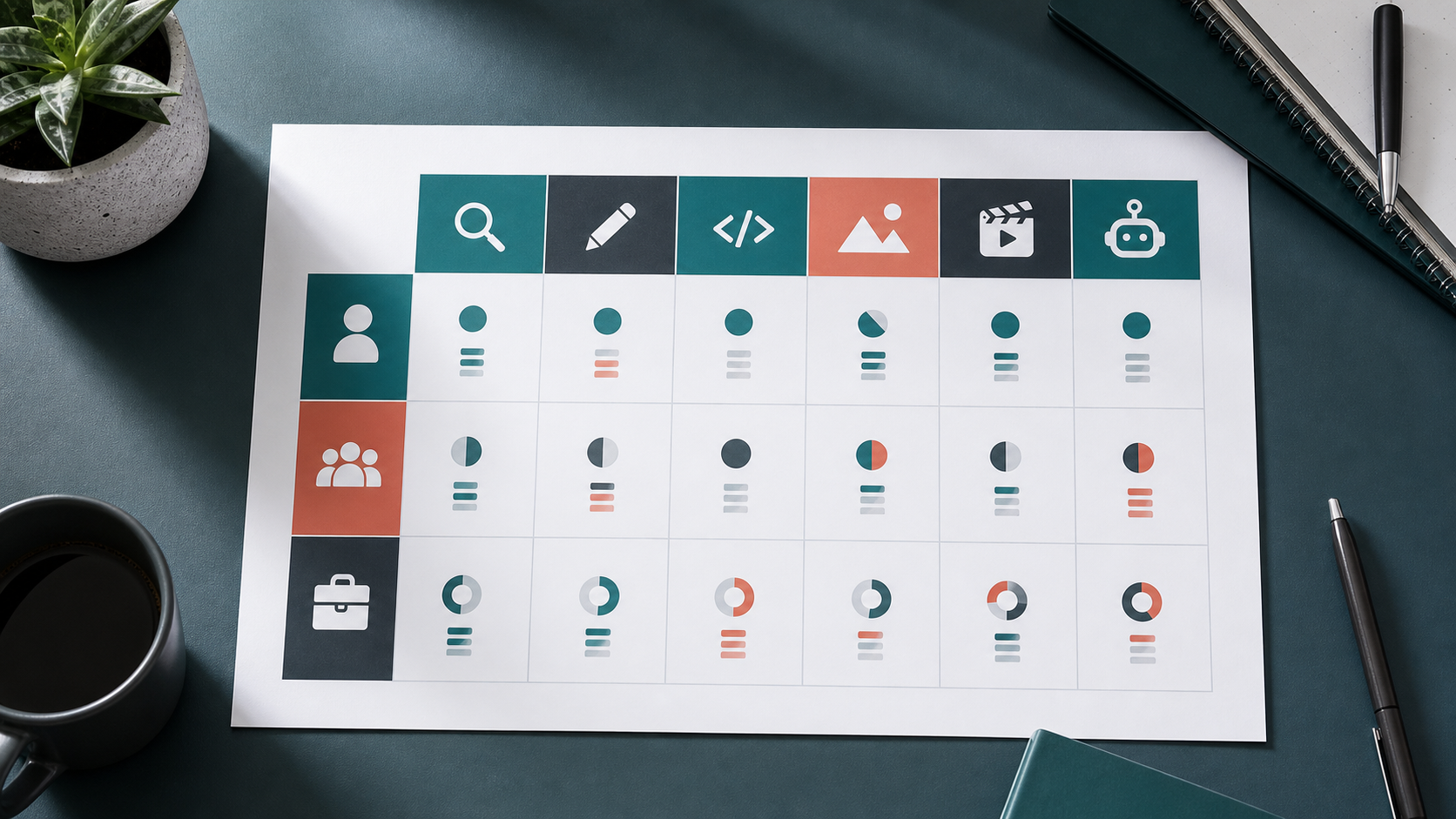
This table is intentionally job-based. A marketing lead may need Writingmate, Canva, and Perplexity. A developer may need Cursor plus a multi-model chat workspace. A founder may need one all-in-one subscription that covers writing, research, deck copy, images, and quick videos without turning the monthly software bill into a pile of overlapping tools.
ChatGPT: best default, not always the best stack
ChatGPT remains the safest default recommendation for many people because it is broad, familiar, and increasingly packaged for both individuals and teams. OpenAI’s current pricing pages show the consumer ladder from Go through Plus and Pro, plus Business and Enterprise for organizations. The official business materials emphasize workspaces, apps, projects, admin controls, and enterprise security options. That is what makes ChatGPT easy to approve internally: people understand what they are buying.
The weakness is not that ChatGPT is bad. It is that a single subscription can become less satisfying once your work branches out. You may want Claude’s editing style for a founder letter, Gemini’s fit for Google-heavy research, Perplexity for cited market scans, a separate image tool for campaign visuals, and a video model for social assets. At that point the question changes from “Is ChatGPT good?” to “How much of my actual AI workflow does this one subscription cover?”
Use ChatGPT first if you want a polished general assistant and the lowest training burden for a team. Test Writingmate first if your team’s real behavior is already multi-model: one person prefers Claude, another wants Gemini, someone needs Grok or Perplexity-style research, and the marketing workflow keeps jumping into image or video generation.
Claude: best for careful writing and document critique
Claude is often the first app I test when the output needs judgment, tone restraint, and long-form editorial work. Anthropic’s pricing page positions Claude Pro for everyday productivity, while paid plans add more usage and access to features like projects, research, and Claude Code. Recent Anthropic updates have also leaned into higher usage limits and expanded coding/design workflows, which makes Claude feel less like a pure writing assistant and more like a broad work companion.
For practitioners, Claude’s advantage is the way it handles nuance. It is strong for revising a memo without flattening the voice, critiquing a messy strategy doc, extracting risks from long notes, and helping a team think through product copy. It is not the only good writing model, but it remains one of the easiest to trust when the job is more editorial than transactional.
The tradeoff is concentration. If Claude is your only AI app, you may still need separate tools for image generation, video generation, broad model comparison, or research with stronger citation UX. That is where a multi-model workspace helps: you can use Claude when its style wins, then route the same brief to GPT, Gemini, or an image model without rebuilding the context elsewhere.
Gemini: best for Google-heavy teams and long-context intake
Gemini is the AI app I would test early if your daily work already lives in Google Docs, Gmail, Drive, Sheets, Meet, and NotebookLM-style research. Google’s AI plan page now packages Gemini with cloud storage and tiered access across Google AI Plus, Pro, and Ultra. The product message is clear: Gemini is not only a chatbot; it is part of a productivity ecosystem.
That ecosystem fit matters. If the work starts with long source packets, meeting notes, spreadsheets, and multimodal inputs, Gemini can be a strong intake layer. It is especially relevant for teams that do not want to move everything out of Google just to summarize, draft, or analyze it. For many businesses, workflow proximity beats abstract model preference.
The buyer caveat is lock-in. Google-native convenience is valuable, but your best output may still come from another model depending on the task. A good team setup should let you use Gemini where it is strongest without forcing every creative, research, or coding decision through one vendor.
Perplexity: best when research needs citations fast
Perplexity earns its place because it starts from a different product assumption: users often want an answer with sources, not a blank chat session. Its Pro and Enterprise pricing pages emphasize research-oriented usage, premium data, enterprise controls, and more advanced workflows. That makes it a strong first stop for competitive scans, background research, citation trails, and quick market understanding.
I like Perplexity when the job is “tell me what is known and show your work.” It is less ideal when the job becomes a full production workflow: rewrite this in our voice, make campaign visuals, produce a short video, compare model outputs, and turn the result into a reusable assistant. You can do some of that around Perplexity, but the center of gravity is research.
That means the best practical setup is often Perplexity plus a creation workspace. Use Perplexity to map the terrain, then use Writingmate or another multi-model app to turn the research into copy, images, videos, and repeatable workflows.
Visual, coding, and automation apps: where specialists still win
Not every AI job should be pulled into a general chat app. Coding is the obvious example. A developer working in a real repository usually benefits from AI inside the editor, with file context, diffs, tests, and review loops. Cursor, GitHub Copilot, and similar tools belong in that category because the app surface matches the job.
Visual content is similar. Canva and dedicated image or video tools make sense when the job is campaign production, design iteration, resizing, templates, and brand assets. Writingmate’s text-to-image and text-to-video pages matter for a different reason: many teams need creative generation as part of a broader AI workflow, not as a separate island. A blog post brief may become an image prompt, a social clip, a newsletter, and an agent instruction. The less you copy context between tools, the faster the workflow feels.
Automation and agents are the third specialist category. Use a dedicated automation platform or SDK when the AI system needs to touch production systems, update records, or run governed business processes. Use a workspace agent when the task is repeatable but still benefits from human review: weekly research, sales prep, content briefs, or support response drafts. Writingmate’s custom agents documentation is useful for this middle ground because it keeps the workflow close to the models, files, and prompts people already use.
How to choose without overbuying
Before you buy another AI subscription, run a one-week audit. Write down the five AI tasks you repeated most often last week. For each task, note the input, output, model or app used, second app used, and final destination. The expensive part is usually not the monthly fee. It is the hidden cost of moving the same context between disconnected tools.
Then score every candidate app on four dimensions: output quality, workflow fit, collaboration, and consolidation. Output quality answers whether the model is good enough. Workflow fit answers whether the app lives where the work happens. Collaboration answers whether a team can share projects, prompts, files, or admin controls. Consolidation answers whether the subscription replaces other tools or simply adds one more line item.
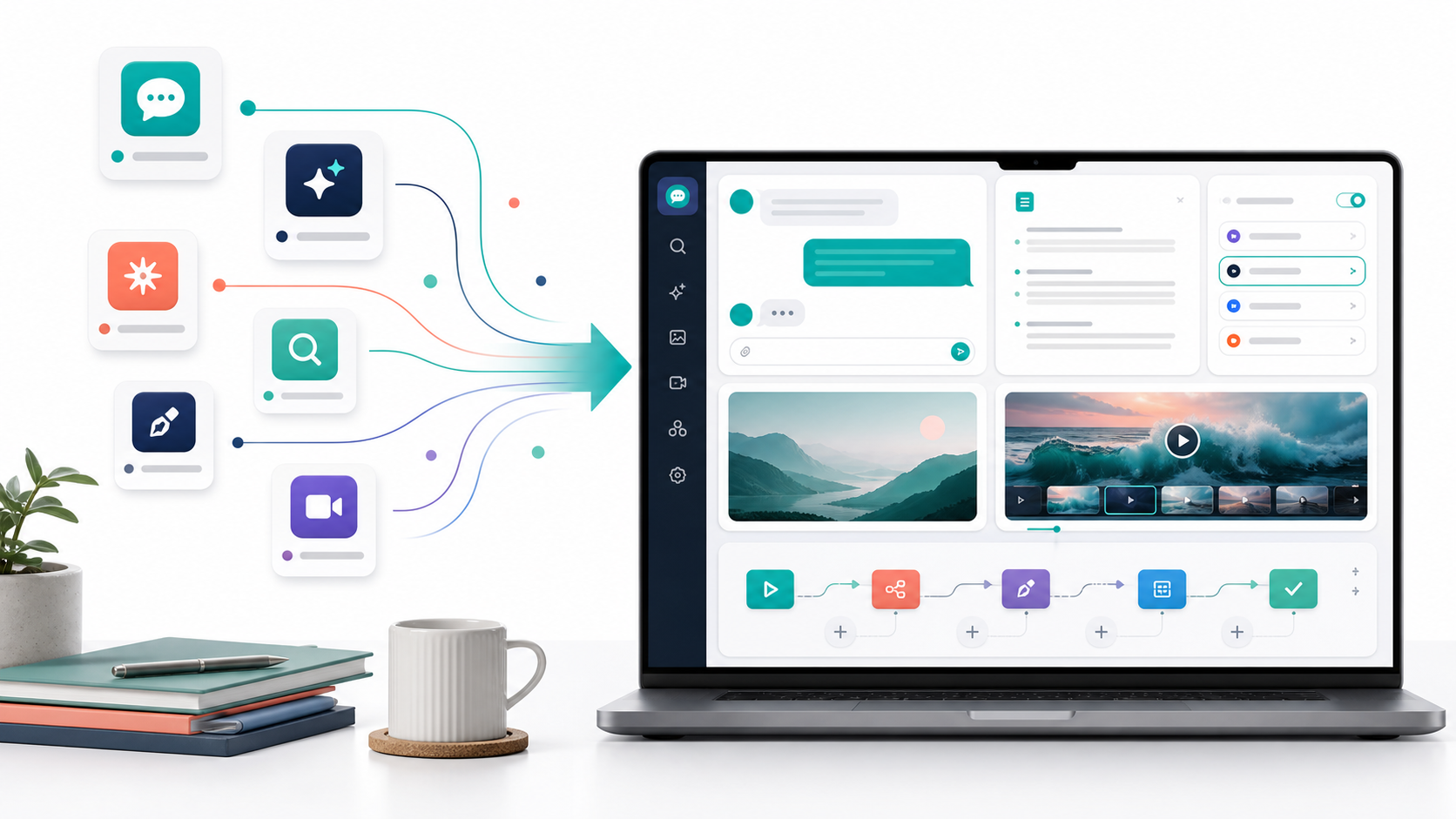
This is where Writingmate has a straightforward buyer argument. If you only need one general assistant, a single-vendor app may be enough. If you need to compare models, work with files, create images, produce videos, and build repeatable assistants, the all-in-one workspace becomes easier to justify. The value is not that every specialist tool disappears. The value is that your everyday AI work has one home base.
For a solo user, that may mean replacing several $20 subscriptions with one workspace. For a team, it may mean fewer duplicate accounts, more consistent prompts, and faster model testing. For a founder or operator, it means you can ask the more useful question: which model or tool should handle this job today?
My recommendation
If you are choosing the best AI app for work in 2026, start with the workflow that costs you the most time.
Pick ChatGPT if you want the simplest default assistant and a mature business rollout story. Pick Claude if the core job is long writing, careful critique, or nuanced document work. Pick Gemini if your team is deeply Google-native and the work starts with files, meetings, and long context. Pick Perplexity if cited research is the product. Pick Cursor or Copilot if the job is inside a codebase. Pick Canva or a dedicated visual tool if the job is design production.
Pick Writingmate when your real answer is “we need several of those.” That is the buyer situation I see more often now: people want GPT for one task, Claude for another, Gemini for another, image generation for assets, video generation for clips, and custom agents for repeatable work. Buying each category separately can work, but it gets messy quickly.
The best AI app is the one that reduces the number of times you restart the same work. For many teams in 2026, that means a specialist tool where the workflow is specialized and a multi-model workspace where the work crosses models, media, and departments.
Artem
Frequently Asked Questions
Sources

Written by
Artem Vysotsky
Ex-Staff Engineer at Meta. Building the technical foundation to make AI accessible to everyone.

Reviewed by
Sergey Vysotsky
Ex-Chief Editor / PM at Mosaic. Passionate about making AI accessible and affordable for everyone.