I bet you've had this exact moment: you need one good image, you type "best AI image generator" into Google, and you land on a listicle that ranks ten tools with a paragraph each and no actual side-by-side output. Nobody tells you which model to open for a client-facing product shot versus a fantasy book cover versus a logo with your company name spelled correctly. So you guess, you burn a subscription on the wrong tool, and you're back searching a week later.
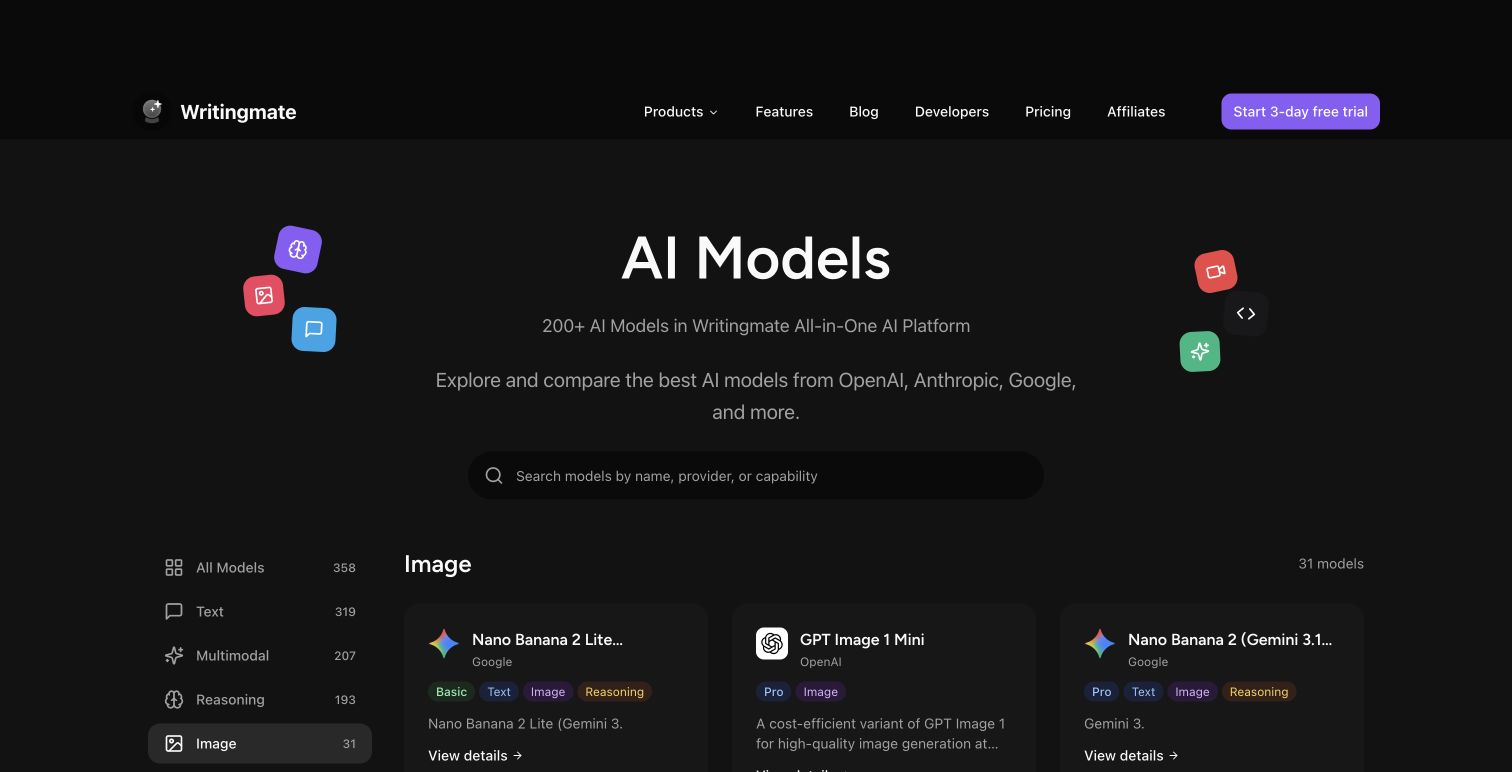
My name is Artem. I run the Writingmate blog, and because our own product ships a text-to-image directory with dozens of models side by side, I end up running the same prompt across FLUX.2, Nano Banana Pro, GPT Image 2, Recraft, and a handful of others most weeks just to keep our own model notes current. This piece is the result of doing that deliberately: five real jobs, the same prompts, and an honest look at which model actually won each one — instead of pretending one tool wins everything.
Here's the thing that most roundups get wrong: there is no single best AI image generator in 2026. There's a best one for photoreal portraits, a different best one for product mockups, a different one again for illustration, and a different one for anything with text baked into the image. If you only read one section, skip to the use case that matches what you're actually making.
How I Actually Tested This
I didn't run a formal benchmark with a scoring rubric — I ran the kind of test a working designer or marketer actually runs: the same short prompt across every model available to me, judged on whether I'd ship the result without more editing. Five categories, one representative prompt each:
- Photoreal portraits — "a 34-year-old woman in a wool coat, natural window light, shot on an 85mm lens"
- Product mockups — "a matte ceramic coffee mug on a marble counter, soft studio lighting, e-commerce listing style"
- Illustration and concept art — "a lighthouse keeper's cottage on a cliff at dusk, painterly, moody color grade"
- Text-in-image and logo work — "a poster reading 'FIELD NOTES' in bold serif type, minimalist layout"
- Commercial-licensable output — not a prompt, but a check of each provider's actual terms of service for resale rights
I ran these through models available in Writingmate's text-to-image tool, which currently carries the FLUX.2 family (Pro, Max, Flex), Google's Nano Banana and Nano Banana Pro line (Gemini 3 Pro Image and Gemini 3.1 Flash Image), OpenAI's GPT Image 1 and 2, Recraft V3 and V4 (including the vector variants), ByteDance's Seedream 4.5, and a few more — 31 image models in the current models directory as of this writing. Midjourney and Ideogram aren't part of that lineup since neither ships an API Writingmate can plug into the same way, so I tested those two separately through their own apps and I'll be upfront about that split below.
Photoreal Portraits and People Shots
This is where Google's Nano Banana Pro — the marketing nickname for Gemini 3 Pro Image — earned its spot. Google's own release notes put it at up to 4K resolution with the ability to blend as many as 14 reference images while holding the likeness of up to five people consistent across a set, which matters if you're generating a series rather than one hero shot. In my own runs, skin texture and window-light falloff looked closer to a real photograph than FLUX.2 Pro's output on the identical prompt, and miles ahead of Midjourney, which still leans toward a slightly polished, "trying to look pretty" rendering of faces rather than a documentary one.
FLUX.2 Pro isn't far behind, and it's genuinely the faster option — Black Forest Labs built the Pro tier to reproduce camera-accurate depth of field, lens distortion, and film grain, and it does that in a fraction of the time Nano Banana Pro needs for a 4K pass. If you're generating fifty portrait variations for a casting board and don't need every one to be perfect, FLUX.2 is the one that won't make you wait.
"Midjourney is better for style, visual taste, and artistic output, while Nano Banana is stronger for controllable editing, character consistency, multi-image workflows, and production-oriented tasks." — a widely echoed take across r/StableDiffusion threads comparing the two head-to-head this year, r/StableDiffusion
Product Shots and Commercial Mockups
For the coffee mug prompt, FLUX.2 Pro won outright. It nailed the marble veining, the mug's reflection, and the soft studio shadow in one pass, and it did it noticeably faster than anything else I tried. Black Forest Labs built the Pro model specifically around optical realism — reflections, chromatic aberration, material accuracy — which is exactly the skill set product photography needs and portrait work barely touches.
Seedream 4.5 and Recraft V4 Pro were both solid runners-up here, and Recraft in particular is worth knowing about if you also need the same asset as a clean vector file for a print catalog — it's one of the few models in the directory that outputs true vector alongside raster. If your business runs a lot of product photography, this is the category where switching models actually saves money: FLUX.2 Pro's hosted API pricing sits in the cents-per-image range, which adds up fast if you're generating batches of thirty or forty variants for an A/B test.
Illustration, Concept Art, and Mood Boards
Midjourney still wins this one, and every hands-on comparison I read while researching this piece agrees on that point even when they disagree on everything else. Feed it the lighthouse-cottage prompt and you get a genuinely moody, "someone art-directed this" image on the first try — strong composition, deliberate lighting, a color grade that looks intentional rather than default. FLUX.2 and Nano Banana Pro can both get close if you push the prompt further with camera and lighting language, but neither has Midjourney's out-of-the-box painterly instinct.
The catch: Midjourney isn't in Writingmate's model lineup, so this is the one category where you're stuck paying for a separate subscription if concept art is a regular part of your job. For most teams that only need illustration occasionally, running FLUX.2 or Nano Banana Pro through Writingmate's image generator and writing a more detailed art-direction prompt gets you 80% of the way there without a second bill.
Text-in-Image, Logos, and Typography
This is the category where the field has moved the most since 2024, and where DALL-E 3 — which is what a lot of people still search for by name — has actually been quietly retired. OpenAI's current image lineup is GPT Image 1 and GPT Image 2, and worth knowing if you've been hunting for a DALL-E 3 subscription that no longer exists in the same form.
Ideogram built its entire reputation on text rendering and it's still the sharpest tool in the broader market for it — Ideogram's own technical notes for its June 2026 open-weight release (Ideogram 4.0) put its English OCR accuracy benchmark score at 0.97, ahead of every other open-weight model it was tested against. It isn't part of Writingmate's directory today, so for the "FIELD NOTES" poster prompt I ran inside Writingmate, Nano Banana Pro was the strongest option available — Google specifically built multi-language text rendering into the Gemini 3 Pro Image release, and it held up the bold serif lettering cleanly where FLUX.2 Pro softened a couple of characters. Recraft V4 Vector is the other one worth trying here if you need the logo as an actual editable vector file rather than a flattened raster.
The Full Scorecard
Here's the side-by-side, based on what actually shipped in each test rather than marketing copy:
Use Case | Winner | Runner-Up | Why |
|---|---|---|---|
Photoreal portraits | Nano Banana Pro | FLUX.2 Pro | 4K output, best skin/light realism, consistent faces across a set |
Product mockups | FLUX.2 Pro | Seedream 4.5 | Camera-accurate reflections and material rendering, fastest turnaround |
Illustration / concept art | Midjourney | Nano Banana Pro | Strongest default composition and color grading, no prompt-engineering required |
Text-in-image / logos | Ideogram 4.0 | Nano Banana Pro | Highest OCR accuracy score of any tested model; Nano Banana Pro best inside Writingmate |
Commercial licensing clarity | Adobe Firefly | GPT Image 2 | Only model trained exclusively on licensed stock with explicit indemnification |
Commercial Licensing Isn't the Same Across These Models
This is the part most comparison posts skip, and it's the one that actually gets people in trouble. Not every model gives you the same rights to sell what you generate:
- Adobe Firefly is trained exclusively on licensed and public-domain content, and Adobe backs commercial use with indemnification — the strongest legal footing of anything in this roundup.
- Ideogram 4.0's open-weight release ships under a Non-Commercial Model Agreement. If you self-host the weights and monetize the output, you need a separately negotiated commercial license — the free/open weights alone don't cover it.
- OpenAI's GPT Image 2 and Google's Nano Banana Pro both permit commercial use of API-generated output under their respective platform terms, though neither indemnifies you the way Firefly does.
- FLUX.2 Pro hosted through an API is commercially usable under Black Forest Labs' terms; the self-hosted open weights (like FLUX.2 Klein) carry separate licensing that's worth reading before you build a product on top of them.
If a client or platform ever asks "can you prove you had the right to generate this," Firefly is the only one in this list where the answer is a flat yes with paperwork behind it. For everything else, keep your generation records and read the specific terms tied to the plan you're on.
How to Actually Run This Test Yourself
You don't need five subscriptions to check this yourself. Open Writingmate's image generator, write one prompt, and run it against FLUX.2 Pro, Nano Banana Pro, GPT Image 2, and Recraft without re-entering payment details or learning four separate interfaces. That's genuinely the fastest way to find out which model matches your specific style before you commit a monthly budget to one platform. The pricing page breaks down what's included at each tier if you want to see the image allowances before signing up, and the full models directory is worth bookmarking since new releases (Nano Banana 2, FLUX.2 Max, Seedream updates) get added as soon as they're available through the API.
One practical habit worth adopting: keep a single prompt file with your five most common jobs — portrait, product, illustration, text, and whatever else you make weekly — and re-run it every time a new model shows up. It takes ten minutes and it's a far better signal than any ranked listicle, including this one.
"Crossed 1 billion Nano Banana Pro images in Gemini App. The pro community is moving fast. This model has been out for 53 days." — @joshwoodward on X, Google VP of Gemini and Google Labs
That adoption number is worth sitting with. A model that's a little over seven weeks old crossing a billion generated images tells you the "which image model is best" conversation is shifting faster than any single blog post can track — including this one six months from now. Test before you commit, and re-test every quarter.
So Which One Should You Actually Open First?
If I had to hand someone a single starting point: open Nano Banana Pro for anything with a person or text in it, switch to FLUX.2 Pro the moment speed or product realism matters more than perfection, and accept that Midjourney is still worth a separate subscription if concept art is a real part of your job rather than an occasional need. Nobody wins every category, and anyone telling you otherwise hasn't actually run the prompts side by side.
That's really the whole argument for testing inside a directory instead of picking a single tool up front — the "best" answer changes depending on the Tuesday you're asking, and the cost of finding out is one prompt, not one subscription.
See you in the next one!
Artem
Frequently Asked Questions
Sources

Written by
Artem Vysotsky
Ex-Staff Engineer at Meta. Building the technical foundation to make AI accessible to everyone.

Reviewed by
Sergey Vysotsky
Ex-Chief Editor / PM at Mosaic. Passionate about making AI accessible and affordable for everyone.