GPT-5.5 is now available in Writingmate. The right way to evaluate it is not with a novelty prompt. Test it on the kind of professional work where a model failure costs editing time: long files, structured decisions, source-heavy summaries, and careful rewrites.
My first question for GPT-5.5 is simple: can it keep a large brief, multiple constraints, and a useful output format in its head without turning the answer into polished guesswork? That is where long-context models either become valuable or merely expensive.
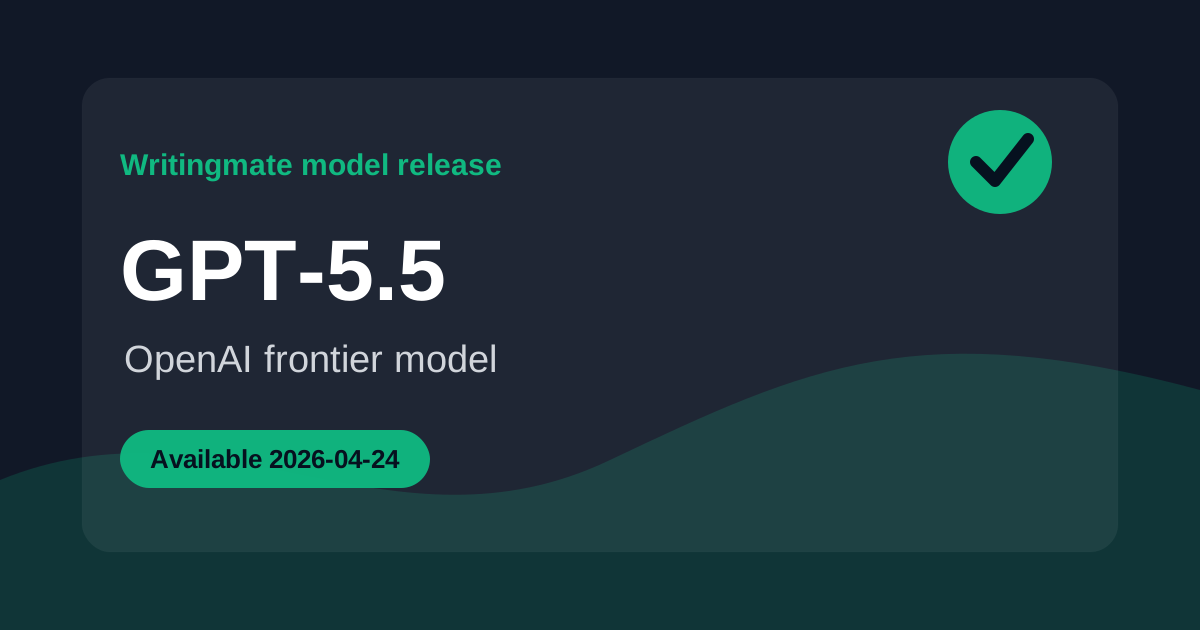
The model availability date in our feed is April 24, 2026. This article was edited on July 2, 2026 to keep the live Writingmate links and catalog details current.
What changed with GPT-5.5
GPT-5.5 is positioned as a frontier OpenAI model for complex professional workloads. In practical terms, that makes it a candidate for tasks where you need more than fluent prose: research synthesis, long document analysis, planning, technical explanation, and high-stakes drafting that benefits from careful structure.
The Writingmate advantage is that you do not have to judge it in isolation. Open the model page, run the same prompt against GPT-5.5 and a strong baseline, and compare the amount of editing required before the output is ready to use.
The live model entry is available on GPT-5.5 in the Writingmate model directory. Use it to confirm the current catalog details before you compare outputs.
GPT-5.5 specs at a glance
Field | GPT-5.5 | Reader takeaway |
|---|---|---|
Provider | OpenAI | Useful if you already rely on GPT-style models for structured professional work. |
Availability date | April 24, 2026 | The blog date follows the model feed release date. |
Context window | 1,050,000-token | Best tested on long briefs, source packs, transcripts, and document-heavy prompts. |
Input | file, image, and text | Good fit when the prompt mixes documents, screenshots, and written instructions. |
Output | text | Use it for analysis, plans, drafts, tables, summaries, and rewrites. |
Pricing | $5.00 / $30.00 per 1M input/output tokens | Expensive enough that it should earn its place on quality, not novelty. |
How I would test GPT-5.5
Give GPT-5.5 a dense task where the answer must preserve details from the beginning, middle, and end of the context. For example: upload a long strategy memo, ask for the strongest argument, the weakest assumption, and a decision table with risks, owners, and next steps.
Then test revision quality. Ask it to shorten the answer by 40 percent without dropping caveats, then ask it to turn the same reasoning into an executive email. A model that handles both steps cleanly is more useful than one that only writes a strong first draft.
- Long-context test: summarize a large source pack with page-specific uncertainties.
- Decision test: produce a tradeoff table with recommendation, risks, and assumptions.
- Formatting test: return strict JSON or a table without extra prose.
- Revision test: compress and retarget the same answer for a different audience.
For GPT-5.5, I would pay attention to editing cost. If the answer is slightly better but takes the same cleanup time, it has not earned the higher price.
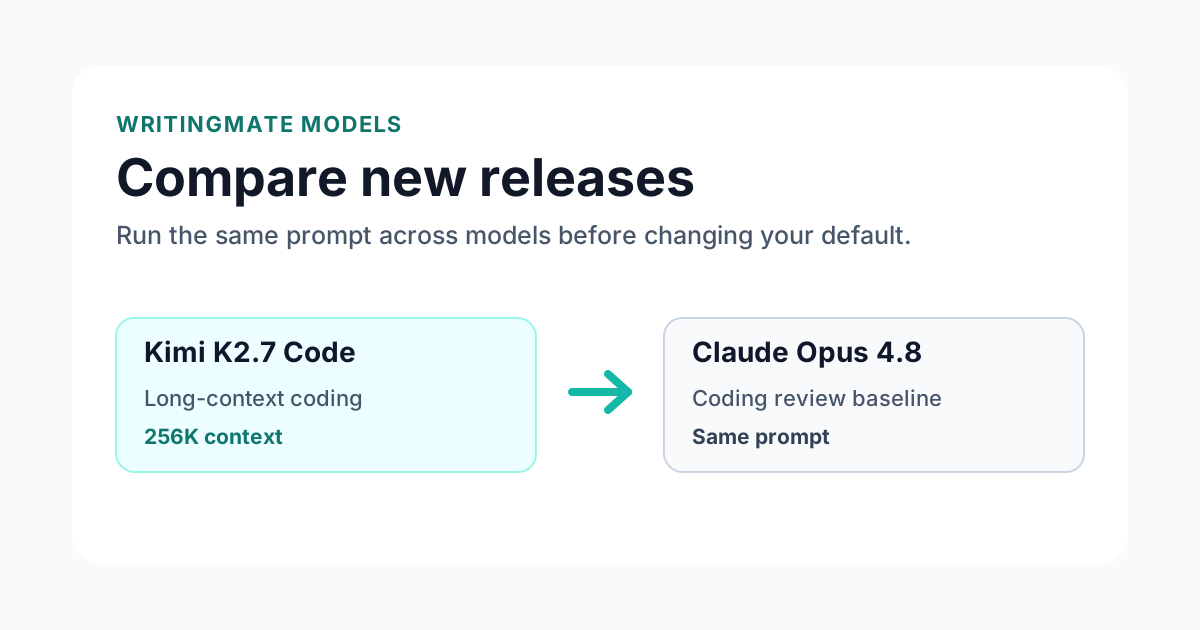
For a fair comparison, keep the prompt, files, temperature, and requested format the same. Change only the model. Then compare correctness, formatting, uncertainty handling, and how much editing the answer needs before it is usable.
Where GPT-5.5 fits against alternatives
Compare GPT-5.5 against a model you already trust for serious work, such as Claude Opus for careful prose or Gemini for large-context analysis. Do not compare it against a weak baseline and declare victory. The useful question is whether it beats your actual default.
If it wins, promote it gradually: research summaries first, then structured drafting, then more sensitive customer-facing or technical work after it proves consistent on your examples.
Open the Writingmate comparison page to run the same prompt against a concrete baseline. A complete comparison URL is better than a vague instruction to "try another model" because it gives you a repeatable starting point.
Best use cases for GPT-5.5
Start with jobs where the model has a realistic chance to outperform your current default:
- Long-context research across large files
- Professional drafting with strict structure
- Source-heavy summaries and decision memos
- Multimodal review of screenshots, PDFs, and technical docs
After that, test failure modes. Ask for strict formatting. Ask for a second pass. Give it incomplete context and see whether it asks a useful question or guesses. Those behaviors matter more in daily work than a single polished demo answer.
A practical evaluation checklist for GPT-5.5
Before I recommend any new model inside Writingmate, I want it to clear a practical checklist. The checklist is intentionally boring because boring tests catch the problems that show up in real work. First, the model has to follow the exact output format. Second, it has to use the source material instead of paraphrasing the prompt. Third, it has to say what it is uncertain about. Fourth, it has to improve when you ask for a second pass. Fifth, it has to be worth its price compared with the model you already use.
For GPT-5.5, I would start with a 30-page strategy brief and a customer research export. Those are concrete enough to expose shallow reasoning, but common enough that the result matters. If the model gives you a generic answer, that is useful information. If it asks one clarifying question, preserves constraints, and gives you a plan you can execute, that is a stronger signal than a leaderboard score.
The comparison page matters here because you can keep the prompt identical. Open the Writingmate comparison page, paste the same task into both sides, and score the outputs with a simple rubric: correctness, completeness, formatting, uncertainty, and edit time. I care most about edit time. A model that sounds impressive but still needs twenty minutes of cleanup is less useful than a quieter model that gives you a clean answer in the format you asked for.
Test | What to watch | Pass signal |
|---|---|---|
Format control | Can it follow table, JSON, or bullet constraints? | The answer matches the requested structure without extra narration. |
Source use | Does it cite or reuse details from the supplied context? | It references specific facts from the input instead of guessing. |
Revision | Does the second pass improve the first? | It tightens the answer without dropping important caveats. |
Failure behavior | What happens when context is missing? | It asks or states uncertainty instead of inventing details. |
What I would not use GPT-5.5 for yet
New model releases are easy to over-promote, so it is worth saying where I would be careful. I would not immediately use GPT-5.5 for irreversible customer-facing work, unattended production code changes, legal or medical conclusions, or any workflow where you cannot review the output. Even strong models still need a human checkpoint when the cost of a mistake is high.
That does not make the release less useful. It just means the right rollout is staged. Use it first for drafts, analysis, planning, or review. Keep your current default for the work where reliability is already proven. Then move the model into higher-risk workflows only after it wins on your own prompts several times. For GPT-5.5, cost control matters, so I would reserve it for work where the answer quality saves real editing time.
One more practical note: compare models by job, not by brand. A model can be excellent for long-context professional reasoning and still be the wrong choice for a short marketing caption or a sensitive support reply. The best Writingmate workflow is not one model everywhere. It is a small set of trusted defaults, each attached to the job where it consistently performs well.
How this fits into a real Writingmate workflow
The workflow I would use for GPT-5.5 is deliberately narrow at first. Pick one repeatable job, not ten. For this model, the best starting lane is long research packets, strategy docs, and file-heavy professional prompts. Run the same prompt three times over a week, ideally on real work rather than demo material. If the model saves time on the second and third run, then it has earned a place in your saved workflow.
Here is a concrete example: take a product brief, a support export, and a roadmap note, then ask for contradictions, missing assumptions, and a final recommendation. After the first answer, do not stop. Ask for a critique of its own output, then ask for a smaller version that preserves only the parts you would actually use. This second-turn behavior tells you whether the model is merely fluent or genuinely controllable. In my experience, controllability is the difference between an impressive launch and a model you keep using after the announcement fades.
Inside Writingmate, I would save the winning prompt as a reusable pattern only after the comparison is done. That keeps the model release from turning into clutter. The model page gives you the catalog facts, the comparison page gives you side-by-side evidence, and the saved prompt becomes the operational version of what you learned. That is the path from release note to actual workflow.
Bottom line
GPT-5.5 belongs in your workflow only if it reduces editing time on hard work. Test it on one long document, one decision memo, and one strict-format task before changing your default model.
Frequently Asked Questions About GPT-5.5
Sources

Written by
Artem Vysotsky
Ex-Staff Engineer at Meta. Building the technical foundation to make AI accessible to everyone.

Reviewed by
Sergey Vysotsky
Ex-Chief Editor / PM at Mosaic. Passionate about making AI accessible and affordable for everyone.