



A third video model showed up in my model list this week, and this one came from a name most people outside China don't track closely: Kuaishou. Kling v3.0 Standard landed quietly in the catalog on July 10th, just two days after I'd finished running Wan 2.7 and Seedance 2.0 through their paces. No keynote, no splashy launch thread from a major outlet — just a new entry with a description mentioning first-frame and last-frame control and clip lengths from 3 to several seconds.
My name is Artem, I run the Writingmate blog, and if there's a pattern to what I do here, it's this: new video model shows up, I stop reading other people's takes about it, and I run my own three prompts through it before I write a word. So that's exactly what I did with Kling v3.0 — the same product demo, social clip, and cinematic b-roll test I used on Wan 2.7 and Seedance 2.0, so the results are actually comparable instead of three separate vibes-based reviews.
What Kling v3.0 Actually Is
Kling has been Kuaishou's video generation line for a while now, and it's built a real reputation among people who make short-form content professionally, mostly because earlier Kling versions handled human motion — walking, gesturing, turning to face camera — better than most competitors. Kling v3.0 Standard is the new baseline tier, with a Pro tier sitting above it for higher visual fidelity on the same architecture. Both support text-to-video and image-to-video, and both add first-frame and last-frame control, which lets you specify the start and end state of a clip and let the model fill in the motion between them instead of just generating from a text prompt alone.
That first-frame/last-frame feature is the part I found most interesting going in, because it's a genuinely different workflow than pure text-to-video. Instead of describing motion in words and hoping the model interprets it the way you pictured, you can drop in a starting image and an ending image and let Kling figure out the transition. For product work specifically, that's a meaningful difference from how Wan 2.7 or Seedance 2.0 approach the same job.
Clip lengths on the Standard tier run from 3 to roughly 10 seconds depending on the prompt and settings, which puts it in the same range as the other new arrivals this month. Nothing about the spec sheet screams "clean-sheet rebuild" — like Wan 2.7 and Seedance 2.0, this reads as a focused iteration on an existing line rather than a new architecture.
How I Tested It
Same three prompts, same scoring, no exceptions — that's the only way a test like this means anything:
- Product demo: a rotating sneaker on a white background with a soft studio light sweep, 6 seconds
- Social clip: a person walking through a night market, handheld camera energy, vertical 9:16, 8 seconds
- Cinematic b-roll: a slow drone push over a foggy pine forest at dawn, 10 seconds
I ran all three through Kling v3.0 Standard inside Writingmate's text-to-video generator, then compared the output against the Wan 2.7 and Seedance 2.0 clips I'd already generated for the earlier comparison, plus a Veo reference clip for context. Same scoring criteria as before: prompt match, physical motion coherence, and whether I'd ship the raw output or need a second pass.

Round 1: Product Demo Clip
This is where I expected Kling to do fine and not much more, since static product shots are the easiest job in AI video right now. Instead, this is where the first-frame/last-frame control actually earned its keep. I fed Kling a starting frame of the sneaker at one angle and an ending frame at a 180-degree rotation, and the in-between motion it generated was smoother and more mechanically consistent than what I got from a pure text prompt on Wan 2.7 — no subtle warp in the sole geometry, no stitching detail smearing on the later rotation frames.
When I ran the same prompt as plain text (no reference frames, just the description), Kling's output was good but not clearly better than Wan 2.7's — close, with a very slight softness in the light sweep that Wan handled a touch more precisely. The gap only opened up once I actually used the frame-control feature the way it's meant to be used. That's a real distinction worth remembering: Kling v3.0's product-demo strength isn't really about the base model, it's about the workflow those extra controls unlock.
For anyone doing repeatable product shots — same object, different angles, batch after batch — that first/last-frame control is the single most useful thing in this release.
Round 2: Social Media Clip
Kling's reputation for handling human motion well going back several versions held up here. The night market walk-through prompt is rough on most models because it asks for handheld camera shake, a consistent walking gait, and a crowded background that doesn't dissolve into color smear. Kling v3.0 kept the walking figure's stride consistent for the full 8 seconds without the stutter-step artifact that shows up when a model loses track of limb positioning between frames.
Where it fell a notch behind Seedance 2.0 was on the background crowd — pedestrians further from camera held together well for the first half of the clip, then started to soften into less distinct shapes in the back third. Not a dealbreaker, but if your shot leans on a busy, layered background staying sharp throughout, Seedance 2.0 still has an edge there.
Round 3: Cinematic B-Roll
The drone-push-over-forest prompt is a long, slow shot with nothing else in frame to distract from any inconsistency, so it tends to expose whatever a model is weakest at. Kling v3.0's fog handling was solid — it rolled and thinned naturally across the full ten seconds — but the implied forward drone motion read slightly less convincing than Wan 2.7's version, with the tree line's parallax not quite matching the camera's apparent push speed around the eight-second mark.
It's a small thing, and on a first watch most people wouldn't catch it. But it's the kind of detail that separates "good enough for a rough cut" from "final render," and for pure cinematic b-roll, Kling v3.0 lands in solid-but-not-class-leading territory next to Wan 2.7.

Where Kling v3.0 Fits Against Everything Else That Just Landed
Three new video models in one week makes for a genuinely useful comparison, because you can actually see where each one's strength lies instead of guessing from marketing copy. Here's how Kling v3.0 stacks up against Wan 2.7, Seedance 2.0, and Veo across the same three jobs:
Model | Best for | Standout feature | Where it slips |
|---|---|---|---|
Kling v3.0 | Repeatable product shots, human walking motion | First-frame/last-frame control | Dense background crowds soften over longer clips |
Wan 2.7 | Static product demos, slow cinematic shots | Physical precision over full clip length | Handheld/social motion feels too smooth |
Seedance 2.0 | Social clips, handheld camera energy | Crowd and background consistency | Occasional geometry warp on static shots |
Veo | Longer narrative shots, audio-synced clips | Overall consistency | Higher cost per generation |
None of these three new arrivals replaces Veo or Sora for hero content, and I don't think that's the goal of any of them. What Kling v3.0 specifically adds to the rotation is that frame-control workflow — if you're generating batches of product content where you control the start and end state, that's a genuinely different (and in my testing, better) approach than describing motion purely in text.
Pricing and Access
Kling v3.0 Standard is priced to sit below the Pro tier, which is positioned for higher visual fidelity on the same workflows. Neither tier requires a separate Kuaishou account if you're accessing it through a multi-model platform — it shows up in the model catalog the same way Wan 2.7, Seedance 2.0, and every other video model does, billed through whatever plan you're already on.
That matters more than it sounds. Signing up for a standalone Kling account, verifying it, and figuring out its own credit system is real friction, especially if you just want to run one test prompt to see whether the frame-control feature is worth building a workflow around. Testing it inside a tool you already use removes that step entirely.
How to Try Kling v3.0 in Writingmate
Kling v3.0 Standard is live now in Writingmate's text-to-video generator, sitting in the same model dropdown as Wan 2.7, Seedance 2.0, Veo, and Sora. To actually test the feature that matters most here, don't just type a text prompt — upload a starting frame and an ending frame and let the model generate the motion between them. That's the workflow where I saw the clearest difference from the other new releases this month.
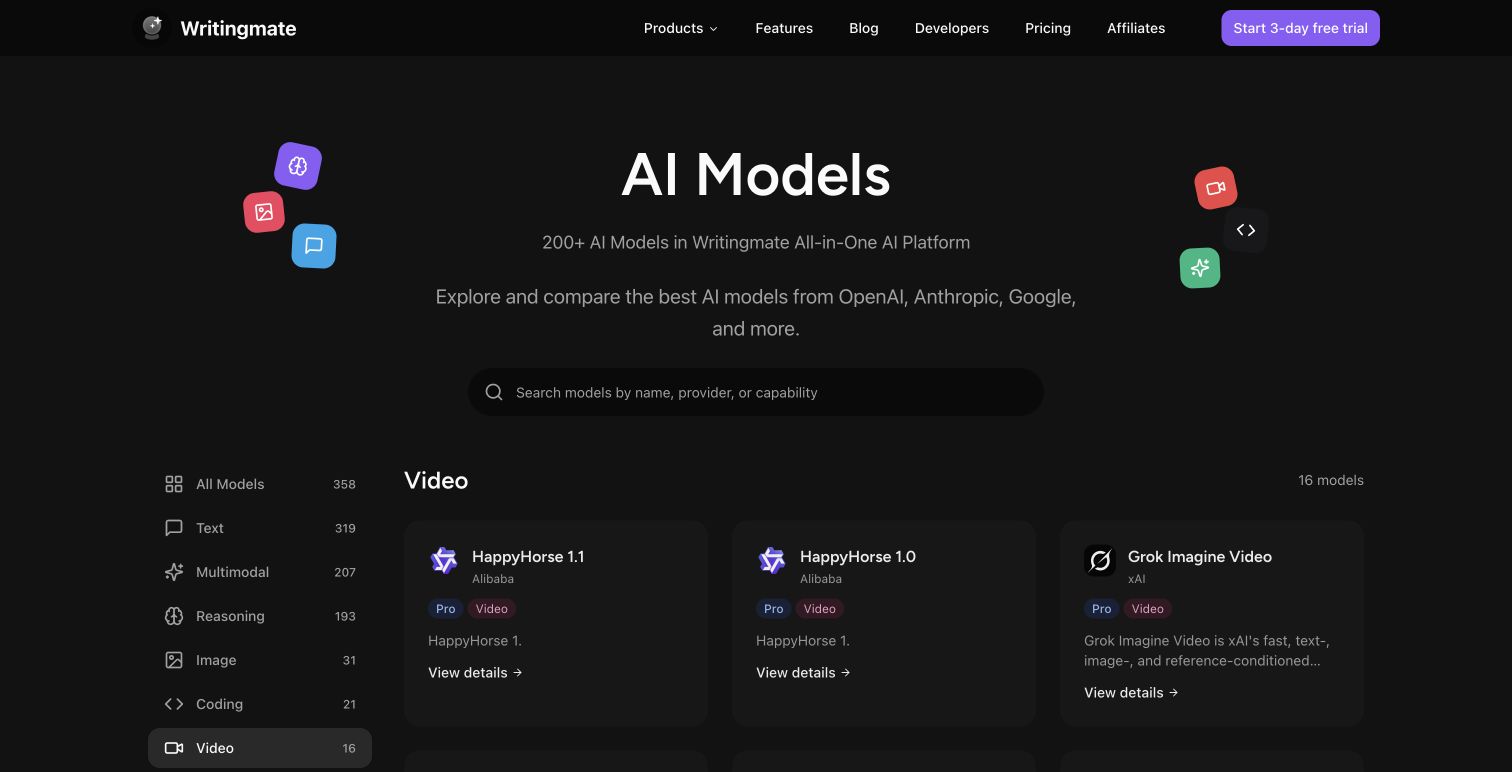
If you're deciding whether your current plan covers enough generations to run a real test across a few prompts, the pricing page lists what's included at each tier, and the full model directory shows every video, image, and text model available in one account if you want to line Kling up against Wan 2.7 or Seedance 2.0 yourself.
Verdict: Is Kling v3.0 Worth Adding to Your Rotation
Here's my honest read after running it through all three test categories twice for consistency: Kling v3.0 earns a spot specifically for product content where you can define a start and end frame, and for any shot centered on a person walking or moving through a scene. It's not the clear pick for dense crowd backgrounds or long static cinematic shots — Seedance 2.0 and Wan 2.7 respectively still have an edge there.
The realistic move if you're doing video work regularly isn't to pick one winner and stop testing. It's to know which of these three new models to reach for depending on the shot — Kling v3.0 for frame-controlled product batches and walking-figure shots, Seedance 2.0 for handheld social energy, Wan 2.7 for static precision. Run your own version of this test with your actual product and your actual aspect ratio before deciding what earns a permanent spot in your workflow — three prompts takes less time than reading five more reviews about it.
See you in the next one!
Artem
Frequently Asked Questions
Sources

Written by
Artem Vysotsky
Ex-Staff Engineer at Meta. Building the technical foundation to make AI accessible to everyone.

Reviewed by
Sergey Vysotsky
Ex-Chief Editor / PM at Mosaic. Passionate about making AI accessible and affordable for everyone.