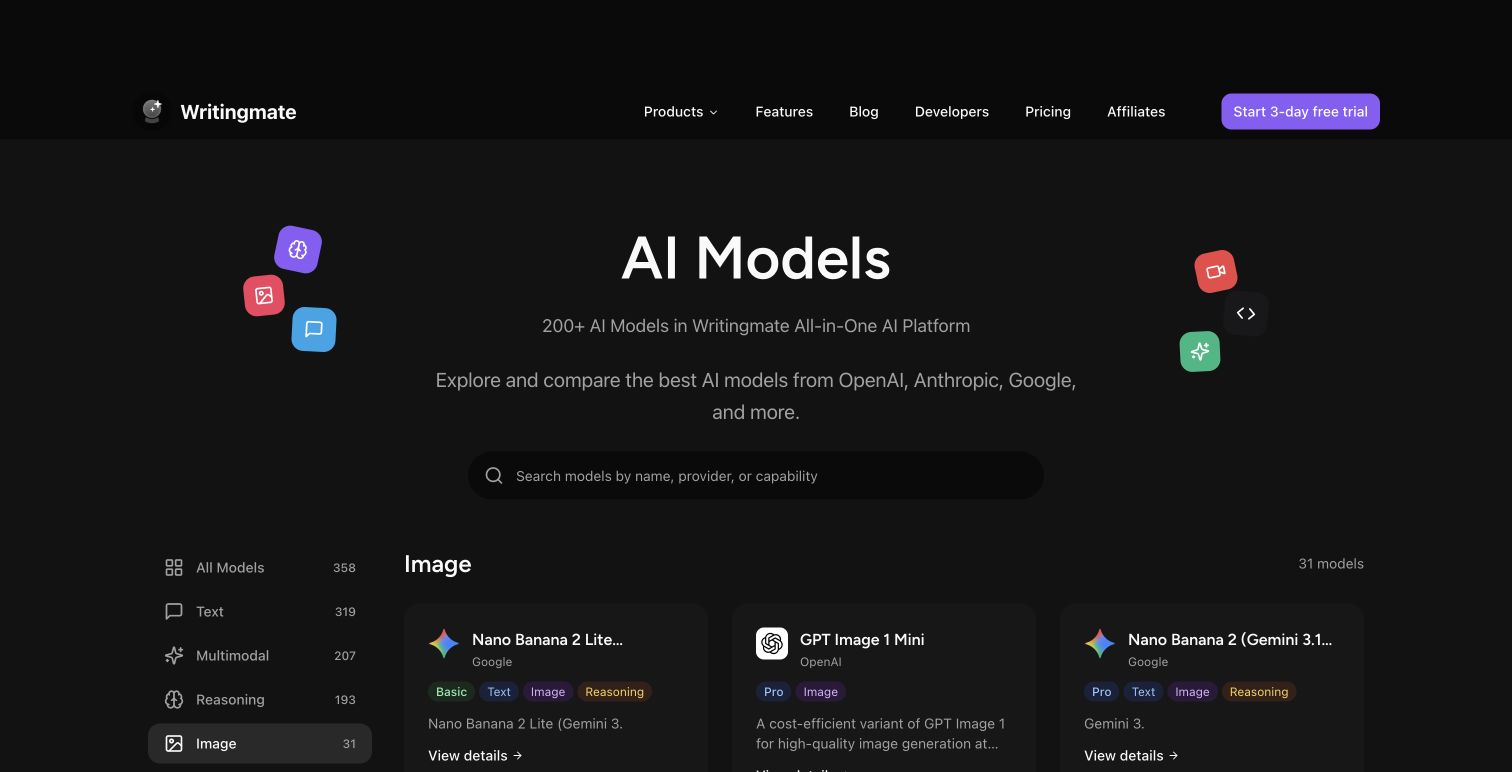
Writingmate is an AI image editor with built-in inpainting — paint over the area you want to change, describe the edit, and the AI updates only that region. It works with images generated from any of the 200+ models on the platform, and each edit takes under 5 seconds.
If you've ever regenerated an entire AI image just to fix one bad detail — extra fingers, wrong colors, a weird texture — this solves that. Writingmate's mask painter is a Photoshop generative fill alternative that works directly in your image library, no separate app needed.
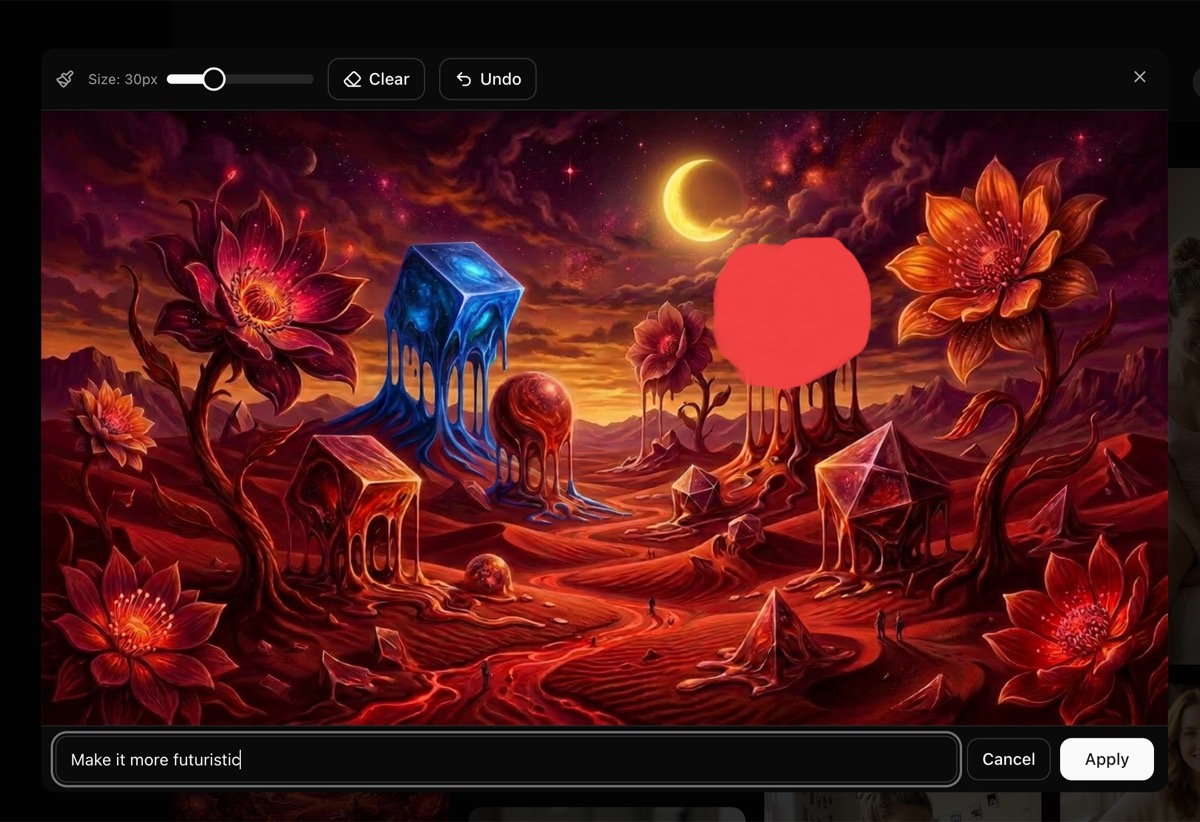
How AI image inpainting works in Writingmate
The workflow is simple:
Generate an image using any model on Writingmate (Nano Banana, GPT-5 Image, FLUX, etc.)
Click Edit in the image viewer
Paint over the area you want to change using the brush tool
Describe the edit in the text prompt (e.g. "make it more futuristic", "remove the background", "change to sunset lighting")
Click Apply and the AI edits only the region you selected
The edited image is saved to your library alongside the original, so you never lose your work.
What tools does the AI image editor include?
The mask painter is a canvas overlay with a brush, undo, and clear — everything you need to select an area and describe the change. Here's what you get:
Adjustable brush (10-80px) for precise or broad selections
Undo to step back stroke by stroke
Clear to reset the mask and start over
Paint in red over the area you want to change, then type what you want the AI to do with that region. The AI sees both your original image and the mask, so it knows exactly where to apply the edit.
What can you fix with AI inpainting?
AI inpainting lets you fix artifacts, swap objects, adjust colors, and refine details — all without regenerating the full image. Here's what works well:
Fix AI artifacts like extra fingers, distorted faces, or weird textures
Change colors in a specific area without affecting the rest
Replace objects by painting over them and describing what should be there instead
Adjust lighting or mood in one part of the image
Add details to an area that looks too plain or empty
Which AI model powers the image editor?
Writingmate uses Nano Banana 2 (Gemini 3.1 Flash Image) for editing by default — Google's fastest image generation model with sub-5-second edit times. Each edit costs 1 image credit, the same as generating a new image.
How does Writingmate compare to DALL-E or Midjourney inpainting?
Writingmate's editor is built directly into the image viewer — you generate, review, and edit in one place without switching apps. DALL-E requires a separate editor interface. Midjourney has no native inpainting at all. With Writingmate, you also get access to 200+ generation models (FLUX, GPT-5 Image, Nano Banana) and can edit any of them with the same mask painter. With over 110,000 monthly searches for "AI photo editor," users are actively looking for better editing workflows.
Try Writingmate's AI image editor
Head to Image Generation, create an image, click on it to open the viewer, then hit Edit. Available on all paid plans. If you've been looking for an AI photo editor with regional editing, AI image correction, or just a way to fix AI-generated hands without starting over — this is it.
Check the image generation docs for the full list of supported models and editing instructions.
AI Image Editing FAQ

Written by
Artem Vysotsky
Ex-Staff Engineer at Meta. Building the technical foundation to make AI accessible to everyone.

Reviewed by
Sergey Vysotsky
Ex-Chief Editor / PM at Mosaic. Passionate about making AI accessible and affordable for everyone.