Seedance 2.0 is ByteDance's latest AI video generation model, delivering cinematic-quality videos with native audio, real-world physics simulation, and director-level camera control. Released in 2025, it has quickly become one of the most capable text-to-video and image-to-video models available, competing directly with OpenAI Sora 2, Google VEO 3, and Kling 3.0.
In this guide, we'll cover everything you need to know about Seedance 2.0 — what it can do, how it compares to other video generators, and how to start using it right now on Writingmate.
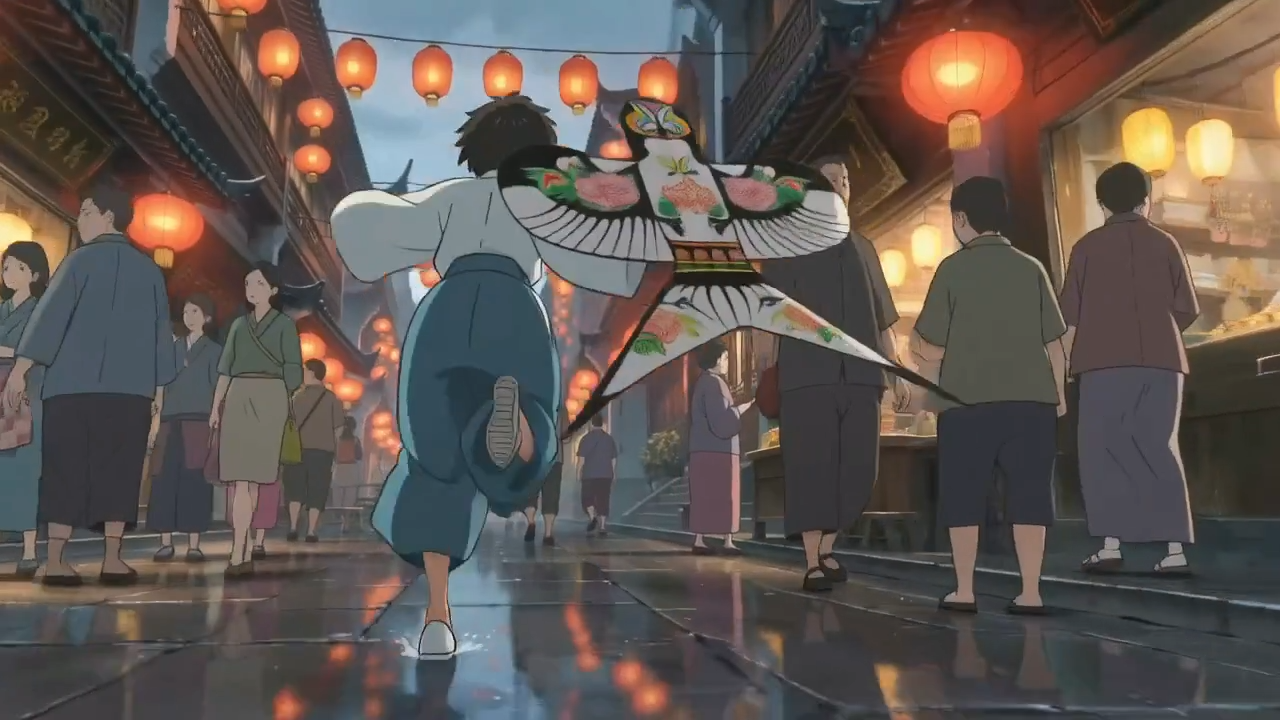
What is Seedance 2.0?
Seedance 2.0 is developed by ByteDance's Seed team — the same research group behind the popular Seedream image generation models. Unlike earlier video generation tools that produce silent clips, Seedance 2.0 generates fully synchronized audio alongside the video, creating a much more polished and usable output.
The model accepts multiple input types including text prompts, reference images, audio clips, and even existing video footage. This flexibility makes it suitable for a wide range of creative workflows, from social media content creation to professional video production prototyping.
Key capabilities of Seedance 2.0 include:
- Native audio generation — Seedance 2.0 generates synchronized sound effects, dialogue, and ambient audio alongside the video. This means you get a complete audio-visual output without needing to add sound in post-production.
- Real-world physics simulation — Objects in Seedance 2.0 videos interact naturally with gravity, collisions, fluid dynamics, and cloth behavior. This results in much more realistic motion compared to models that produce floaty or physics-defying animations.
- Director-level camera control — You can specify cinematic camera movements including pan, tilt, zoom, dolly, tracking shots, and crane movements. This gives you creative control over the cinematography without needing to rely on random camera behavior.
- Multiple input modes — Generate videos from text prompts alone, from reference images with text descriptions, or combine multiple inputs for maximum control over the output.
- Variable duration — Create videos of 5, 8, or 10 seconds, giving you flexibility for different content formats and platforms.
- Multiple aspect ratios — Support for standard 16:9 landscape and vertical 9:16 formats to match any platform's requirements.
- 720p resolution — Generate at 720p resolution with efficient rendering times.
How to Access Seedance 2.0
While ByteDance offers Seedance 2.0 through their own platform, the easiest way to access it alongside all other top AI video models is through Writingmate. Here's how to get started:
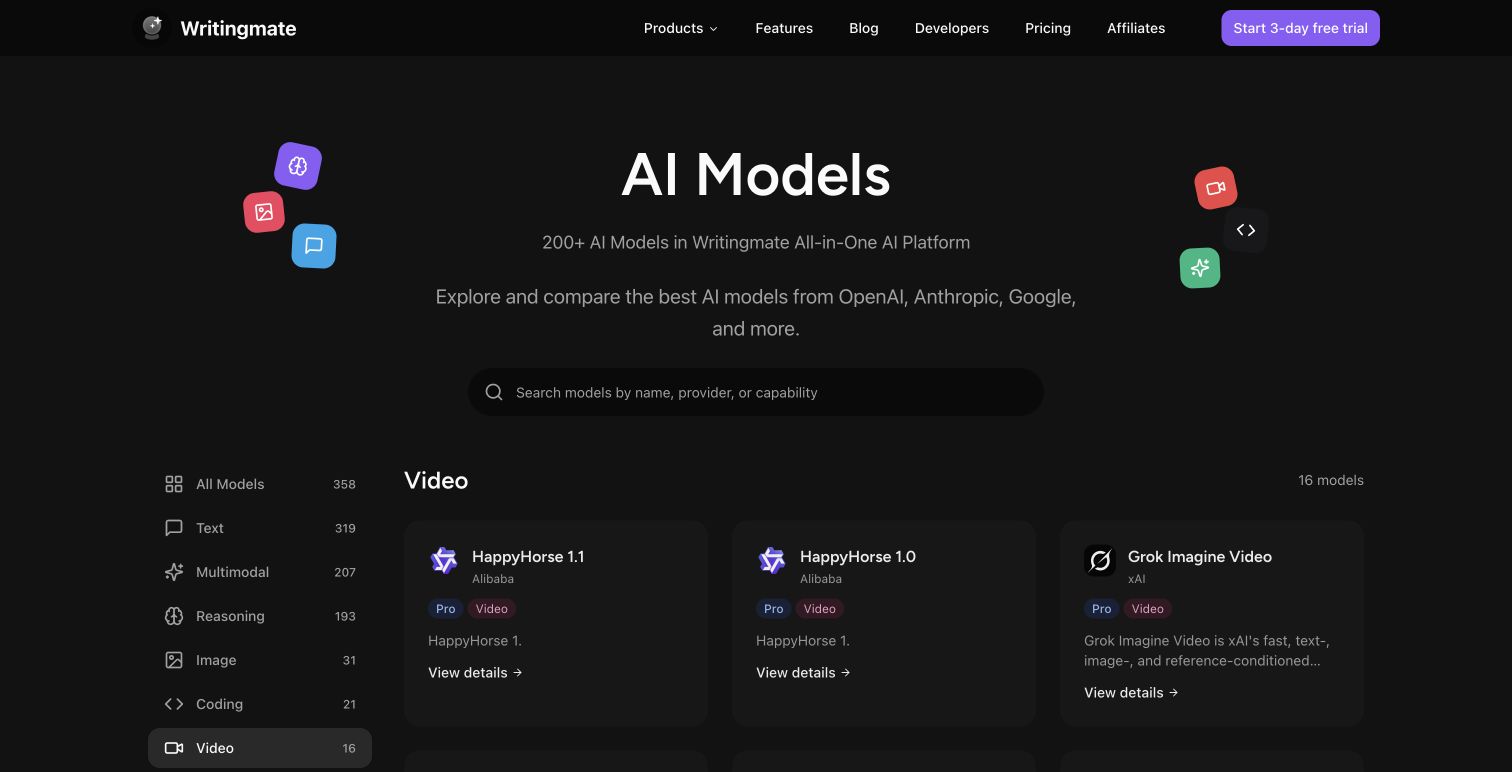
Writingmate provides access to Seedance 2.0 alongside OpenAI Sora 2, Google VEO 3.1, Kling 3.0, Kling 2.6, and PixVerse 5.5 — all in one unified interface. This means you can compare outputs from different models without managing multiple accounts or subscriptions.
To start generating videos with Seedance 2.0:
- Sign up or log in to Writingmate — you'll need a Pro or Ultimate plan for video generation access.
- Navigate to Video Generation — find it in the main navigation or go directly to the text-to-video page.
- Select Seedance 2.0 — choose it from the model selector dropdown. You'll see all available models listed with their capabilities.
- Write your prompt — describe the video you want to create. Be specific about the scene, action, lighting, and mood for best results.
- Configure settings — choose your preferred duration (5, 8, or 10 seconds), aspect ratio (16:9 for landscape, 9:16 for vertical), and optionally upload a reference image.
- Generate — click generate and wait for your video. Seedance 2.0 typically takes 2-4 minutes depending on duration and complexity.

Seedance 2.0 vs Other AI Video Models
The AI video generation space is crowded, with several strong competitors. Here's how Seedance 2.0 stacks up against the other models available on Writingmate:
| Feature | Seedance 2.0 | OpenAI Sora 2 | Google VEO 3 | Kling 3.0 | PixVerse 5.5 |
|---|---|---|---|---|---|
| Native Audio | Yes | No | Yes | Yes | No |
| Max Duration | 10s | 12s | 8s | 10s | 10s |
| Image-to-Video | Yes | Yes | Yes | Yes | Yes |
| Camera Control | Yes | No | No | Yes (O1) | No |
| Physics Simulation | Advanced | Good | Good | Good | Basic |
| Resolution | 720p | 720p/1080p | 720p | 720p | 720p |
| Generation Speed | 2-4 min | 3-5 min | 2-3 min | 2-4 min | 1-2 min |
When to choose Seedance 2.0: Pick Seedance 2.0 when you need native audio, precise camera control, and realistic physics — especially for action scenes, product demos, or cinematic content.
When to choose alternatives: Sora 2 excels at artistic style consistency and scene coherence. VEO 3 is best for dialogue and voice-over scenes. Kling 3.0 offers the best balance of speed and quality. PixVerse 5.5 is the fastest option for quick iterations.
Tips for Better Seedance 2.0 Results
Getting the most out of Seedance 2.0 requires understanding how to write effective prompts and configure the right settings. Here are practical tips based on extensive testing:
Prompt writing tips:
- Start with the subject and action: "A golden retriever running through autumn leaves in a park"
- Add cinematic details: "shot from a low angle with shallow depth of field, warm golden hour lighting"
- Specify camera movement if desired: "slow dolly forward, camera tracking the subject"
- Include audio hints: "with the sound of crunching leaves and birds chirping in the background"
- Avoid overly complex scenes with too many subjects — the model handles 1-3 subjects best
Settings recommendations:
- Use 16:9 for landscape content and 9:16 for social media vertical videos
- Start with 5-second duration for testing prompts, then increase to 8-10 seconds for final versions
- When using image-to-video, ensure your reference image is clear and well-lit
- Enable audio generation for a complete output — you can always mute it later but can't add it after
Pricing and Plans
Seedance 2.0 video generation is included in Writingmate's paid plans:
- Pro plan — includes 3 AI videos per month across all video models (Sora 2, VEO 3, Seedance 2.0, Kling, PixVerse)
- Ultimate plan — includes 30 AI videos per month with access to all models and longer durations
- AppSumo lifetime deal — video seconds are allocated by tier, ranging from 30 to 600 seconds per month
All plans include access to the full suite of video models, so you can experiment with different generators to find the best fit for each project. Video generation consumes your monthly allocation based on the video duration — a 5-second Seedance 2.0 video uses 5 seconds from your plan.
Best Use Cases for Seedance 2.0
Based on Seedance 2.0's strengths in audio, physics, and camera control, here are the use cases where it excels most:
- Social media content — Create engaging short-form videos for TikTok, Instagram Reels, and YouTube Shorts. The native audio and vertical 9:16 format make it ideal for scroll-stopping content.
- Product visualization — Showcase product concepts with realistic physics and lighting. Great for e-commerce product demos, unboxing animations, and feature highlights.
- Music video concepts — Generate cinematic visuals with synchronized audio for music video storyboarding and concept development. The camera control helps achieve professional-looking compositions.
- Educational explainers — Create explanatory videos with natural motion, physics simulation, and audio narration. Particularly useful for science and engineering concepts.
- Real estate and architecture — Virtual property walkthroughs with realistic lighting and natural camera movements. The physics simulation ensures furniture and objects look grounded and natural.
- Game and film pre-visualization — Quickly prototype cinematic sequences and camera angles before committing to full production. The 10-second duration allows for meaningful scene exploration.
Seedance 2.0 Technical Details
Understanding the technical foundation of Seedance 2.0 helps explain why it produces such high-quality results. The model is built on ByteDance's proprietary video diffusion architecture, trained on a massive dataset of high-quality video clips with aligned audio tracks.
The model processes video generation in several stages. First, it interprets the text prompt or reference image to establish the scene composition, subject positions, and overall aesthetic. Then it generates the motion trajectories for all elements in the scene, applying physics constraints to ensure realistic movement. Finally, it renders the full video frames and synthesizes matching audio based on the visual content.
This multi-stage approach is what gives Seedance 2.0 its edge in physics simulation. Rather than generating frames independently, the model plans the entire motion sequence before rendering, which prevents the jarring inconsistencies that plague some competing models. Objects maintain consistent mass, momentum, and interaction throughout the clip.
The audio generation system is equally sophisticated. Seedance 2.0 analyzes the visual content frame by frame and generates appropriate sound effects, ambient noise, and even vocal sounds that match the action on screen. If a ball bounces, you hear the impact. If water flows, you hear the rushing sound. This tight audio-visual synchronization eliminates the need for manual sound design in many use cases.
For developers and technical users, Seedance 2.0 is accessible through Writingmate's OpenAI-compatible API endpoint. This means you can integrate video generation into your own applications and workflows using standard API calls, with the same model selection and parameter controls available in the web interface. The API supports both text-to-video and image-to-video modes, making it easy to build automated content pipelines.
Seedance 2.0 represents a significant leap in AI video generation, particularly for creators who need native audio and precise camera control. Its combination of long duration support, realistic physics, and synchronized audio makes it one of the most complete video generation models available today.
Ready to try it? Generate your first Seedance 2.0 video on Writingmate.
Seedance 2.0 FAQ

Written by
Artem Vysotsky
Ex-Staff Engineer at Meta. Building the technical foundation to make AI accessible to everyone.

Reviewed by
Sergey Vysotsky
Ex-Chief Editor / PM at Mosaic. Passionate about making AI accessible and affordable for everyone.