You searched "perchance ai image generator" — and then probably spent ten minutes clicking through options that either required a login you didn't want, returned blurry output, or charged you for results that felt identical to the free tier. I've been there more times than I'd like to admit.
My name is Artem, and I run the Writingmate blog. A significant slice of our users land here after that exact journey: started with Perchance, hit a wall, went searching for something better. The real problem usually isn't the tool — it's that nobody gave you a framework for matching your actual need to the model that delivers it. That's what this article is: a practical decision tree, not another "10 alternatives" list.
We'll cover the four questions that narrow the entire AI image landscape to one or two models for your specific use case, a head-to-head comparison table, and the workflow that makes the whole thing stick.
Why "Perchance AI Image Generator" Is a Loaded Search
When someone types "perchance ai image generator" into Google, they're almost always looking for one of three things — and they rarely know which one it is:
- Free, no-login image generation — fast results without an account or credit card
- Anime or stylized output — Perchance's backend skews toward illustrative and anime styles, which is what draws a specific crowd
- A specific Perchance tool — the Jellymon character generator, a community-built prompt chain, or the basic text-to-image interface
Each of these is a different problem, and they require different answers. The mistake most roundup articles make is treating "perchance ai image generator" as one monolithic use case when it's actually three, each with a better-fit model once you know what you're actually after.
Here's how to figure out which category you're in — and where to go next.
The Decision Tree: Four Questions That Narrow the Field Fast
Skip the spec sheets. These four questions will cut the 200+ model landscape down to one or two options in under two minutes.
Question 1: Do you need commercial rights to the output?
If yes, Perchance is out immediately. Perchance AI's terms don't grant commercial use rights for generated images — this catches people off guard when they're about to use an image in client work or merchandise. For commercial output, you need FLUX.1 Schnell (Apache 2.0 licensed, no restrictions), DALL-E 3, or GPT-5 Image — all available through Writingmate's image model directory.
Question 2: Does your image need readable text rendered inside it?
If yes, most open-source models — including whatever backend Perchance runs — handle in-image text poorly. Words blur, letters invert, fonts melt. GPT-5 Image and DALL-E 3 handle this decently. Nano Banana Pro (Google's Imagen 3-based model) handles it best as of May 2026.
Question 3: Do you need the same character to look consistent across multiple images?
If yes, Perchance has no character persistence at all. Every generation is independent. For character consistency you need either a model with LoRA support (FLUX.1 Dev, Stable Diffusion XL) or a platform that supports seed-locking and reference images. This is the single biggest reason people outgrow Perchance when they move from casual use to any kind of storytelling or brand work.
Question 4: Is generation speed more important than peak quality right now?
If yes, FLUX.1 Schnell generates in under three seconds. Perchance queues can stretch 30–60 seconds during peak hours — and there's no way to predict when that'll hit. For rapid iteration across dozens of prompt variants, Schnell wins on every metric except absolute cost-to-zero.

The Model Comparison: Perchance AI vs. the Full Stack in 2026
Here's how Perchance stacks up against the models you'd actually find in a proper image generation directory. I've tested all of these on the same prompt sets over the past few months — these aren't spec-sheet numbers.
Model | Best For | Speed | Free Tier | Commercial Use | Text in Image | Character Consistency |
|---|---|---|---|---|---|---|
Perchance AI | Free anime concepts | Slow (queue-based) | Yes, unlimited | No | Poor | None |
FLUX.1 Schnell | Rapid iteration | Very fast (2–3s) | Limited credits | Yes (Apache 2.0) | Fair | Seed-based |
FLUX.1 Dev | High-detail realism | Moderate (8–15s) | Limited | Non-commercial | Good | LoRA support |
DALL-E 3 | Concept art, illustrations | Moderate (10–20s) | Via ChatGPT free | Yes | Good | Limited |
GPT-5 Image | Photo-real + complex text | Moderate | Limited | Yes | Excellent | Reference image input |
Nano Banana Pro | Product shots, social media | Fast | Limited | Yes | Best available | Good |
Stable Diffusion XL | Custom fine-tunes, LoRAs | Variable (self-hosted) | Free (self-hosted) | Yes | Fair | Strong (LoRA) |
Perchance has a clear and legitimate role: it's the entry point for free, no-account anime-style generation. It's not trying to be a production tool. The gap between "free concept exploration" and "production-ready output" is exactly where the other models live — and understanding that gap is what saves you time.
"Switched from Perchance to FLUX after my client asked who held the copyright on the images. I hadn't thought about licensing at all until that conversation. Now I check commercial rights before I even start a project." — Discussion in r/StableDiffusion on Reddit
How Writingmate's Image Directory Solves the Fragmentation Problem
Here's what most guides skip: the real cost of the current image generation landscape isn't per-image pricing — it's fragmentation overhead. If you want to compare FLUX.1 Schnell against DALL-E 3 for a specific prompt, you're looking at two different accounts, two credit systems, two UIs, and a manual side-by-side in separate browser tabs.
That's the fragmentation tax. And it adds up fast when you're iterating seriously.
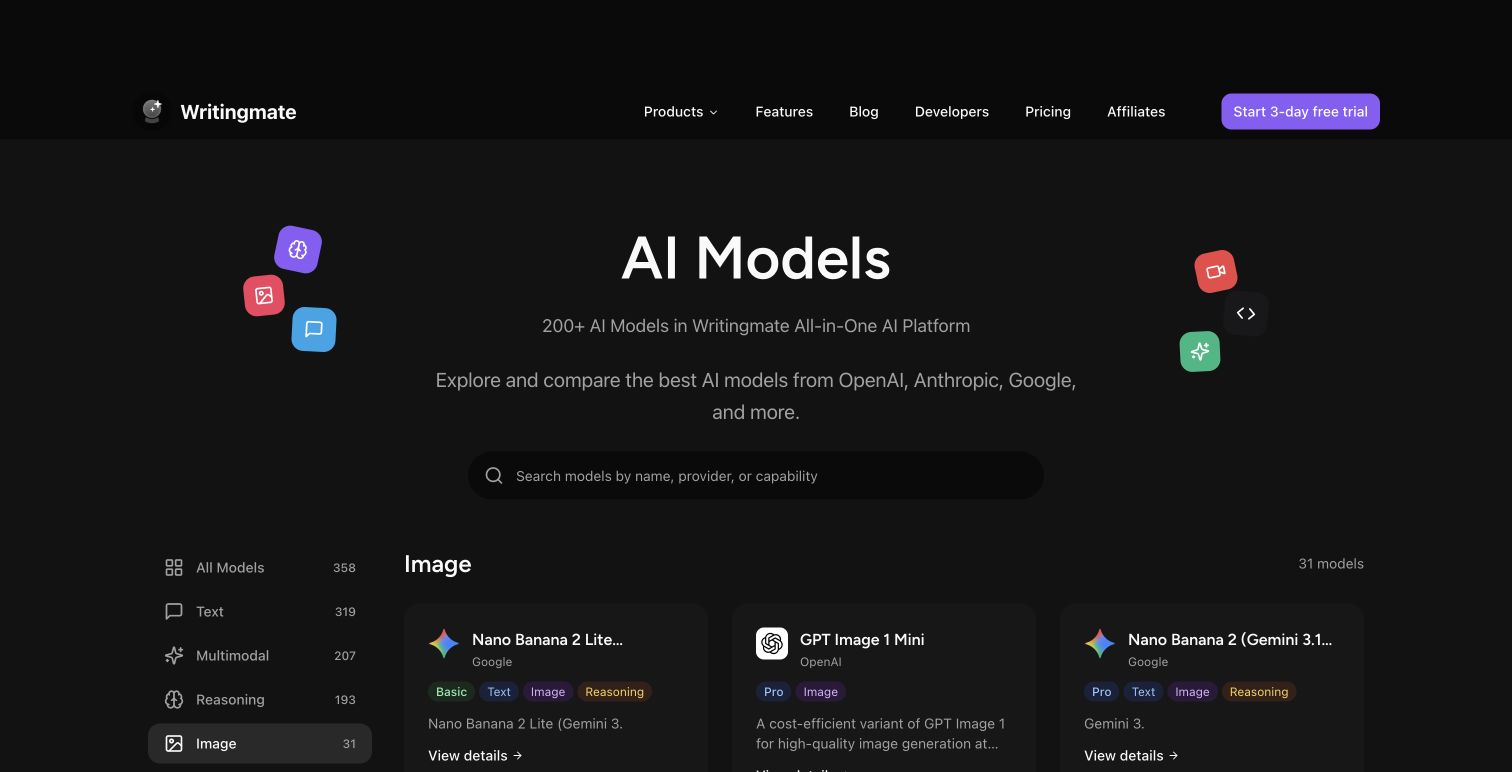
The image model category on Writingmate consolidates this: one subscription, one interface, model switching without context loss. Here's what a realistic workflow looks like when that's available:
- Iteration phase: FLUX.1 Schnell for the first 10–15 drafts — fast, cheap, good enough to find your direction
- Refinement phase: FLUX.1 Dev on the composition you've settled on — more detail, slower, worth it once you know what you want
- Text overlay: Switch to GPT-5 Image or Nano Banana Pro when the design needs readable copy inside the image
- Delivery: Download with confidence — every major model in the directory includes clear licensing information so you're not guessing about commercial rights
That workflow previously required four separate accounts and payment methods. Now it's four clicks in the same session. For anyone doing client work or producing images at volume, that time savings compounds quickly.
When to Stay on Perchance — and When to Leave
Perchance isn't bad. It's narrow. There's a specific situation where it's the right call.
Stay on Perchance if:
- You're generating anime-style concepts for personal use only, with zero commercial intent
- You have no budget and need something completely free right now
- You're exploring prompt phrasing before committing to a paid generation run
- You specifically want the Jellymon-style anime character output — Perchance's particular flavor of that style is genuinely distinct
Switch when:
- Your output will appear in anything commercial — marketing materials, client deliverables, merchandise, social media for a business
- You need the same character to look consistent across more than two or three images
- Text needs to render correctly inside the image
- Queue times are regularly eating 30+ seconds per generation
- Photo-realism matters for your use case
- You're spending more time managing tabs and accounts than actually generating
In my experience, most people hit at least one of those "switch" triggers within a month of serious use. The commercial rights issue is the one that catches people off guard most often — usually right when they're about to put an image to work for something real.
"The moment I needed to actually use my images for a project, I realized I'd been building on a foundation that didn't support commercial use. One afternoon migrating to a proper model directory saved me from a much bigger problem." — Shared in AI tools discussions on X
The Practical Build: How to Set Up a Reliable AI Image Workflow
If you're starting from Perchance and want to build something that actually scales, here's the sequence that works.
Week 1 — Exploration: Use Perchance or FLUX.1 Schnell (free tier) to test prompt styles. Don't overthink model choice yet. Generate lots of variants, figure out what prompt structures produce what results. This phase is cheap and should be.
Week 2 — Use case identification: Anime characters, product photos, marketing assets, and concept art each have a different best model. Run the four-question decision tree above. If you're still unsure, the model descriptions in Writingmate's image directory include enough context to make an informed call without a trial-and-error month.
Week 3 — Deep work on one model: FLUX.1 Dev rewards dense, specific prompts — more detail in the prompt translates directly to more detail in the output. DALL-E 3 responds well to natural language and is forgiving of vague prompts. GPT-5 Image is strong on complex multi-element compositions and instruction-following. Pick one based on your use case and learn its quirks before expanding your stack.
Week 4+ — Build your prompt library: The single biggest efficiency unlock in AI image generation isn't the model — it's having 10–20 prompts that reliably produce what you need for common requests. Save your winners. Tag them by use case. When results drift (models update, outputs shift), you have a baseline to debug against.
Writingmate makes weeks 2 and 3 faster because you can run the same prompt across multiple models in the same session. That's the fastest possible way to figure out which model your specific use case prefers — direct comparison, same prompt, no tab switching, no separate accounts.
If you've been bouncing between Perchance, random Hugging Face Spaces, and a free-tier somewhere — this is the consolidation point. One place, the models that actually matter for your work, with the fragmentation overhead eliminated.
See you in the next one!
Artem
Frequently Asked Questions
Sources

Written by
Artem Vysotsky
Ex-Staff Engineer at Meta. Building the technical foundation to make AI accessible to everyone.

Reviewed by
Sergey Vysotsky
Ex-Chief Editor / PM at Mosaic. Passionate about making AI accessible and affordable for everyone.