If you typed "perchance ai image generator" into a search bar and landed here, I know exactly what you're after. You want a tool that generates images — ideally with low friction, ideally without hunting down a credit card, ideally something that gives you usable results fast. Perchance fills some of those requirements. But in 2026, the AI image generation landscape has changed enough that the question isn't really about Perchance anymore. It's about which of the many available models is actually right for your specific use case — because picking the wrong one wastes time in ways that aren't obvious until you're already deep into a project.
My name is Artem, and I've been running the Writingmate blog while testing AI image tools since the early Stable Diffusion public release. I've used Perchance, Flux, DALL-E, Midjourney, Ideogram, Recraft, Nano Banana Pro, and about a dozen others in the course of building out and reviewing our own image generation directory. What I've found consistently is that most people pick an image tool based on what they heard about first — not on what actually fits their workflow. This guide is designed to fix that.
We'll cover the real search intent behind "perchance ai image generator," what the 2026 model landscape looks like at a glance, how to navigate Writingmate's image model directory to compare options side-by-side, and a practical framework for matching models to specific project types. No fluff, just what you need to make the decision.
What Your Search Intent Is Actually Telling You
When someone searches for "perchance ai image generator," there are typically three distinct things they're looking for — and knowing which camp you're in changes what the right answer is.
Group one: complete beginners. They want to try AI image generation with zero commitment. No account, no payment info, no setup. Perchance works here because the barrier is genuinely zero — land on the page, type a prompt, click generate. That zero-friction experience has real value, and it's why Perchance has built a following despite its quality limitations.
Group two: style-seekers. They've heard about a specific Perchance variant — usually the Jellymon AI image generator — from a Discord, a subreddit, or a friend. They have a stylistic output in mind (usually anime or creature-art adjacent) and they're looking for that particular flavor. For this group, Perchance with a Jellymon-style model is a perfectly legitimate choice for that aesthetic.
Group three: people who are frustrated. They've tried image tools before. They've hit rate limits, broken anatomy, generation queues that kill momentum, and outputs they can't fix without starting over completely. "Perchance ai image generator" is just what came to mind when they went back to searching — but what they actually want is a reliable tool that delivers consistent results they can iterate on.
The third group is the largest, and it's the one this guide is written for. Here's the core insight: "perchance ai image generator" has functionally become a proxy search term for "I want easy AI image generation that works." The destination doesn't have to be Perchance. It just needs to reduce friction while improving output quality. Once you understand that, you can make a much smarter choice about which tool serves you.
"Switched from Perchance to running Flux Schnell on the API after one too many 4-minute queue waits for a generation that came out blurry anyway. Night and day difference even at the free tier." — u/fluxphotog on r/StableDiffusion
The 2026 AI Image Model Landscape at a Glance
Before going deep on individual models, here's the current landscape organized by what actually matters for picking a tool: output quality, speed, model variety, and whether you can edit outputs after generation.
Tool / Model | Best For | Speed | Free Option? | Post-Generation Editing | Model Variety |
|---|---|---|---|---|---|
Perchance AI | Zero-friction experimentation | Slow (queues) | Yes — no account | None | Community wrappers only |
Flux 1.1 Pro (BFL) | Photorealism, anatomy accuracy | Fast | Schnell variant only | Via APIs | Pro / Schnell / Dev |
DALL-E 3 / GPT-5 Image | Precise prompt adherence, text in images | Medium | Limited (ChatGPT free) | Basic canvas | Single model |
Ideogram 2.0 | Typography, logos, design assets | Medium | Yes — 20 gens/day | Limited | Single model |
Recraft V3 | Brand assets, icons, illustrations | Fast | Yes — limited credits | Style controls | Single model |
Midjourney 7 | Artistic quality, mood-driven output | Fast | No | Vary / zoom tools | Single model family |
Stable Diffusion 3.5 (local) | Flexibility, custom fine-tunes | Fast (with GPU) | Yes — GPU required | Full (ComfyUI) | Unlimited checkpoints |
Writingmate (multi-model) | Comparing models, iterative workflows | Fast | Trial available | Yes — inpainting | 15+ models in one place |
The column that matters most for most people is Model Variety. Single-vendor platforms give you one model's aesthetic, one model's limitations, one model's failure modes. If that model doesn't handle your specific type of prompt well — and every model has blind spots — you're stuck. Multi-model platforms let you route around those limitations by switching rather than struggling.
The Models Worth Actually Understanding in 2026
Let me go past the table and explain what makes each major model family distinctly useful, because the differences matter for real decisions.
Flux 1.1 Pro (Black Forest Labs) is currently the strongest model for photorealistic output. Sharp detail, good anatomy accuracy (still not perfect, but far ahead of older checkpoints), and excellent prompt adherence on complex scenes. The free Schnell variant trades some resolution and fidelity for significantly faster generation — it's genuinely a step up from Perchance's community generators even at the free tier. If you're generating product shots, architectural visualizations, or any realistic-looking scene, Flux 1.1 Pro is your default starting point.
DALL-E 3 and GPT-5 Image Generation have a distinct superpower: they follow compositional instructions more precisely than any other model. "Put the logo in the upper right corner," "make the background a warm amber gradient," "three people standing in a line with the tallest on the left" — GPT-5's image model actually does this. Other models interpret these prompts loosely. That precision makes it the right choice for design briefs with specific spatial requirements, even when the raw aesthetic output isn't the most striking option on the list.
Ideogram 2.0 exists to solve one specific problem: readable text inside generated images. Banners, social media graphics, poster designs, product mockups with visible text — Ideogram gets this right when every other model garbles the letters. The free tier gives you 20 generations per day, which is enough for regular use. If your prompts regularly include text that needs to be legible, you need Ideogram in your toolkit regardless of what else you use.
Recraft V3 takes a different approach entirely, targeting design assets specifically. Icons, illustration sets, branded imagery, infographic elements — Recraft's output tends to be cleaner and more controllable in terms of visual style than general-purpose image models. The style consistency across generations is notably better than most alternatives, which matters if you're producing multiple assets for the same brand or campaign.
Midjourney 7 remains the gold standard for mood-driven, aesthetically opinionated output. It doesn't follow prompts literally — it interprets them artistically. That's a limitation when you need precision and a strength when you want quality that feels curated rather than generated. Worth having access to, not worth using for everything.
"Ran the same product brief through GPT-5 image gen and Midjourney back to back. GPT-5 nailed every spatial spec. Midjourney looked better. Neither wins on both axes." — @aiartworkflows on X

How to Navigate Writingmate's Image Generation Directory
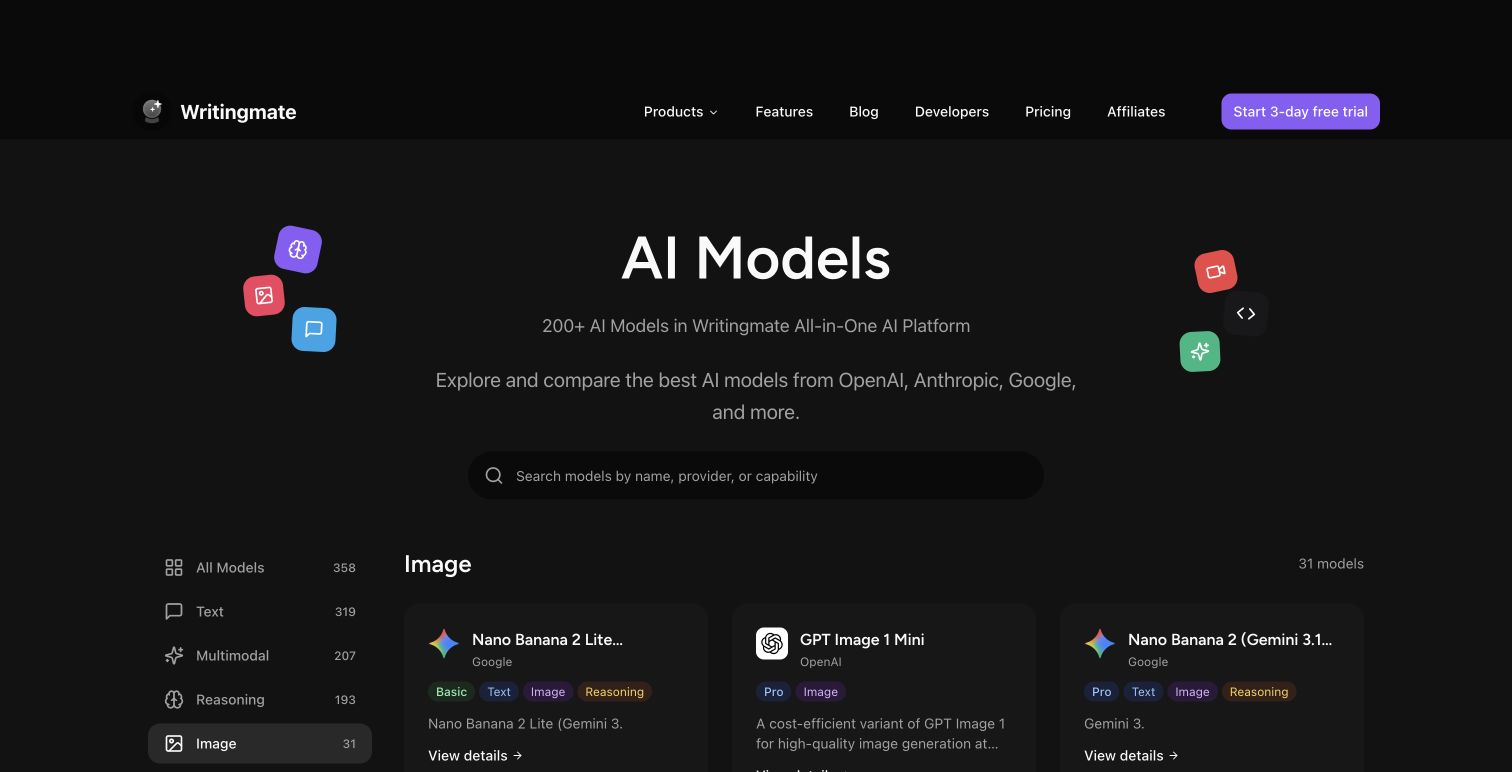
Rather than maintaining five separate accounts and burning through free-tier credits across different platforms, Writingmate's image models directory gives you access to over 15 image generation models through one interface. Here's how to use it effectively rather than just picking whatever comes up first.
The directory organizes models by capability rather than just name. You can browse by output style (photorealistic vs. artistic vs. design-focused), by speed, and by the specific use case the model handles best. Each card shows sample outputs so you can calibrate expectations before generating anything.
The workflow that saves the most time is parallel comparison on the same prompt. Write your prompt once, run it on three models back-to-back, and look at the outputs side by side. You'll immediately see which model's aesthetic matches what you had in mind. This takes about two minutes with a multi-model platform and about two hours if you're doing it across separate single-model tools with separate sign-up flows.
The inpainting feature is the other major differentiator worth understanding. If you generate an image and 90% of it is right — great composition, right mood, correct subject — but the background is wrong or a face came out awkward, you don't start over. You paint a mask over the specific region, write a description of what you want there instead, and regenerate just that portion. The rest of the image stays intact. This is the single biggest limitation of Perchance and most single-model free tools: generate and hope is the only available workflow. Targeted iteration is what moves image generation from a novelty into something you can depend on for real work.
On cost: a Writingmate subscription starts at $12 per month and covers image generation alongside 200+ text AI models. You're not paying a separate image subscription on top of a chat tool subscription — it's one plan. If you're already spending on any AI tool and occasionally need image generation, the all-in-one math often works in Writingmate's favor.
A Practical Framework for Picking the Right Image Model
Here's how I'd approach the decision if I were starting from scratch, based on what I actually use for different project types:
For photorealistic images — any realistic-looking scene, portrait, or product shot: Start with Flux 1.1 Pro. If you need speed over absolute quality, Flux Schnell. Don't start with anything else for this use case because the quality gap is significant enough to matter immediately.
For images with readable text — banners, social graphics, posters, product mockups with visible words: Use Ideogram, full stop. Don't waste prompting effort trying to make other models render legible text. They generally can't, and Ideogram can. This is a case where using the right tool from the start saves you hours of frustration.
For brand-consistent design assets — icons, illustration sets, recurring visual elements: Try Recraft V3. The style control and consistency across multiple generations is distinctly better than general-purpose models for this use case.
For creative, mood-driven, aesthetically polished output: Midjourney 7 or Nano Banana Pro depending on the specific aesthetic direction. Run both and let the output guide the decision — they have noticeably different personalities.
For precise compositional requirements — specific spatial layouts, exact color specifications, described arrangements: GPT-5 image generation. The prompt adherence is unmatched for this type of brief.
For casual experimentation with zero commitment: Perchance is still fine. If you don't want to create an account and you just want to see what AI image generation produces on a rough idea, Perchance removes all friction. Know what you're getting — community-maintained compute, older model checkpoints, queue times during peak hours — and use it accordingly.
The meta-principle here: pick the tool that has the specific strength your use case requires, not the tool you heard about most recently. Most friction in AI image generation comes from using a generalist model for a task where a specialist model would have gotten it right on the first try.
Writingmate's image models directory is the fastest way to run this comparison in practice. Browse the directory, run your prompt across the models that match your use case, and let the outputs tell you which one fits. It's faster than reading any guide, including this one.
See you in the next one!
Artem
Frequently Asked Questions
Sources

Written by
Artem Vysotsky
Ex-Staff Engineer at Meta. Building the technical foundation to make AI accessible to everyone.

Reviewed by
Sergey Vysotsky
Ex-Chief Editor / PM at Mosaic. Passionate about making AI accessible and affordable for everyone.