The biggest change this week is not a new model or a new image feature — it is control. You can now tell Writingmate how hard to think before it answers, and you can now let your own agents and coding tools talk to Writingmate directly through a developer API and an MCP endpoint. Both shipped alongside a batch of billing and reliability fixes that had been quietly annoying a subset of users.
Here is everything that shipped between June 30 and July 7, 2026, and how to try each piece in under a minute.
| Feature | Category | Who it's for |
|---|---|---|
| Chat effort selector | New | Anyone using reasoning models like Claude |
| Developer API & MCP surface | New | Developers connecting agent tools |
| Skippable onboarding steps | Improved | New users setting up a workspace |
| Accurate per-model reasoning controls | Improved | Users switching between reasoning models |
| Trial cancellation, AppSumo resets, cache overflow, markdown math | Fixed | Trial users, AppSumo members, heavy Claude users |
Choose your reasoning effort, right in the chat window
Reasoning models like Claude can think longer before answering, which usually means a better answer at the cost of more time and more messages. Until now, that trade-off was invisible — you got whatever effort level we picked for you, whether the question was "summarize this paragraph" or "find the bug in this 400-line function."
The new effort selector puts that dial in your hands. Open a chat with a reasoning-capable model and you will see a low / medium / high control next to the model picker. Pick low for quick, cheap answers on simple tasks. Pick high when you are debugging something gnarly and want the model to actually work through it step by step.
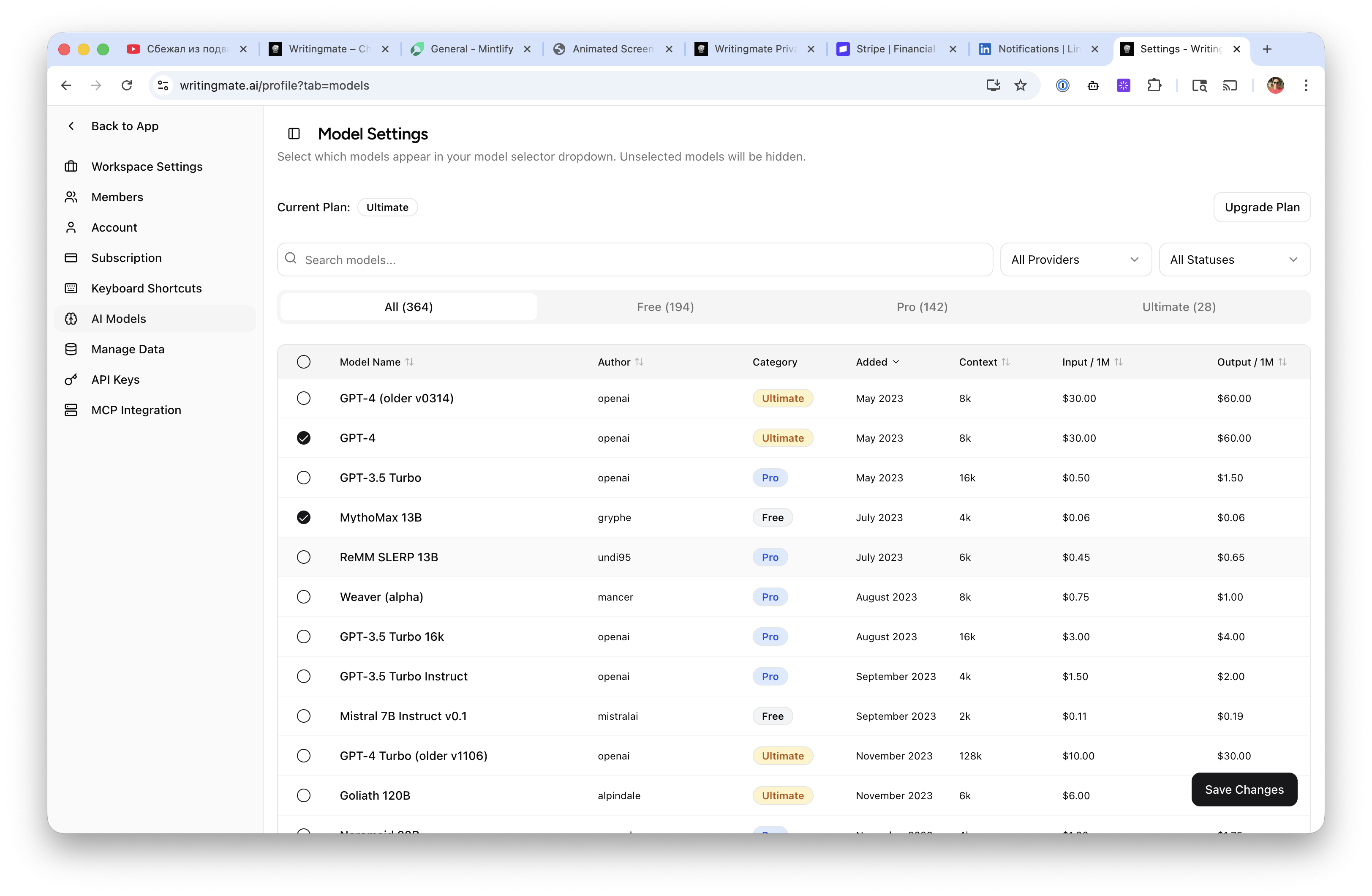
This shipped alongside a quieter but arguably more important fix: we used to guess whether a model supported adjustable effort based on its provider name, which meant some Claude models showed the control and others didn't, for no reason a user could see. We now read the real capability data for each model, so the selector only appears where it actually does something, and it appears everywhere it should.
Try it now: open a new chat, pick a reasoning model, and toggle the effort level before you send your next hard question.
A developer API and MCP endpoint for your agent tools
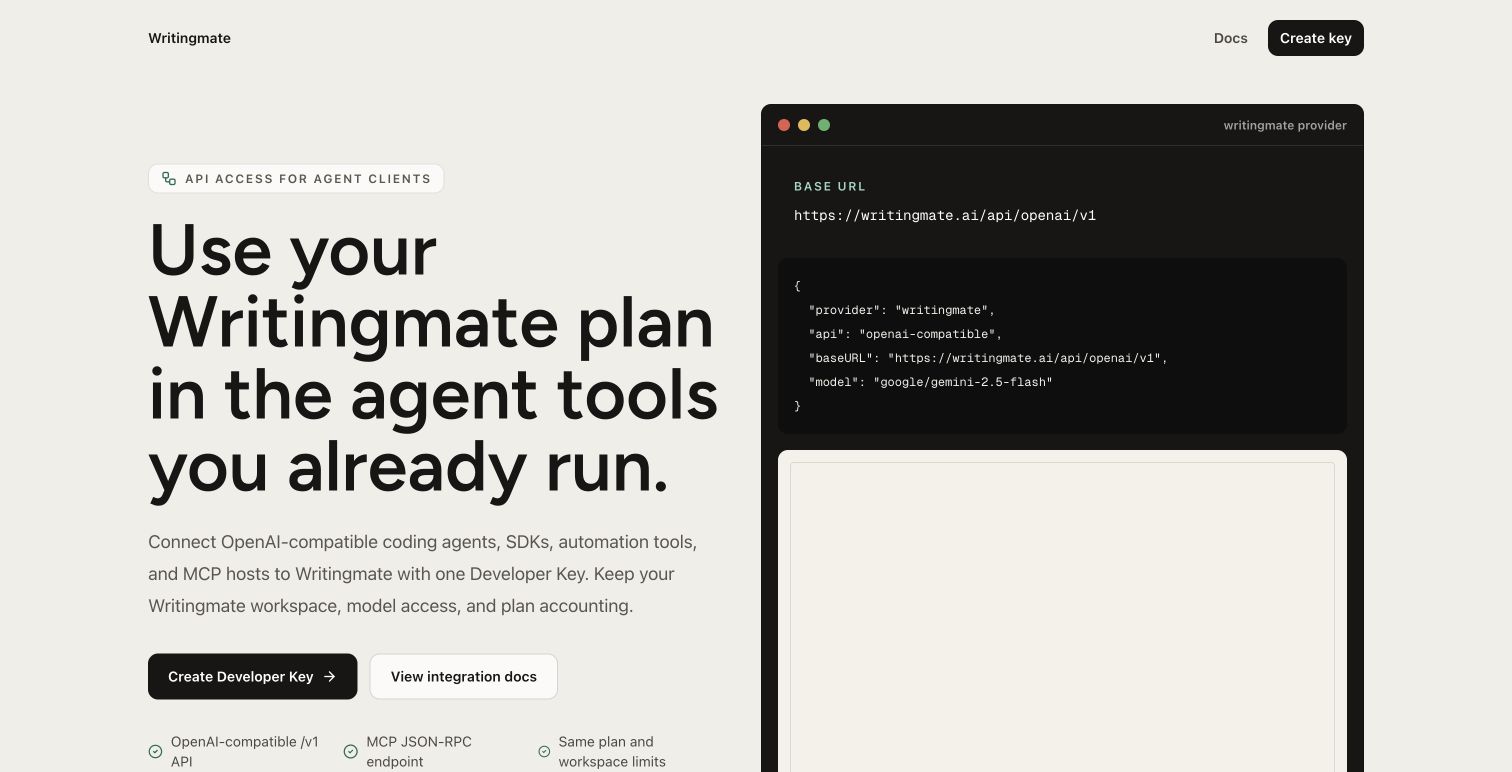
If you build with coding agents — Claude Code, Cursor, OpenCode, or anything else that speaks MCP or an OpenAI-compatible API — you can now point those tools at Writingmate directly. We shipped a public /developers page describing the setup, plus an authenticated MCP JSON-RPC endpoint that supports the standard initialize, tools/list, and tools/call flow.
Under the hood, the MCP endpoint proxies to the same models, chat completions, Responses, image, and video generation surface that powers the OpenAI-compatible API we shipped a few weeks ago. That means one API key gives your agent access to the full model catalog, not just chat — it can generate an image or kick off a video render as part of a larger workflow.
We also tightened the OpenAI-compatible Responses handling for tool-call output blocks, and made sure the API can only be used with a real developer key rather than a session cookie, closing a gap that made the surface stricter and safer without changing anything for normal chat use.
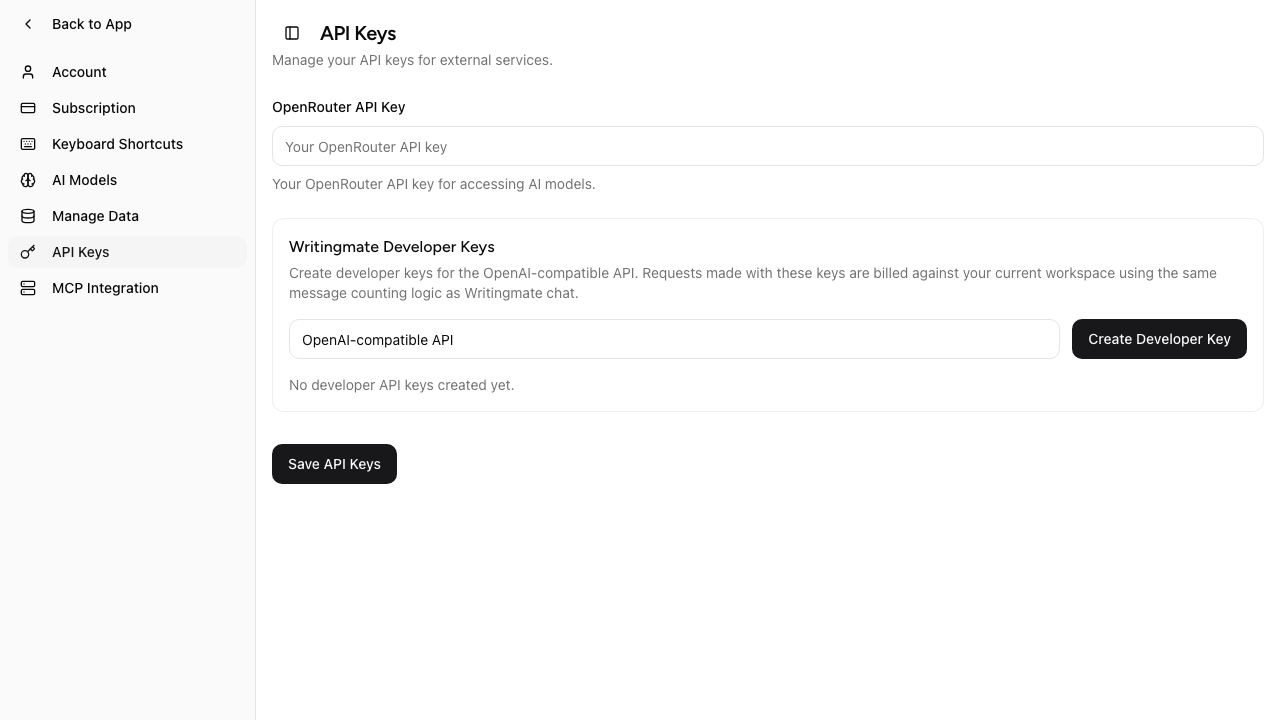
To try it: generate a key from your API keys settings, then follow the setup steps on the developers page to point your MCP-compatible client at it.
Onboarding: skip steps individually instead of all-or-nothing
The onboarding checklist that appears for new workspaces used to be one switch — dismiss the whole thing, or keep every step visible until it's done. That meant if you didn't want to invite teammates yet but did want to finish the rest of setup, you were stuck looking at a step you had no intention of completing.
Each checklist item can now be skipped on its own, and that choice is remembered. We also added a dedicated step nudging you to invite a teammate before you get to the referral-sharing step, since workspaces with at least one other member get more value out of shared chats and projects. If you already have someone in your workspace, that step marks itself done automatically.
This one doesn't need a special link — it just shows up the next time you or a teammate starts a fresh workspace.
Fixed this week
- Trial subscription cancellation now actually cancels the trial instead of silently failing.
- AppSumo lifetime deal credits reset correctly on your monthly anniversary date, fixing two separate bugs in how reset dates were compared and filtered.
- Long conversations with Claude models no longer fail with a cache-control overflow error.
- Math rendered in markdown (LaTeX-style expressions) now displays correctly instead of showing raw syntax.
- File uploads to the document converter are sanitized more strictly, closing an edge case around unusual filenames.
- Voice dictation no longer replaces short spoken commands with unrelated words from your custom vocabulary list.
Thanks for using Writingmate and for the bug reports that got several of these fixes prioritized — keep them coming. You can browse every past release, including this one, on the full changelog.
— Artem
Frequently Asked Questions About This Week's Release
Sources

Written by
Artem Vysotsky
Ex-Staff Engineer at Meta. Building the technical foundation to make AI accessible to everyone.

Reviewed by
Sergey Vysotsky
Ex-Chief Editor / PM at Mosaic. Passionate about making AI accessible and affordable for everyone.