
Useful Links
Use these links to open the current Writingmate product, documentation, developer tools, and support channels.
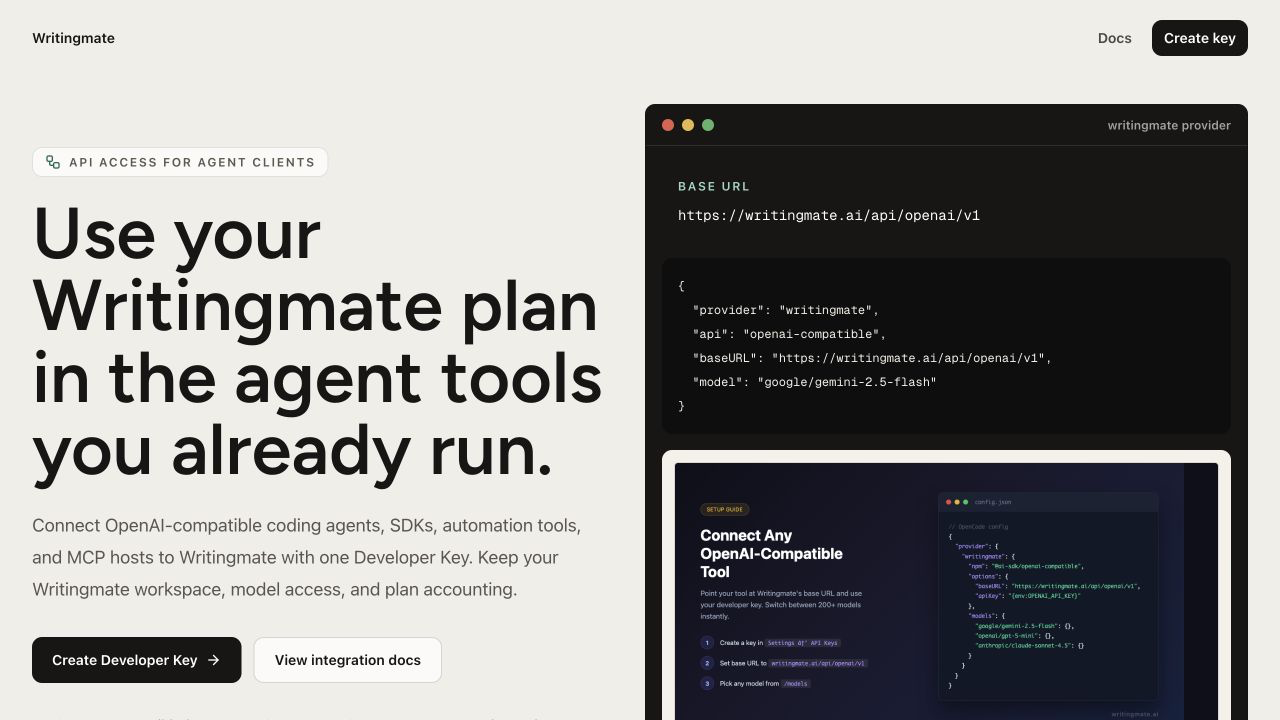
The Developer Hub links to Developer Keys, API documentation, and MCP setup.
Product
- Open Writingmate — start or continue working in the web app.
- AI Models Directory — browse the public text, image, video, coding, reasoning, and multimodal catalog.
- Pricing — review current plans, allowances, billing periods, and checkout terms.
- Writingmate Documentation — browse setup instructions and feature guides.
- Blog — read Writingmate product guides and AI articles.
- Changelog — review product updates.
- Free AI Tools — use Writingmate's public mini tools.
Developers and integrations
- Developer Hub — start with Writingmate's OpenAI-compatible API and MCP endpoint.
- OpenAI-Compatible API — review authentication, endpoints, usage counting, and client examples.
- MCP Integration — connect outside MCP servers to Writingmate or use Writingmate as an MCP server.
- API Keys — add an OpenRouter BYOK key or manage Writingmate Developer Keys while signed in.
- MCP Integration settings — add and manage MCP servers while signed in.
Help, account, and policies
- Contact Writingmate Support — ask for account, billing, or technical help. Do not email passwords, API keys, Developer Keys, or full payment-card details.
- Frequently Asked Questions — find concise answers about plans, models, BYOK, the API, and the Chrome extension.
- Manage your subscription — review the current workspace plan, renewal or access-end date, and billing actions while signed in.
- Terms of Service
- Privacy Policy
- Refund Policy
Browser extension
- Writingmate Chrome extension — a legacy browser client that remains listed in the Chrome Web Store. Its interface, models, and features may differ from the current web app. Use the web app for the current Writingmate experience, and verify extension entitlement in your subscription terms.