


I keep seeing the same promise on AI note-taking landing pages: press record, walk away, and magically get perfect notes. That is not how it works in practice.
My name is Artem, and I spend an unreasonable amount of time testing AI workflows for the Writingmate blog. The meeting-notes category is one of the easiest places to get fooled by polished demos because almost every tool looks impressive in a controlled video.
Once you use them in real meetings, the differences show up fast. Some tools summarize well but miss action items. Others capture action items but flatten every discussion into generic project-management sludge. If you want better notes, you need a workflow that pairs transcription, summarization, and quick follow-up prompts without forcing a second editing session.
"The transcripts are fine. The summaries are where we still spend time fixing things." — u/opsforhumans on Reddit
Where Most AI Meeting Notes Workflows Break
The first failure mode is over-automation. Teams assume the summary is the final artifact, then someone still has to rewrite it into something leadership or clients can actually use.
The second failure mode is missing context. When the model does not know your product names, internal abbreviations, or who owns which workstream, it produces notes that sound tidy but are less useful than the raw transcript.
The third failure mode is publishing friction. If your notes live in one tool, your action plan lives in another, and your follow-up email lives in a third, the process is slower than a decent manual template.

What a Useful Automation Chain Looks Like
The setup I trust has three steps. First, get a clean transcript. Second, run a prompt that extracts decisions, blockers, and owners separately. Third, immediately rewrite the output for the audience that will read it.
That last step matters more than most people think. Executive updates, internal standups, and customer recap emails are different documents. A single "meeting summary" output is usually too vague for all three.
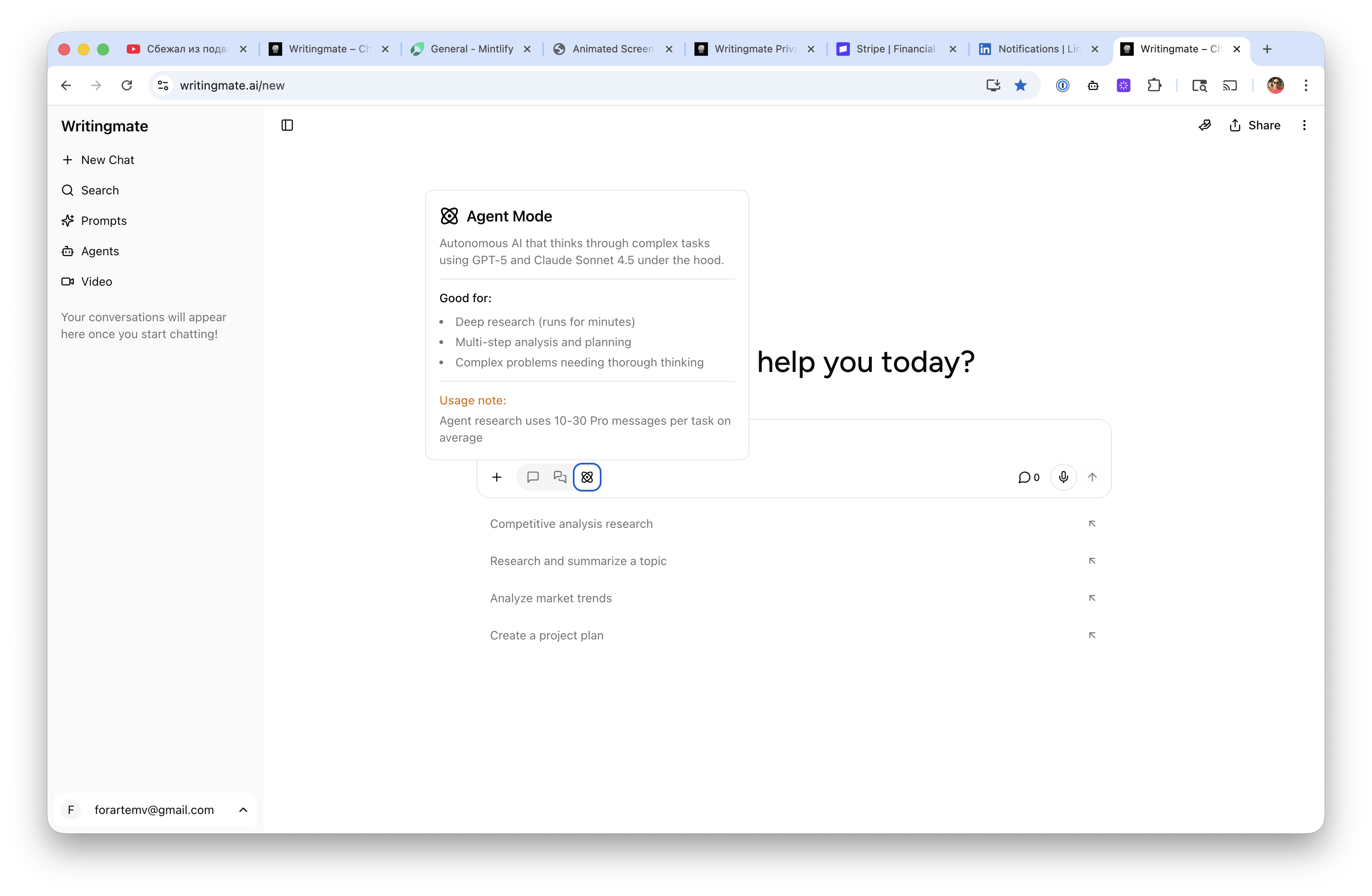
Writingmate is useful here because you can move from transcript cleanup to follow-up drafting in the same place instead of copying content across multiple apps. That cuts down on formatting churn and makes it easier to compare models when one summary feels too generic.
"The model switcher is the only reason our note workflow feels flexible instead of locked in." — a product operations manager
The Checks I Use Before Sharing Notes
I use a short checklist before any notes leave my inbox:
Are decisions separated from discussion?
Does every action item have an owner?
Did the summary preserve dates, numbers, and product names?
Would someone who missed the meeting understand the next step?
If any answer is no, the automation did not finish the job. It only produced a draft.
This is also where source quality matters. Official product docs help you understand what a note-taking tool claims. Community feedback tells you what actually breaks after a week of use. You need both.
The Bottom Line
AI meeting notes are worth automating, but only if the output is structured for the next action, not just for passive reading. In my experience, the teams that get the biggest win are the ones that treat summaries as an intermediate asset and immediately turn them into tasks, follow-ups, or decisions logs.
If you want one simple rule, use the transcript for completeness and use the model for formatting, prioritization, and audience adaptation. That is the split that saves time.
Artem
Frequently Asked Questions

Written by
Artem Vysotsky
Ex-Staff Engineer at Meta. Building the technical foundation to make AI accessible to everyone.

Reviewed by
Sergey Vysotsky
Ex-Chief Editor / PM at Mosaic. Passionate about making AI accessible and affordable for everyone.