


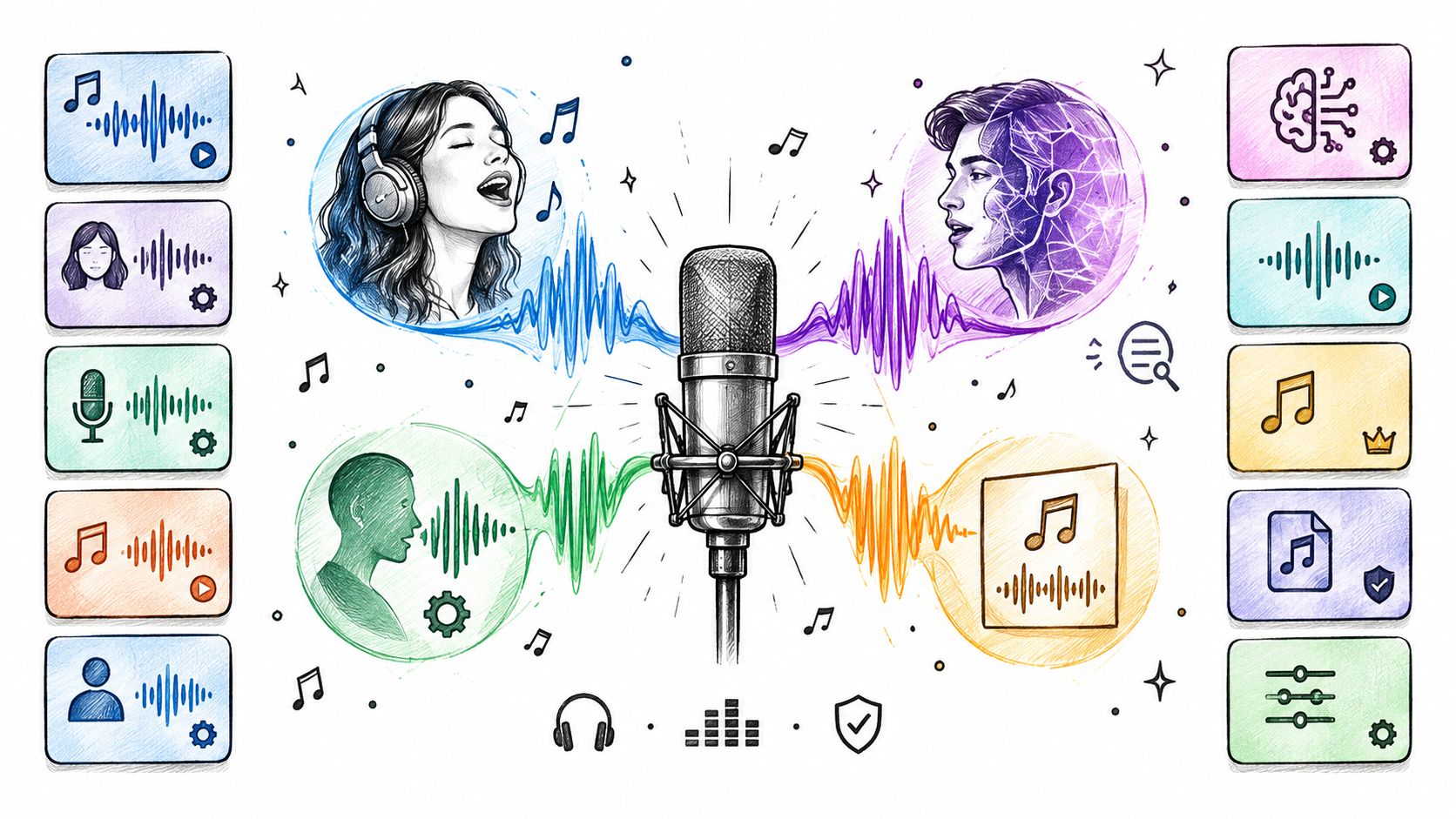
You've got a chorus in your head, a rough vocal on your phone, or lyrics with no melody yet, and you're trying to figure out which tool gets you to a finished track. That's where many users choose wrong. They buy a precise singing synthesizer when they wanted a finished song, or they use a prompt generator when they needed control over every note.
Start with the job. Do you need to synthesize a vocal from notes and lyrics, transform a recorded performance, create a custom voice, or generate a complete song with vocals and instrumentation? Each answer points to a different workflow, setup effort, and licensing risk. A MIDI based tool rewards patience and musical editing. A converter only sounds as good as the performance you feed it. A prompt tool is fast, but it decides details you'd otherwise direct.
This list is organized around those trade offs, not marketing claims. You'll see where each AI singing voice generator fits, what it handles well, where it frustrates, and what to check before a commercial release. If you're sketching demos, replacing a placeholder vocal, building harmonies, or testing a song idea in an afternoon, one of these workflows will match. Pick by production method first, voice library second, and you'll save yourself time, credits, and rework.
Table of Contents
- 1. Vocuno
- 2. ACE Studio
- 3. Synthesizer V Studio 2 Pro
- 4. Kits AI
- 5. Audimee
- 6. Musicfy
- 7. Lalals
- 8. Suno
- 9. Udio
- 10. VOCALOID6
- 11. FineShare Singify
- Top 11 AI Singing Voice Generators: Feature Comparison
- Build a Rights-Safe Singing AI Workflow
1. Vocuno
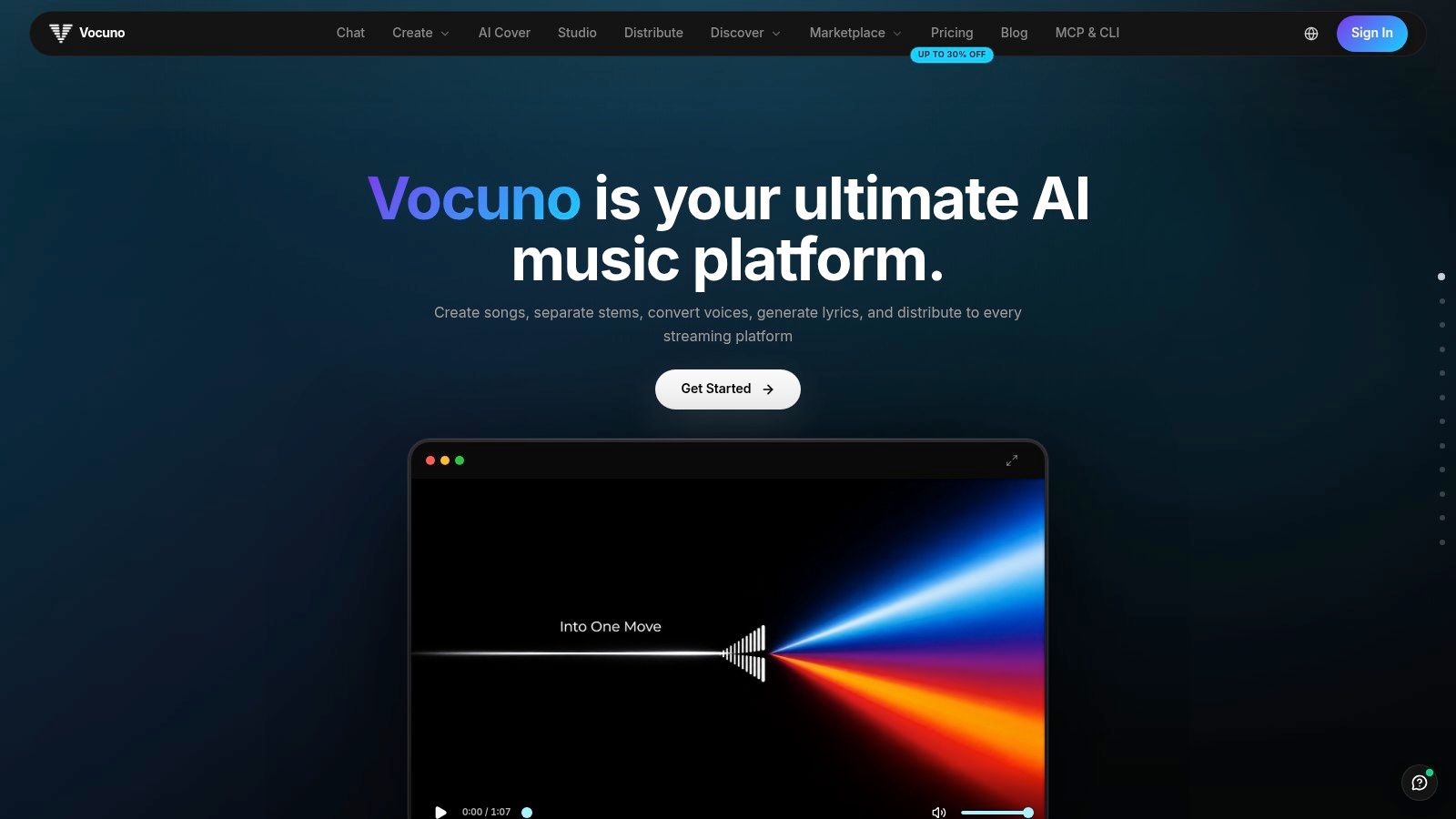
Vocuno bets that your bottleneck is switching between tools, not picking the right one. It puts song generation, vocal work, stem separation, and release tools in one workspace, and a typical run looks like this: generate a scratch vocal, separate the stems, convert the lead with a different engine, then push the master to Spotify without leaving the project.
The feature list covers the full chain. You can generate complete songs, write lyrics, convert and clone voices, detect BPM, and turn audio into MIDI in a single flow. Vocuno advertises integrations with Suno, ElevenLabs, Audimee, LALAL.ai, MusicGPT, MiniMax, Lyria 3, and YouTube (listed on the Vocuno site), so you can route each job to whichever engine handles it best. Check that page before building a project around a specific integration, since shipped connections change faster than marketing copy does.
Where It Fits Best
Pick Vocuno when speed across the whole chain matters more than depth in one specialized editor. The workspace follows a DAW-like sequence for creating, importing, analyzing, recording, remixing, and refining, and it distributes finished tracks to Spotify, Apple Music, YouTube Music, Deezer, Tidal, SoundCloud, and Pandora from inside the platform, which removes the usual export-and-upload handoff at the end.
As an AI singing voice generator, its edge is that a vocal never leaves the project. It stays attached to lyrics, stems, edits, and release steps, which suits independent artists doing every job themselves. The catch is the same one every multi-engine setup carries: check the rights on each engine and voice you route through, because a clean license on one layer does not cover the rest.
2. ACE Studio
ACE Studio suits producers who want to write the vocal, not hope a prompt invents the right one. It builds singing from MIDI notes and lyrics, giving you direct say over melody and phrasing. The ACE Studio website positions it as a desktop workstation with extra web based tools alongside.
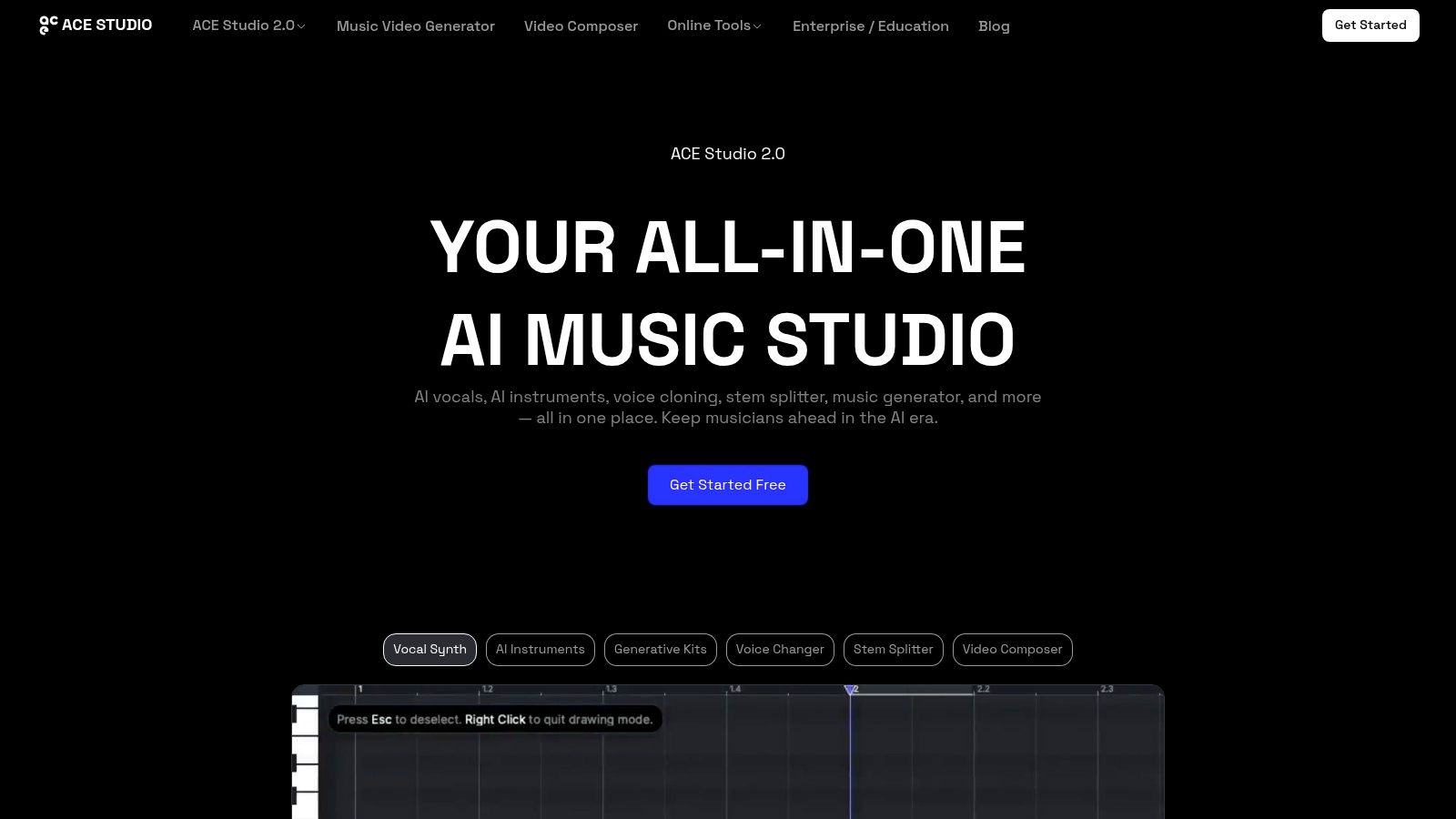
- Voice choice: A library across eight languages, plus custom voice options, helps when a song needs a specific character.
- Extra production tools: Voice changing and AI instruments extend it beyond a single lead vocal.
- Licensing clarity: Most pre made voices are described by ACE as royalty free, though you should still read voice specific terms.
The trade off is effort. You'll spend more time composing and editing than you would in a prompt to song service, and some generative features use credits tied to your plan. That cost structure rewards planned sessions over endless random renders.
It's also a useful reminder that identity matters when you work with recognizable voices, a topic explored in this guide to celebrity voice AI generation. Pick ACE when control matters and you're comfortable directing a performance note by note. Skip it if you only want a quick, disposable demo today.
3. Synthesizer V Studio 2 Pro
If your complaint about AI vocals is that they're close but not directed, Synthesizer V is built for you. It turns written notes and lyrics into performances, then lets you refine expression, pronunciation, pitch, and timing. That detail is why producers use it for parts meant to survive beyond a rough demo.
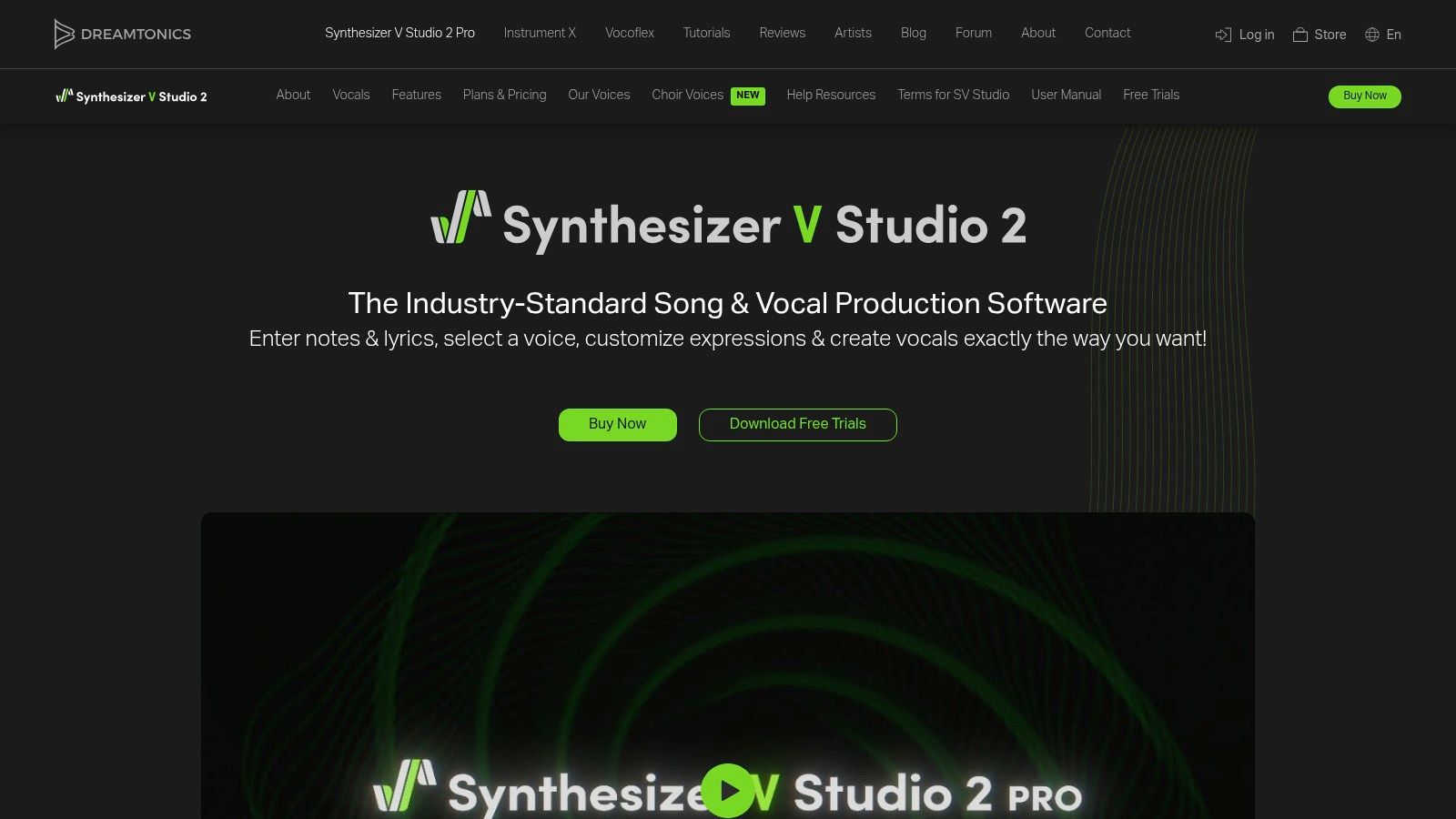
The software runs standalone and as a DAW plugin, and Dreamtonics Synthesizer V includes a voice with additional voice databases sold separately. A one time purchase will appeal if you dislike subscriptions, though building a voice collection raises the total spend. Trials for the software and voices help you test fit before committing.
Modern systems typically turn lyrics, notes, timing, and pitch into acoustic representations before generating a waveform, with research distinguishing cascaded pipelines from end to end singing architectures. In practice, that architecture talk matters only if the editor exposes useful controls. Here, it does.
Practical rule: Budget learning time as part of the price. Detailed vocal editing pays off on a lead you plan to release, not on a five minute idea sketch.
For broader context on conversational voice tools, see this overview of voice chat AI. Synthesizer V is slower than a browser generator, but it's the stronger choice when pronunciation and phrasing can't be left to chance.
4. Kits AI
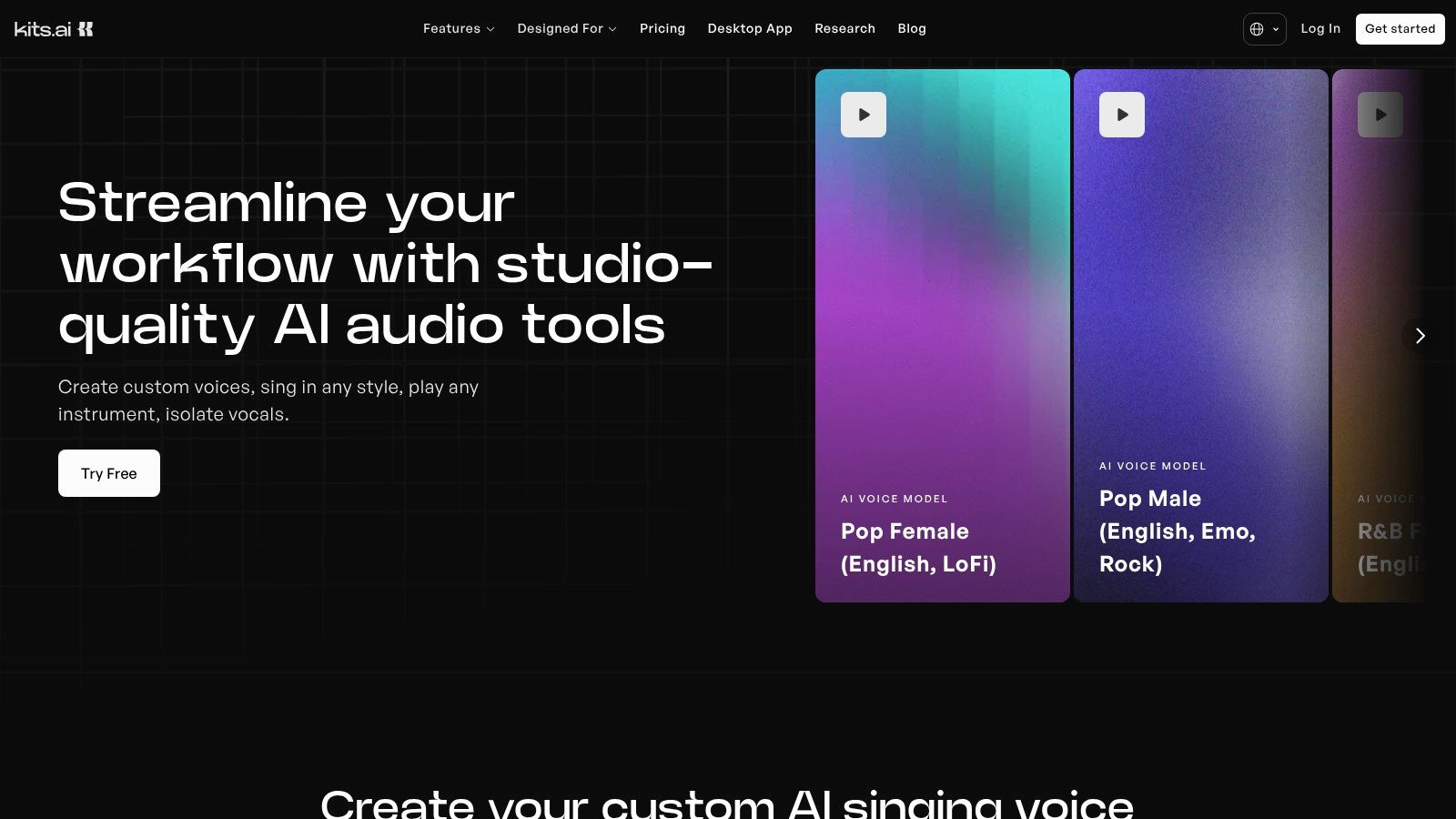
Kits AI is a web based vocal suite for people who'd rather experiment online than install a synthesis workstation. It covers voice conversion, cloning, voice design, and generative vocals, plus harmonies and processing tools. You can explore the current toolset on the Kits AI website.
What Works in Practice
The breadth is the draw. Converting a performance, blending a custom voice, generating a vocal, and building harmonies in one service reduces file shuffling. A free plan allows limited conversion, while paid plans add voice slots and download time.
Watch the allowances closely. Conversion time and download time are separate, and the free tier doesn't include download minutes. It's easy to create something you like, then discover exporting it needs an upgrade.
Scale also shapes quality in this category. SingNet reports a pipeline producing approximately 3,000 hours across languages and styles, according to SingNet's singing data and benchmark research. For Kits, judge results by language, genre, and technique rather than one polished example. Test a breathy verse, a belted chorus, and a harmony stack before you commit.
Choose Kits for flexible experimentation and custom voices. Choose a piano roll synthesizer instead if exact melody writing is your main job.
5. Audimee
Audimee starts with something you've already sung. You upload a recorded vocal and transform it with another voice model, which preserves your timing and phrasing while changing the singer's character. That makes it practical for topline writers who can perform a guide but don't want their own voice on the final demo.
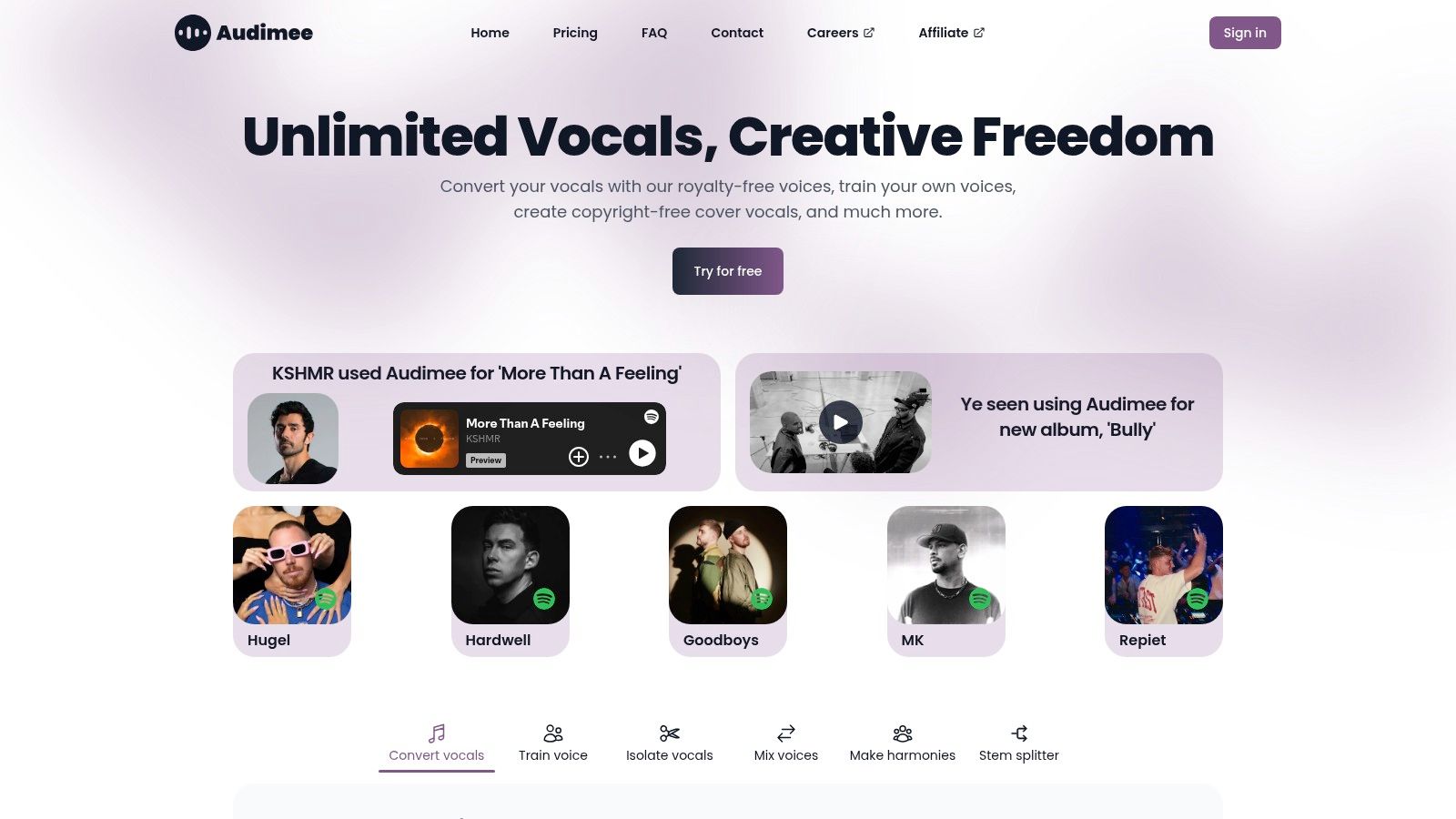
Alongside conversion, the Audimee website lists vocal isolation, pitch editing, a harmony maker, and stem splitting. Paid plans add custom voice model slots, WAV downloads, and commercial use according to Audimee's pricing page. The free tier is useful for testing, but it's limited and intended for personal use.
Conversion quality still needs human judgment. A 2025 challenge evaluated 33 systems, with the strongest reaching approximately 3.7/5 naturalness and 70% singer identity similarity, compared with roughly 3.9/5 and 90% for ground truth recordings in the 2025 singing voice conversion challenge results. That gap shows up most in vibrato, glissando, and breathy passages, so review expressive lines closely.
Monthly conversion time is capped on Starter and Pro plans, so comp your best takes before converting. Audimee works best when your performance is strong and the voice is the only thing you want to change.
6. Musicfy
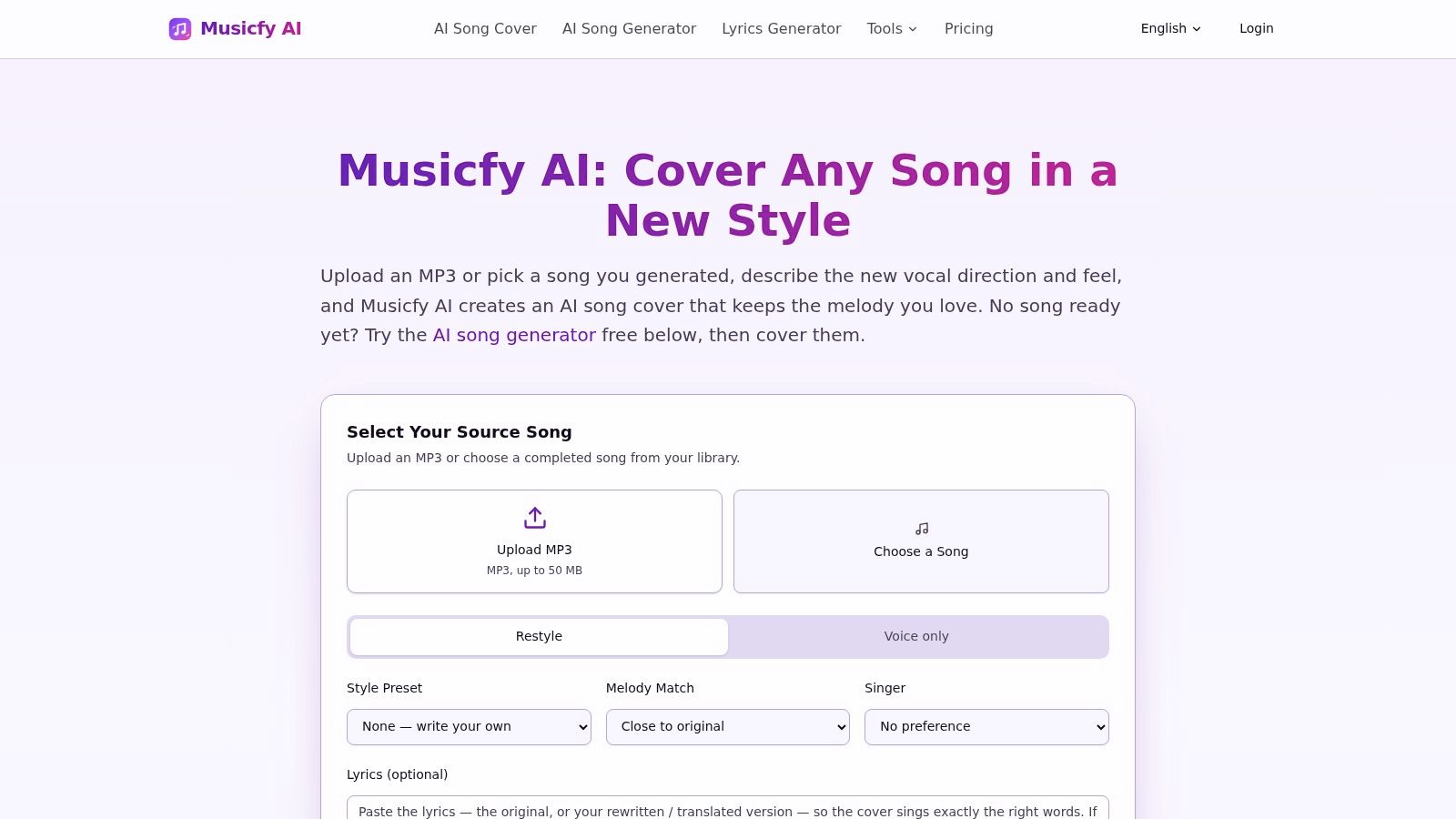
Musicfy combines AI voices and covers with full song generation, aiming at creators who want fewer production steps. You describe an idea, select or create a voice, and generate a track with vocals and instrumentation. Details and current plan limits are on the Musicfy website.
- Song first workflow: Generation from a description suits fast ideation and complete demos.
- Voice options: Cloning and selected singers let you shape who performs the track.
- Plan dependent outputs: Paid plans add MP3 and WAV downloads, private generations, and commercial rights for eligible songs.
Don't expect dedicated synthesizer control. You won't direct individual notes the way you can in Synthesizer V or VOCALOID6, so a melody you hear precisely may require repeated generations or work elsewhere. Free access is limited, and privacy, downloads, and rights shift by plan.
For release presentation after the audio is done, these ideas for making album covers with AI can help you package the track consistently. Musicfy fits all in one experimentation and social ready songs. It's a weaker fit for producers who need editable stems, exact phrasing, and a vocal session they can revise surgically months later.
7. Lalals
Lalals mixes voice changing, AI covers, full song generation, and audio utilities in one online platform. That combination suits creators who move between transforming a vocal and producing a new track without changing apps. You can check current tools and credits on the Lalals website.
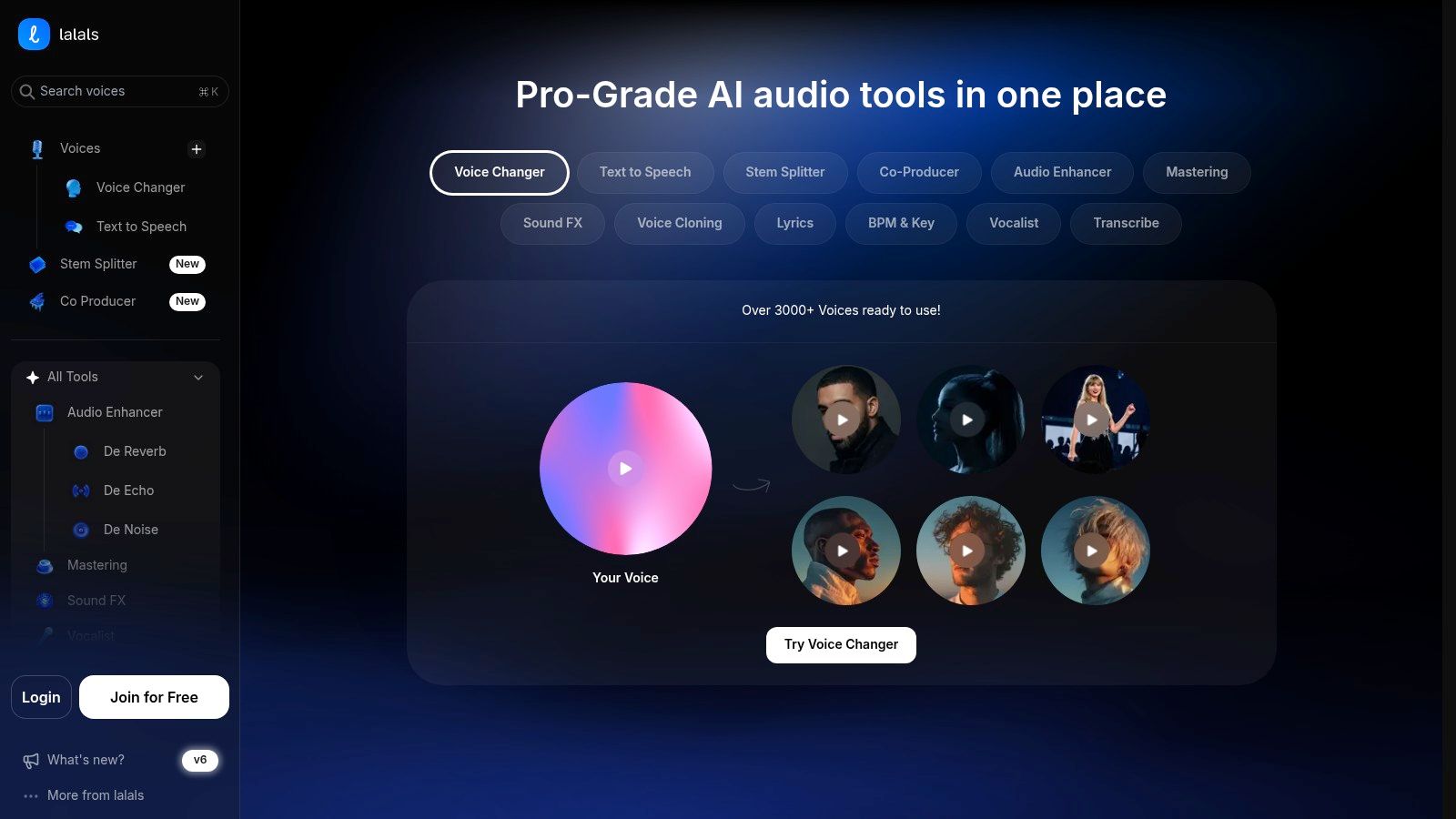
Beyond voice models, it offers stem splitting, audio cleanup, mastering, and transcription. Those utilities matter in real sessions because a converted vocal often needs cleanup before it sits in a mix. Paid plans include commercial use according to its pricing information, and a free plan lets you test the basics.
Credit Discipline Matters
Usage is credit based, individual actions consume credits, and credits reset monthly without rolling over. Voice cloning uses separate credits. Models, output length, and download quality also vary by plan, so map a typical project before subscribing.
Plan your renders like studio takes. Decide the voice, key, and arrangement first, then spend credits on versions you're likely to keep.
Lalals is convenient when you want conversion, generation, and cleanup under one login. If you need predictable heavy use or deep note editing, a desktop synthesizer or a plan with clearer volume allowances may cost you less frustration.
8. Suno
Suno is the fastest way on this list to hear a song idea as a complete recording. You provide a description, lyrics, and style direction, and it generates vocals with instrumentation. For writers blocked on arrangement or vibe, that immediacy is useful.
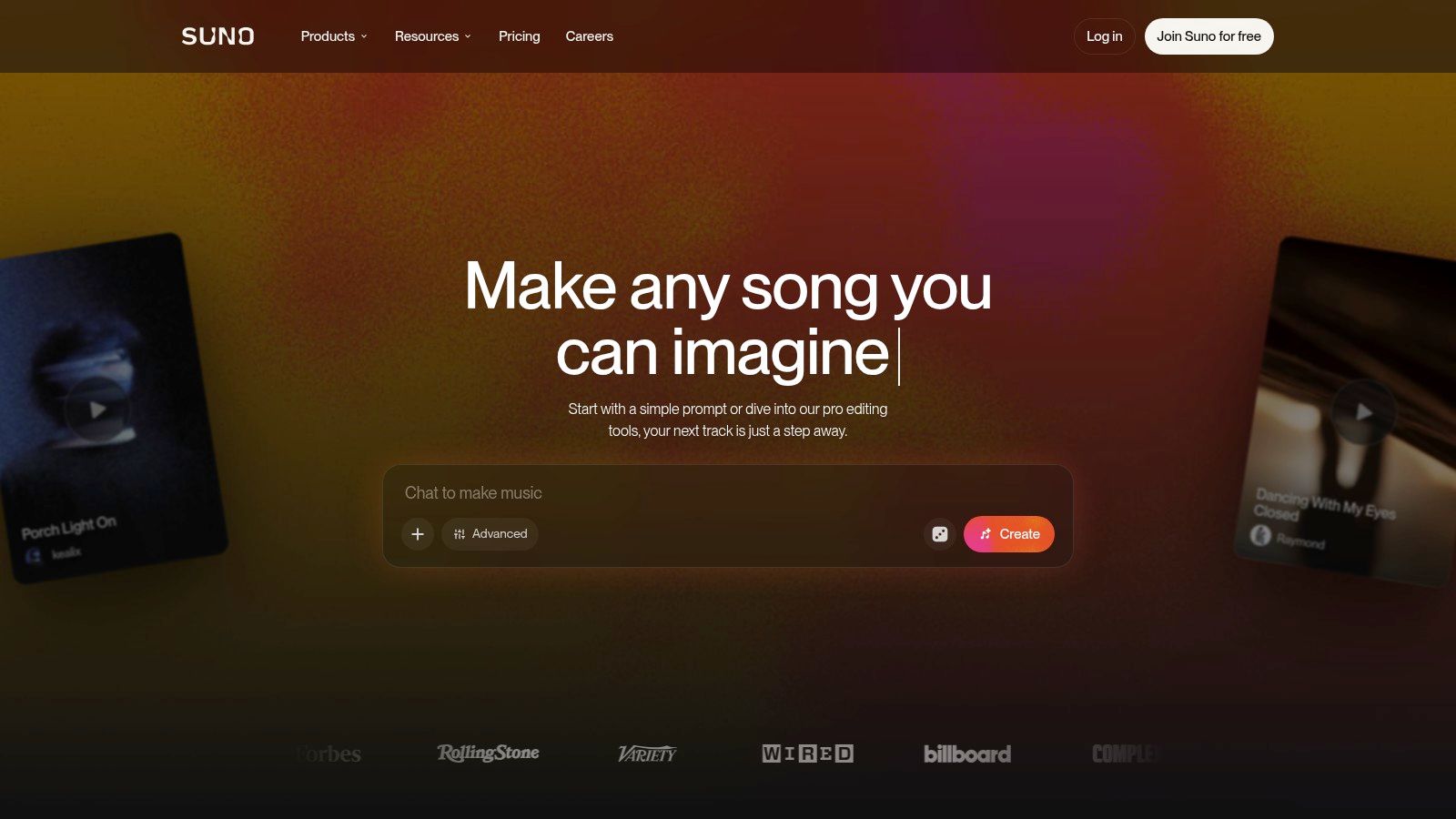
Its Voices feature adds a personal angle. You can record or upload and verify your own singing for use in generated songs, and Suno says those recordings are private and intended for the owner's use. Voices is available on paid plans, with limited free tier access described on the Suno website.
The limitation is precision. Suno isn't a singing synthesizer with direct note level editing, so you guide outcomes through prompts, lyrics, and regeneration rather than fixing one syllable's pitch. A great chorus may arrive with a verse melody you wouldn't have written, and changing only that detail can be difficult.
Use Suno for exploration, demos, and testing whether a lyric works in a genre. Check commercial rights and download terms for your plan before release. If the song becomes serious, consider rebuilding the vocal in a controllable tool or recording it properly, using Suno's version as the reference.
9. Udio
Udio takes a prompt driven approach to complete tracks, generating songs with vocals from text descriptions and lyrics. It's built for exploring musical directions quickly, not for entering a specified melody in a piano roll. Current tiers and creation limits are described on the Udio website and its help center.
You can create vocal tracks and use editing controls to develop ideas. That flexibility helps when you're comparing genres or testing lyric density against different arrangements. A free tier and paid plans make it easy to start, though credit based limits can constrain how many variations you explore in a session.
In practice, prompt tools trade authorship at the note level for speed at the song level. You'll get performances and arrangements together, but you have less direct control over the sung melody and individual vocal notes. If a line lands awkwardly, you're often revising inputs and regenerating rather than editing the exact moment.
Udio fits brainstorming, mood references, and complete first drafts. It doesn't replace ACE Studio or Synthesizer V when a client has approved a melody and expects that melody sung accurately. Before commercial release, check export, usage, and licensing terms carefully, and keep your prompts, lyrics, and generation records with the project files.
10. VOCALOID6
VOCALOID6 is the established production route for writers who compose vocals from lyrics and melody. Yamaha's editor lets you select a voice bank and edit the part directly, while VOCALO CHANGER can apply a VOCALOID voice to a recorded performance. Platform and format details are listed on the VOCALOID website.
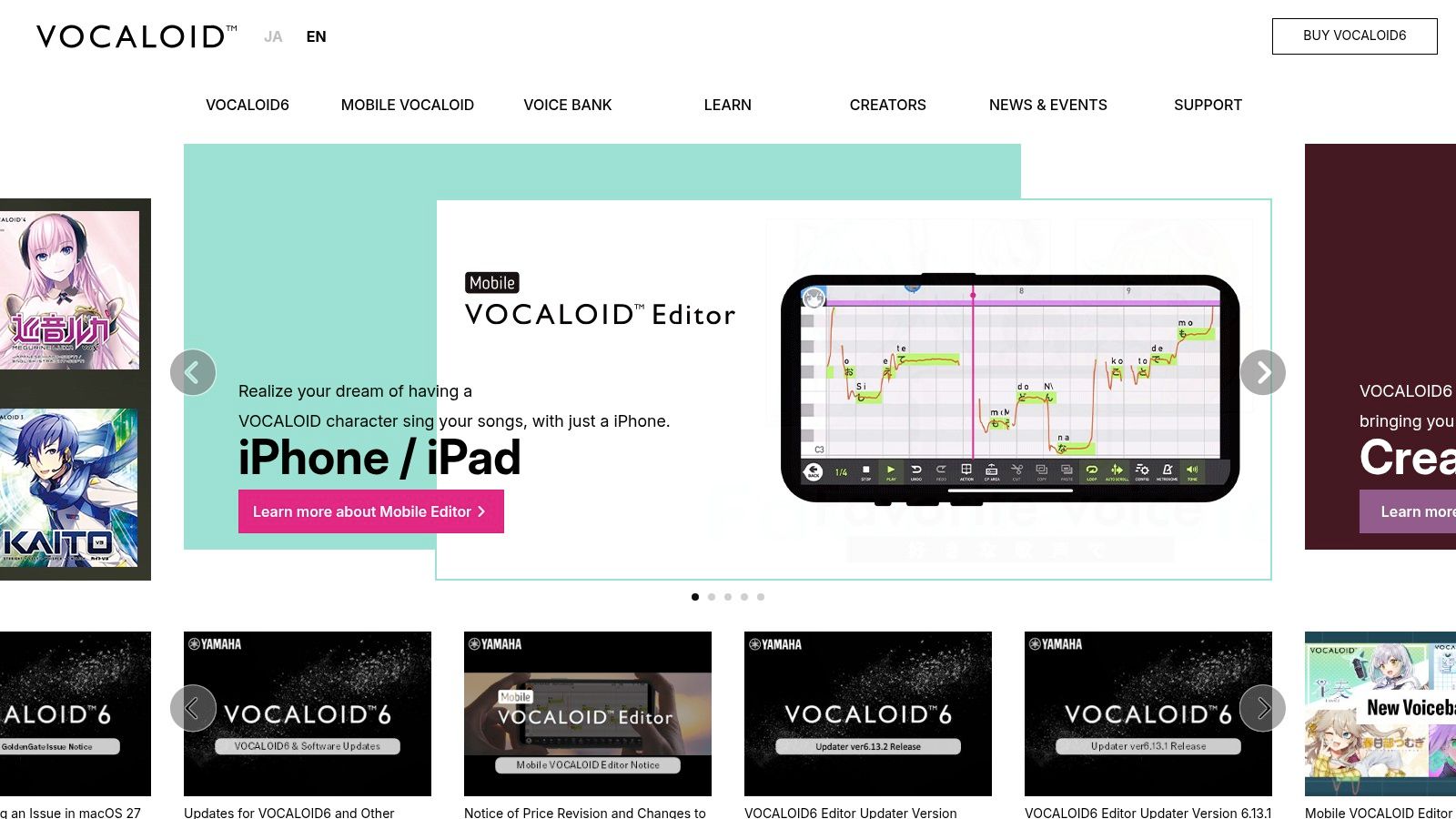
The lineage matters. Yamaha released VOCALOID in 2004, combining and pitch adjusting thousands of recorded sound units from a voice actor, according to the ISMIR history of singing voice synthesis. Today's VOCALOID AI aims for more expressive singing, but the core appeal remains written control and a broad ecosystem of character and singer styles.
The editor runs on Windows and macOS with VST3, AU, and ARA2 support, and voice banks include English and Japanese options. The base software is a larger upfront purchase, additional banks add cost, and licensing varies by bank. Setup and musical editing also demand more than a prompt box.
Choose VOCALOID6 if you want a durable vocal writing environment and distinctive virtual singers. Don't choose it for instant finished songs. Its strength is deliberate composition, revision, and repeatability inside a DAW centered workflow.
11. FineShare Singify
FineShare Singify is focused on AI covers. It converts songs into performances by different AI voice models, so the starting point is an existing track or vocal rather than a blank piano roll. If you want to hear a song in another voice quickly, that narrow focus is an advantage.
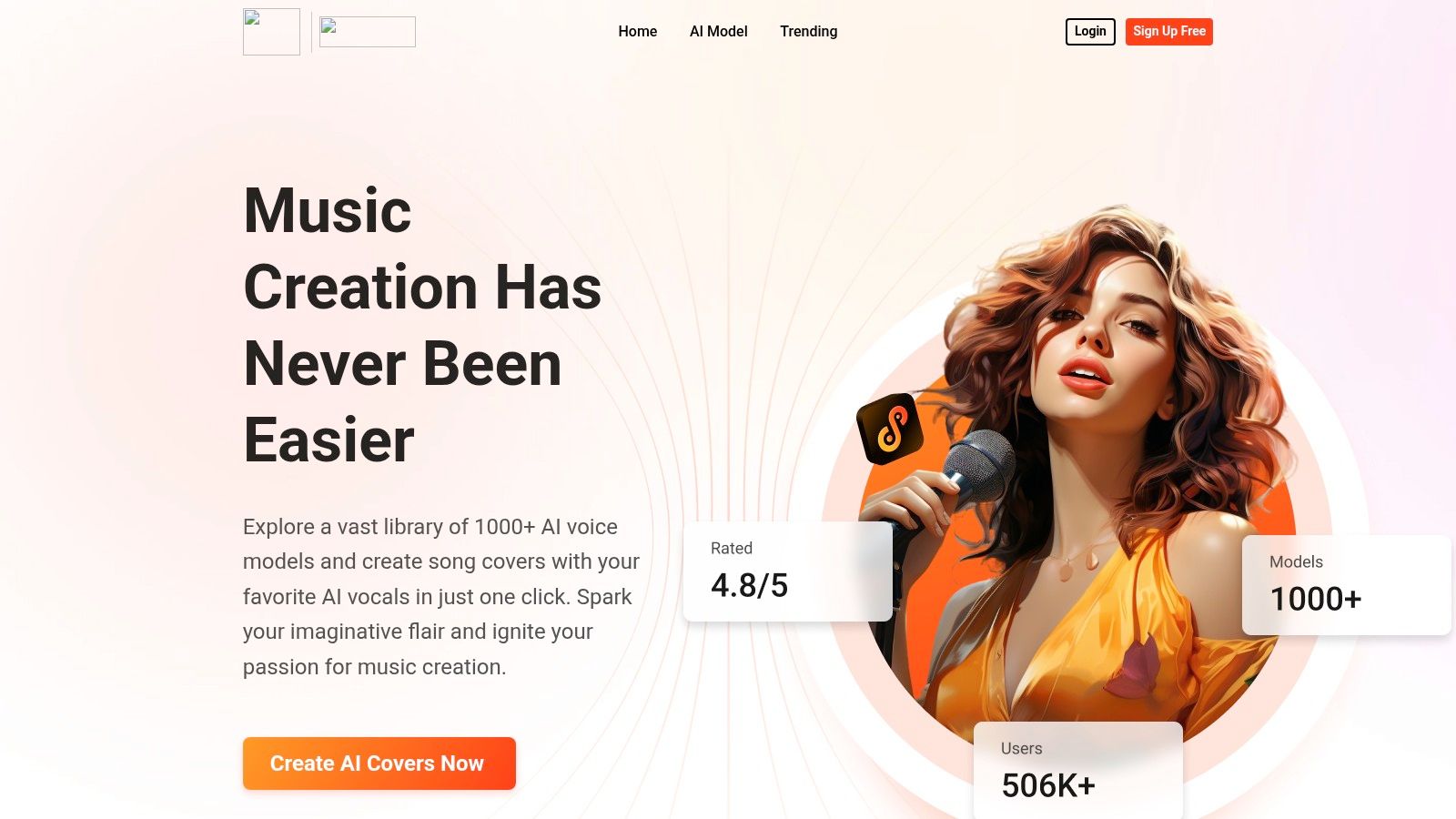
The FineShare Singify website lists a voice model library, downloads, a free account with credits, subscriptions, and one time credit packs. Custom voice model training is available as an add on, separate from higher subscription tiers. That pay as you go option suits occasional projects better than a plan you'd forget to use.
- Best use: Cover experiments and voice swaps with minimal setup.
- Main limit: It isn't a full DAW style singing synthesizer for writing melodies.
- Rights check: You need appropriate rights to both the source audio and the voice you use.
Credit costs and renewal terms can change, so confirm them before a larger batch. Singify is straightforward when conversion is the whole job. For original lead vocals, harmonies you compose yourself, and detailed pronunciation work, you'll outgrow it and need a synthesis editor or recorded performance workflow.
Top 11 AI Singing Voice Generators: Feature Comparison
The Core workflow column is the grouping that matters most here, since a MIDI editor and a prompt-to-song tool solve different problems. Pricing terms shift often, so treat the last column as a snapshot and confirm current terms on each site.
| Platform | Core workflow | Standout features | Best for | Value / pricing |
|---|---|---|---|---|
| Vocuno | Create, edit, and distribute music in one workspace | ✨ Vocal generation, voice conversion, stem tools, and distribution to major streaming services | 👥 Artists wanting an end-to-end music workflow | 💰 Free tier plus paid plans; check site for current allowances |
| ACE Studio | Create vocals from MIDI notes and lyrics | ✨ Royalty-free voice library across eight languages, custom voices, and AI instruments | 👥 Producers composing and editing vocal parts | 💰 Plans and credit allowances vary |
| Synthesizer V Studio 2 Pro | Synthesize vocals from notes and lyrics | ✨ Detailed control over pitch, timing, expression, and pronunciation | 👥 Producers seeking precise, production-ready vocals | 💰 One-time software purchase; extra voices cost more |
| Kits AI | Convert, clone, or design voices online | ✨ Generative vocals, harmonies, and vocal processing | 👥 Creators experimenting with voice sounds without a desktop setup | 💰 Limited free tier; paid plans add capacity |
| Audimee | Convert recorded vocals to other voices | ✨ Vocal isolation, pitch editing, harmonies, and stem splitting | 👥 Singers and producers starting with recorded audio | 💰 Free tier is limited; paid plans have usage caps |
| Musicfy | Generate full songs and apply AI voices | ✨ Song generation, voice cloning, song extension, and stem tools | 👥 Creators seeking quick, all-in-one song creation | 💰 Free plan available; paid features and rights vary |
| Lalals | Transform voices and generate music online | ✨ Voice changing, song generation, cleanup, mastering, and transcription | 👥 Creators wanting vocal and audio tools in one service | 💰 Free tier; paid plans use monthly credits |
| Suno | Generate complete songs from prompts | ✨ Vocals, instrumentation, lyrics, and personal voice feature | 👥 Users quickly turning ideas into song demos | 💰 Free access is limited; paid plan terms apply |
| Udio | Generate vocal or instrumental tracks from prompts | ✨ Text- and lyric-led song creation with editing controls | 👥 Users exploring song ideas and full-track concepts | 💰 Free and paid plans; credit limits apply |
| VOCALOID6 | Compose vocals using lyrics and melody | ✨ VOCALOID:AI, voice banks, and VOCALO CHANGER | 👥 Songwriters who want direct control over vocal parts | 💰 Upfront software purchase; voice banks may cost extra |
| FineShare Singify | Convert songs into AI voice covers | ✨ Voice library, custom model training, and credit packs | 👥 Creators making voice-based song covers | 💰 Free credits, subscriptions, and one-time packs |
Build a Rights-Safe Singing AI Workflow
Pick by workflow and you'll make a better decision than chasing the most realistic demo. Choose a MIDI based tool like Synthesizer V, ACE Studio, or VOCALOID6 when melody, timing, and pronunciation must match your writing. Choose conversion through Audimee, Kits AI, Lalals, or Singify when you've already captured the right performance. Choose prompt based generation through Suno, Udio, or Musicfy when you need a complete song idea fast, accepting less control over individual notes.
Vocuno sits across those categories by connecting engines, vocal tools, processing, and distribution. That's valuable if your bottleneck is the whole release path. It's less necessary if you already have a DAW workflow you trust and only need one missing piece, such as a single editable voice bank.
Before publishing, separate the rights layers. A synthetic sound alike may not copy a specific recording, yet it can still raise publicity, performer, unfair competition, or contractual issues, a distinction examined in this legal analysis of AI music and cloned voices. Tennessee's 2024 ELVIS Act expressly prohibits commercial use of a cloned voice or likeness without authorization. Not naming a celebrity doesn't automatically make a release safe.
Disclosure and records are part of production now. The European Commission answer notes synthetic audio authentication through watermarking or metadata identification, as summarized in the European Parliament answer on synthetic audio transparency. Watermarks help identify synthetic content, but they don't prove licensing. Keep performer consent, source files, model and dataset terms, generation logs, lyrics and composition clearance, and platform rules with every project. Detection of singers in vocal deepfakes remains an open problem, so don't build your release plan on a detector catching everything.
Test each finalist on the same difficult passage. Include a breathy line, sustained vibrato, a pitch slide, fast lyrics, and a harmony, then judge pitch accuracy, intelligibility, timing, and naturalness separately. Verify current commercial terms, subscription and credit allowances, download formats, and custom voice conditions on the day you release, because those details change.
Start with one real song this week. Run the same chorus through one controllable synthesizer, one converter using your guide vocal, and one prompt generator, then compare control, sound, cost, and paperwork side by side. Keep the winner, document every consent and license, and build your next release on the workflow you can defend.
Frequently Asked Questions
Sources
- Vocuno site
- AI singing voice generator
- ACE Studio website
- this guide to celebrity voice AI generation
- Dreamtonics Synthesizer V
- cascaded pipelines from end to end singing architectures
- this overview of voice chat AI
- Kits AI website
- SingNet's singing data and benchmark research
- Audimee website
- the 2025 singing voice conversion challenge results
- Musicfy website
- these ideas for making album covers with AI
- Lalals website
- Suno website
- Udio website
- VOCALOID website
- the ISMIR history of singing voice synthesis
- FineShare Singify website
- this legal analysis of AI music and cloned voices
- the European Parliament answer on synthetic audio transparency

Written by
Artem Vysotsky
Ex-Staff Engineer at Meta. Building the technical foundation to make AI accessible to everyone.

Reviewed by
Sergey Vysotsky
Ex-Chief Editor / PM at Mosaic. Passionate about making AI accessible and affordable for everyone.