
The biggest news this week isn't a new button in the chat window — it's that Writingmate's MCP server is now a first-class citizen in the official Model Context Protocol Registry. That means Claude, ChatGPT, and any other MCP-compatible client can find and connect to Writingmate without you hand-copying a server URL. We also shipped a real guide for people who want to generate video through Claude, and closed out two production bugs: one in image generation error handling, one in usage counting.
It was a lighter week on net-new chat features and a heavier week on making the plumbing around Writingmate — the API, the MCP layer, the developer docs — actually solid. Here's everything, in order of how much it affects your day-to-day.
What shipped this week
| Feature | Category | Who it's for |
|---|---|---|
| Writingmate MCP listed in the official MCP Registry | New | Anyone connecting Claude, ChatGPT, or another MCP client |
| Claude video generation guide at /developers | New | Users generating video through Claude or an MCP client |
| Cleaner image generation error handling | Fixed | Anyone generating images |
| Usage/quota count normalization | Fixed | API and developer-key users |
| Homepage demo visual refresh | Improved | Anyone browsing writingmate.ai |
Writingmate MCP is live in the official registry
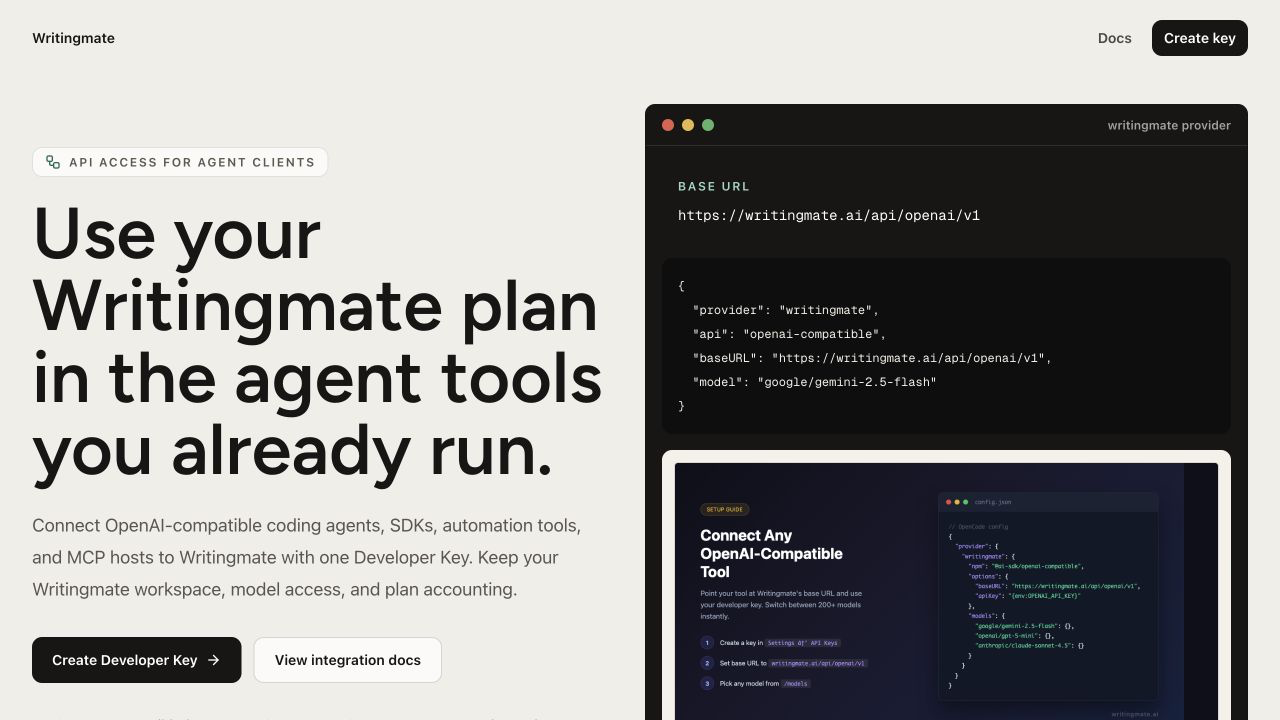
Up until this week, if you wanted to connect Claude, ChatGPT, or a coding agent to Writingmate through MCP, you needed to know our server address and paste it in manually. That still works, but now there's a second, easier path: Writingmate's MCP server (ai.writingmate/writingmate-mcp) is published in the official MCP Registry, the same directory MCP-aware clients check when you search for a tool by name.
The problem this solves is discoverability. MCP is still new enough that most people don't know Writingmate has a server at all, let alone the exact endpoint. Being in the official registry means an MCP client can surface us in its own connection picker instead of you needing a blog post open in another tab.
To try it, open your MCP client's connector or registry search and look for "writingmate." If your client doesn't support registry search yet, the manual setup steps are still on /developers, including the one-click OAuth sign-in we shipped a couple weeks ago.
A real guide for generating video through Claude
We also split a chunk of content off of /developers into its own page: a straight answer to "can Claude generate video?" The short version is that Claude itself doesn't render video, but through Writingmate's MCP connection it can hand a video request off to Seedance 2.0, Sora 2, Veo 3.1, Kling, or PixVerse and bring the result back into your conversation.
Why a dedicated page instead of a paragraph on the main developer hub? Because the setup steps are genuinely different from the general MCP walkthrough — there's a specific remote HTTP config for Claude Code, and people searching for this were landing on a page that buried the answer under general API docs. Now it's its own thing, with the exact config block up top.
If you've been asking Claude to make a video and getting a polite "I can't do that" back, this is the fix — go to /developers and follow the video generation section, or jump straight to the child page linked from there.
Image generation stopped failing silently
We found a production case where an image generation request would come back from the upstream provider with a malformed or empty response — not an error, just garbage — and Writingmate would try to parse it anyway. Depending on exactly how it broke, that either surfaced as a confusing 500 or, worse, looked like the request had silently vanished.
The fix classifies these malformed upstream responses as a proper 502 the moment they're detected, before they hit response formatting. You'll now get a clear "the image provider returned an invalid response, try again" instead of a dead end. This matters most if you're scripting against the API or an agent is calling image generation in a loop — a clear error means the caller can retry or fall back, instead of getting stuck.
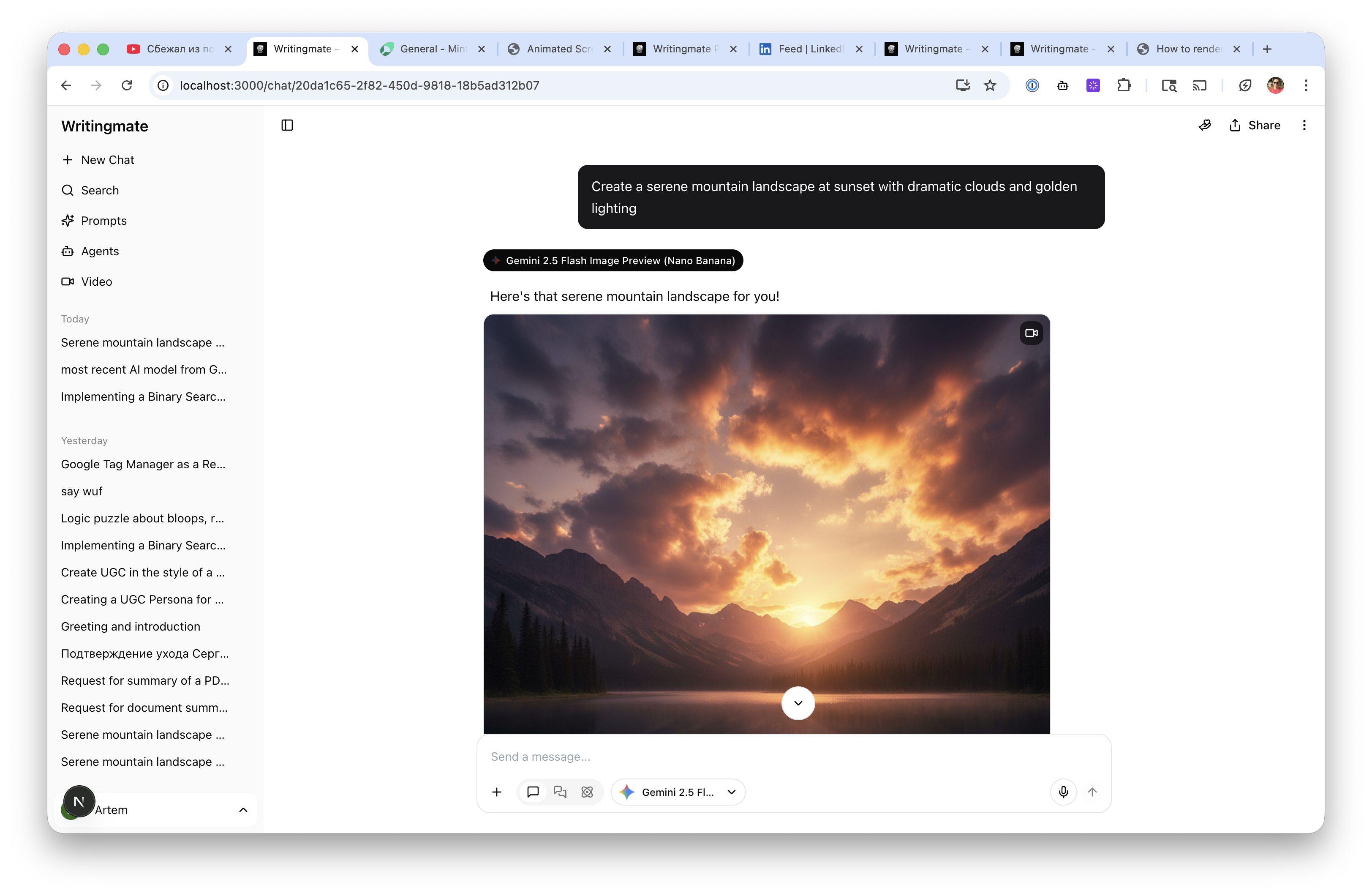
Try it at /images — functionally nothing changes about how you generate an image, but if a provider hiccups, you'll actually know it happened.
Fixed this week
- Non-finite token/usage numbers from OpenAI-compatible responses are now normalized before they're stored, so daily quota counts and per-request usage events stay consistent instead of drifting apart
- Malformed or empty image generation responses from the provider now return a clear 502 error instead of a generic failure or a silently dropped request
- The demo widget on the homepage now matches the rest of the site's visual theme instead of looking like a leftover from an older design
None of these were headline features, but the usage-counting fix in particular matters if you're watching your daily limits closely through the API — the numbers you see now should actually match what you used.
Thanks for reading, as always. The full history of every week's changes, going back further than this post covers, lives on /changelog if you want to see how a feature evolved over time.
— Artem
Frequently Asked Questions

Written by
Artem Vysotsky
Ex-Staff Engineer at Meta. Building the technical foundation to make AI accessible to everyone.

Reviewed by
Sergey Vysotsky
Ex-Chief Editor / PM at Mosaic. Passionate about making AI accessible and affordable for everyone.