You can now keep working when your plan runs out. This week we shipped pay-as-you-go billing: add a card, and Writingmate keeps going past your limits and charges you what the provider charged us, plus 50%. We also launched friend invites that pay both sides 400 credits, and we tightened how free plans reach paid models.
Here is the week in one table, followed by the details and where to click.
| Feature | Category | Who it's for |
|---|---|---|
| Pay-as-you-go billing | New | Anyone who hits plan limits, uses models outside their plan, or is on the free plan |
| Friend invites (400 credits each) | New | Anyone who wants more credits by sharing Writingmate |
| Closable paywall | Improved | Free users and lapsed subscribers |
| Free-plan limits on paid models | Improved | Free-plan users and API developers |
| Referral and billing race fixes | Fixed | Inviters and pay-as-you-go users |
Pay as you go: keep working when your plan says no
Until now, hitting a wall meant stopping. Your plan might not include a model, you might have used up your monthly credits, or you might be on the free plan. Pay-as-you-go lets you put a card on file and continue.
The pricing is simple. Your card is billed what the model provider billed us, multiplied by 1.5. There is no separate credit balance to top up and no bundle to buy. Requests that pay-as-you-go covers are tagged internally, so they also stay out of your plan's monthly provider budget.
We built it because customers kept asking how to pay for newer models their plan did not cover. One of them was on an AppSumo tier, which has a catalog cutoff. The answer used to be "upgrade or wait", and that was not good enough.
You stay in control of spend. Workspace owners set a monthly cap, which defaults to $50. Stripe also charges your card early each time the running total reaches $20, so you never face one large surprise bill. The settings page shows your exact month-to-date total. Last-minute review fixes made that total come straight from the database, so the cap and the page both count every request, however many you have made.
To try it, open Profile → Billing and choose Pay as you go. This is the first version. Expect us to refine the copy and the cap controls over the next few weeks.
Invite friends and both of you get 400 credits
We replaced our old affiliate program with something simpler. Open /referrals and you will find a personal link that looks like /i/your-code, ready-made share messages, and the rules in plain language.
When a friend signs up through your link and their first paid invoice clears, both workspaces receive 400 bonus credits. The credits last 30 days. Each reward is granted once per friend, so a retried payment can never double-pay.
A few details worth knowing. Clicking your link only sets a cookie. We do not write anything to the database at that moment, so an accidental click can never lock in a referrer. The reward only fires after a real paid invoice, not at signup.
We chose a credit reward over a cash payout because credits are what most people run out of. If you use Writingmate for a team, your credits go to the workspace, where everyone shares them.
Anyone can close the paywall
The upgrade screen should help you decide, not trap you. This week we changed it so anyone can close the paywall and get back into the app. Free users and people whose subscription lapsed can still reach Settings, their chats and their data.
Paid features still need a plan or a pay-as-you-go card. Closing the screen does not unlock them. It just means you are never stuck on a page with no exit.
Free plans no longer reach paid models through the back door
This one is mostly invisible if you pay, but it matters if you build on our API. We audited every path where a free or anonymous caller could make Writingmate pay a model provider, and we closed them.
We removed two unused server actions that could run caller-chosen models on our platform key. We also removed an unauthenticated profile endpoint. Background work such as chat titles, message compaction and the task sub-agent now checks the workspace plan before it picks a model.
If a free workspace asks for a paid model in chat, it gets a clear 402 payment-required response before any model is built. The OpenAI-compatible API returns the same 402 with a plain message. Free models remain available to free plans.
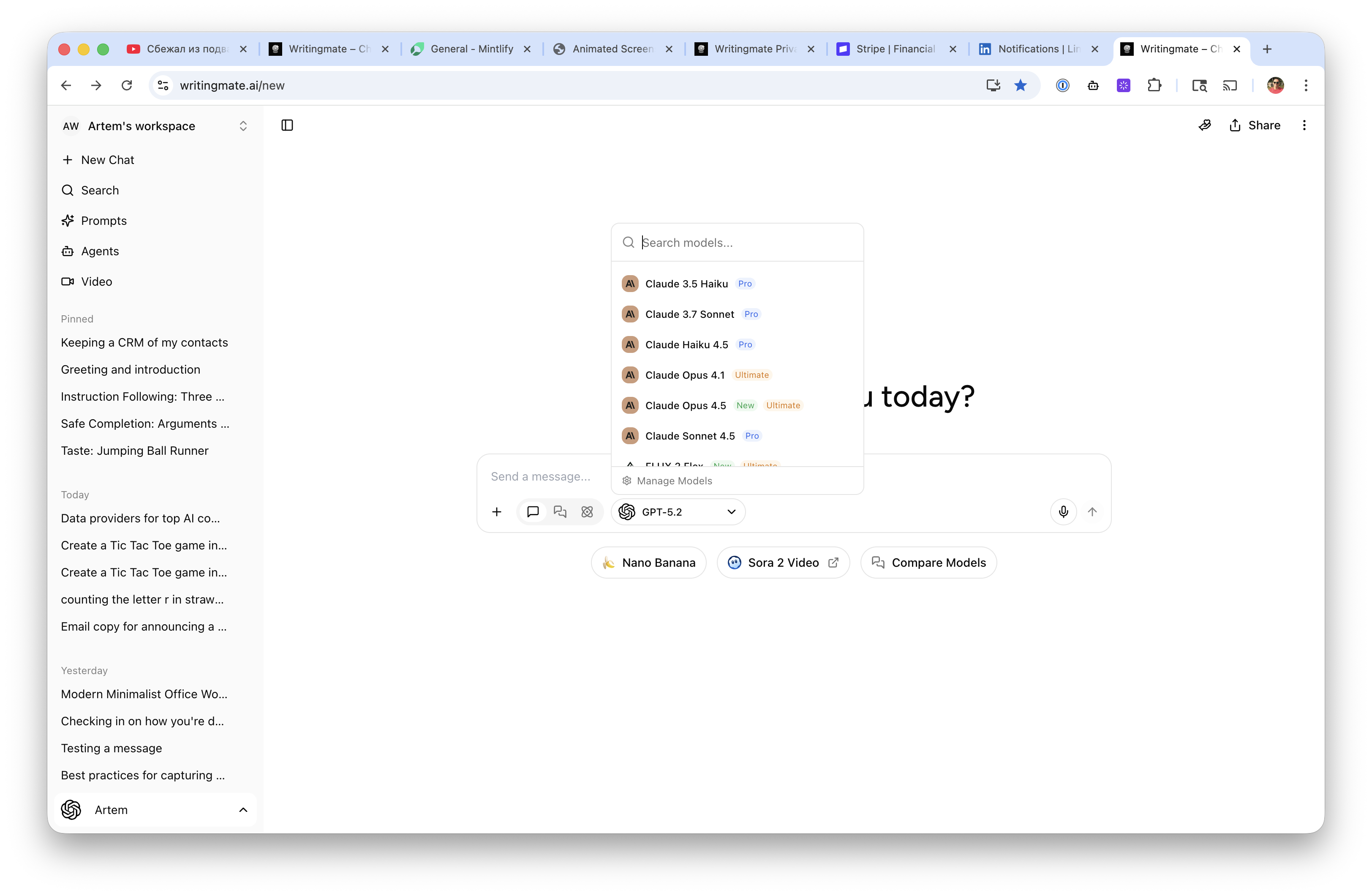
If you hit that message, the fix is one of two things: choose a free model, or add a card under Pay as you go. You can compare models in the model picker inside any chat.
Fixed this week
- Referral rewards now pay for every friend you invite. Before, a database rule allowed one bonus grant per workspace ever, so your second friend's reward failed on every retry.
- Deleting an inviter's workspace, invite code or account no longer cancels the referral. The friend still gets their credits.
- Setting up a card from two places at once now creates a single pay-as-you-go subscription instead of two.
- Stripe events that arrive out of order can no longer switch pay-as-you-go back on after you turned it off. We now read the subscription's current status on each event.
- The pay-as-you-go cap and the settings page no longer stop counting at 1,000 requests.
Thank you to everyone who sent feedback on billing and plan limits. It shaped most of this week's work. You can browse every past release on our changelog. Talk soon, Artem.
Frequently Asked Questions About This Week's Updates
Sources

Written by
Artem Vysotsky
Ex-Staff Engineer at Meta. Building the technical foundation to make AI accessible to everyone.

Reviewed by
Sergey Vysotsky
Ex-Chief Editor / PM at Mosaic. Passionate about making AI accessible and affordable for everyone.