The chat input now finishes your sentences. On desktop, paid workspaces see a grey suggestion after you type a few words, and one press of Tab accepts it. We also fixed two bugs that were failing real requests: realtime transcription sessions and the public agents list.
Below is what changed, where to find it, and what is still rough.
| Feature | Category | Who it's for |
|---|---|---|
| Tab autocomplete in the chat input | New | Paid workspaces on desktop |
| Realtime transcription fix for long prompts and locale tags | Fixed | Anyone dictating with gpt-live-transcribe or using it through the API |
| Public agents list no longer errors on stale sign-ins | Fixed | Anyone browsing agents with an old session |
| Seven new model launch guides | New | People choosing which model to try next |
| Seven new how-to guides with prompt templates | New | Writers, students and marketers |
| Image and video generator pages render their headline on first load | Improved | Visitors arriving from search or link previews |
Tab autocomplete in the chat input
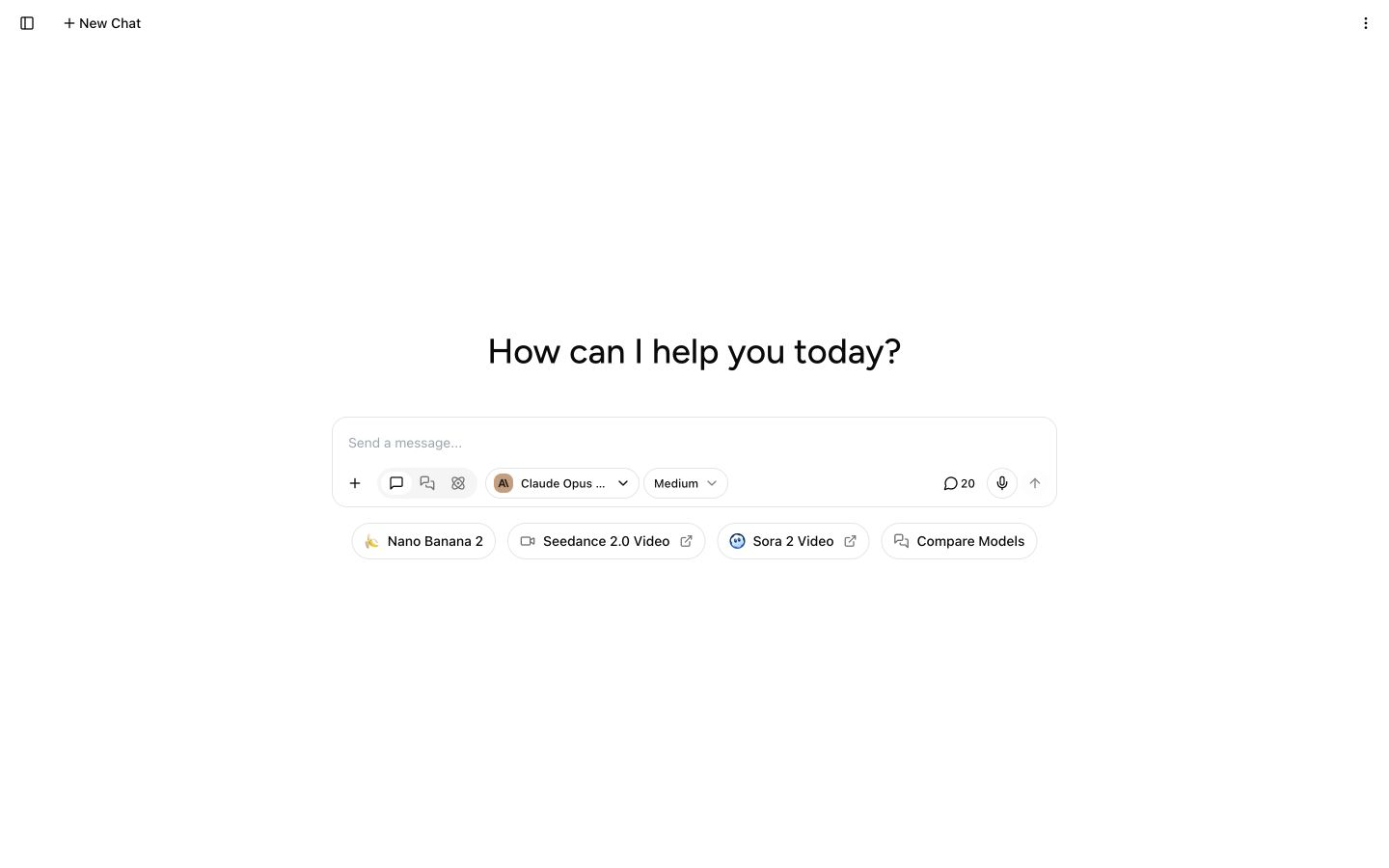
When you type in the chat box, Writingmate now shows a grey suggestion after your cursor. It either finishes the sentence you are writing or proposes the next one. Press Tab to accept it, and the next suggestion appears right after. Press Esc and it goes away.
Suggestions also work in the middle of a word. If you type "Barc", the suggestion can complete the word and carry on from there.
We built this because long prompts are where people spend the most time in chat. Describing a task, pasting context and adding constraints takes many keystrokes, and a lot of those are predictable. Accepting a good suggestion with one key is faster than typing it out.
A few details so it does not surprise you. It asks for a suggestion once your draft is about 12 characters long, so short messages stay quiet. It sends only the last stretch of your draft, about 1,000 characters starting on a whole word, rather than everything in the box. It is available to paid workspaces on desktop. On mobile and on the free plan you will not see it.
To try it, open /chat, start a message and pause after a few words. If a suggestion does not appear, check that you are on a paid workspace on a desktop browser.
It is a first version. Suggestions will sometimes miss, and Esc is there for that. We will tune when it speaks up based on how people use it.
Realtime transcription stops failing on long prompts
Realtime dictation with the gpt-live-transcribe model had stopped working for many sessions. OpenAI rejects a whole session if the transcription prompt is longer than 1,024 characters, or if a language is not a plain lowercase code. Values like en-US, zh-Hans and EN were all rejected. We were passing both through unchanged, so each of those sessions failed with a 400 error.
We now trim the prompt to 1,024 characters and reduce each language to its base code, so en-US becomes en. Anything that cannot be a language code is dropped instead of breaking the session. We also log the upstream error details, so the next failure of this kind is easier to trace. You still see the same generic message if something does go wrong.
If you use the OpenAI-compatible endpoints for realtime transcription, the same fix applies to your calls. The details are in the docs. Sessions on the Soniox model were never affected.
One trade-off: a prompt over 1,024 characters is cut off, not rejected. If you rely on a long vocabulary hint, put the most important terms first.
Public agents list no longer errors on stale sign-ins
The public agents list is meant to work whether or not you are signed in. But if your browser still held an expired or invalid sign-in token, the request failed with a server error instead of falling back to the public list. Over one hour in production we saw 19 of these errors from the agents endpoint.
We fixed it so a bad token no longer turns that read into a 500. We also added regression coverage for invalid credentials, so the same mistake is caught before release next time.
You can check it at /agents. Open it in a browser that has been logged in for a long time, and the page should load without an error.
Seven new model launch guides
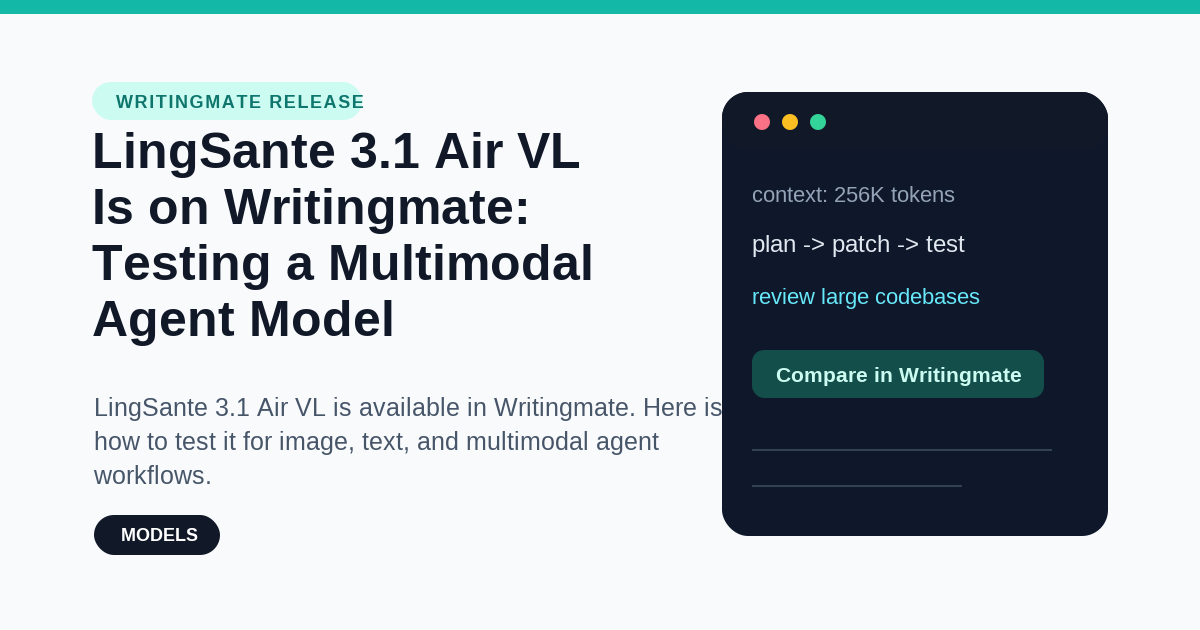
New models keep landing in the picker within days of release, and each one gets a short guide on the blog covering what it is and how to test it. This week's guides cover Gemini 4 Neon, Pixtral Large 2502, LingSante 3.1 Air VL, DaisyRose 27B, Inkling 2 Mini, Solar Pro 4 Contributor and Solar Mini 4.5 (Preview).
They are aimed at different jobs. Pixtral Large 2502 and LingSante 3.1 Air VL are the ones to try for images mixed with text. DaisyRose 27B is framed around agentic coding and tool use. Gemini 4 Neon, Inkling 2 Mini and the two Solar models are covered as long-context models for research and structured drafting.
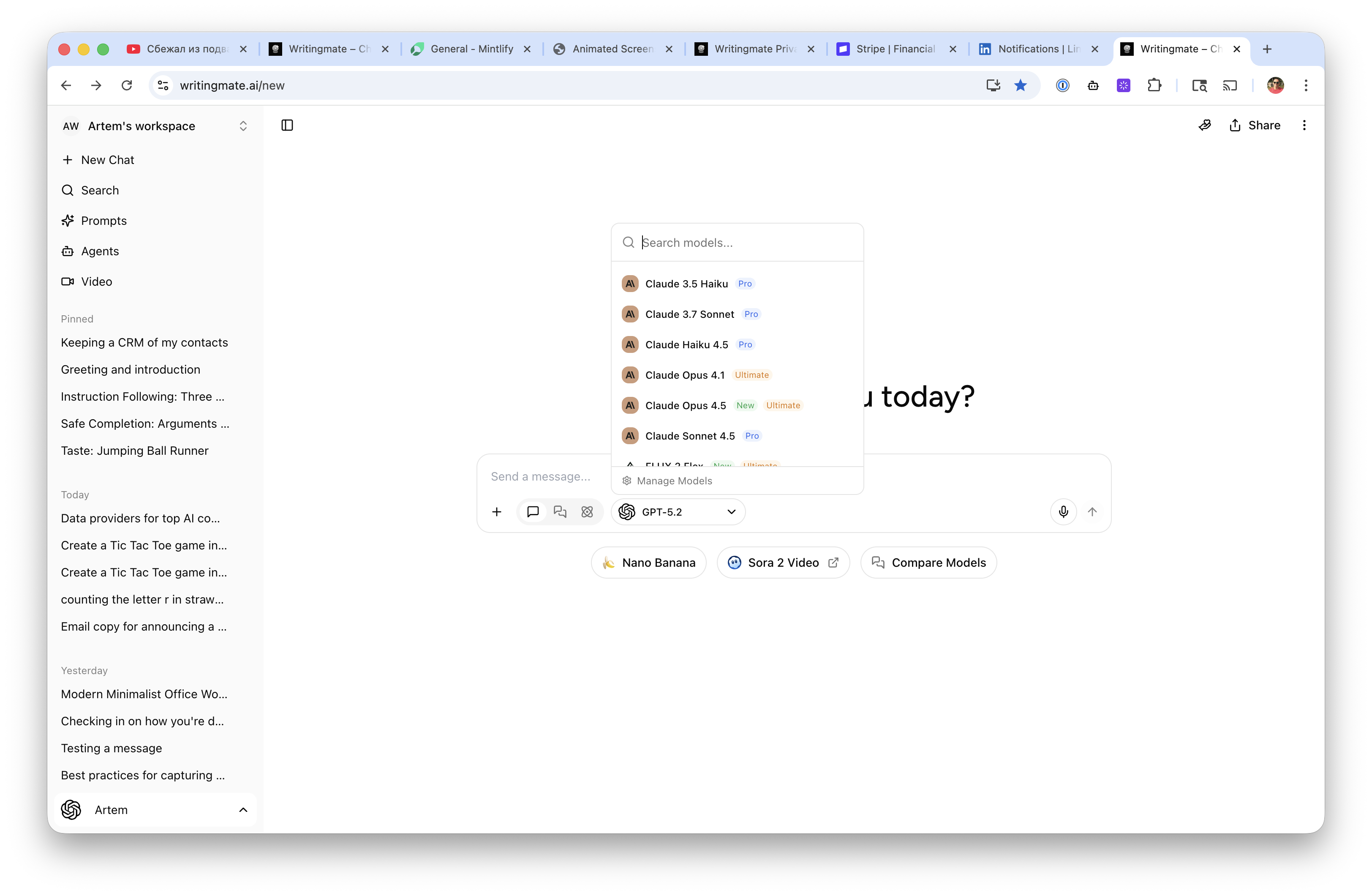
To try one, open the model selector in /chat, search for the name and run the same prompt you already use on another model. Running one prompt on two models is the quickest way to see whether a new one is worth keeping.
New how-to guides and page clean-ups
The blog also got a run of practical guides. Each one sorts the job by type, gives a prompt template, and ends with a short check you can do before you use the output. They cover an AI essay writer with a five-minute citation check, a grammar checker with a three-minute diff check, a translator with a back-translation check, an email writer with a two-minute pre-send check, an image caption generator, an answer generator and a story generator.
On the product side, the image and video generator pages (/images, /text-to-image and /text-to-video) now send their headline and description with the first page load for logged-out visitors. Before, they sent a loading placeholder and filled the text in later, which hid the content from search engines and link previews. Signed-in users still see the placeholder until the sign-in check finishes, as before.
We also rewrote the opening of the message limits and fair use docs pages. They used to start with the same paragraph. Each now answers its own question first: no daily limits on current plans, and on credit plans any catalog model works until your monthly credits run out. Smaller edits went into the Claude image post, the roleplay chatbot post and the AI detector and humanizer page, so they lead with the answer and use current model names.
Fixed this week
- Realtime transcription sessions no longer fail on prompts over 1,024 characters.
- Realtime transcription accepts locale tags such as en-US and zh-Hans by using the base language code.
- The public agents list no longer returns a server error when your sign-in token is expired or invalid.
- Image and video generator pages show their headline on first load for logged-out visitors.
- The message limits and fair use docs pages no longer share one identical description.
Thank you to everyone who reported the transcription failures and sent feedback on the chat input. The full history of releases is on the changelog.
The Writingmate team
Questions about this week's updates
Sources
Written by
Artem Vysotsky
Ex-Staff Engineer at Meta. Building the technical foundation to make AI accessible to everyone.

Reviewed by
Sergey Vysotsky
Ex-Chief Editor / PM at Mosaic. Passionate about making AI accessible and affordable for everyone.