Writingmate has added Ternary Bonsai 2 27B for multimodal work, so it should not be tested like a plain text model. The interesting part is screenshots, diagrams, and tasks where the model has to observe something before it plans what to do.
That makes the release useful for product, design, support, and engineering workflows where the prompt is not just words. If you are reviewing a UI screenshot, debugging a visual issue, or turning visual context into an action plan, Ternary Bonsai 2 27B is the kind of model worth putting into a real comparison.
Ternary Bonsai 2 27B is available in the Writingmate catalog as of September 18, 2026. Use the live model page to confirm supported inputs before testing visual-context prompts.
What changes when the prompt has visual context
Ternary Bonsai 2 27B is listed as a PrismML multimodal model. It supports coding, mathematics, tool calling, and image understanding with a 262K-token context window. Ternary compression shrinks The practical distinction is simple: this is the model to test when the prompt depends on seeing something.
In Writingmate, use the model page to confirm the live catalog entry and the comparison page to run it against a strong baseline. The key is to include at least one visual task. Otherwise you are testing the least interesting part of a multimodal model.
Check Ternary Bonsai 2 27B in the Writingmate model directory before testing screenshots or diagrams. The supported inputs determine whether the prompt is a fair multimodal task.
A visual-context trial for Ternary Bonsai 2 27B
Start with a screenshot task. Give it a real UI capture and ask for three things: what the user is trying to do, what looks broken or confusing, and what change would reduce friction. A generic answer is not enough. The model should refer to visible details.
Then test a mixed prompt: image plus requirements. For example, provide a dashboard screenshot and ask it to write QA notes, identify layout risk, and suggest copy changes without redesigning the whole page. That checks whether it can observe, prioritize, and stay inside scope.
- Screenshot test: identify visible UI problems and propose specific fixes.
- Diagram test: explain a workflow chart and list missing edge cases.
- Image-plus-text test: combine visible details with a written product requirement.
- Agent-planning test: turn visual observations into a step-by-step task plan.
For Ternary Bonsai 2 27B, the pass/fail test is visual grounding. If the answer could have been written without looking at the image, the model did not earn its place.
For a fair multimodal comparison, keep the image or video frame, written prompt, and acceptance criteria identical. Then check whether Ternary Bonsai 2 27B refers to visible details accurately instead of giving advice that could apply to any screenshot.
Ternary Bonsai 2 27B specs for mixed-media prompts
Field | The model | Reader takeaway |
|---|---|---|
Provider | PrismML | Useful context if you already evaluate this provider's models for agent workflows. |
Availability date | September 18, 2026 | Available in the catalog as of September 18, 2026. |
Context window | 256K tokens | Enough room for visual context plus detailed written instructions. |
Input | text + image | Best tested on screenshots, diagrams, visual QA, and mixed-media prompts. |
Output | text | Use it for analysis, plans, QA notes, implementation guidance, and summaries. |
Pricing | $0.07 / M tokens input / $0.50 / M tokens output | Worth comparing when visual understanding can prevent manual inspection time. |
Where it fits against other multimodal models
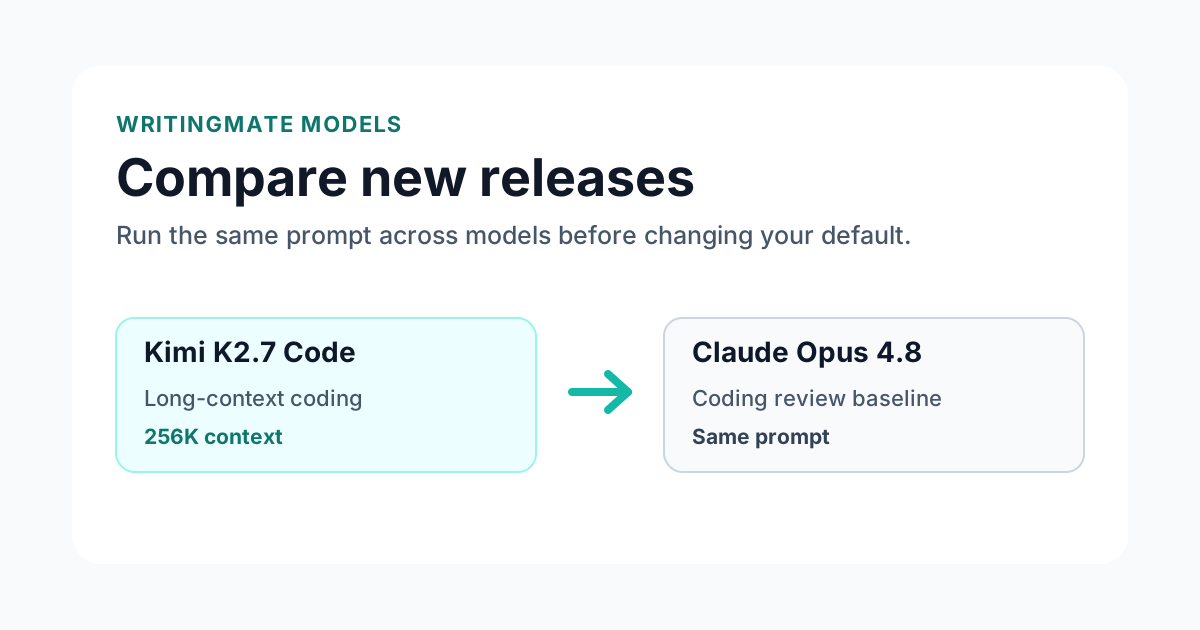
Compare this release against another multimodal model, not a text-only baseline. For pure code planning, a coding-focused model may be cleaner. For screenshot-driven work, the model gets a fairer chance.
If it wins, save it for the visual jobs where it actually helps: UI review, image-aware support, diagram explanation, and multimodal planning. Do not use it as your default for every text prompt just because it can handle images.
Use the Writingmate comparison page with the same screenshot, diagram, or mixed-media prompt. Keep the visual context identical so the comparison measures grounding.
Best visual-context tasks for it
Start with prompts where seeing the source material changes the answer:
- Screenshot and UI analysis
- Vision-based coding and QA notes
- Diagram understanding before planning
- Multimodal agent workflows
After that, test visual failure modes: missed UI details, hallucinated objects, vague layout advice, and answers that ignore the image. This release should earn trust by grounding its recommendation in what is actually visible.
How to evaluate the release in Writingmate
The practical way to test this release is to start from the Writingmate models catalog, open the model, and run the same prompt against at least one nearby alternative. Keep the task narrow: a real support reply, a code review, a data summary, or a document rewrite usually reveals more than a generic benchmark prompt. Then compare the answer for structure, factual discipline, latency, and how much editing it still needs before it can ship.
For teams, the comparison page is the safer default because it keeps model choice tied to a specific workflow instead of a headline. Save the winner only after it performs well on the prompts your team repeats every week. That makes the release useful for day-to-day work without turning every new model announcement into a manual migration project.
Bottom line
It is worth testing when the work starts with something visual. Use it on screenshots, diagrams, or mixed-media prompts, then compare whether its observations are specific enough to save real review time.
Frequently Asked Questions About Ternary Bonsai 2 27B
Sources

Written by
Artem Vysotsky
Ex-Staff Engineer at Meta. Building the technical foundation to make AI accessible to everyone.

Reviewed by
Sergey Vysotsky
Ex-Chief Editor / PM at Mosaic. Passionate about making AI accessible and affordable for everyone.