If you use coding tools like OpenCode, Aider, or the llm CLI, you already know the pain: each AI provider needs its own API key, its own billing, and its own usage limits. Switch models and you're juggling three dashboards.
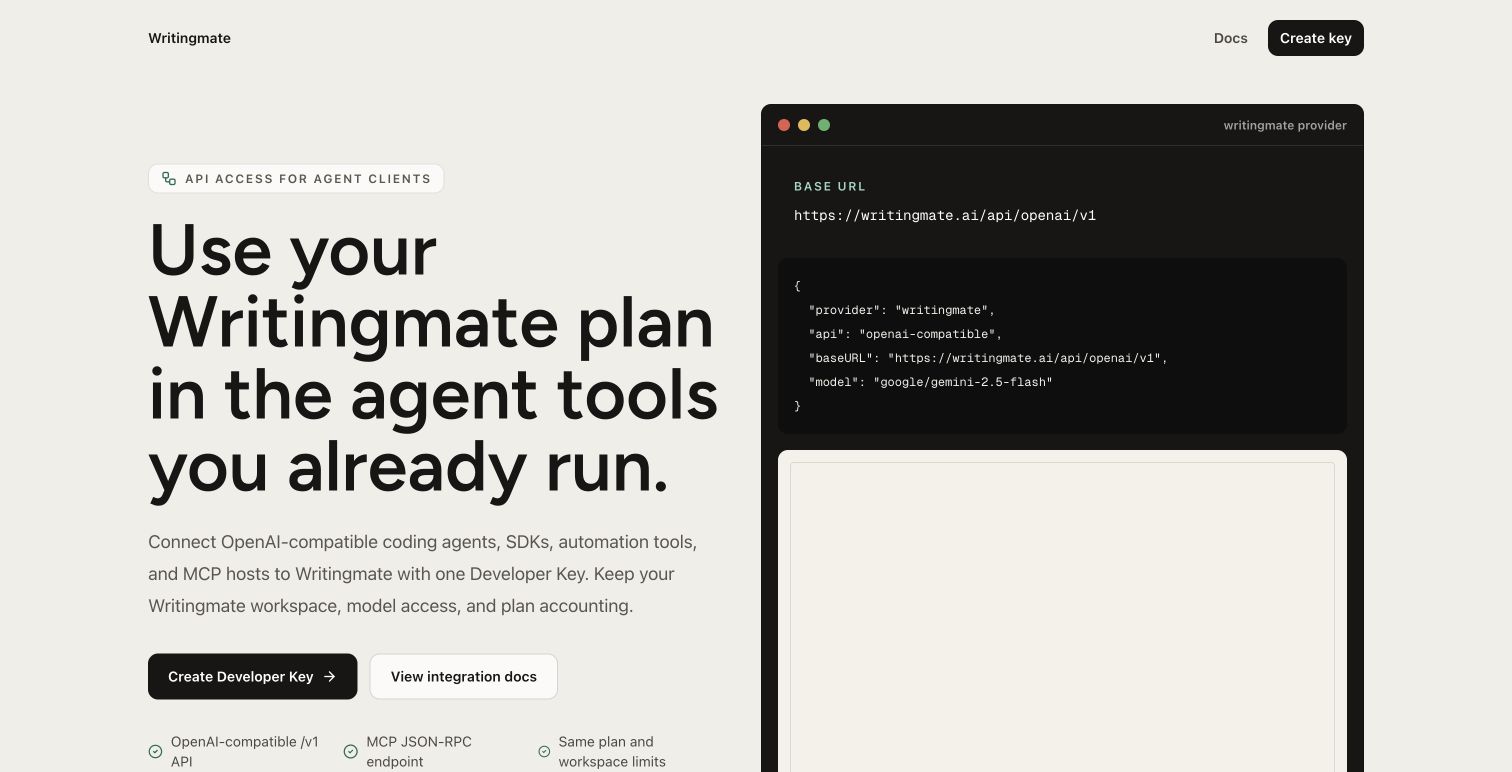
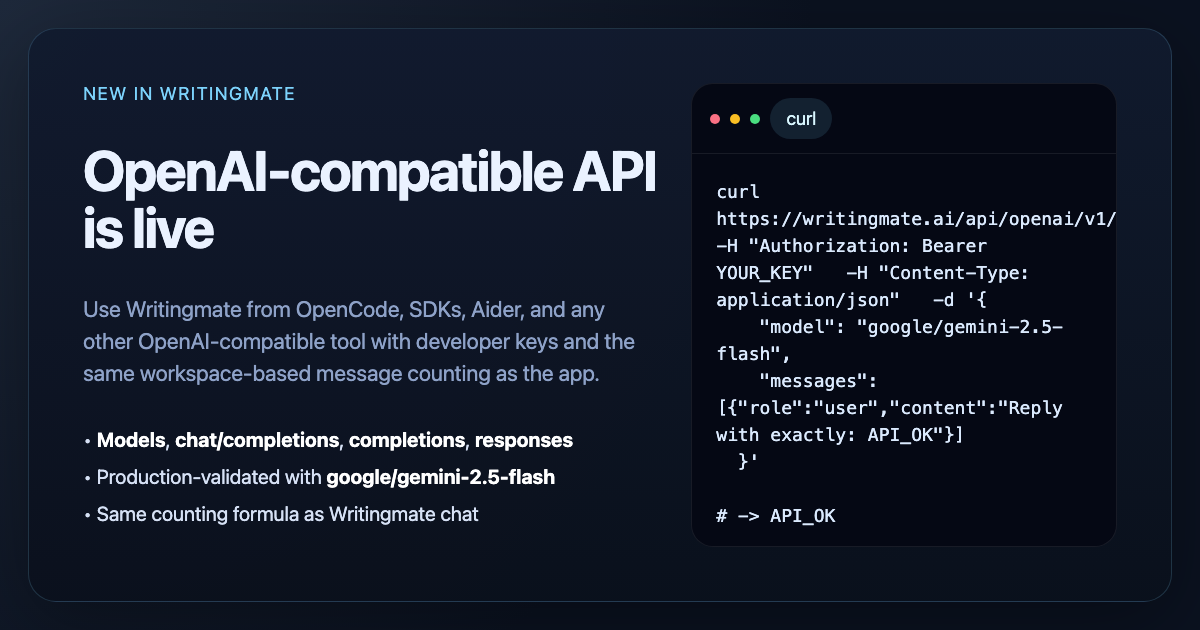
Today we're fixing that. Writingmate now has an OpenAI-compatible API, which means any tool that accepts a custom OpenAI base URL can access all 200+ models in your Writingmate workspace through a single API key.
One key. One bill. Every model.
Why this matters
Most developers don't want to manage multiple AI provider accounts just to try a different model. With Writingmate's API, you can switch between GPT-5, Claude, Gemini 2.5, and dozens of other models by changing a single parameter in your request. Your billing, rate limits, and usage tracking all stay in one place.
This is especially useful if you:
Want to compare models on real coding tasks without signing up for separate accounts
Need a fallback model when your primary provider is slow or down
Run a team where everyone should use the same billing workspace
Use CLI tools that support OpenAI-compatible endpoints
Supported endpoints
The API lives at https://writingmate.ai/api/openai/v1 and supports:
GET /modelsandGET /models/{id}— browse available modelsPOST /chat/completions— the standard chat endpointPOST /completions— legacy completionsPOST /responses— OpenAI Responses API formatPOST /audio/transcriptions— speech-to-text
Getting started in 2 minutes
Setup is straightforward:
Go to Settings → API Keys in Writingmate
Click Create Developer Key
Copy your key (it starts with
wm_v2.)Point your tool at
https://writingmate.ai/api/openai/v1
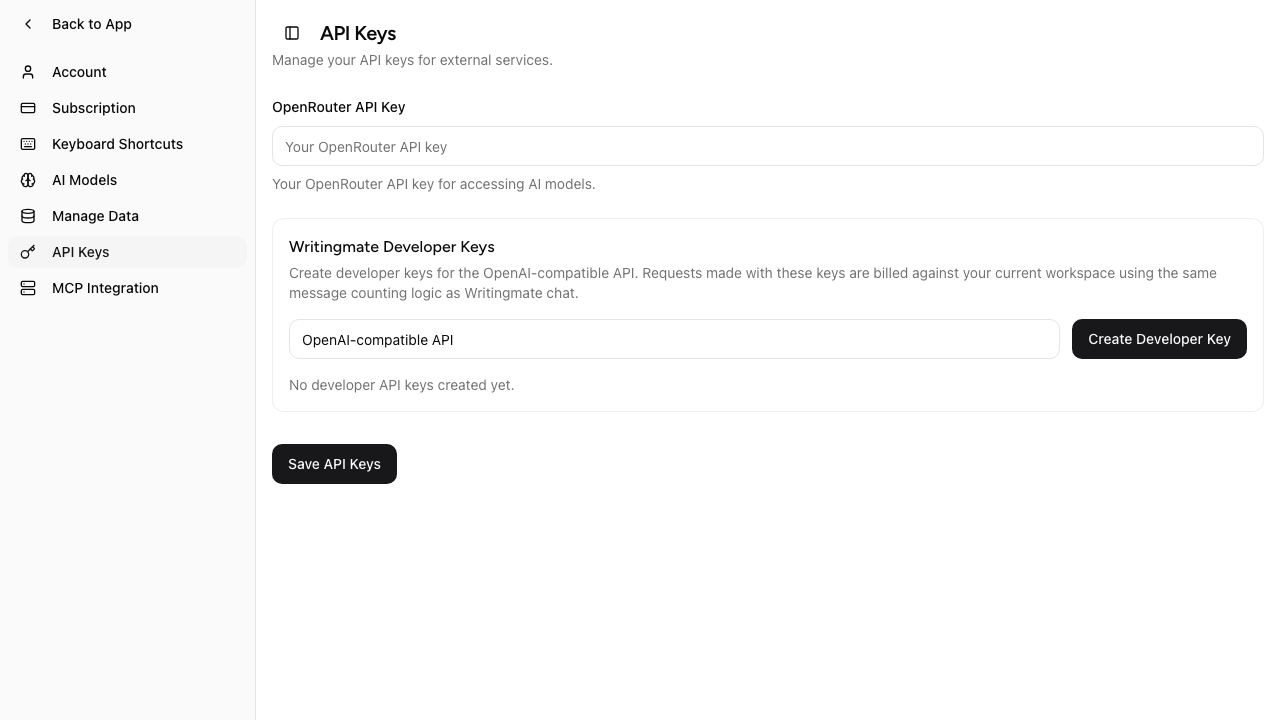
That's it. Your developer key works with any tool that supports a custom OpenAI base URL and Bearer token auth.
Setup examples
OpenCode
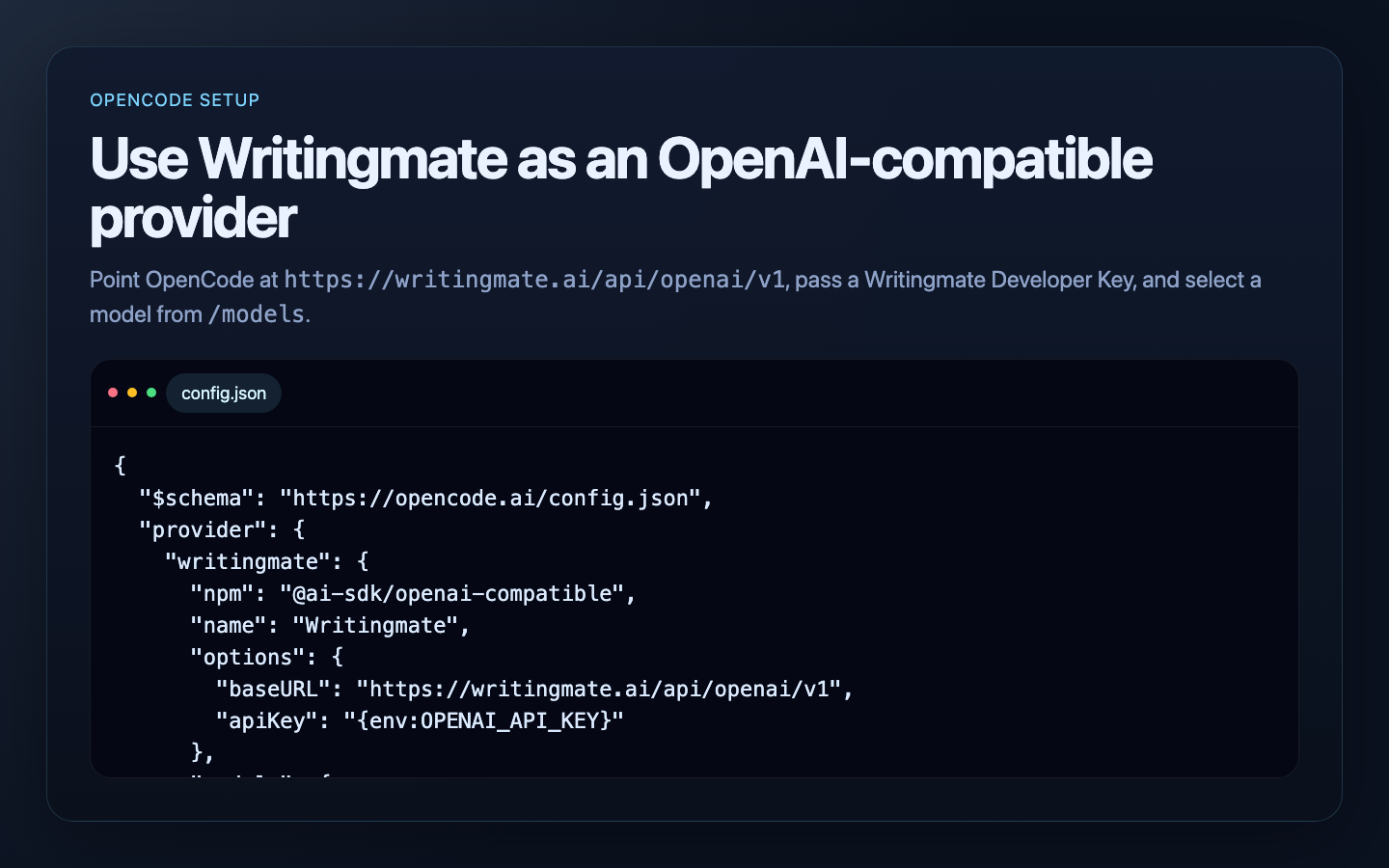
Add Writingmate as a provider in your config.json:
{
  "$schema": "https://opencode.ai/config.json",
  "provider": {
    "writingmate": {
      "npm": "@ai-sdk/openai-compatible",
      "name": "Writingmate",
      "options": {
        "baseURL": "https://writingmate.ai/api/openai/v1",
        "apiKey": "{env:OPENAI_API_KEY}"
      },
      "models": {
        "google/gemini-2.5-flash": {},
        "openai/gpt-5-mini": {},
        "anthropic/claude-sonnet-4.5": {}
      }
    }
  }
}
Then set your key:
export OPENAI_API_KEY=YOUR_WRITINGMATE_DEVELOPER_KEYNow you can switch between Gemini, GPT-5, and Claude right from OpenCode without touching provider settings.
Aider
Two environment variables and you're ready:
export OPENAI_API_KEY=YOUR_WRITINGMATE_DEVELOPER_KEY
export OPENAI_API_BASE=https://writingmate.ai/api/openai/v1

aider --model openai/google/gemini-2.5-flash
Aider adds the openai/ prefix for compatible providers, so the full model name becomes openai/google/gemini-2.5-flash.
llm CLI
Add a model to your extra-openai-models.yaml:
- model_id: writingmate-gemini-flash
  model_name: google/gemini-2.5-flash
  api_base: "https://writingmate.ai/api/openai/v1"
  api_key_name: openai
Then use it:
llm -m writingmate-gemini-flash "Explain this error message"Python and TypeScript SDKs
If you use the OpenAI SDK directly, just change the base URL:
# Python
from openai import OpenAI

client = OpenAI(
    api_key="YOUR_WRITINGMATE_DEVELOPER_KEY",
    base_url="https://writingmate.ai/api/openai/v1",
)

response = client.chat.completions.create(
    model="google/gemini-2.5-flash",
    messages=[{"role": "user", "content": "Hello!"}],
)
print(response.choices[0].message.content)
Usage and billing
The API uses the same counting as Writingmate chat, so there are no surprises:
1 message = 16,000 tokens
Every request costs at least 1 message
Cached prompt tokens are discounted by 50%
Your existing plan limits and daily quotas apply
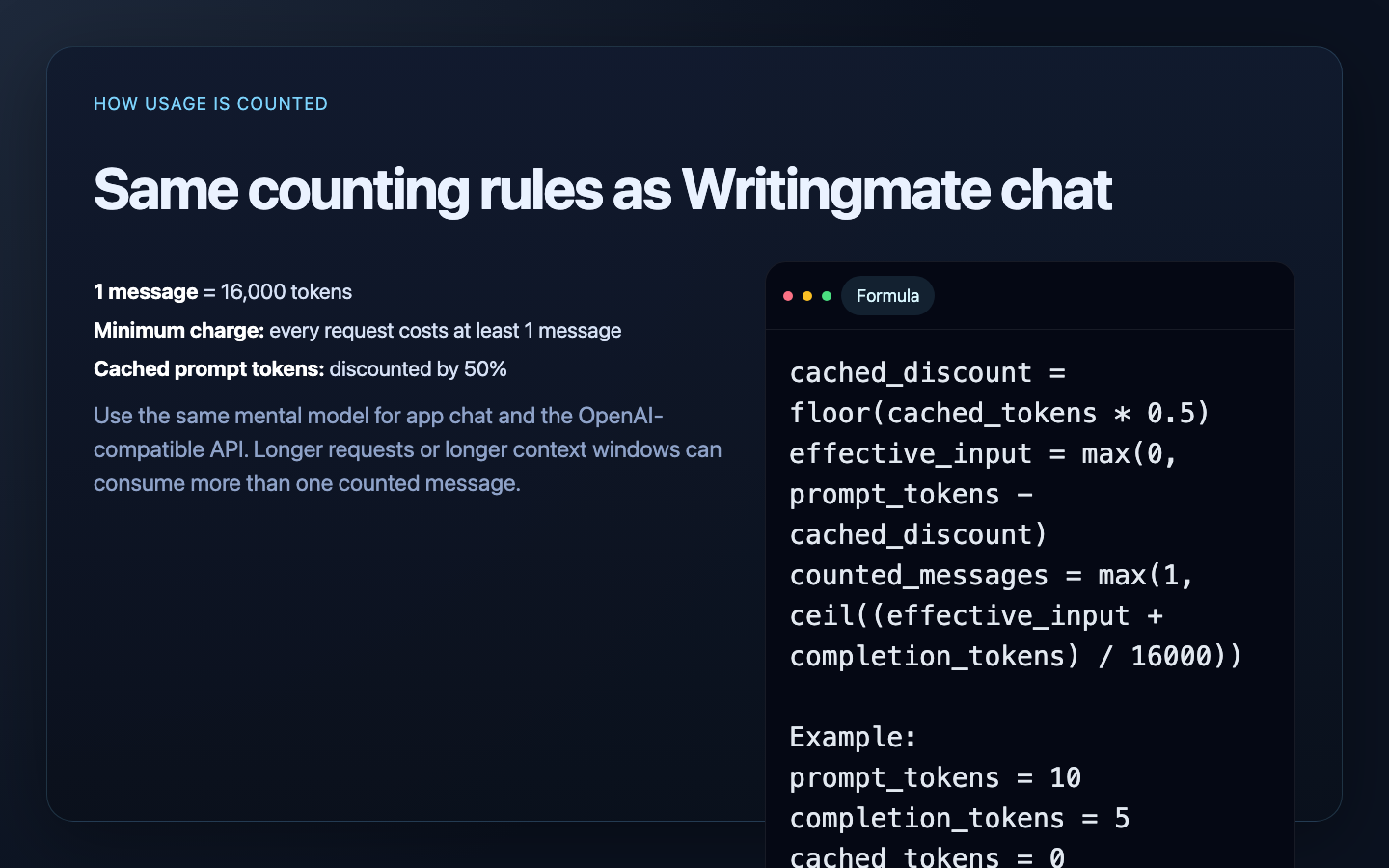
For the full counting formula and detailed examples, see the Message Limits docs.
Get started
Create your developer key and start using 200+ models from your favorite tools:
If your tool speaks OpenAI, it now speaks Writingmate.
OpenAI-Compatible API FAQ
Sources

Written by
Artem Vysotsky
Ex-Staff Engineer at Meta. Building the technical foundation to make AI accessible to everyone.

Reviewed by
Sergey Vysotsky
Ex-Chief Editor / PM at Mosaic. Passionate about making AI accessible and affordable for everyone.