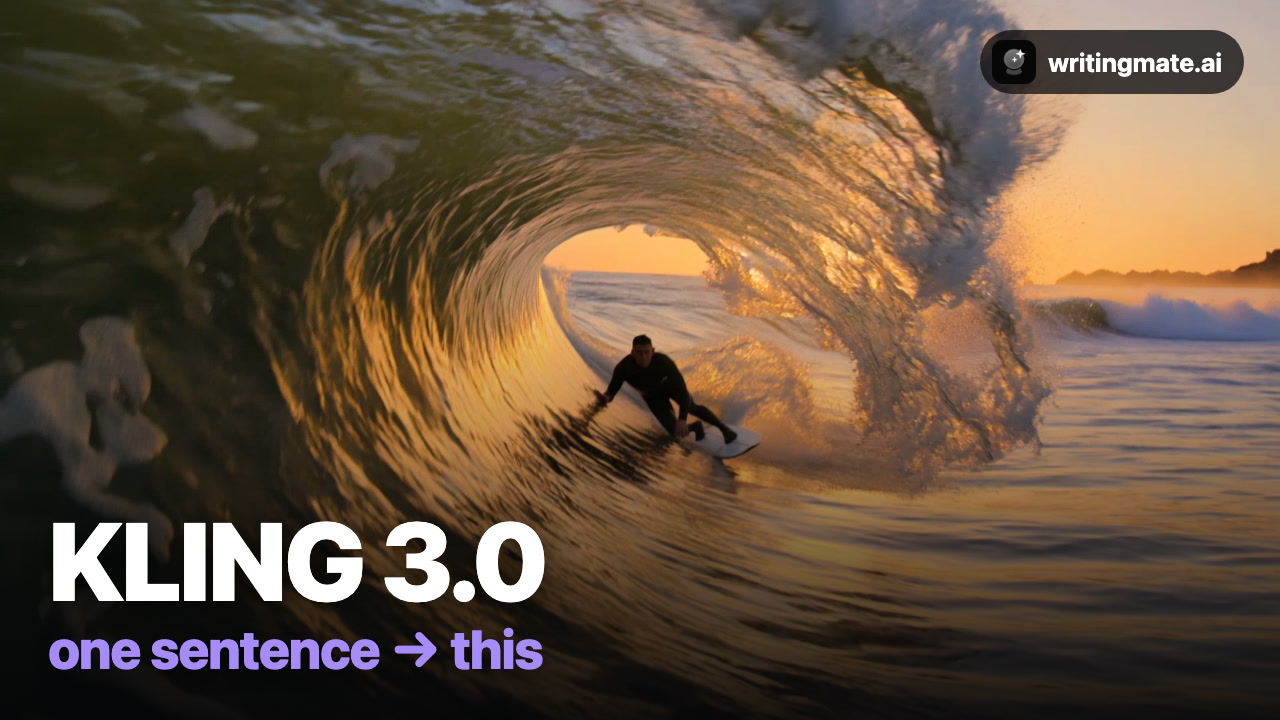
Kling 3.0 is the physics model: water, hair, and fabric move like the real thing, and it supports audio, voice control, and multi-shot scenes. In Writingmate it runs without a separate Kling account.
Every clip in the video below came from one sentence — no editing. Full walkthrough:
The 3-step workflow
- Describe your shot. Open the Video workspace and write one sentence — subject, action, lighting, camera.
- Pick Kling 3.0. Click the model chip and choose it from the list. Set aspect ratio (Wide for YouTube, Portrait for Reels) and length.
- Hit Create. Download the result or run a variation.
What Kling 3.0 is best at
Kling 3.0 is best for realistic physics and animating still images into motion.
The exact prompts from the video
A surfer rides inside a massive glassy barrel wave at golden hour, spray glittering in the light, cinematic
A red fox leaps between snowy rooftops at dawn, powder snow trailing, cinematic tracking shot
3 prompt tips
- Kling nails physics — water, hair, fabric. Lean into motion.
- Use “tracking shot” or “follow” for dynamic camera moves.
- For consistent characters: generate a still image first, then animate it.
Prefer the 60-second version? Watch the quick demo.
The other four models
Or read the full roundup: How to make AI videos with all five models.
All five models are included in the Pro plan (3 videos/month) and Ultimate (30/month), next to GPT-5, Claude, Gemini, and Grok for chat.
Kling 3.0 FAQ

Written by
Artem Vysotsky
Ex-Staff Engineer at Meta. Building the technical foundation to make AI accessible to everyone.

Reviewed by
Sergey Vysotsky
Ex-Chief Editor / PM at Mosaic. Passionate about making AI accessible and affordable for everyone.