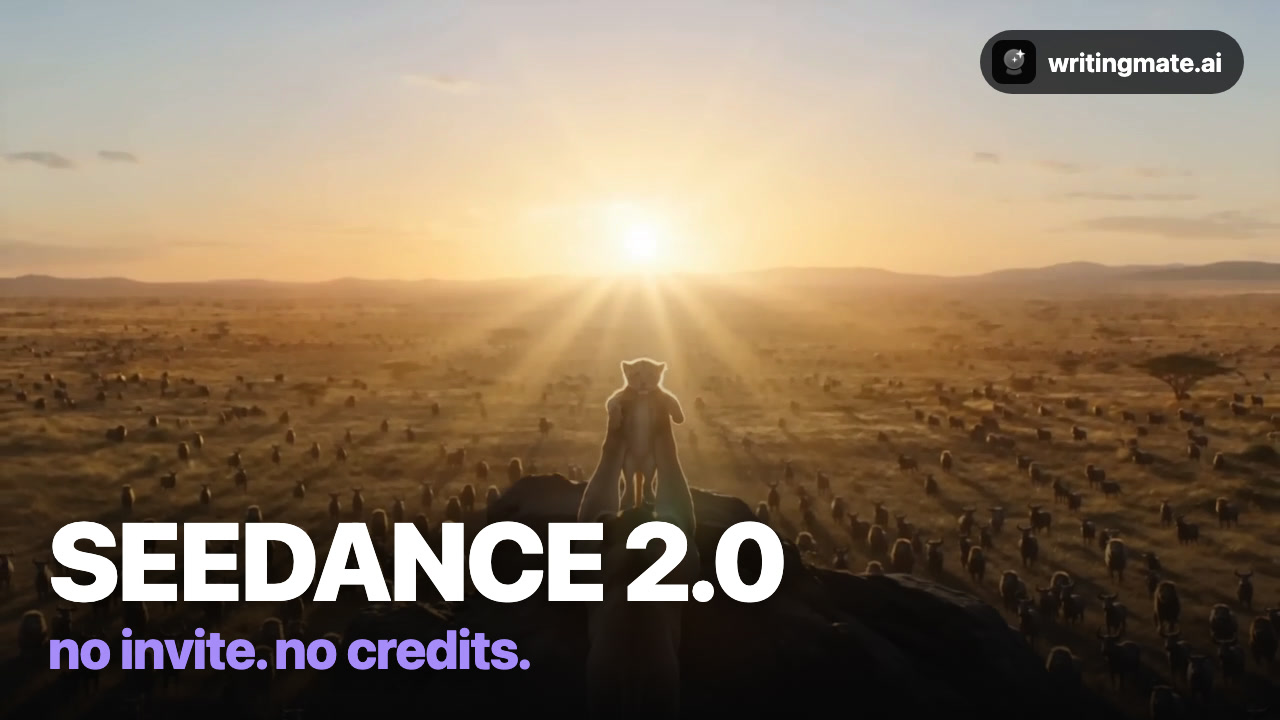
Seedance 2.0 is behind half the viral AI animal edits you've seen — and most guides send you through invite codes and credit grinding. In Writingmate it's just there: pick it from the menu and hit Create.
Every clip in the video below came from one sentence — no editing. Full walkthrough:
The 3-step workflow
- Describe your shot. Open the Video workspace and write one sentence — subject, action, lighting, camera.
- Pick Seedance 2.0. Click the model chip and choose it from the list. Set aspect ratio (Wide for YouTube, Portrait for Reels) and length.
- Hit Create. Download the result or run a variation.
What Seedance 2.0 is best at
Seedance 2.0 is best for real-world physics and named camera moves — it actually follows “slow push-in” and “orbit”.
The exact prompts from the video
A lion cub is lifted toward the sunrise on a rocky outcrop as animals gather on the savanna below, epic golden light, cinematic
Slow push-in on a chess grandmaster's eyes as pieces levitate around the board, dramatic light
3 prompt tips
- Name the camera move — “slow push-in”, “orbit” — Seedance follows it.
- Golden light plus a wide landscape is the viral nature look.
- Shorter clips generate faster and stay sharper.
Prefer the 60-second version? Watch the quick demo.
The other four models
Or read the full roundup: How to make AI videos with all five models.
All five models are included in the Pro plan (3 videos/month) and Ultimate (30/month), next to GPT-5, Claude, Gemini, and Grok for chat.
Seedance 2.0 FAQ

Written by
Artem Vysotsky
Ex-Staff Engineer at Meta. Building the technical foundation to make AI accessible to everyone.

Reviewed by
Sergey Vysotsky
Ex-Chief Editor / PM at Mosaic. Passionate about making AI accessible and affordable for everyone.