PixVerse 5.5 is the speed pick: when you want ten takes of an idea before lunch, this is the model. It also ships built-in effect presets you can apply without rewriting your prompt.
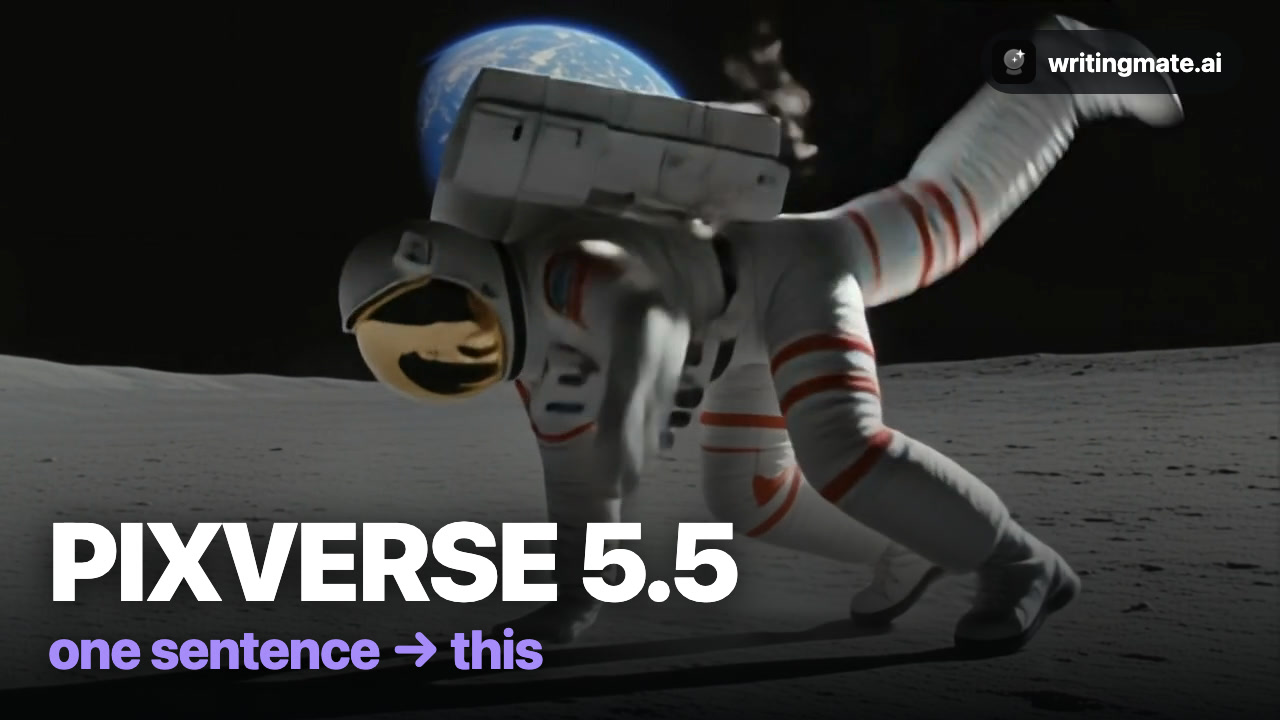
Every clip in the video below came from one sentence — no editing. Full walkthrough:
The 3-step workflow
- Describe your shot. Open the Video workspace and write one sentence — subject, action, lighting, camera.
- Pick PixVerse 5.5. Click the model chip and choose it from the list. Set aspect ratio (Wide for YouTube, Portrait for Reels) and length.
- Hit Create. Download the result or run a variation.
What PixVerse 5.5 is best at
PixVerse 5.5 is best for fast variation testing with built-in effects.
The exact prompts from the video
An astronaut breakdances on the moon with Earth glowing behind, a disco ball floating in space, cinematic
A cat DJ scratches vinyl at a rooftop party, neon lights pulsing, confetti falling
3 prompt tips
- Iterate fast: same prompt, three takes, pick the best.
- Try the built-in effect presets before rewriting your prompt.
- Bold, fun subjects shine — PixVerse loves personality.
Prefer the 60-second version? Watch the quick demo.
The other four models
Or read the full roundup: How to make AI videos with all five models.
All five models are included in the Pro plan (3 videos/month) and Ultimate (30/month), next to GPT-5, Claude, Gemini, and Grok for chat.
PixVerse 5.5 FAQ

Written by
Artem Vysotsky
Ex-Staff Engineer at Meta. Building the technical foundation to make AI accessible to everyone.

Reviewed by
Sergey Vysotsky
Ex-Chief Editor / PM at Mosaic. Passionate about making AI accessible and affordable for everyone.